1. Pengenalan
Thank you for choosing the Xtorm Fuel Series 5 Powerbank. This manual provides essential information for the safe and efficient use of your new portable charger. Please read this manual thoroughly before using the device and keep it for future reference.
2. Produk Lebihview
The Xtorm Fuel Series 5 Powerbank is a high-capacity portable charger designed to keep your devices powered on the go. It features a robust 10,000 mAh battery, multiple fast-charging ports, and a durable design made from GRS certified recycled plastic.

This image displays the Xtorm Fuel Series 5 Powerbank in its elegant dusk white color, highlighting its compact design, the integrated digital percentage display, and the various charging ports located at the bottom.
Ciri-ciri Utama:
- Kapasiti 10,000 mAh: Provides multiple charges for smartphones and other small devices.
- Pengecasan Cepat: Equipped with a 20W USB-C Power Delivery (PD) port for rapid charging.
- Berbilang Port: Includes two USB-C ports (20W PD, 18W) and one USB-A port (18W) for simultaneous charging of up to three devices.
- Paparan Digital: Peratus masa nyatatage display for remaining battery life and fast charge indication.
- Bahan Mampan: Constructed using GRS certified recycled plastic.

A terperinci view of the power bank's charging interface, featuring two USB-C ports and one USB-A port, indicating their respective power outputs.
3. Persediaan
Apa yang ada di dalam Kotak:
- Xtorm Fuel Series 5 Powerbank
- Kabel Pengecas USB-C
- Manual Pengguna (dokumen ini)
Caj Permulaan:
Before first use, it is recommended to fully charge your Xtorm Fuel Series 5 Powerbank. Connect the included USB-C cable to the power bank's input USB-C port and plug the other end into a compatible USB wall charger (not included). The digital display will show the charging progress. A full charge takes approximately 2.5 hours.
4. Arahan Operasi
Mengecas Power Bank:
- Locate the USB-C input port on the power bank.
- Connect one end of the USB-C cable to this port.
- Connect the other end of the USB-C cable to a USB wall adapter or a computer's USB port.
- The digital display will illuminate, showing the current charge percentage and indicating that the power bank is charging.
Mengecas Peranti Anda:
The power bank can charge smartphones, tablets, and other USB-powered devices. It features two USB-C ports and one USB-A port.
- Sambungkan kabel pengecas peranti anda ke port yang sesuai pada bank kuasa (USB-C atau USB-A).
- Sambungkan hujung kabel yang lain ke peranti anda.
- The power bank will automatically begin charging your device. The digital display will show the power bank's remaining charge.
- You can charge multiple devices simultaneously using the available ports.
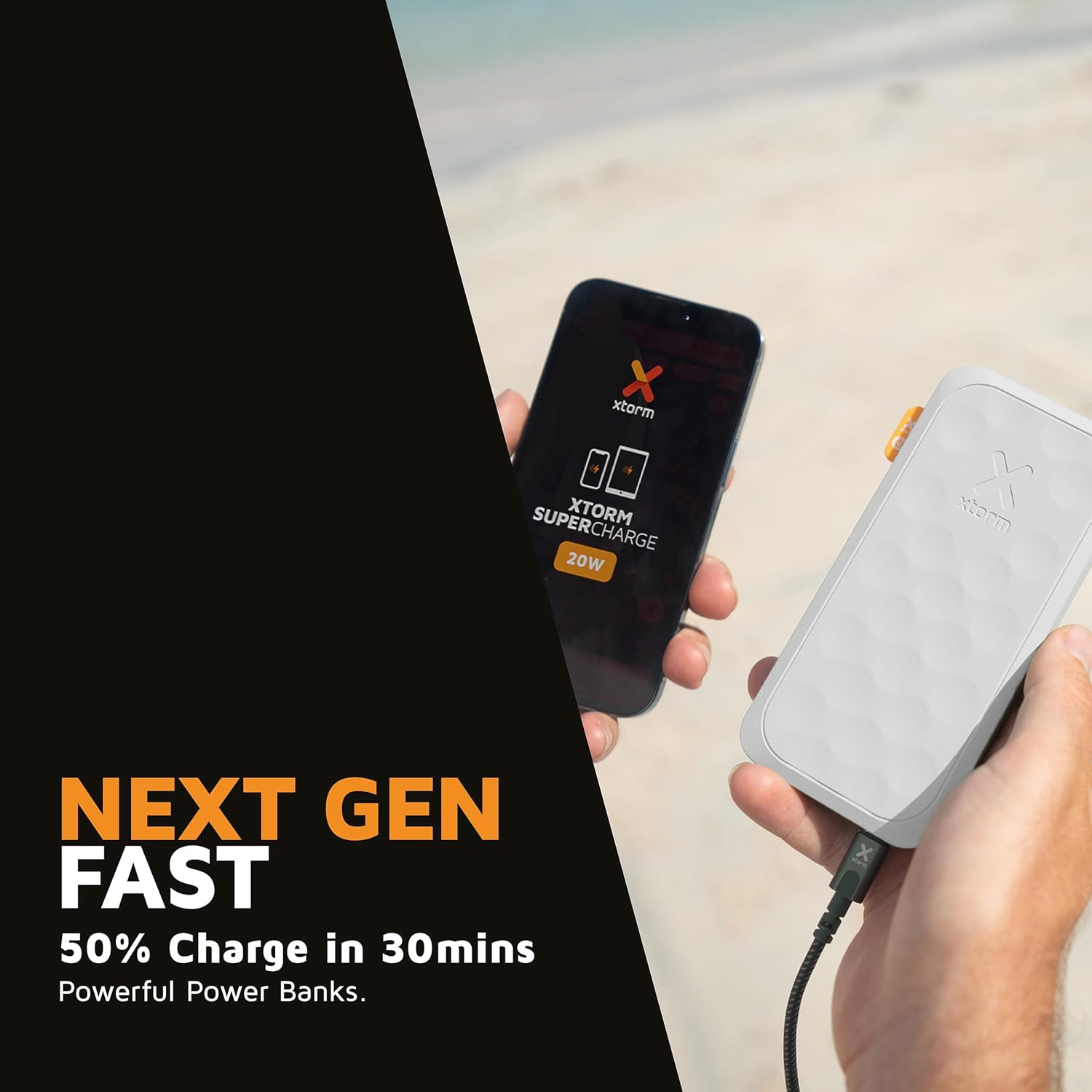
This image shows the Xtorm Fuel Series 5 Powerbank actively charging a smartphone, demonstrating its portable use case for on-the-go power.

This diagram provides a clear breakdown of the power bank's ports, showing the 20W USB-C PD output, an 18W USB-C output, and an 18W USB-A output, along with the 20W USB-C PD input.
5. Penyelenggaraan dan Penjagaan
- Pembersihan: Gunakan kain lembut dan kering untuk membersihkan power bank. Jangan gunakan bahan kimia yang keras atau bahan yang melelas.
- Storan: Simpan bank kuasa di tempat yang sejuk dan kering jauh dari cahaya matahari langsung dan suhu yang melampau.
- Hayat Bateri: Untuk memanjangkan hayat bateri, cas dan nyahcas sepenuhnya power bank sekurang-kurangnya sekali setiap tiga bulan jika tidak digunakan secara tetap.
- Elakkan Titisan: While designed to be robust, avoid dropping the power bank or subjecting it to strong impacts.
6. Penyelesaian masalah
Isu dan Penyelesaian Biasa:
- Power Bank Tidak Mengecas:
- Pastikan kabel pengecasan disambungkan dengan selamat ke bank kuasa dan sumber kuasa.
- Cuba penyesuai dinding USB atau port USB yang berbeza.
- Pastikan kabel pengecas tidak rosak.
- Peranti Tidak Mengecas daripada Power Bank:
- Pastikan bank kuasa mempunyai cas yang mencukupi (periksa paparan digital).
- Cuba kabel pengecasan lain untuk peranti anda.
- Try connecting your device to a different port on the power bank. Note that one of the USB-C ports is specifically for fast charging (20W PD); if your device is older or not compatible with PD, try the other USB-C port or the USB-A port.
- Mulakan semula peranti anda.
- Pengecasan perlahan:
- Pastikan anda menggunakan kabel yang serasi dengan pengecasan pantas dan peranti anda menyokong pengecasan pantas.
- When charging multiple devices simultaneously, the output power per port may be reduced.
7. Spesifikasi
| Nama Model | FS5100 |
| Kapasiti Bateri | 10,000 mAh (Milliampsebelum jam) |
| Komposisi Bateri | Litium-polimer |
| Input (USB-C) | 20W USB-C Power Delivery (PD) |
| Output 1 (USB-C) | 20W USB-C Power Delivery (PD) |
| Output 2 (USB-C) | USB-C 18W |
| Output 3 (USB-A) | 18W USB-A |
| Jumlah Voltage | 20 Volt |
| Jenis Penyambung | USB Jenis A, USB Jenis C |
| Ciri Khas | Digital Display, Fast Charge, Portable |
| Penggunaan yang Disyorkan | Telefon Pintar, Tablet |
8. Maklumat Keselamatan
Your Xtorm Fuel Series 5 Powerbank is designed with multiple safety features to ensure reliable operation. Please adhere to the following safety guidelines:
- Jangan dedahkan bank kuasa kepada suhu yang melampau (di atas 45°C atau di bawah 0°C).
- Jangan buka, ubah suai atau cuba membaiki peranti.
- Jauhkan daripada air, lembapan dan bahan mudah terbakar.
- Do not use if the power bank is visibly damaged or swollen.
- Lupuskan bank kuasa secara bertanggungjawab mengikut peraturan tempatan.
- The power bank features a 6-layered safety check including temperature control, short circuit protection, overload protection, and high-efficiency components. It is also designed to be airport-proof.

An infographic detailing the comprehensive safety mechanisms built into the power bank, including temperature control, short circuit protection, overload protection, A-Class components, secured power management, and high efficiency, ensuring safe and reliable operation.
9. Waranti dan Sokongan
For warranty information and customer support, please refer to the Xtorm official webtapak atau hubungi peruncit tempatan anda. Simpan bukti pembelian anda untuk sebarang tuntutan jaminan.
For further assistance or technical inquiries, please visit www.xtorm.eu.


