1. Pengenalan
Thank you for choosing the Zimati Christmas Wreath Window Lights. This instruction manual provides important information regarding the safe setup, operation, and maintenance of your new window decoration. Please read this manual thoroughly before use and retain it for future reference.
2. Produk Lebihview
The Zimati Christmas Wreath Window Light is a decorative LED light designed for indoor use. It features a 14-inch diameter wreath with a bow design, illuminated by 82 red and green LEDs. The light is USB-powered and includes a remote control for adjusting lighting modes and setting a timer.
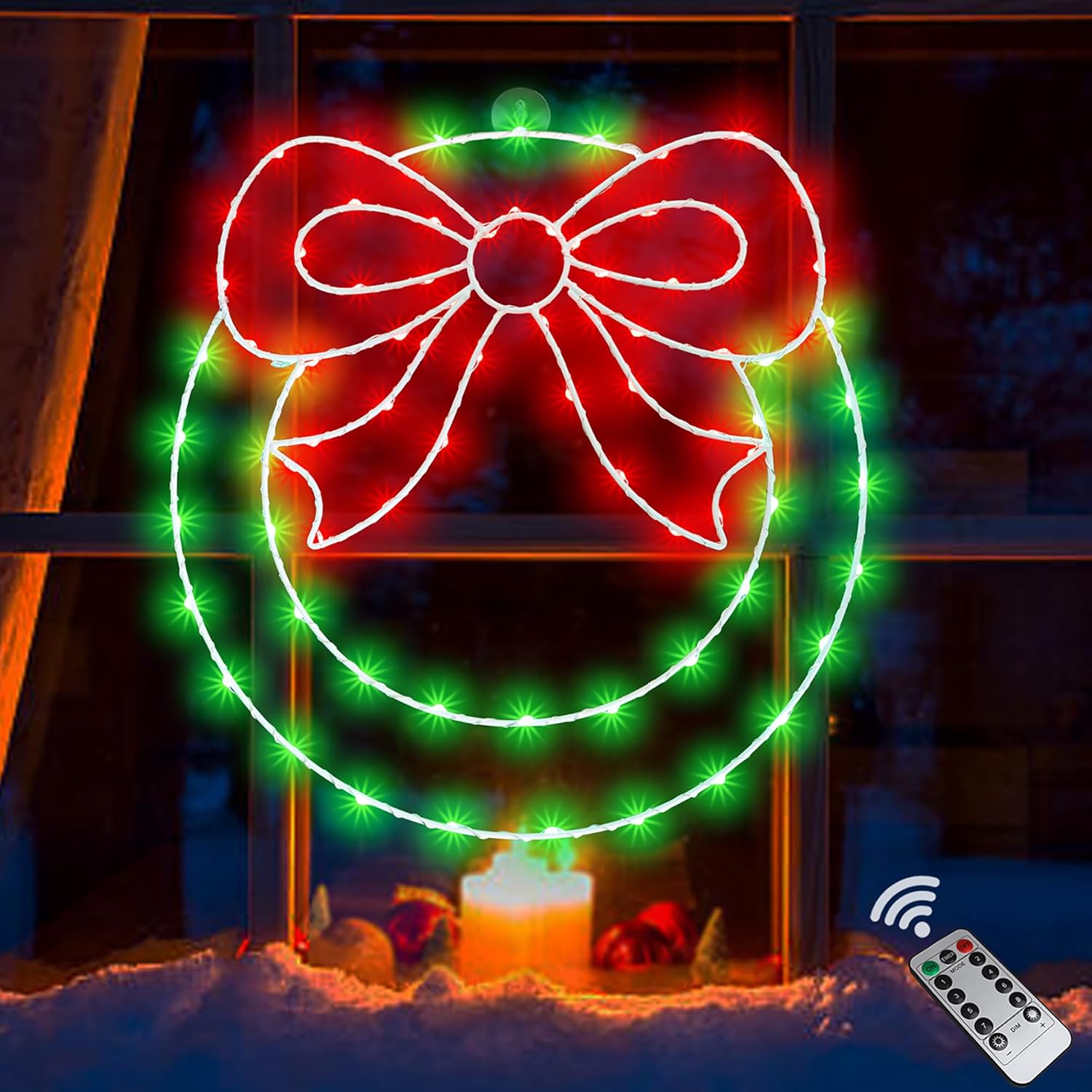
Image 2.1: The Zimati Christmas Wreath Window Light, showcasing its red bow and green wreath outline with LEDs, displayed in a window setting.
3. Kandungan Pakej
Sila semak pakej untuk memastikan semua item ada:
- 1 x Zimati 14-inch Christmas Wreath Window Light
- 1 x Alat Kawalan Jauh
- 2 x Suction Cup Hooks
- 1 x USB Power Cable (USB adapter not included)

Image 3.1: An illustration of the Zimati Christmas Wreath Window Light package contents, including the wreath light, remote control, two suction cup hooks, and the USB power cable.
4. Maklumat Keselamatan
- Penggunaan Dalaman Sahaja: This product is designed for indoor decoration. Do not use it outdoors or expose it to rain or moisture.
- Tidak Tahan Air: The light is not water resistant. Avoid contact with water or damp persekitaran.
- Sumber Kuasa: Use a standard USB power adapter (5V/1A recommended, not included) or a compatible USB port.
- Bateri untuk Alat Jauh: The remote control requires one CR2 battery (not included). Ensure correct polarity when inserting.
- Elakkan Terlalu Panas: Do not cover the light or place it near heat sources.
- Tangani dengan Berhati-hati: The wreath frame is made of iron. Handle gently to avoid bending or damage.
5. Arahan Persediaan
- Pasang Cawan Penyedut: Ensure the surface where you intend to hang the wreath (e.g., glass window, ceramic tile) is clean and dry. Press the suction cup hooks firmly onto the desired surface.
- Hang the Wreath: Locate the hanging hole at the top of the wreath light. Carefully hang the wreath onto the attached suction cup hooks.
- Sambungkan Kuasa: Plug the USB cable into a compatible USB power adapter (not included) or a USB port on a device such as a computer or power bank.

Image 5.1: A clear suction cup hook, used for hanging the wreath light.
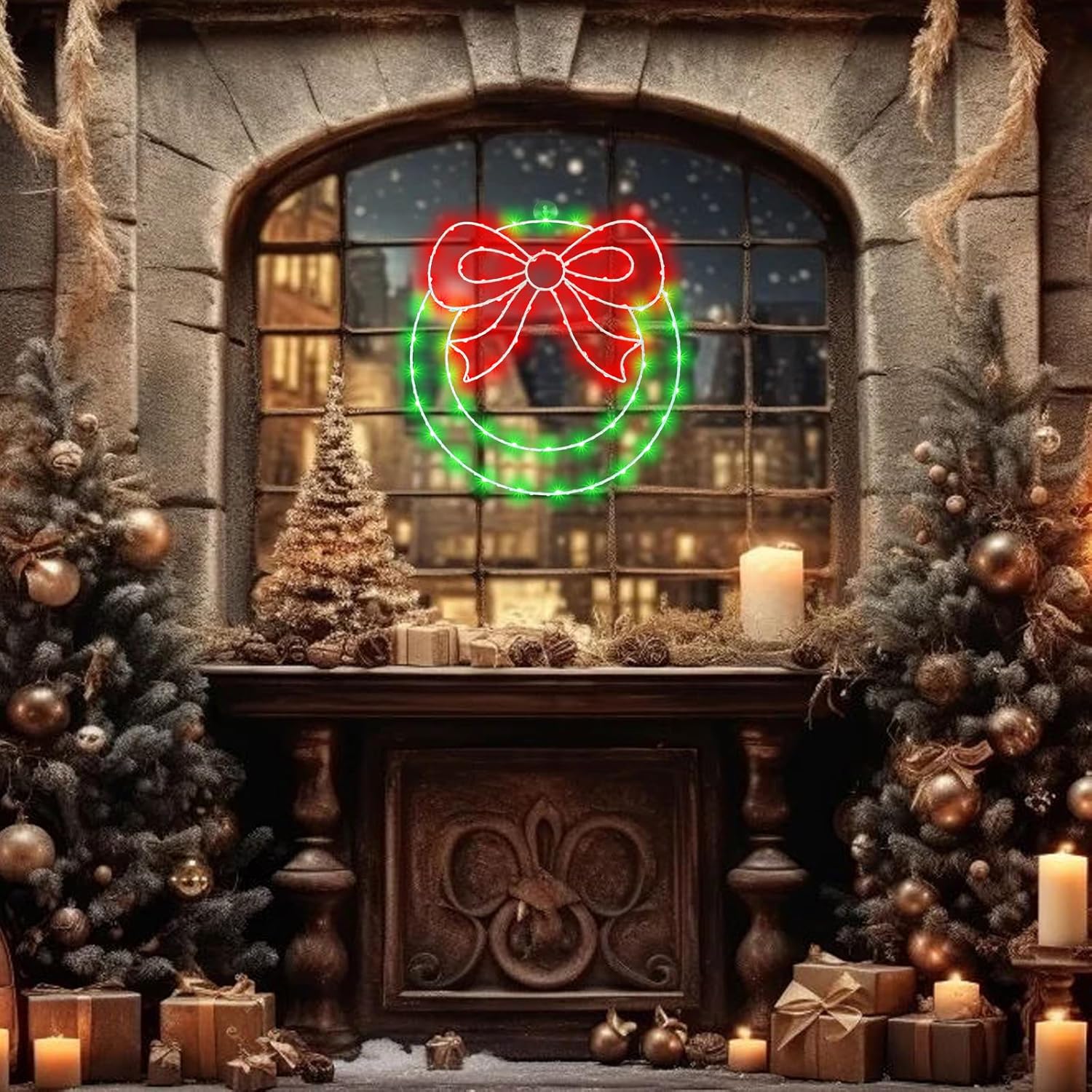
Image 5.2: The Zimati Christmas Wreath Window Light securely hanging on a window, demonstrating the use of the suction cup hook.

Image 5.3: A diagram illustrating various compatible USB power sources for the wreath light, including a USB charger, USB socket, power bank, and computer.
6. Arahan Operasi
6.1 Menggunakan Alat Kawalan Jauh
The included remote control allows you to manage the light's functions. Ensure the remote has a CR2 battery installed (not included) and is pointed towards the USB receiver.

Image 6.1: The remote control for the Zimati Christmas Wreath Window Light, detailing buttons for power, timer, 8 lighting modes, and brightness adjustment.
- Butang HIDUP/MATI: Tekan untuk menghidupkan atau mematikan lampu.
- MODE Buttons (1-8): Press a numbered button to select one of the 8 lighting modes. To lock a specific mode, press and hold the corresponding mode number button for approximately 5 seconds.
- Butang PEMASA: Activates the timer function (6 hours on, 18 hours off).
- DIM +/- Buttons: Adjust the brightness level of the lights.
6.2 Using the USB Button
If the remote control is not available, you can cycle through the lighting modes by pressing the button located on the USB connector.

Imej 6.2: Gambar jarak dekat view of the USB power cable, highlighting the integrated button for adjusting light modes directly.
6.3 Mod Pencahayaan
The wreath light features 8 distinct lighting modes:
- Gabungan
- Dalam Gelombang
- Berurutan
- Cahaya Perlahan
- kilat
- Pudar perlahan
- Kelip-kelip
- Tetap Hidup
6.4 Fungsi Pemasa
When the timer function is activated via the remote control, the lights will remain on for 6 hours and then automatically turn off for 18 hours. This cycle will repeat daily until the timer is deactivated.
7. Penyelenggaraan
- Pembersihan: Disconnect the power before cleaning. Wipe the wreath light gently with a soft, dry cloth. Do not use abrasive cleaners or immerse in water.
- Storan: When not in use, store the wreath light in its original packaging or a protective container in a cool, dry place, away from direct sunlight and moisture.
- Penggantian Bateri Jauh: If the remote control stops responding, replace the CR2 battery.
8. Penyelesaian masalah
| Masalah | Kemungkinan Punca | Penyelesaian |
|---|---|---|
| Lampu tidak menyala. | No power supply; loose USB connection; faulty USB adapter. | Ensure USB cable is securely plugged into a working USB port/adapter. Try a different USB adapter or port. |
| Alat kawalan jauh tidak berfungsi. | CR2 battery is dead or incorrectly inserted; remote not pointed at receiver; obstruction. | Replace the CR2 battery, ensuring correct polarity. Point the remote directly at the USB receiver. Remove any obstructions between the remote and the receiver. |
| Lights change modes unexpectedly or do not stay on desired mode. | Mode not locked in. | After selecting a mode (1-8) with the remote, press and hold the corresponding mode number button for approximately 5 seconds to lock it. |
| Fungsi pemasa tidak berfungsi dengan betul. | Timer not activated; power interruption. | Press the TIMER button on the remote to activate. If power is interrupted, the timer may need to be reset. |
9. Spesifikasi
- model: 0202002
- Dimensi: 13.8 x 0.02 x 13.8 inci (L x P x H)
- Berat Barang: 10.5 auns (0.3 Kilogram)
- Sumber Cahaya: 82 LEDs (Red, Green)
- Sumber Kuasa: USB (5V)
- Voltage: 55 Volts (Input to LEDs, via USB conversion)
- Jenis Pengawal: Alat Kawalan Jauh, Butang USB
- Mod Pencahayaan: 8
- Fungsi Pemasa: 6 jam HIDUP / 18 jam MATI
- Bahan: Rangka besi
- Penggunaan Dalaman/Luar: Dalaman Sahaja
- Tahan Air: Bukan Tahan Air
- Bateri Jauh: 1 x CR2 (tidak termasuk)
10. Waranti dan Sokongan
For warranty information or technical support, please contact the manufacturer or your retailer. Keep your purchase receipt as proof of purchase.