1. Produk Lebihview
The Tera HW0004 Barcode Scanner is a versatile 1D laser scanner designed for efficient data capture in various environments such as supermarkets, retail stores, and logistics. It offers flexible connectivity options and multiple operating modes to suit different user needs.
- Versatile 2-in-1 Transmission: Supports both 2.4GHz wireless and USB 2.0 wired connections. Compatible with Windows and Mac OS, and integrates with common software like Word, Excel, and Novell.
- Dua Mod Kerja: Features Instant Upload Mode for real-time data transfer and Storage Upload Mode for offline scanning and later upload.
- Pasang dan Main: Requires no driver or software installation for quick setup.
- 1D Barcode Support: Capable of scanning various 1D printed barcodes including Code 39, UPC-A/UPC-E, EAN13, EAN8, Code 93, Code 128, Codabar, Industrial/Interleaved 2 of 5, MSI, Code11, ISBN/ISSN, and Matrix 2 of 5. Note: Does not scan 2D codes (e.g., QR, PDF417) or barcodes from screens.
2. Kandungan Pakej
Selepas membuka pakej, sahkan bahawa semua komponen ada:
- Tera Barcode Scanner (HW0004)
- 2.4GHz Wireless USB Dongle
- USB 2.0 Cable
- Pendirian Boleh Laras
- Manual Pengguna (dokumen ini)
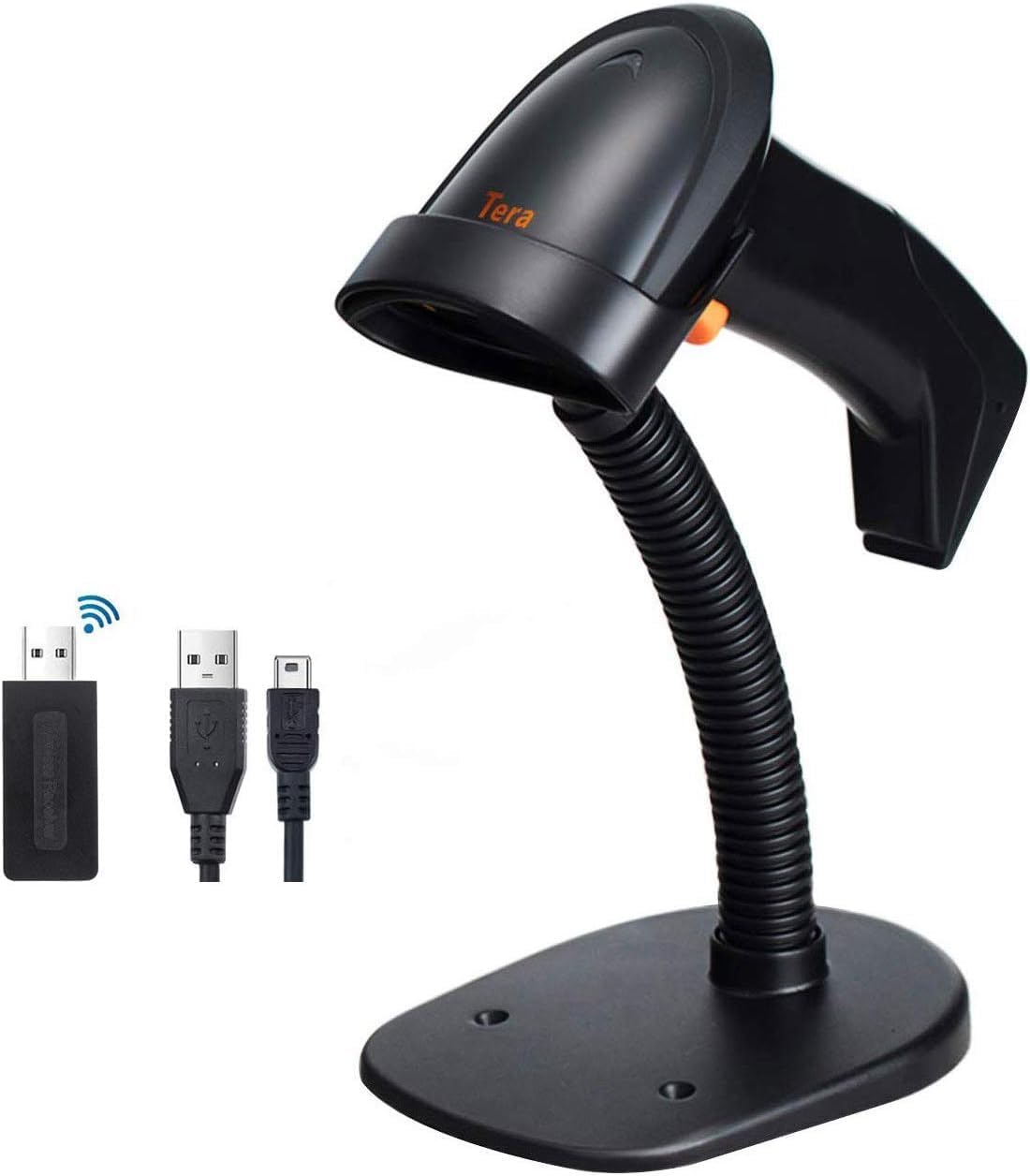
Image: The Tera HW0004 barcode scanner, its wireless USB dongle, USB cable, and the included stand.
3. Persediaan dan Sambungan
The Tera HW0004 scanner is designed for easy plug-and-play operation, requiring no complex driver installations.
3.1. Sambungan Tanpa Wayar (2.4GHz)
- Insert the 2.4GHz wireless USB dongle into an available USB port on your computer or device.
- Turn on the barcode scanner. It will automatically pair with the dongle.
- The scanner is now ready for wireless operation.

Image: The barcode scanner connected to a laptop via the wireless dongle, illustrating the plug-and-play setup.
3.2. Wired Connection (USB 2.0)
- Connect one end of the provided USB 2.0 cable to the scanner's USB port.
- Connect the other end of the USB 2.0 cable to an available USB port on your computer or device.
- The scanner will be recognized as a standard HID keyboard device and is ready for use.
The scanner is compatible with various operating systems, including Windows XP, Windows 7, Windows 8, Windows 10, Android, and Linux.
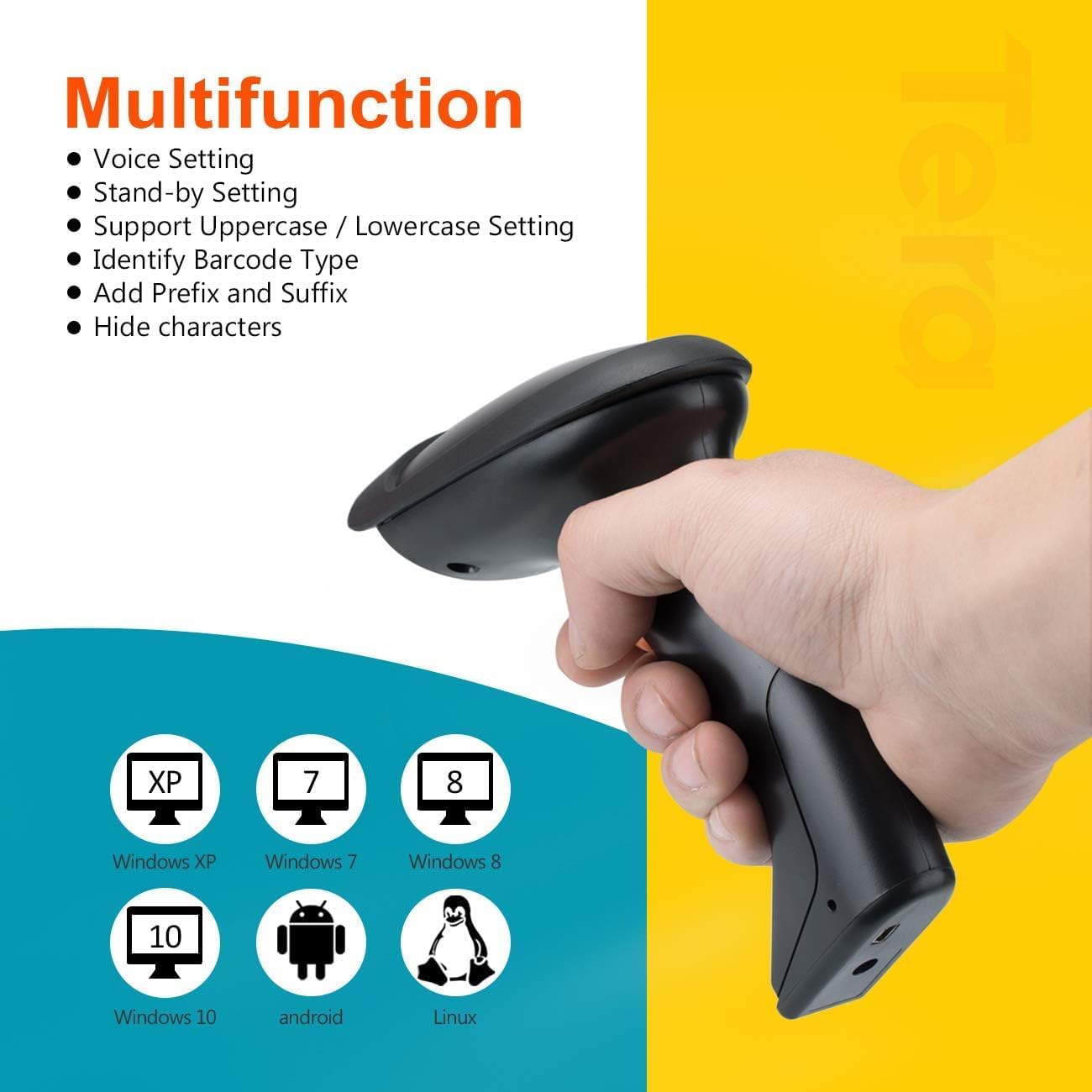
Image: The scanner demonstrating compatibility with multiple operating systems.
4. Mengendalikan Pengimbas
4.1. Mod Pengimbasan
The scanner supports two primary scanning modes:
- Mod Pencetus Utama: Press the trigger button to activate the laser and scan a barcode. Release the button to stop scanning.
- Mod Pengimbasan Berterusan: The scanner continuously emits the laser, allowing for hands-free scanning when placed on the stand. This mode is ideal for high-volume scanning.
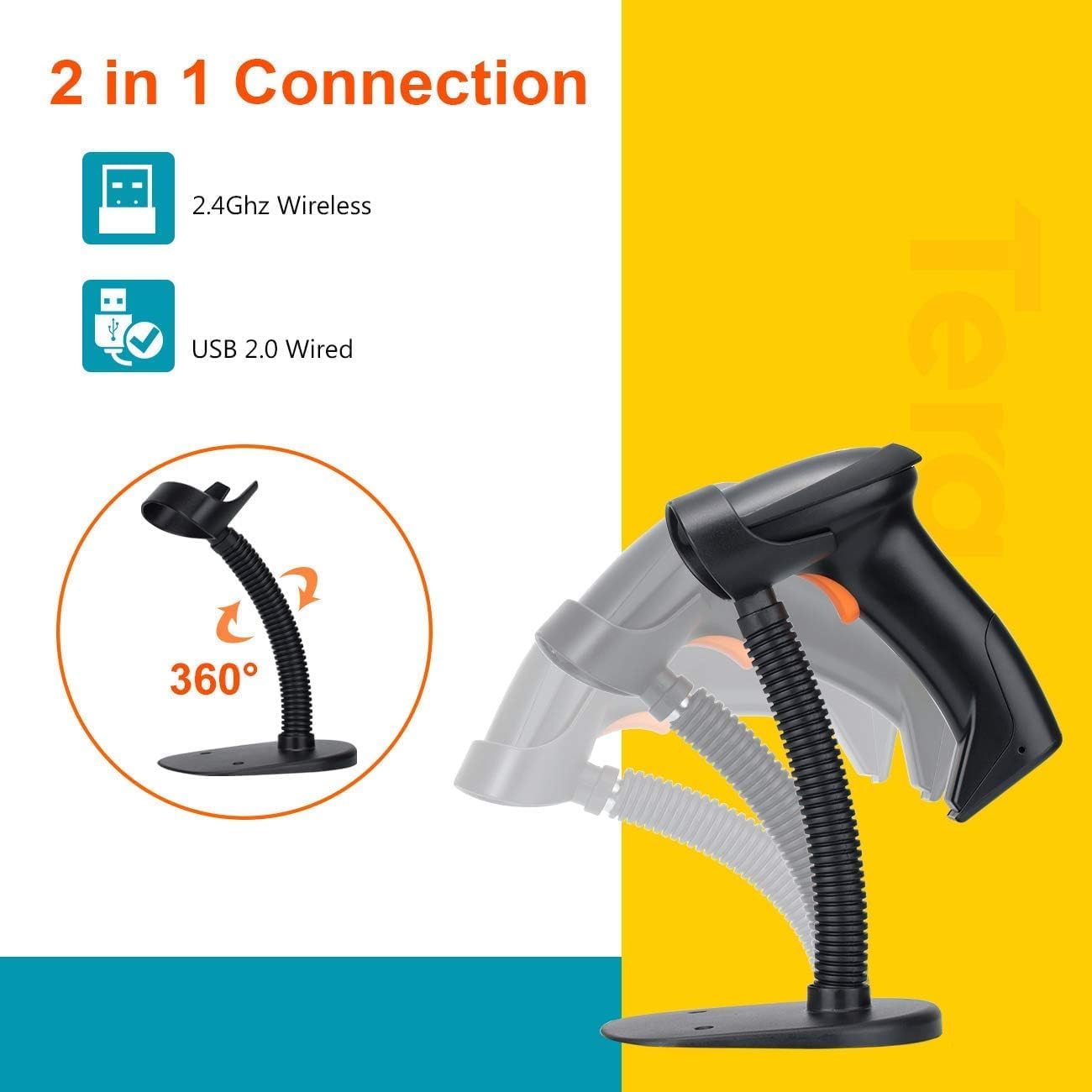
Image: The scanner on its adjustable stand, highlighting its 360-degree rotation and dual connection capabilities.
4.2. Mod Muat Naik Data
The scanner offers two methods for uploading scanned data:
- Mod Muat Naik Segera: Barcodes are synchronously uploaded to your connected device immediately after scanning. This is the default mode for real-time data entry.
- Storage Upload Mode: Barcodes are stored in the scanner's built-in 16MB memory. This mode is useful for scanning outside the wireless signal range. Data can be uploaded to your device later when needed.
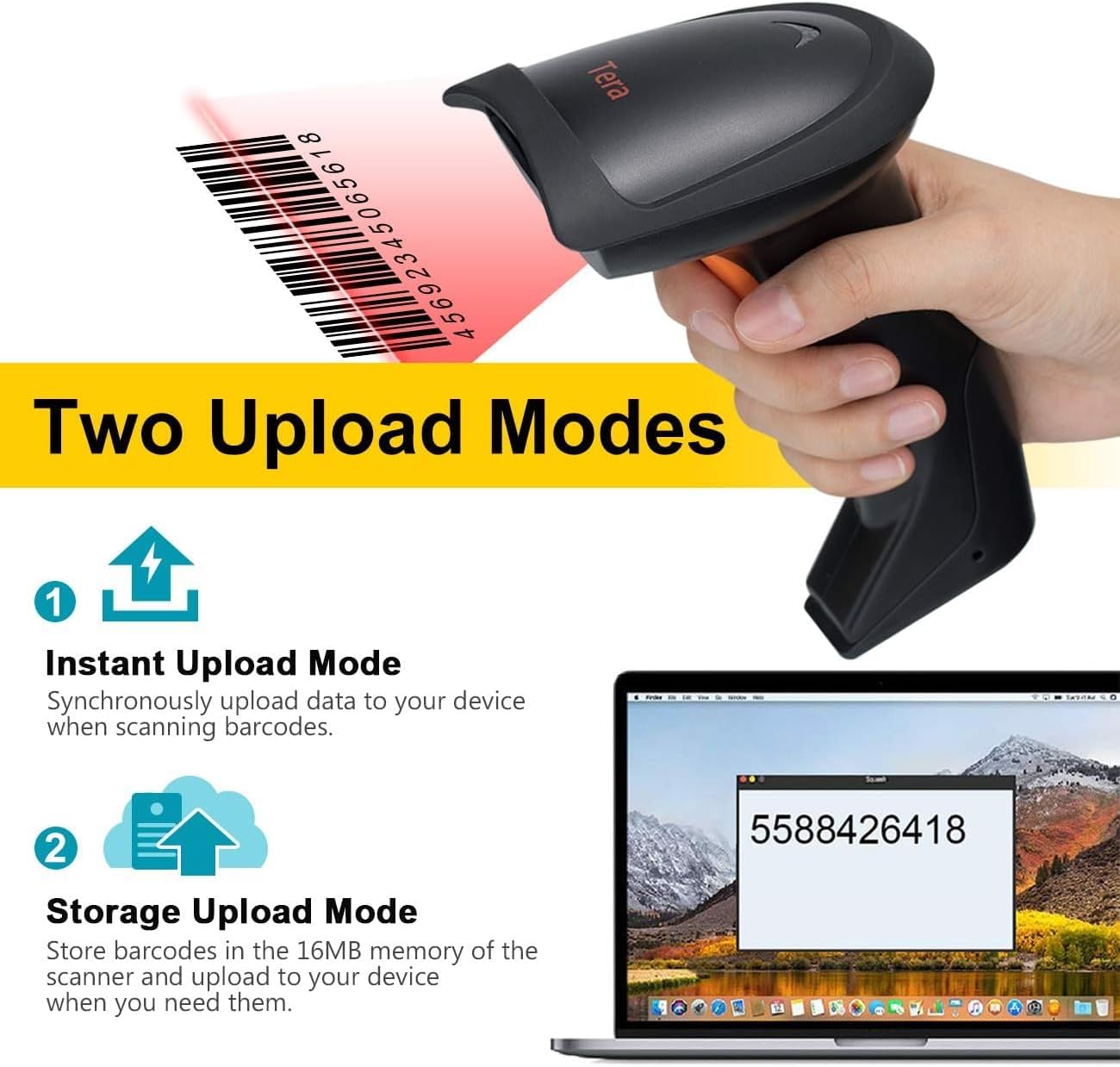
Image: A visual representation of the two data upload modes: Instant Upload and Storage Upload.
4.3. Supported Barcodes and Languages
The scanner supports a wide range of 1D printed barcodes and multiple languages for output:
- Supported 1D Barcodes: Code 39, UPC-A/UPC-E (Include Complement Code), EAN13, EAN8, Code 93, Code 128, Codabar, Industrial/Interleaved 2 of 5, MSI, Code11, ISBN/ISSN, Matrix 2 of 5.
- Unsupported Codes: 2D codes (e.g., QR, PDF417) and barcodes displayed on screens.
- Bahasa yang Disokong: English, Spanish, German, Japanese, French, Italian.

Image: The scanner highlighting its multi-language support and the types of 1D barcodes it can read.
4.4. Multifunction Settings
The scanner offers several configurable settings to enhance its functionality:
- Tetapan Suara
- Stand-by Setting
- Support Uppercase / Lowercase Setting
- Identify Barcode Type
- Add Prefix and Suffix to scanned data
- Sembunyikan watak
Refer to the detailed programming guide (usually a separate document or a section within a comprehensive manual) for instructions on how to configure these settings by scanning specific setup barcodes.
5. Penyelenggaraan
Penyelenggaraan yang betul memastikan jangka hayat dan prestasi optimum pengimbas kod bar anda.
- Pembersihan: Use a soft, dry, lint-free cloth to clean the scanner's exterior. For the scanning window, use a lens cleaning cloth and a mild, non-abrasive cleaning solution if necessary. Avoid harsh chemicals or abrasive materials.
- Storan: Simpan pengimbas di tempat yang sejuk dan kering, jauh daripada cahaya matahari langsung dan suhu yang melampau.
- Penjagaan Bateri: As the scanner is battery-powered, ensure it is charged regularly. Avoid fully discharging the battery frequently to prolong its lifespan. If storing for an extended period, charge the battery to about 50% and store in a cool, dry place.
- Pengendalian: Avoid dropping the scanner or subjecting it to strong impacts, which can damage internal components.
6. Penyelesaian masalah
If you encounter issues with your Tera HW0004 barcode scanner, refer to the following common troubleshooting steps:
| Masalah | Kemungkinan Punca | Penyelesaian |
|---|---|---|
| Scanner not turning on. | Masalah bateri atau kuasa lemah. | Charge the scanner using the USB cable. Ensure the cable is properly connected to a power source. |
| No data output after scanning. | Incorrect connection mode, scanner not paired, or application issue. |
|
| Scanner beeps but no data. | Barcode not recognized or corrupted. |
|
| Wireless connection unstable. | Gangguan atau masalah jarak. |
|
If the problem persists, please contact Tera customer support for further assistance.
7. Spesifikasi
| Ciri | Perincian |
|---|---|
| Model | HW0004 |
| Jenama | Tera |
| Teknologi Ketersambungan | 2.4GHz Wireless, USB 2.0 Wired |
| Jenis Pengimbas | 1D Laser Handheld Linear Bar Code Reader |
| Kod Bar yang Disokong | Code 39, UPC-A/UPC-E, EAN13, EAN8, Code 93, Code 128, Codabar, Industrial/Interleaved 2 of 5, MSI, Code11, ISBN/ISSN, Matrix 2 of 5 |
| Unsupported Barcodes | 2D codes (QR, PDF417), barcodes from screens |
| Peranti Serasi | Desktop, Komputer riba |
| Sistem Operasi yang Serasi | Windows XP/7/8/10, Mac OS, Android, Linux |
| Sumber Kuasa | Dikuasakan Bateri |
| Berat Barang | 8 auns (lebih kurang 227 gram) |
| Dimensi Pakej | 7.9 x 3.9 x 3.2 inci (lebih kurang 20.1 x 9.9 x 8.1 cm) |
| Pengeluar | Tera |
| Tarikh Mula-mula Tersedia | 4 September 2023 |
8. Waranti dan Sokongan
Specific warranty information for the Tera HW0004 Barcode Scanner is typically provided with the product packaging or available on the manufacturer's official weblaman web. Sila rujuk sumber ini untuk terma dan syarat jaminan terperinci.
For technical support, troubleshooting beyond this manual, or inquiries regarding product functionality, please visit the official Tera weblaman web atau hubungi jabatan khidmat pelanggan mereka. Maklumat hubungan biasanya boleh didapati pada pembungkusan produk atau alamat pengilang webtapak.
You can visit the Tera Store on Amazon for more information: Tera Store
9. Senario Aplikasi
The Tera HW0004 barcode scanner is suitable for a variety of applications, including but not limited to:
- Logistik
- Pengurusan Gudang
- Supermarkets and Convenient Stores
- Perpustakaan
- Retail Industry
- Postal Industry
- Bank
- Institusi Perubatan

Imej: Cthamples of environments where the barcode scanner can be effectively utilized.


