pengenalan
Terima kasih kerana membeliasing the LONPOO LP-118W Portable CD Player Boombox. This device offers versatile audio playback options including CD, Bluetooth, FM radio, USB, and AUX input, along with a microphone port for karaoke. Designed for portability and ease of use, this manual provides essential information for safe and optimal operation. Please read this manual thoroughly before using the product and retain it for future reference.
Maklumat Keselamatan
- Jangan dedahkan unit kepada hujan atau lembapan untuk mengelakkan kebakaran atau kejutan elektrik.
- Jangan buka casing. Rujuk semua servis kepada kakitangan yang berkelayakan.
- Elakkan meletakkan unit berhampiran sumber haba seperti radiator, daftar haba, dapur, atau radas lain (termasuk amppenghidup) yang menghasilkan haba.
- Lindungi kord kuasa daripada berjalan atau tersepit, terutamanya pada palam, bekas kemudahan dan tempat keluar dari radas.
- Hanya gunakan lampiran/aksesori yang ditentukan oleh pengilang.
- Cabut plag radas ini semasa ribut petir atau apabila tidak digunakan untuk jangka masa yang lama.
- Lupuskan bateri secara bertanggungjawab. Jangan dedahkan bateri kepada haba yang berlebihan.
Kandungan Pakej
Sahkan bahawa semua item yang disenaraikan di bawah disertakan dalam pakej anda:
- LONPOO LP-118W Portable CD Player Boombox
- Alat Kawalan Jauh
- Kabel Kuasa AC
- Manual Pengguna

Image: The LONPOO LP-118W boombox shown with its included remote control, AC power cable, and user manual, illustrating the complete package contents.
Produk Selesaiview
Familiarize yourself with the main components and controls of your LP-118W boombox.
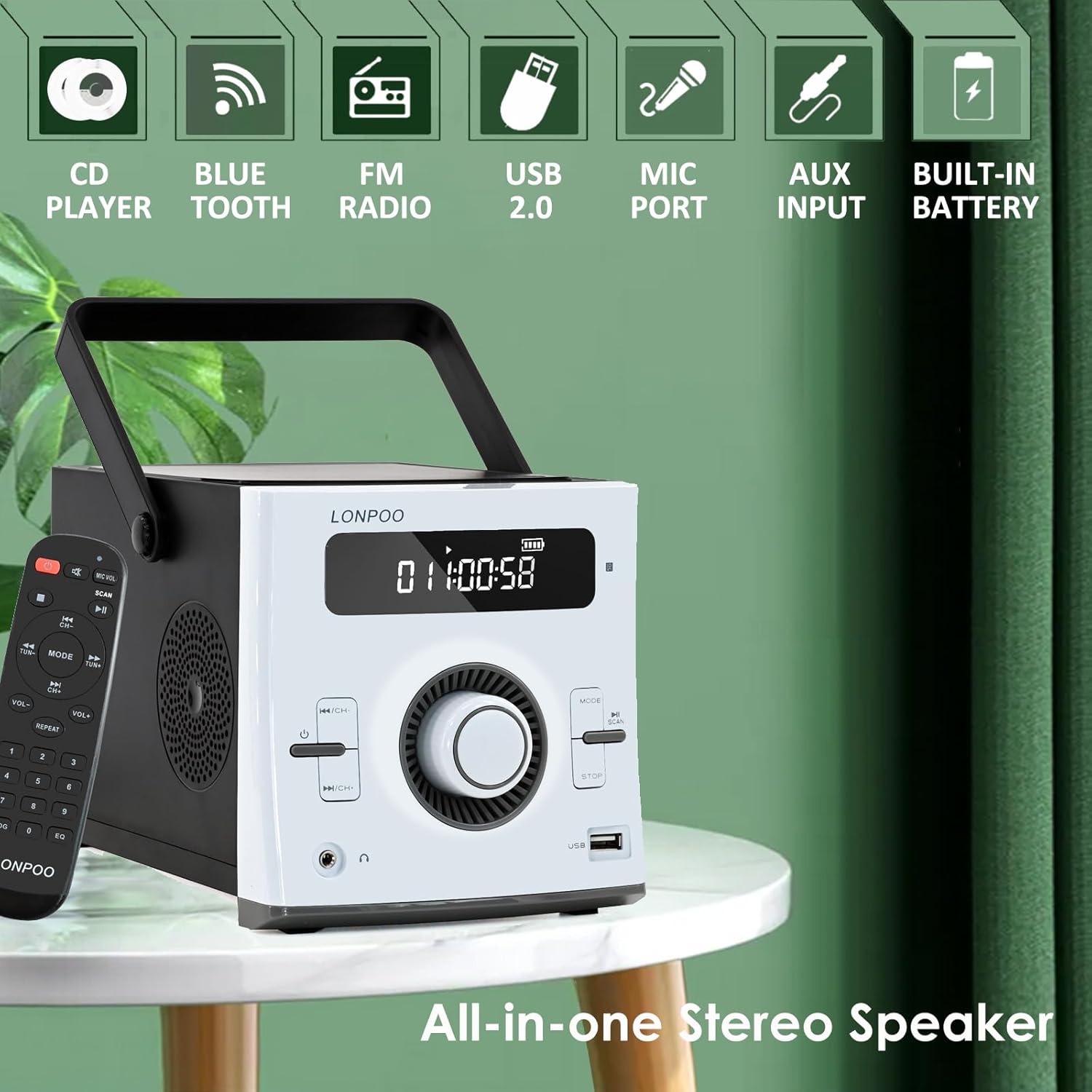
Imej: Depan view of the LONPOO LP-118W boombox, highlighting its multi-functional capabilities including CD playback, Bluetooth connectivity, FM radio, USB port, microphone input, AUX input, and built-in rechargeable battery.
Kawalan Panel Depan:
- Paparan LCD: Shows track number, time, mode, volume, and battery status.
- Butang Kuasa: Menghidupkan / mematikan unit.
- Butang Mod: Bertukar antara mod CD, Bluetooth, FM, USB dan AUX.
- Butang Main/Jeda: Memulakan atau menjeda main balik.
- Butang Berhenti: Menghentikan main balik.
- Skip/Search Buttons (Previous/Next): Navigates tracks or radio stations.
- Tombol Kelantangan: Melaraskan tahap output audio.
- Port USB: Untuk main balik pemacu USB.
- Output Fon Kepala: Bicu 3.5mm untuk mendengar secara peribadi.
Port Panel Belakang:
- DC DALAM: Power input for AC adapter.
- AUX DI: Input 3.5mm untuk peranti audio luaran.
- Pelabuhan MIC: 6.35mm input for a microphone (microphone not included).
- Antena FM: External wire antenna for FM reception.
Persediaan
Menguasai Unit
The LP-118W can be powered by the included AC power cable or its internal rechargeable battery.
- Kuasa AC: Connect the AC power cable to the DC IN port on the rear of the unit and plug the other end into a standard wall outlet.
- Kuasa Bateri: The unit has a built-in 2000mAh rechargeable battery. Ensure the battery is charged before portable use.
Caj Bateri Permulaan
For optimal performance, fully charge the battery before first use. Connect the unit to AC power; the battery indicator on the LCD display will show charging status. A full charge provides over 5 hours of continuous playback.
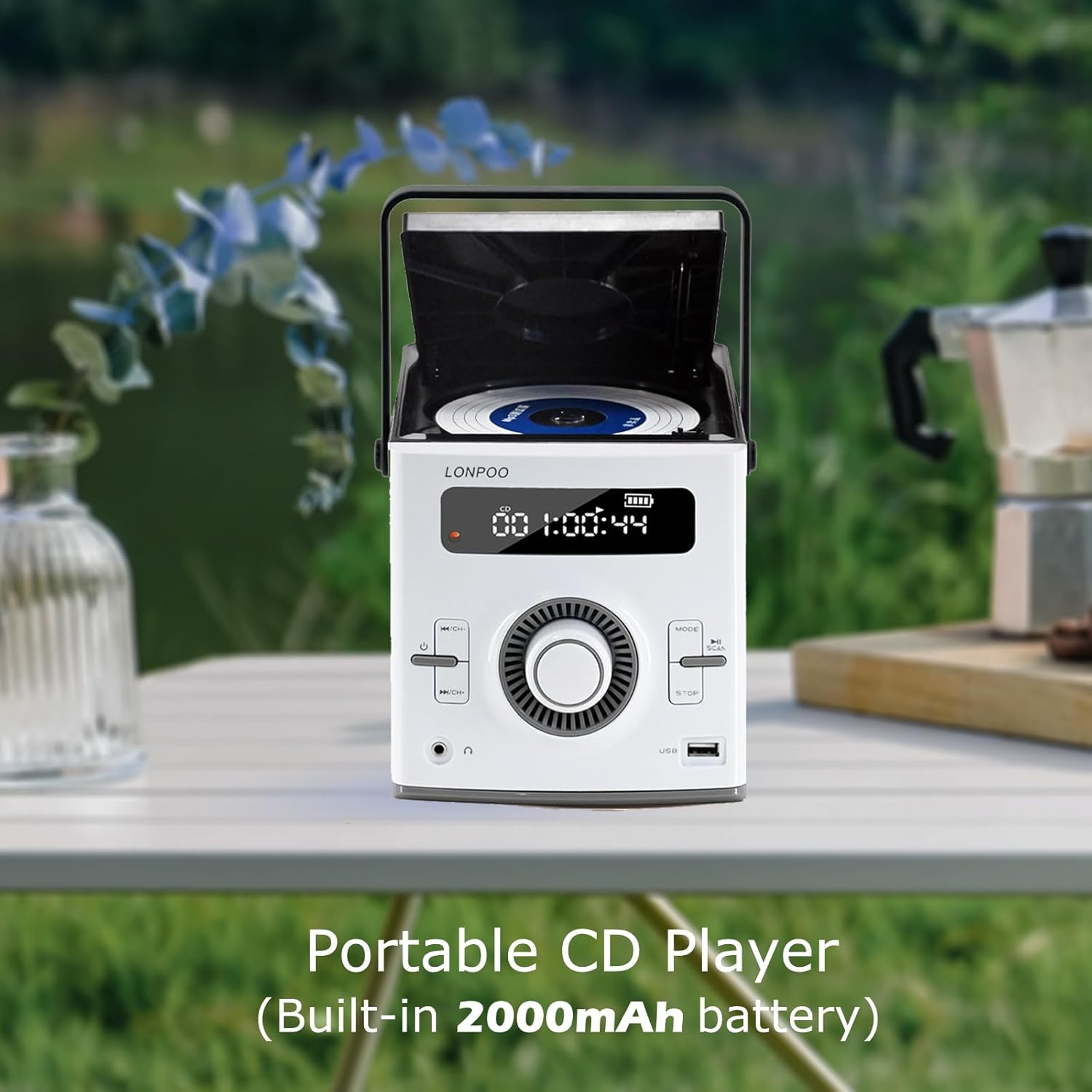
Image: The LONPOO LP-118W portable CD player with its top-loading CD compartment open, displaying the built-in 2000mAh battery capacity on the screen, indicating its portable nature.
FM Antenna Setup
For best FM radio reception, fully extend the wire antenna located at the rear of the unit. Position it for optimal signal strength.
Arahan Operasi
Operasi Am
- Tekan ke kuasa butang untuk menghidupkan unit.
- Putar Tombol Kelantangan untuk melaraskan tahap bunyi.
- Tekan ke Mod button repeatedly to cycle through available input sources: CD, Bluetooth, FM, USB, AUX.
Main semula CD
- Buka pintu petak CD.
- Letakkan CD dengan bahagian label menghadap ke atas.
- Close the CD compartment door securely.
- Tekan ke Mod butang sehingga "CD" muncul pada paparan.
- CD akan mula dimainkan secara automatik. Jika tidak, tekan butang Main/Jeda butang.
- Gunakan Langkau / Cari butang untuk menavigasi trek.
Mod Bluetooth

Image: A person relaxing on a couch, using a smartphone to wirelessly connect to the LONPOO LP-118W boombox via Bluetooth, demonstrating its stable and fast connection for streaming music.
- Tekan ke Mod button until "BT" (Bluetooth) appears on the display. The unit will enter pairing mode.
- On your Bluetooth-enabled device (e.g., smartphone, tablet), search for available devices and select "LP-118W".
- Once paired, you can play audio from your device through the boombox.
Radio FM
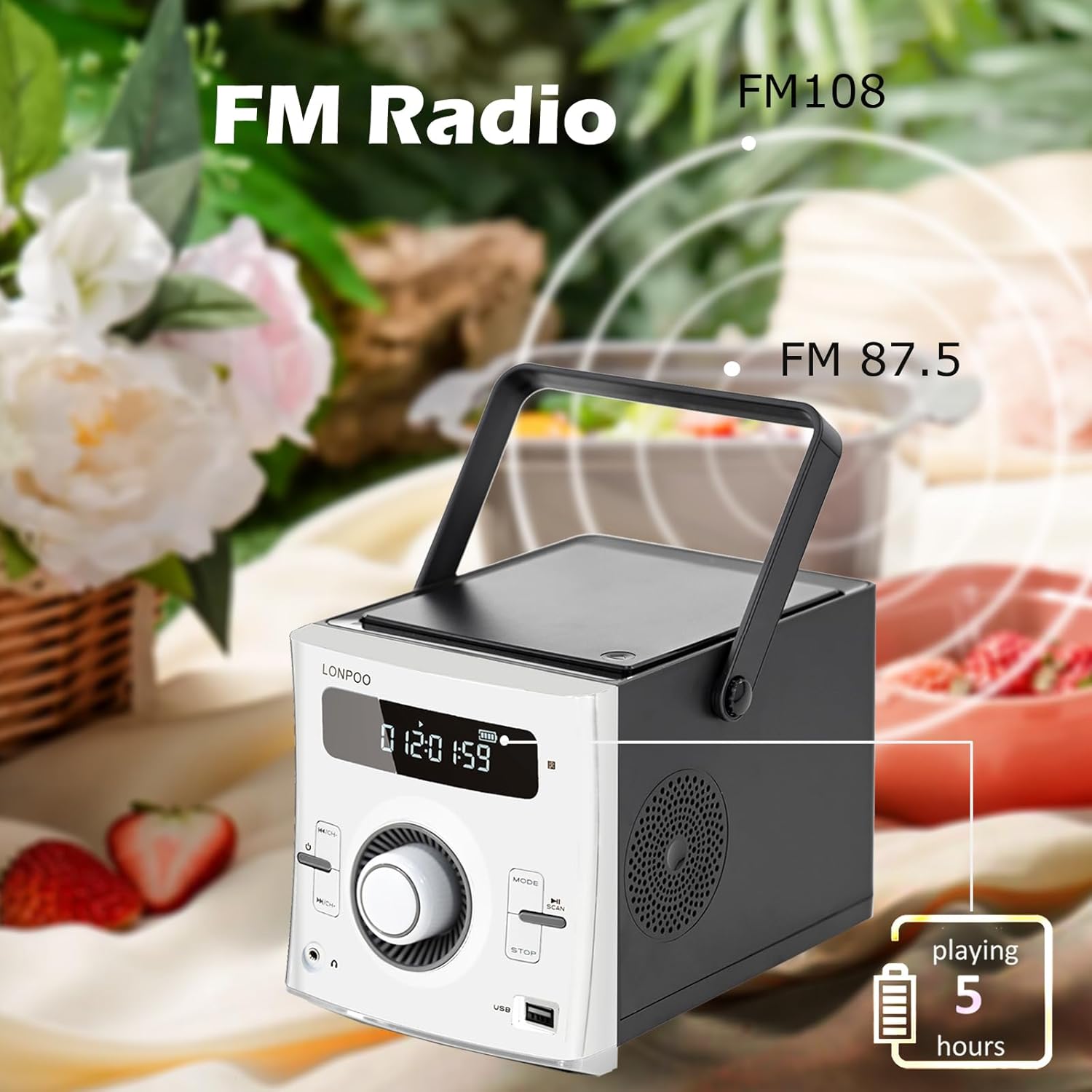
Image: The LONPOO LP-118W boombox positioned outdoors, illustrating its FM radio capability with a frequency range from FM 87.5 to FM 108, and indicating over 5 hours of playback on battery.
- Tekan ke Mod butang sehingga "FM" muncul pada paparan.
- Tekan dan tahan butang Main/Jeda butang untuk mengimbas automatik dan menyimpan stesen FM yang tersedia.
- Gunakan Langkau / Cari butang untuk mengitar stesen yang disimpan.
Main Balik USB
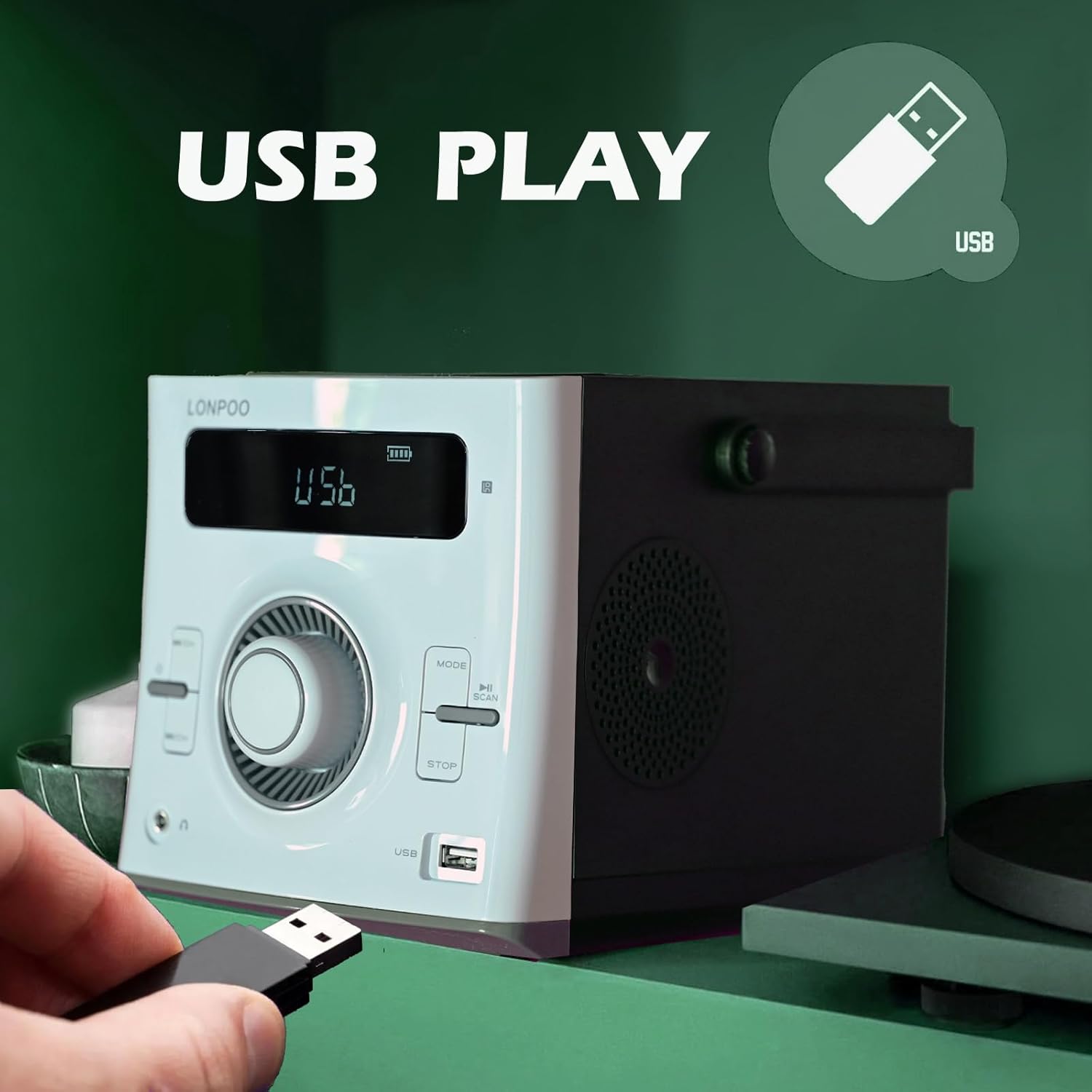
Image: A hand inserting a USB flash drive into the dedicated USB port on the front of the LONPOO LP-118W boombox, demonstrating its USB playback functionality.
- Masukkan pemacu kilat USB yang mengandungi audio MP3 files ke dalam port USB.
- Tekan ke Mod butang sehingga "USB" muncul pada paparan.
- Main balik akan bermula secara automatik. Gunakan Main/Jeda dan Langkau / Cari butang untuk mengawal main balik.
Input AUX
- Connect an external audio device (e.g., smartphone, MP3 player) to the AUX IN port on the rear of the unit using a 3.5mm audio cable (not included).
- Tekan ke Mod butang sehingga "AUX" muncul pada paparan.
- Control playback from your external audio device.
Penggunaan Mikrofon
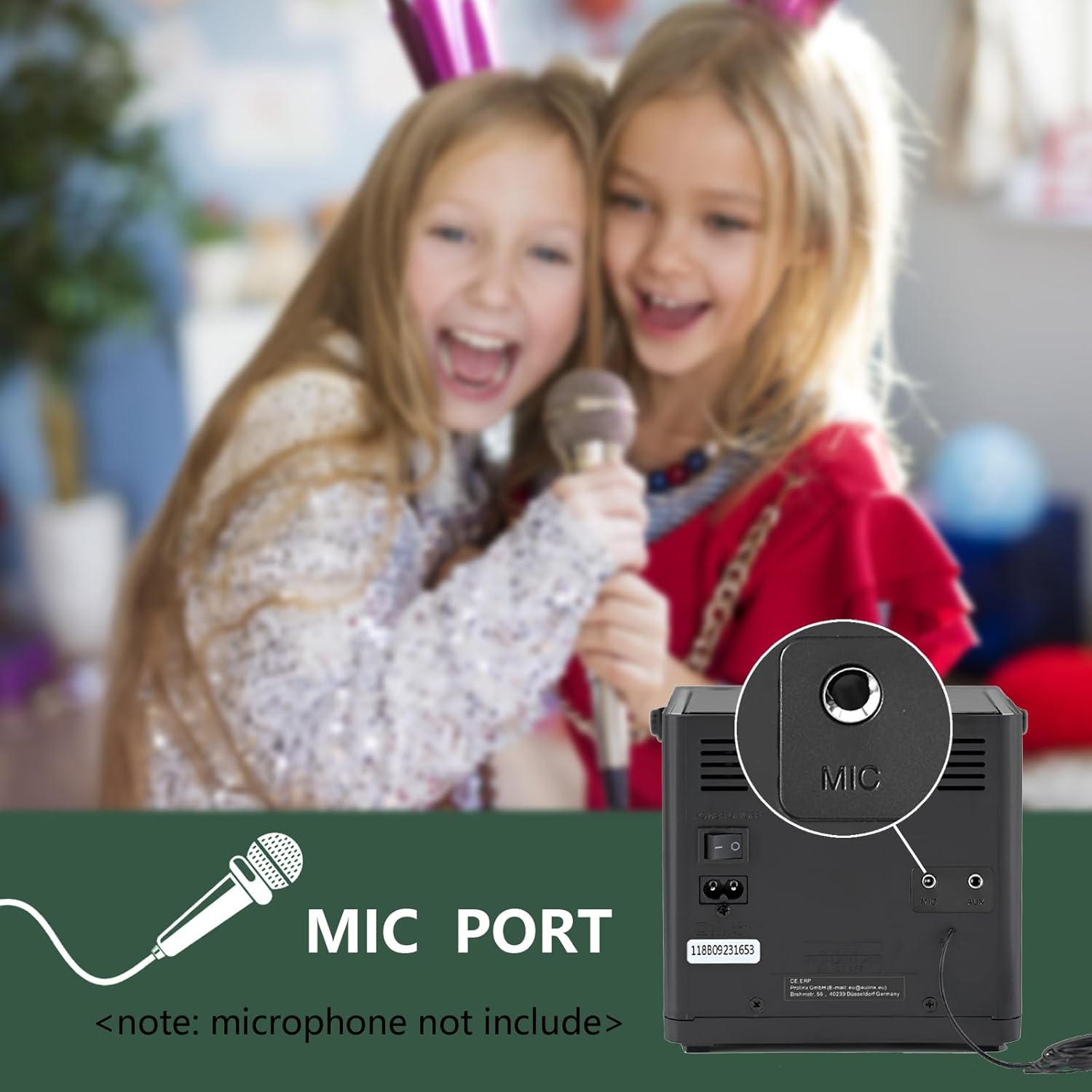
Imej: Dari dekat view of the microphone port located on the rear panel of the LONPOO LP-118W boombox, with a note indicating that the microphone is not included. Children are visible in the background, suggesting karaoke use.
- Connect a 6.35mm microphone (not included) to the MIC Port on the rear of the unit.
- Adjust the microphone volume using the dedicated control on the microphone itself, if available, or the main volume knob on the boombox.
Alat Kawalan Jauh
The included remote control allows for convenient operation from a distance. Functions include power, mode selection, volume adjustment, track navigation, play/pause, stop, and EQ settings.
Penyelenggaraan
- Pembersihan: Gunakan kain lembut dan kering untuk membersihkan bahagian luar unit. Jangan gunakan pembersih atau pelarut yang melelas.
- Penjagaan Kanta CD: If CD playback issues occur, use a commercially available CD lens cleaner.
- Storan: Apabila tidak digunakan untuk tempoh yang lama, simpan unit di tempat yang sejuk dan kering jauh dari cahaya matahari langsung dan suhu yang melampau.
- Penjagaan Bateri: To prolong battery life, avoid fully discharging the battery frequently. Charge the unit regularly, even if not in use.
Menyelesaikan masalah
| Masalah | Kemungkinan Punca | Penyelesaian |
|---|---|---|
| Unit tidak dihidupkan. | No power, discharged battery, faulty power cable. | Ensure AC cable is securely connected. Charge the battery. Try a different power outlet. |
| Tiada bunyi. | Volume too low, incorrect mode, headphone connected. | Increase volume. Select correct input mode. Disconnect headphones. |
| CD melangkau atau tidak dimainkan. | Dirty or scratched CD, dirty CD lens, unit moved during playback. | Clean or replace CD. Use a CD lens cleaner. Place unit on a stable surface. |
| Peranti Bluetooth tidak akan berpasangan. | Unit not in pairing mode, device too far, interference. | Ensure boombox is in BT mode. Move device closer. Restart both devices. |
| Sambutan FM yang lemah. | Antenna not extended, weak signal. | Fully extend and adjust the wire antenna. Try repositioning the unit. |
| Main balik USB tidak berfungsi. | Tidak disokong file format, corrupted USB drive, incorrect mode. | pastikan files are MP3. Try a different USB drive. Select USB mode. |
Spesifikasi
Image: The LONPOO LP-118W boombox with its dimensions (5.9 inches width, 8.5 inches depth, 5.9 inches height) and weight (3.9 lbs / 1.77 kg) clearly labeled, providing a visual reference for its compact size.
| Ciri | Perincian |
|---|---|
| Nombor Model | LP-118W |
| Jenama | LONPOO |
| Output Kuasa | 20 Watt (10W x 2 RMS) |
| Teknologi Ketersambungan | Bluetooth, USB, AUX (3.5mm), FM Radio |
| Media yang Disokong | CD, CD-R/RW, MP3 (via USB) |
| Sumber Kuasa | AC Power, Built-in Rechargeable Battery (2000mAh) |
| Hayat Bateri | Up to 5+ hours (approx.) |
| Dimensi (L x W x H) | 21 x 20 x 15 cm (8.5 x 5.9 x 5.9 inci) |
| Berat Barang | 1.77 kg (3.9 lbs) |
| Peranti Serasi | Laptop, Smartphone, MP3 Players |
| Ciri Khas | Microphone Port, Remote Control, LCD Display, Programmable CD Memory (20 tracks) |
Waranti dan Sokongan
LONPOO products are designed for reliability and performance. This product comes with a standard manufacturer's warranty. Please refer to the warranty card included in your package for specific terms and conditions, including the warranty period and coverage details.
For technical support, troubleshooting assistance, or warranty claims, please contact LONPOO customer service through the retailer where you purchased the product or visit the official LONPOO webtapak untuk maklumat hubungan.
Please have your model number (LP-118W) and proof of purchase ready when contacting support.


