1. Produk Lebihview
The NAPCAT PoE Security Camera System (N2804) is a comprehensive surveillance solution designed for home and business security. This system features 4MP Super HD cameras with F1.0 super aperture for clear and vibrant color night vision, even in low-light conditions. Equipped with advanced AI detection capabilities, it accurately identifies people and vehicles, minimizing false alarms. The Power over Ethernet (PoE) design simplifies installation, requiring only a single network cable for both power and data transmission. The included 2TB Hard Disk Drive (HDD) provides ample storage for continuous recording, and footage can be accessed remotely via a smartphone app or PC client, or viewed locally on a connected monitor.

Image: The NAPCAT PoE Security Camera System, showcasing the central NVR unit and four 4MP PoE cameras, along with an icon indicating 2TB storage and AI capabilities.
2. Apa yang ada di dalam Kotak
Sahkan bahawa semua komponen yang disenaraikan di bawah disertakan dalam pakej anda:
- PoE NVR (Network Video Recorder)
- 4 x PoE Security Cameras
- Penyesuai Kuasa untuk NVR
- Tetikus USB
- Ethernet Cables (various lengths)
- Panduan Mula Pantas
- Pelekat Kedudukan Skru
- Surveillance Poster
- Reset Needle Pin
- Tudung kalis air
- Pek Skru

Image: A detailed layout of all components included in the NAPCAT PoE Security Camera System package, including the NVR, cameras, cables, power adapter, mouse, and various accessories.
3. Persediaan dan Pemasangan
3.1 Sambungan NVR
The NVR (Network Video Recorder) serves as the central hub for your security system. It must be connected to your router via an Ethernet cable to enable remote access and system functionality. The NVR also requires a power connection using the provided power adapter.

Image: The NAPCAT NVR unit with a single Ethernet cable connecting it to a camera, illustrating the Power over Ethernet (PoE) setup for simplified wiring.
3.2 Pemasangan Kamera
The cameras are designed for both indoor and outdoor use, featuring an IP67 weatherproof rating. Each camera connects directly to the NVR via a single Ethernet cable, which provides both power and data (PoE). This eliminates the need for separate power outlets near the cameras.
To install a camera:
- Unscrew the base from the camera unit.
- Mount the base securely to your desired location using the provided screws. Consider placing cameras under eaves or sheltered areas to further protect them from extreme weather.
- Connect the Ethernet cable from the camera to an available PoE port on the NVR. Ensure the waterproof connector is properly used for outdoor installations.
- Screw the camera unit back onto the mounted base. The camera features a pivot point allowing for flexible angle adjustment. Tighten the base to secure the camera in your desired viewkedudukan.
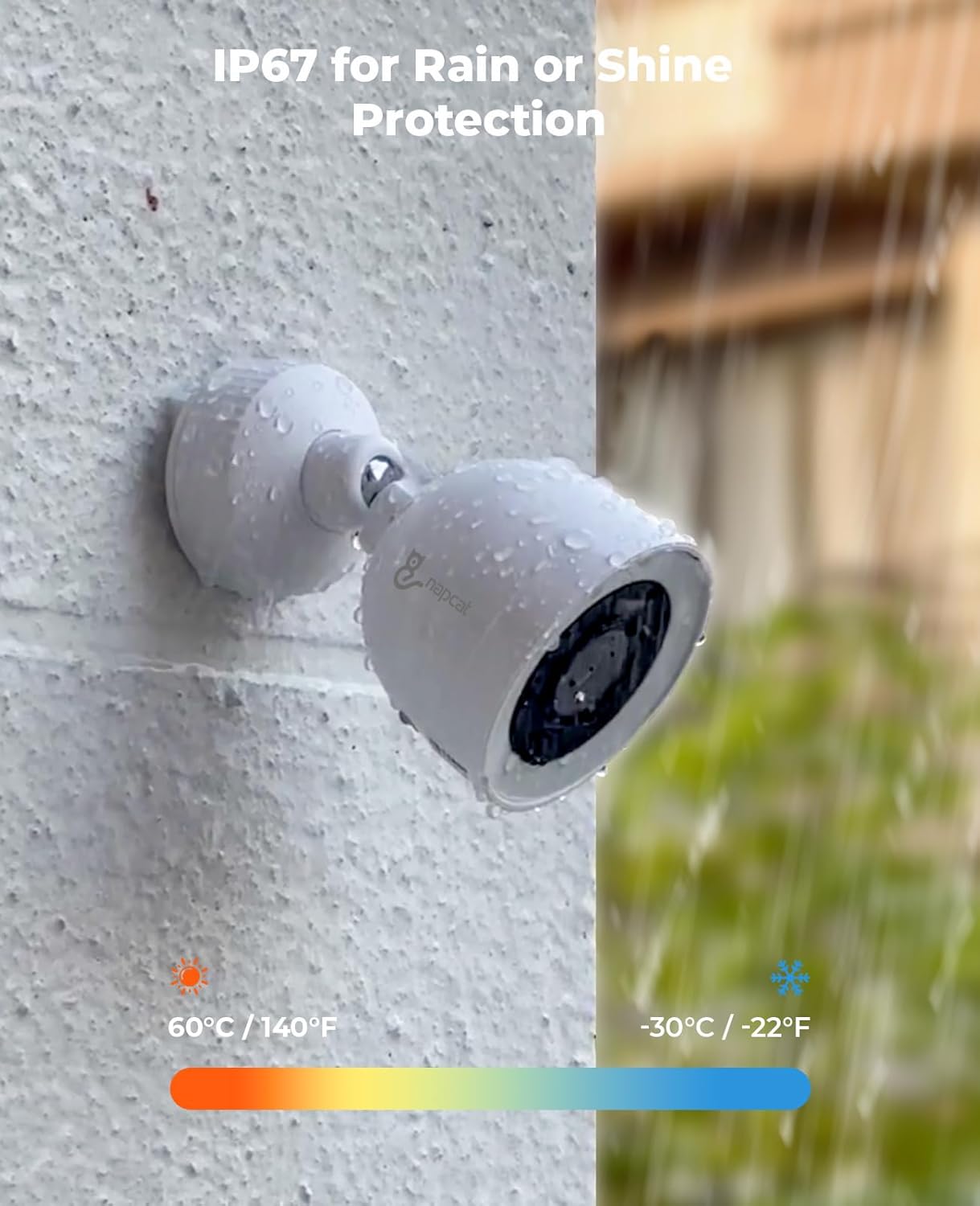
Image: A NAPCAT security camera mounted on an exterior wall, with water droplets visible, demonstrating its IP67 weatherproof rating under rainy conditions.
4. Arahan Operasi
4.1 Napcat Life App and PC Client
Manage your security system remotely using the Napcat Life smartphone app (available on Android and iOS) or the PC client (Windows and Mac). These platforms allow you to view live feeds, access recorded footage, and configure system settings from anywhere with an internet connection.
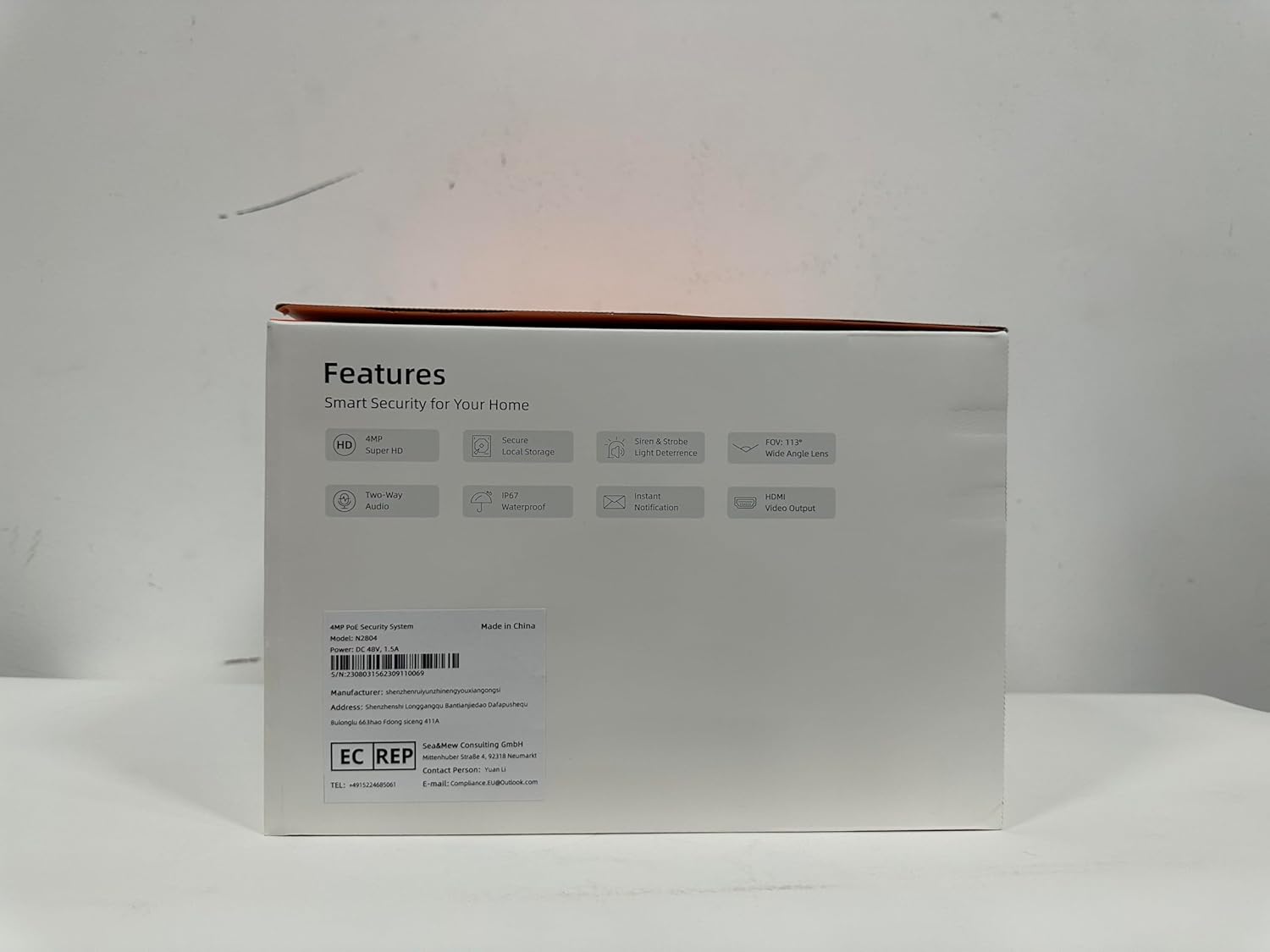
Image: Multiple devices (smartphone, tablet, and desktop PC) displaying live feeds and playback options from the NAPCAT security camera system, highlighting remote access capabilities.
4.2 AI Detection and Smart Deterrence
The system features advanced AI detection for people and vehicles, significantly reducing false alarms caused by irrelevant motion. You can customize detection zones and sensitivity settings to focus on critical areas.
Upon detection, the system can trigger smart deterrence features:
- Lampu Strob: Dynamic strobe lights activate to deter intruders.
- Penggera Siren: An audible siren can be triggered to alert occupants and scare off unwanted visitors.
- Makluman masa nyata: Receive instant notifications on your smartphone app when an event is detected.

Image: A family unloading a car in a driveway, with overlaid graphics indicating the system's human and vehicle detection capabilities, minimizing false alarms.

Image: A split image showing a security camera activating blue strobe lights and then red strobe lights, demonstrating its dual alert smart deterrence feature against a potential intruder.
4.3 F1.0 Color Night Vision
The F1.0 super aperture lenses provide exceptional light gathering capabilities, enabling full-color night vision even in extremely low-light conditions. This ensures detailed and vibrant images 24/7, surpassing traditional black and white night vision.

Image: A hand holding a smartphone displaying a live feed from a security camera at night, showcasing crystal clear, full-color night vision due to the F1.0 Super Aperture.
4.4 Audio Dua Hala
Each camera is equipped with a built-in microphone and speaker, allowing for two-way audio communication. This feature is useful for interacting with visitors, delivery personnel, or deterring suspicious individuals directly through the app.

Image: A person speaking through a security camera's two-way audio feature to a delivery driver at their front door, with speech bubbles indicating the conversation.
5. Penyelenggaraan
To ensure optimal performance and longevity of your NAPCAT security camera system, regular maintenance is recommended:
- Pembersihan Kanta: Bersihkan kanta kamera secara berkala dengan lembut, damp kain untuk menanggalkan habuk, kotoran atau bintik air yang boleh menghalang view.
- Pemeriksaan Kabel: Check all Ethernet cables for any signs of wear, damage, or loose connections, especially for outdoor runs.
- Kemas kini Firmware: Regularly check for and install firmware updates through the Napcat Life app or PC client to ensure your system has the latest features and security enhancements.
- Pengurusan Storan: Walaupun HDD 2TB menyediakan ample storage, consider backing up critical footage periodically. The NVR will automatically overwrite older footage apabila cakera penuh.
6. Penyelesaian masalah
If you encounter issues with your NAPCAT security camera system, try the following basic troubleshooting steps:
- Tiada Suapan Video: Ensure all cables (power, Ethernet) are securely connected to the NVR and cameras. Check the NVR's network connection to your router.
- Offline Cameras: Verify the PoE connection for the affected camera. Restart the NVR and check if the camera reconnects.
- Penggera Palsu: Adjust the AI detection sensitivity and detection zones in the Napcat Life app to reduce unwanted alerts.
- Penglihatan Malam yang lemah: Ensure the camera lens is clean and free from obstructions. Check for any strong light sources directly facing the camera at night that might interfere with its night vision.
- Isu Capaian Jauh: Confirm your NVR is properly connected to the internet and that your mobile device has a stable network connection. Restart your router and NVR.
7. Spesifikasi
| Ciri | Penerangan |
|---|---|
| Jenama | NAPCAT |
| Nombor Model | N2804 |
| Teknologi Ketersambungan | Berwayar (PoE) |
| Resolusi Tangkapan Video | 4MP Super HD (2560x1440) |
| Ciri Khas | F1.0 Color Night Vision, AI Detection, Behavior Detection, 2-Way Audio, IP67 Weatherproof, Strobe Light & Siren Alarm, Wide Viewing Angle, PoE Connection |
| Bilangan Saluran | 8 |
| Kapasiti Penyimpanan Memori | 2 TB (Pemacu Cakera Keras) |
| Sumber Kuasa | Power over Ethernet for Cameras, Plug-in Corded Electric for NVR |
| Keserasian Sistem Pengendalian | Android, iOS, Windows, Mac |
| Penggunaan yang Disyorkan | Home Security, Warehouse/Garden/Farm/Garage Security, Outdoor & Indoor Surveillance |
| Julat Penglihatan Malam | 100 Kaki |
| Viewsudut | 113 Darjah |
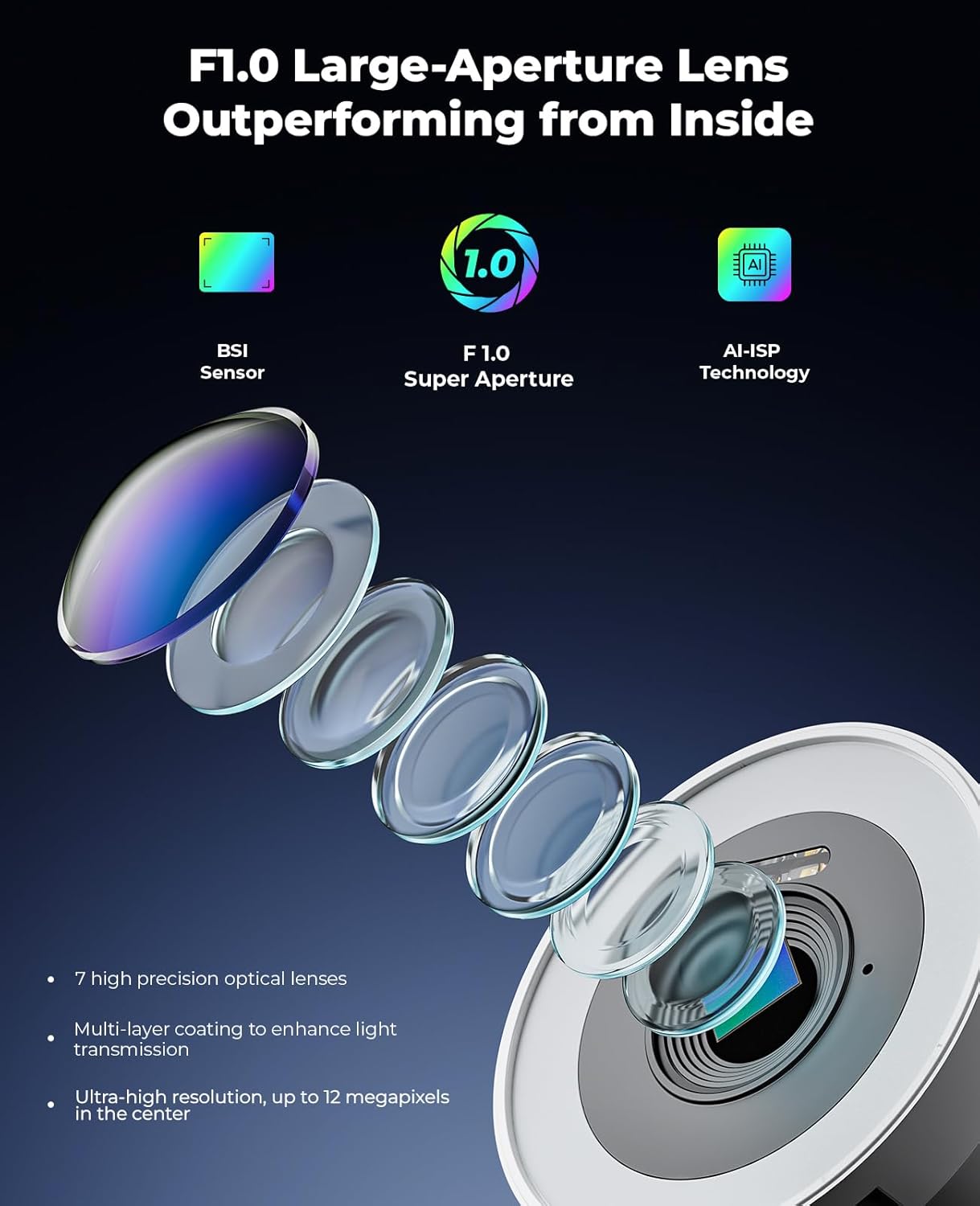
Imej: Meletup view diagram illustrating the internal components of the F1.0 large-aperture lens, highlighting its 7 high-precision optical lenses, multi-layer coating, and ultra-high resolution capabilities.

Image: A side-by-side comparison showing the wider field of view (113 degrees) provided by the f/2.8mm lens compared to other standard lenses, illustrated with a swimming pool scene.
8. Waranti dan Sokongan
The NAPCAT PoE Security Camera System (N2804) comes with a 2-year manufacturer service coverage. For any questions, technical assistance, or support needs, please contact NAPCAT customer support. Lifetime customer support is provided to ensure your peace of mind.