pengenalan
This manual provides detailed instructions for the setup, operation, maintenance, and troubleshooting of your AGPTEK W1S 16GB MP3 Player. Please read this manual thoroughly before using the device to ensure proper functionality and to maximize your user experience.
Maklumat Keselamatan
- Jangan dedahkan peranti kepada suhu yang melampau, cahaya matahari langsung atau kelembapan yang tinggi.
- Elakkan daripada menjatuhkan atau meletakkan peranti kepada kesan yang kuat.
- Jangan cuba membuka atau membaiki peranti sendiri. Hubungi sokongan pelanggan untuk mendapatkan bantuan.
- Gunakan hanya kabel pengecas dan penyesuai kuasa yang disediakan.
- Jauhkan peranti daripada air dan cecair lain.
Peranti Lebihview
The AGPTEK W1S features a 3.5-inch high-resolution touchscreen and an intuitive interface for easy navigation.

Imej: Depan dan belakang view of the AGPTEK W1S MP3 Player, showcasing its sleek design and physical buttons.
Ciri-ciri Utama:
- Skrin Sentuh HD 3.5 inci: Provides a clear display and responsive touch control.
- Sistem Pengendalian Android 8.1: Ensures faster and smoother operation.
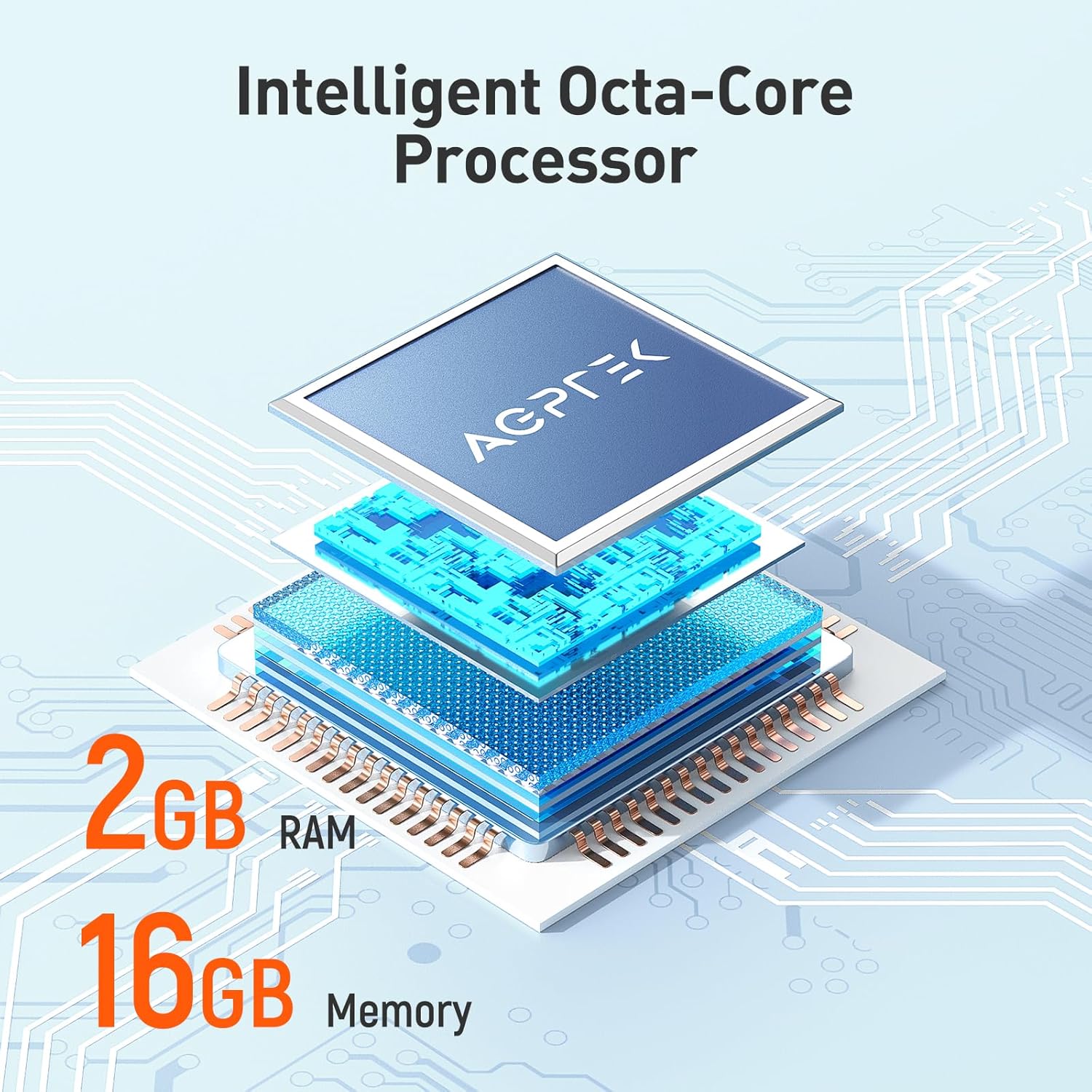
- 2GB RAM, 16GB ROM: Ample memory for system performance and internal storage.
- Storan Boleh Dikembangkan: Menyokong kad microSD sehingga 128GB.
- Bluetooth 4.0: For wireless audio connections.
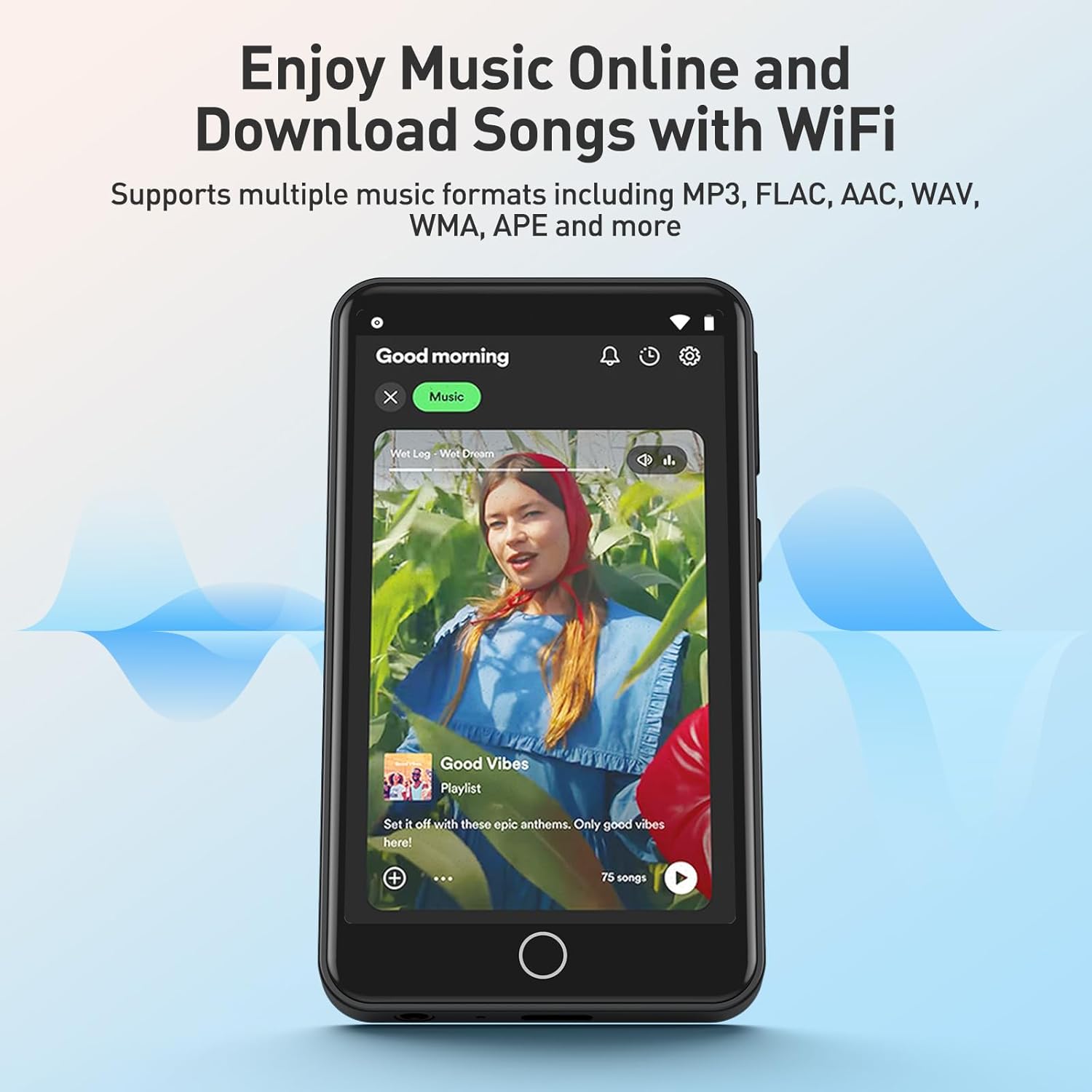
- Kesambungan Wi-Fi: For online music streaming and browsing.
- Apl prapasang: Includes Spotify, Deezer, Amazon Music, Audible, YouTube, Pandora, TikTok, Google Chrome, and more.
- Format Audio: Supports MP3, WAV, WMA, OGG, APE, FLAC, ACC-LC, etc.
Persediaan
1. Mengecas Peranti
Before first use, fully charge your AGPTEK W1S MP3 player. Connect the device to a power source using the provided USB cable. A full charge typically takes 2 to 2.5 hours.

Imej: The AGPTEK W1S MP3 Player connected to a laptop via USB-C for charging, displaying a 90% battery level and indicating a 2-2.5 hour charging time.
2. Hidupkan/Mati Kuasa
- Untuk Menghidupkan: Tekan dan tahan butang kuasa sehingga layar menyala.
- Untuk Mematikan: Press and hold the power button, then select "Power Off" from the options on the screen.
3. Persediaan Awal
Upon first power-on, follow the on-screen prompts to select your language, connect to a Wi-Fi network, and set up basic preferences.
4. Installing a MicroSD Card (Optional)
The device supports microSD cards up to 128GB for expanded storage. Locate the microSD card slot on the side of the player. Gently insert the card until it clicks into place. To remove, push the card in slightly until it springs out.
5. Memindahkan Muzik dan Files
- Sambungkan pemain MP3 ke komputer anda menggunakan kabel USB.
- Peranti akan muncul sebagai pemacu storan boleh tanggal.
- Drag and drop your music, video, or e-book files into the appropriate folders on the device or inserted microSD card.
- Keluarkan peranti dari komputer anda dengan selamat sebelum memutuskan sambungan kabel.
Arahan Operasi
1. Navigasi Asas
The AGPTEK W1S features a responsive touchscreen. Swipe left/right to navigate between screens, tap icons to open applications, and use the physical buttons for volume control and power.
2. Main balik Muzik
Access your music library through the pre-installed music player app. The device supports various audio formats including MP3, WAV, WMA, OGG, APE, FLAC, and ACC-LC.

Imej: The AGPTEK W1S MP3 Player displaying a music playback screen with album art and controls, held by a person dancing in a group, illustrating high-fidelity lossless sound quality.
3. Kesambungan Bluetooth
Untuk menyambung ke fon kepala atau pembesar suara Bluetooth:
- Pergi ke tetapan > Bluetooth.
- Hidupkan Bluetooth On.
- Pastikan peranti Bluetooth anda berada dalam mod berpasangan.
- Pilih peranti anda daripada senarai peranti yang tersedia untuk dipasangkan.
Imej: The AGPTEK W1S MP3 Player shown alongside a white Bluetooth speaker, black over-ear headphones, and white wireless earbuds, demonstrating its Bluetooth 4.0 connectivity for wireless audio enjoyment.
4. Wi-Fi and Pre-installed Applications
Connect to a Wi-Fi network via tetapan > Wi-Fi to access online streaming services and browse the internet. The device comes with pre-installed apps like Spotify, Deezer, Amazon Music, Audible, YouTube, Pandora, TikTok, and Google Chrome.

Imej: The AGPTEK W1S MP3 Player screen displaying icons for various pre-installed mainstream music and media applications such as Spotify, Pandora, Amazon Music, Deezer, Audible, YouTube, FM Radio, Sound Recorder, Gallery, and Google Chrome.
Nota: Wi-Fi is primarily for browsing websites, listening to music, and watching videos online. It is not suitable for downloading and installing other applications beyond those pre-installed.
Imej: The AGPTEK W1S MP3 Player screen showing a music streaming interface with album art and playback controls, demonstrating the ability to enjoy music online and download songs using Wi-Fi.
5. Audible and E-books
The pre-installed Audible app allows you to enjoy audiobooks. You can also transfer and read e-books on the device's 3.5-inch HD screen.
Imej: The AGPTEK W1S MP3 Player's 3.5-inch HD screen displaying a high-definition video scene, emphasizing its capability to play video without lag.
Penyelenggaraan
- Pembersihan: Gunakan kain lembut dan kering untuk membersihkan peranti. Elakkan pembersih cecair.
- Kemas Kini Perisian: Periodically check for software updates in the device settings to ensure optimal performance and access to new features.
- Pengurusan Storan: Uruskan anda secara berkala files to free up storage space. Delete unnecessary files atau pindahkannya ke komputer.
Menyelesaikan masalah
| Masalah | Penyelesaian |
|---|---|
| Peranti tidak dihidupkan. | Ensure the device is fully charged. If the battery is depleted, connect it to a charger for at least 15 minutes before attempting to power on again. |
| Tidak dapat menyambung ke Wi-Fi. | Check if Wi-Fi is enabled in settings. Ensure you are within range of a known Wi-Fi network and have entered the correct password. Try restarting the device and your Wi-Fi router. |
| Peranti Bluetooth tidak berpasangan. | Ensure Bluetooth is enabled on both the player and the accessory. Place devices close to each other and ensure the accessory is in pairing mode. Try restarting both devices. |
| Kad MicroSD tidak dikenali. | Ensure the card is inserted correctly. Try reinserting it. Format the card on a computer if it's new or if issues persist (this will erase all data on the card). Ensure the card is not larger than 128GB. |
| Peranti perlahan atau tidak responsif. | Close unused applications. Clear cache if possible. Restart the device. If issues persist, consider a factory reset (backup your data first). |
Spesifikasi
| Ciri | Perincian |
|---|---|
| Jenama | AGPTEK |
| Nama Model | W1S |
| Nombor Model | APMPW1SB-CA |
| warna | Hitam |
| Saiz Skrin | 3.5 Inci |
| Sistem Operasi | Android 8.1 |
| RAM | 2GB |
| Storan Dalaman (ROM) | 16GB |
| Storan Boleh Dikembangkan | Supports MicroSD up to 128GB |
| Ketersambungan | Bluetooth 4.0, Wi-Fi |
| Jenis Bateri | Litium-polimer |
| Compatible Audio Formats | MP3, WAV, WMA, OGG, APE, FLAC, ACC-LC |
| Peranti Serasi | Fon kepala |

Imej: An exploded diagram illustrating the internal components of the AGPTEK W1S, highlighting the intelligent octa-core processor, 2GB RAM, and 16GB internal memory for fast and smooth performance.
Waranti dan Sokongan
AGPTEK is committed to providing reliable products and excellent customer service.
- Waranti: Waranti 2 Tahun
- Bantuan Teknikal: Sokongan Teknikal Sepanjang Hayat
- Perkhidmatan Dalam Talian: Sokongan Dalam Talian 24/7
For further assistance, please refer to the official AGPTEK webtapak atau hubungi sokongan pelanggan mereka secara langsung.

Imej: An infographic detailing AGPTEK's customer service offerings, including a 2-year warranty, lifetime technical assistance, and 24/7 online service.


