pengenalan
This manual provides detailed instructions for the operation and maintenance of your COBY Light-Up Portable True Wireless Speaker. Please read this manual thoroughly before using the device to ensure proper function and to maximize your listening experience.
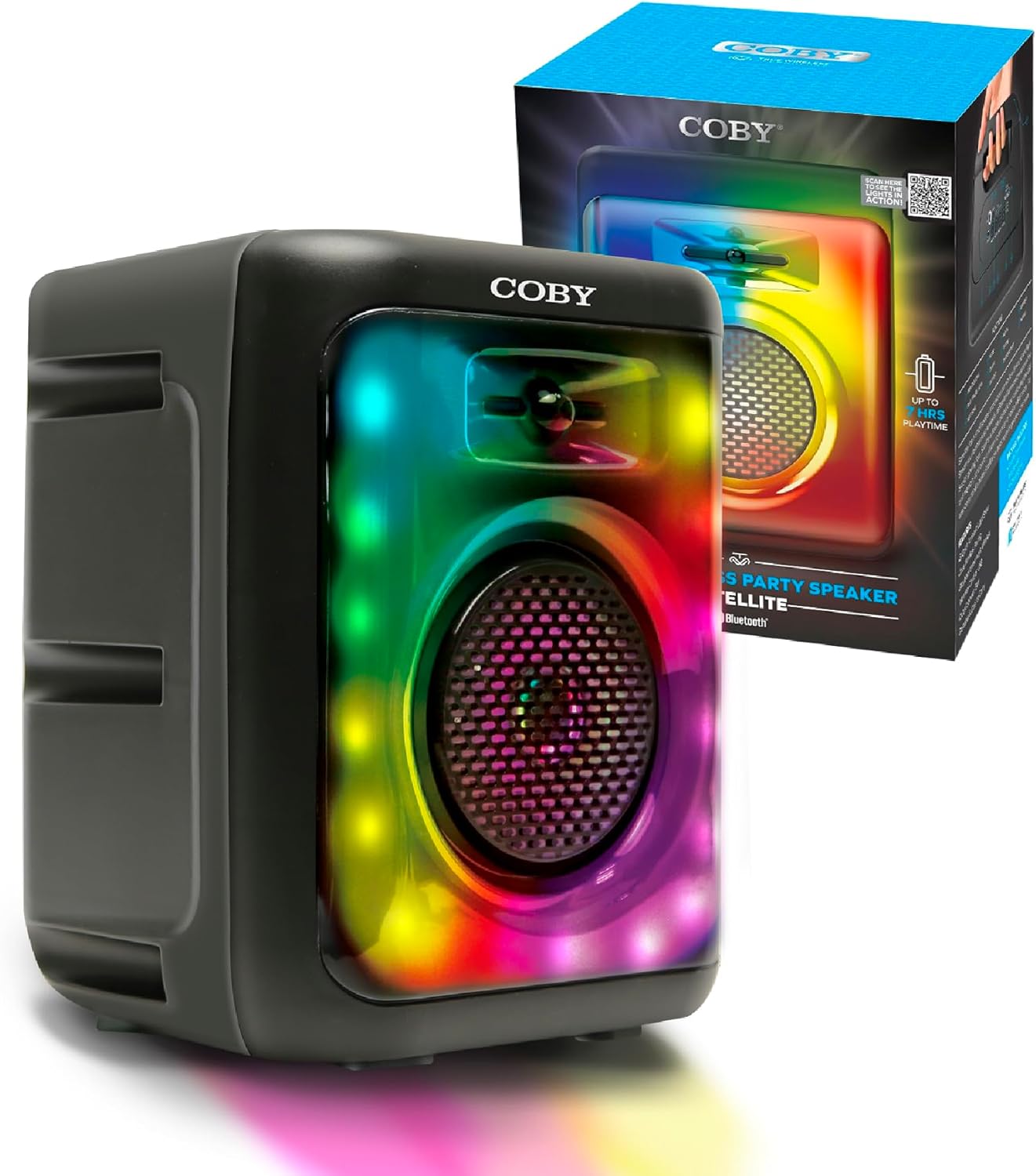
Image: The COBY Light-Up Portable True Wireless Speaker, a black rectangular unit with a large speaker grille and colorful LED lights, shown alongside its retail packaging.
Apa yang ada dalam Kotak
Selepas membuka pakej, sahkan bahawa semua item yang disenaraikan di bawah ada dan dalam keadaan baik:
- COBY Light-Up Portable True Wireless Speaker
- Kabel Pengecasan
- Manual Pengguna (dokumen ini)
Produk Selesaiview
Familiarize yourself with the various components and controls of your speaker.

Imej: A terperinci view of the speaker's top panel, highlighting the microphone input, AUX input, TF/SD card slot, DC 5V power input, USB port, and control buttons (OFF/ON, skip/volume, play/pause, mode).
Panel Kawalan dan Port:
- Suis MATI/HIDUP: Menghidupkan atau mematikan pembesar suara.
- Input MIC: 3.5mm jack for connecting an external microphone for karaoke.
- Input AUX: Bicu 3.5mm untuk menyambungkan peranti audio luaran.
- TF / SD Card Slot: Untuk memainkan audio files directly from a memory card.
- Port USB: Untuk memainkan audio files daripada pemacu USB.
- Input DC 5V: Charging port for the speaker's internal battery.
- Butang Kawalan:
- Previous Track / Volume Down: Tekan sebentar untuk trek sebelumnya, tekan lama untuk mengurangkan kelantangan.
- Play / Pause / TWS: Short press to play/pause, long press for True Wireless Stereo pairing.
- Next Track / Volume Up: Tekan sebentar untuk trek seterusnya, tekan lama untuk meningkatkan kelantangan.
- ARAHAN: Bertukar antara mod Bluetooth, Radio FM, USB dan kad TF.

Imej: Atas ke bawah view of the COBY speaker, illustrating the integrated handle for easy portability.
Persediaan
1. Mengecas Speaker:
Before initial use, fully charge the speaker. Connect the provided charging cable to the DC 5V input on the speaker and the other end to a compatible USB power adapter (not included).
- Lampu penunjuk pengecasan akan menyala semasa pengecasan.
- Once fully charged, the indicator light may change color or turn off, depending on the model.
- Caj penuh menyediakan sehingga 7 jam masa bermain.
2. Menghidupkan/Mematikan:
Locate the OFF/ON switch on the control panel and slide it to the "ON" position to power on the speaker. Slide it to "OFF" to power off.
3. Berpasangan Bluetooth:
The speaker will automatically enter Bluetooth pairing mode when powered on for the first time or when the Bluetooth mode is selected via the MODE button.
- Ensure the speaker is powered on and in Bluetooth mode (a voice prompt or indicator light may confirm this).
- Pada peranti mudah alih anda (telefon pintar, tablet, dll.), dayakan Bluetooth dan cari peranti yang tersedia.
- Select "COBY CPA895BK" (or similar name) from the list of found devices.
- Setelah dipasangkan, pembesar suara akan menunjukkan sambungan yang berjaya.

Image: Two COBY speakers positioned outdoors, demonstrating the Bluetooth 5.3 connectivity and 30-foot wireless range for a stereo experience.
4. True Wireless Stereo (TWS) Pairing:
To connect two COBY CPA895BK speakers for a stereo sound experience:
- Pastikan kedua-dua pembesar suara dihidupkan dan dalam mod Bluetooth, tetapi tidak disambungkan ke mana-mana peranti.
- On one of the speakers, long press the Play/Pause/TWS button. You will hear a prompt indicating TWS pairing mode.
- Kedua-dua pembesar suara akan bersambung secara automatik antara satu sama lain. Setelah disambungkan, anda akan mendengar bunyi pengesahan.
- Now, connect your mobile device to one of the paired speakers via Bluetooth as described in step 3. Both speakers will play audio in stereo.
Arahan Operasi
1. Playing Audio via Bluetooth:
After successful Bluetooth pairing, simply start playing audio from your connected device. Use the speaker's volume buttons or your device's volume controls to adjust the sound level.

Image: A person acting as a DJ, with two COBY speakers positioned on a table, illustrating the speaker's use for entertainment.
2. Mod Radio FM:
To switch to FM Radio mode, press the MODE button until you hear the FM radio prompt.
- Imbasan Automatik: In FM mode, long press the Play/Pause button to automatically scan and save available FM stations.
- Penalaan Manual: Gunakan butang trek Sebelumnya/Seterusnya untuk bertukar antara stesen yang disimpan.
3. USB / TF Card Playback:
Insert a USB drive or TF (microSD) card into the respective slot on the speaker. The speaker will automatically switch to USB or TF card mode and begin playing audio files (MP3, WAV, etc.) stored on the device.
- Use the Previous/Next track buttons to navigate between songs.
- Press the Play/Pause button to pause or resume playback.
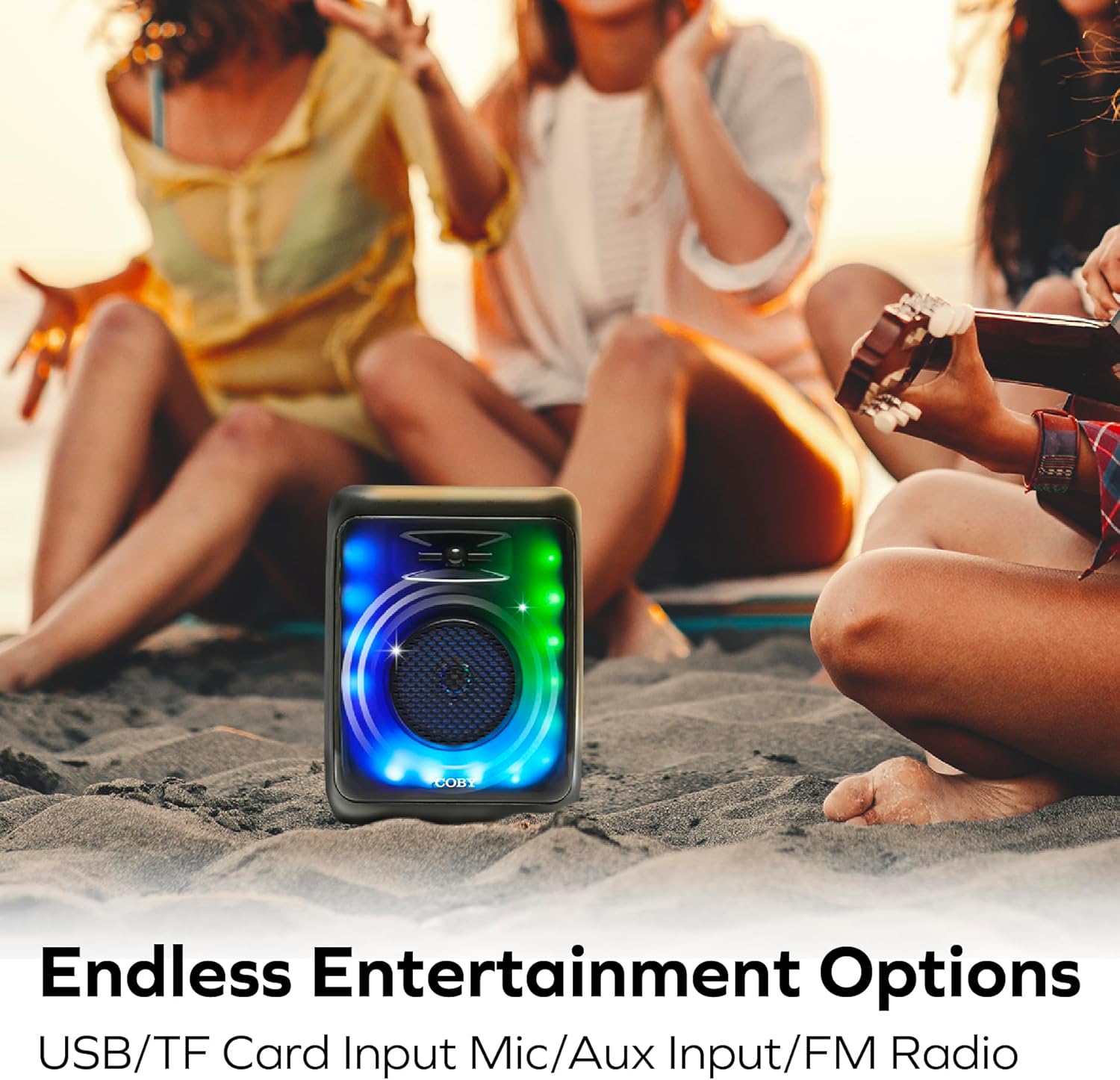
Image: The COBY speaker placed on sand at a beach, with people relaxing in the background, highlighting its versatility for outdoor entertainment and various input options.
4. AUX Input Mode:
Connect an external audio device (e.g., MP3 player, laptop) to the speaker's AUX input using a 3.5mm audio cable (not included). Press the MODE button until you select AUX mode. Audio will play from the connected device.
5. Mod Cahaya:
The speaker features 11 colorful LED light modes. The lights typically activate automatically when the speaker is powered on. Specific controls for changing light modes are usually integrated with the MODE button or a dedicated light button (if present, not explicitly detailed in provided data). Experiment with short presses of the MODE button or other buttons to cycle through the available light patterns.

Image: The COBY speaker illuminated with vibrant LED lights, positioned in a room with people enjoying themselves, showcasing its 11 versatile light modes and karaoke mic input capability.
6. Karaoke Mode:
Connect a microphone (not included) to the MIC input jack. Ensure the microphone is switched on (if applicable). The speaker will output your voice along with the playing audio, allowing for karaoke functionality.
Penyelenggaraan
Pembersihan:
- Always power off the speaker before cleaning.
- Use a soft, dry cloth to wipe the exterior of the speaker.
- Jangan gunakan pembersih, lilin atau pelarut yang melelas kerana ia boleh merosakkan kemasan.
- Elakkan mendapatkan kelembapan ke dalam mana-mana bukaan atau port.
Storan:
- Simpan pembesar suara di tempat yang sejuk dan kering jauh dari cahaya matahari langsung dan suhu yang melampau.
- If storing for an extended period, charge the battery periodically (e.g., every 3-6 months) to maintain battery health.
Menyelesaikan masalah
| Masalah | Kemungkinan Punca | Penyelesaian |
|---|---|---|
| Speaker tidak dihidupkan. | Bateri habis. | Cas pembesar suara sepenuhnya menggunakan kabel pengecas yang disediakan. |
| Tiada bunyi dari pembesar suara. | Volume is too low; Device not connected; Incorrect mode selected. | Increase speaker and device volume; Re-pair Bluetooth or check cable connection; Press MODE button to select correct input. |
| Sambungan Bluetooth tidak stabil atau gagal. | Speaker too far from device; Interference; Device Bluetooth issue. | Move speaker closer to device (within 30 feet); Avoid obstacles; Turn off and on Bluetooth on your device, then re-pair. |
| Penerimaan radio FM kurang baik. | Isyarat lemah; Gangguan persekitaran. | Relocate the speaker to an area with better reception; Extend any antenna if available (not specified, but common for FM). |
| Kad USB/TF tidak dimainkan. | tak betul file format; Card/drive not inserted correctly; Corrupted files. | pastikan files are compatible (e.g., MP3, WAV); Reinsert card/drive; Try a different card/drive with known good files. |
Spesifikasi
| Ciri | Perincian |
|---|---|
| Nombor Model | CPA895BK |
| Jenama | Coby |
| Teknologi Ketersambungan | Bluetooth 5.3 |
| Sumber Kuasa | Dikuasakan Bateri (termasuk 1 bateri Lithium Ion) |
| Hayat Bateri | Sehingga 7 jam |
| Input Audio | Mikrofon, AUX |
| Pilihan Main Balik Media | FM Radio, USB, Memory Card (TF/SD) |
| Mod Cahaya | 11 Colorful LED Light Modes |
| bahan | plastik |
| Berat Barang | 2.16 paun (0.98 Kilogram) |
| Dimensi Pakej | 14.49 x 10.87 x 7.09 inci |
| Pengeluar | Summit Electronics LLC |
| UPC | 810071492778 |
Waranti dan Sokongan
For warranty information and customer support, please refer to the documentation included with your purchase or visit the official Coby webtapak. Terma dan syarat waranti mungkin berbeza mengikut wilayah dan peruncit.
For further assistance, you may contact Coby customer service through their official channels.


