1. Pengenalan
Terima kasih kerana membeliasing the CUPEISI YQ11M Android 13 10.1-inch Tablet. This manual provides essential information for setting up, operating, maintaining, and troubleshooting your device. Please read this manual thoroughly to ensure proper use and to maximize your tablet's performance.
2. Maklumat Keselamatan
To prevent damage to your device or injury to yourself and others, please observe the following safety precautions:
- Jangan dedahkan tablet kepada suhu yang melampau, cahaya matahari langsung atau kelembapan yang tinggi.
- Elakkan daripada menjatuhkan atau meletakkan tablet kepada kesan yang kuat.
- Jauhkan tablet daripada air dan cecair lain.
- Gunakan hanya aksesori dan pengecas yang diluluskan.
- Jangan cuba membuka atau membaiki tablet sendiri. Rujuk kepada kakitangan perkhidmatan yang berkelayakan.
Langkah Berjaga-jaga Mengecas
When charging your CUPEISI YQ11M tablet, it is crucial to use a charger with a Keluaran 5V / 2.0A. Using chargers with different output specifications may lead to device malfunction or damage. The tablet supports both Type-A and Type-C charging terminals. However, chargers with Type-C on both ends may not be compatible. Avoid using multi-type chargers with outputs exceeding 2.0A, chargers that automatically detect current, fast chargers, or chargers specifically designed for other brands (e.g., Apple, Docomo, au).

Imej: Charging precautions and pre-applied protective film.
3. Kandungan Pakej
Sila tandai kotak untuk item berikut:
- CUPEISI YQ11M Android 13 Tablet
- Kabel Pengecas USB
- Penyesuai Kuasa
- Manual Pengguna (dokumen ini)
4. Peranti Lebihview
Familiarize yourself with the physical features of your CUPEISI YQ11M tablet.
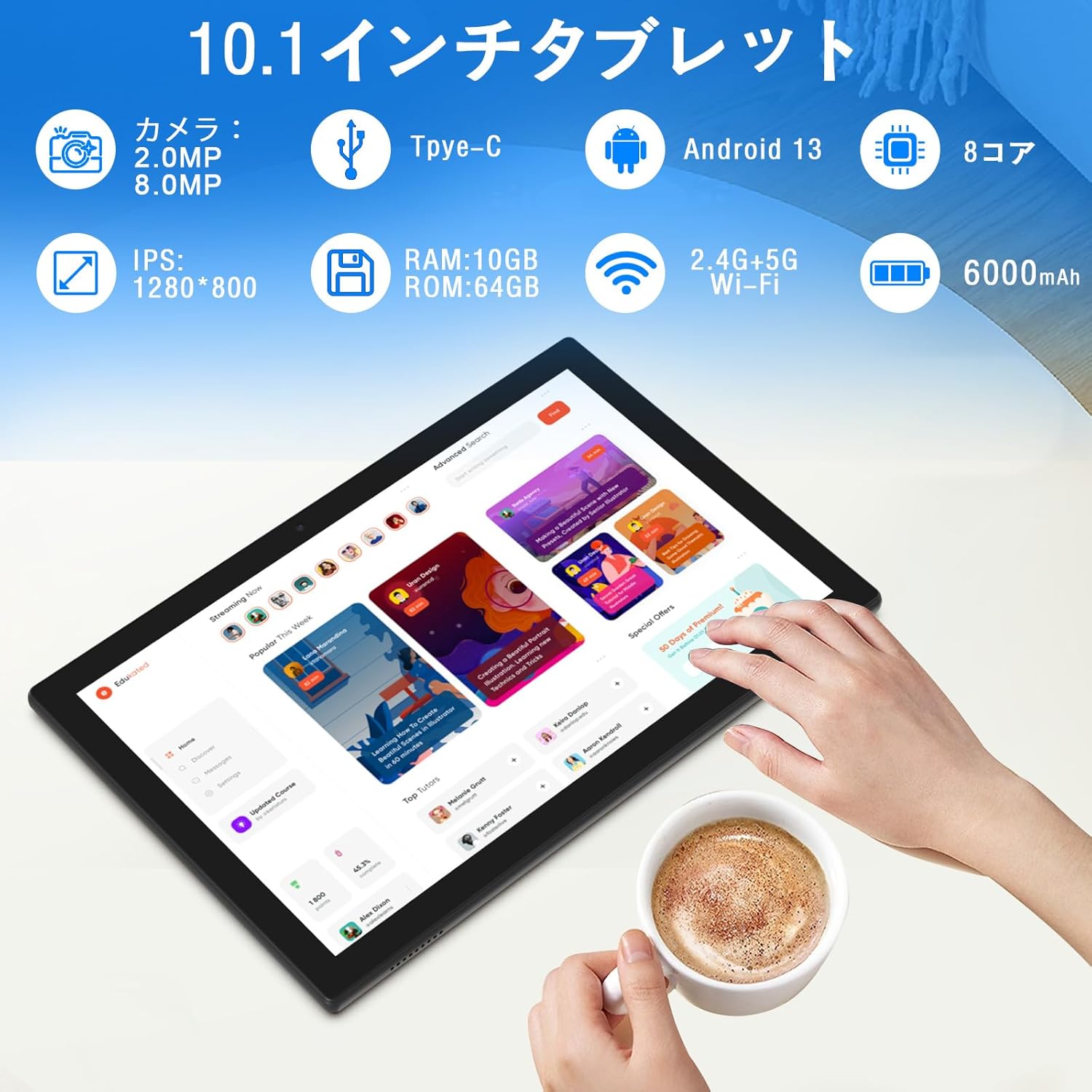
Imej: Berakhirview of tablet features and specifications.
- Kamera Depan: 2MP untuk panggilan video dan swafoto.
- Kamera Belakang: 8MP for capturing photos and videos.
- paparan: 10.1-inch IPS HD screen (1280x800 resolution).
- Penceramah: Dwi pembesar suara untuk pengalaman audio yang dipertingkatkan.
- Port Pengecasan: Port Jenis-C untuk pengecasan dan pemindahan data.
- Butang Kuasa: Terletak di sisi untuk menghidupkan/mematikan peranti dan mengunci skrin.
- Butang Kelantangan: Terletak di sisi untuk melaraskan kelantangan.
- Slot Kad MicroSD: Untuk storan yang boleh dikembangkan sehingga 1TB.

Imej: Depan dan belakang view of the CUPEISI YQ11M tablet.
5. Persediaan
5.1 Kuasa Awal Hidup
- Tekan dan tahan butang Power sehingga skrin menyala.
- Ikut arahan pada skrin untuk memilih bahasa, rantau anda dan terima terma dan syarat.
5.2 Sambungan Wi-Fi
- During the initial setup, select your preferred Wi-Fi network from the list.
- Masukkan kata laluan Wi-Fi jika diminta dan ketik 'Sambung'.
- The tablet supports both 2.4G and 5G Wi-Fi for stable and fast connections.
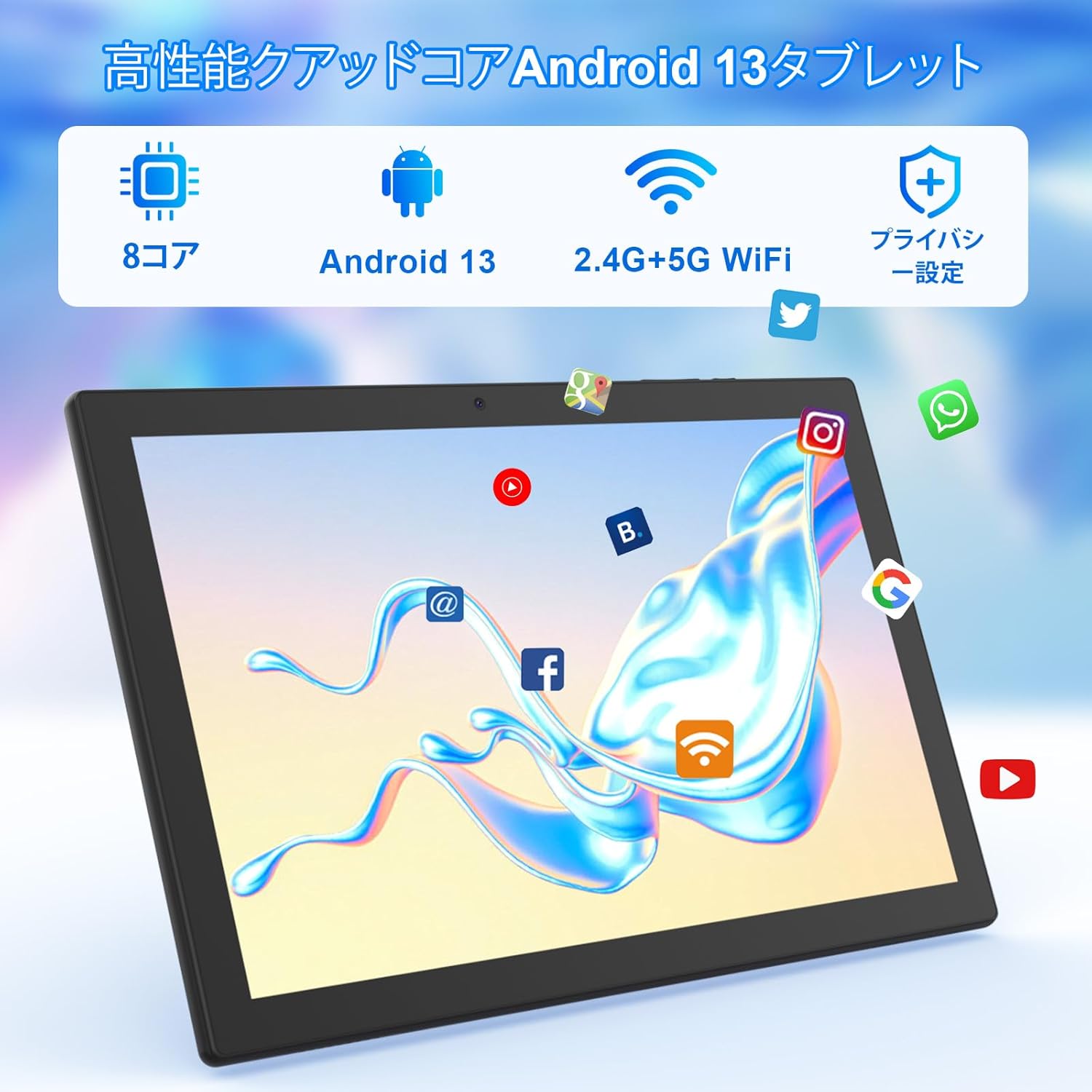
Imej: Tablet screen showing app icons and connectivity features.
5.3 Persediaan Akaun Google
Sign in with your Google account or create a new one to access Google Play Store, Gmail, and other Google services.
5.4 Filem Pelindung
The tablet comes with a simple transparent PET protective film pre-applied. You may choose to keep it on or remove it according to your preference. It is designed for easy application without air bubbles or dust.
6. Arahan Operasi
6.1 Navigasi Asas
The CUPEISI YQ11M tablet features a 10.1-inch FHD in-cell touchscreen with wide viewing angles and 1280x800 high resolution, offering a clear and vibrant visual experience.

Imej: Tablet display features.
- Ketik: Select an item or activate a function.
- Leret: Navigasi melalui skrin atau tatal kandungan.
- Cubit: Zum masuk atau keluar pada imej dan web muka surat.
6.2 Pengurusan Apl
The tablet comes with Google Play pre-installed, allowing you to download and use popular applications such as Facebook, Twitter, YouTube, Line, and Instagram. To install apps:
- Open the 'Play Store' app.
- Cari untuk the desired app.
- Tap 'Install' to download and set up the app.
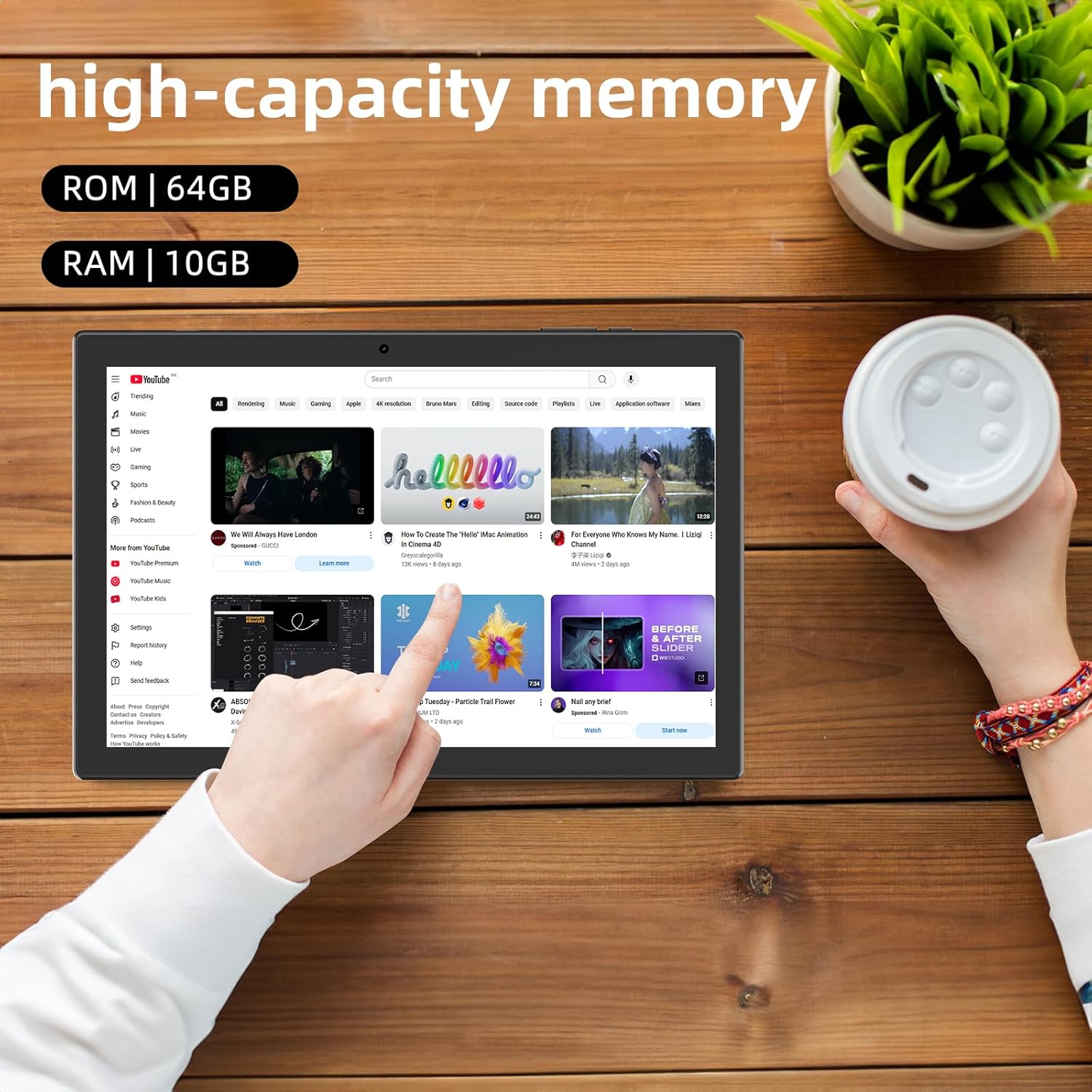
Imej: Tablet displaying high-capacity memory and app usage.
6.3 Penggunaan Kamera
The tablet is equipped with an 8MP main camera and a 2MP front camera. You can use them for capturing beautiful moments, participating in web conferences, or online classes.
- Buka apl 'Kamera'.
- Tukar antara kamera hadapan dan belakang mengikut keperluan.
- Tap the shutter button to take a photo or start recording a video.
6.4 Kefungsian GPS
With built-in GPS functionality, you can download offline maps to your tablet and use it for navigation, even without an internet connection.
6.5 Pengurusan Bateri
The tablet features a large 6000mAh battery and AI intelligent power management, allowing for extended use for movies, reading, and browsing.

Imej: Tablet highlighting its 6000mAh battery capacity.

Imej: Tablet showing Type-C charging and various entertainment uses.
7. Penyelenggaraan
7.1 Membersihkan Peranti
Use a soft, lint-free cloth to gently wipe the screen and body of the tablet. Avoid using harsh chemicals or abrasive materials.
7.2 Kemas Kini Perisian
Periodically check for system updates in the tablet's settings to ensure optimal performance and security.
7.3 Pengurusan Storan
The tablet comes with 64GB of internal storage (ROM) and supports MicroSD cards up to 1TB for additional storage. Regularly manage your files and uninstall unused apps to free up space and maintain smooth operation.
8. Penyelesaian masalah
- Peranti tidak dihidupkan: Ensure the battery is charged. Connect the tablet to the charger and wait a few minutes before attempting to power it on again.
- Isu sambungan Wi-Fi: Check if Wi-Fi is enabled in settings. Restart your router and the tablet. Ensure you are within range of the Wi-Fi signal.
- Prestasi perlahan: Close unused applications. Clear cache and data for frequently used apps. Consider uninstalling unnecessary apps or moving large files ke kad MicroSD.
- Skrin tidak bertindak balas: Restart the tablet by holding down the power button. If the issue persists, contact support.
9. Spesifikasi
| Jenama | CUPEISI |
| Model | YQ11M (Note: Some specifications may refer to CP31 or UMIDIGI G2 Tab, but YQ11M is the primary model for this product.) |
| Sistem Operasi | Android 13 (GMS Certified) |
| CPU | MediaTek MTK8768 Octa-core, 2.3 GHz |
| RAM | 10GB (4GB + 6GB Pengembangan) |
| Storan Dalaman (ROM) | 64GB |
| Storan Boleh Dikembangkan | MikroSD sehingga 1TB |
| Saiz Skrin | 10.1 inci |
| Resolusi Paparan | 1280x800 pixels HD IPS |
| Kamera Depan | 2MP |
| Kamera Belakang | 8MP |
| Wi-Fi | 2.4G + 5G Dual-band (802.11ac/b/g/n) |
| Bluetooth | ya |
| GPS | ya |
| Kapasiti Bateri | 6000mAh (22.8 Watt-hours) |
| Port Pengecasan | Jenis-C |
| Penceramah | 2 Pembesar Suara Saluran |
| Berat Barang | 516 g |
| Dimensi Pakej | 30.9 x 19.3 x 2.9 cm |
10. Waranti dan Sokongan
Produk ini disertakan dengan a jaminan kualiti satu tahun. In the unlikely event that you encounter any issues or defects with your product, please do not hesitate to contact us via email. We are committed to providing a prompt response within 24 hours to address your concerns.
Returns and refunds are also possible for customer convenience. Please purchase with confidence.
For support inquiries, please refer to the contact information provided with your purchase or visit the official CUPEISI webtapak.

