1. Pengenalan
The OQIMAX Aux Bluetooth 5.0 Adapter is a versatile 2-in-1 wireless device designed to add Bluetooth functionality to your non-Bluetooth audio equipment. It can operate as both a Bluetooth transmitter and a Bluetooth receiver, allowing you to stream audio wirelessly to or from various devices such as car stereo systems, home stereo systems, wired headphones, computers, and televisions.
2. Produk Lebihview
2.1 Kandungan Pakej
- OQIMAX Aux Bluetooth 5.0 Adapter
- Kabel Pengecas USB
- Manual Pengguna
Note: An audio connection cable (e.g., 3.5mm AUX cable) is not included and must be purchased separately if required for your setup.
2.2 Komponen Peranti

Imej: Selesaiview of the OQIMAX Aux Bluetooth 5.0 Adapter, highlighting its microphone, multifunction button, indicator light, transmitter/receiver switch, Aux In/Out port, and 5V/1A charging port.
- mikrofon: Untuk panggilan bebas tangan.
- Multifunction Button (M / Power / Play / Pause): Used for power on/off, play/pause music, answer/end/reject calls, and redial.
- Lampu Penunjuk: Memaparkan status peranti (berpasangan, disambungkan, dicas).
- Transmitter / Receiver Switch: Toggles between TX (Transmitter) and RX (Receiver) modes.
- Aux In / Out Port: 3.5mm audio jack for connecting to audio devices.
- Port Pengecasan 5V/1A: Port mikro USB untuk mengecas peranti.
3. Persediaan dan Pengecasan
3.1 Mengecas Peranti

Image: The OQIMAX adapter connected to a charging port, illustrating its battery life and charging time.
Before first use, fully charge the adapter. Connect the provided USB charging cable to the 5V/1A charging port on the adapter and to a standard USB power source (e.g., car charger, wall adapter, computer USB port).
- Lampu penunjuk akan menunjukkan status pengecasan.
- Pengecasan penuh mengambil masa kira-kira 2 jam.
- Once fully charged, the device provides up to 8 hours of working time for music playback or calls.
3.2 Menghidupkan/Mematikan
- Untuk Menghidupkan: Press and hold the Multifunction Button until the indicator light turns on.
- Untuk Mematikan: Press and hold the Multifunction Button until the indicator light turns off.
4. Mod Operasi

Image: A visual representation of the adapter's dual functionality, showing how it connects in Transmitter Mode (TX) to send audio from wired sources to Bluetooth headphones/speakers, and in Receiver Mode (RX) to receive audio from smartphones/tablets to wired car stereos/headphones/speakers.
4.1 Receiver Mode (RX)
In RX mode, the adapter receives audio wirelessly from a Bluetooth-enabled device (e.g., smartphone, tablet, laptop) and outputs it to a non-Bluetooth audio device (e.g., car stereo, wired headphones, wired speaker).
- Switch the adapter to Mod RX using the Transmitter/Receiver switch.
- Connect the adapter's Aux In/Out port to the audio input of your non-Bluetooth device (e.g., car stereo AUX-in, headphone jack) using a 3.5mm audio cable (not included).
- Power on the adapter. The indicator light will flash, indicating it is in pairing mode.
- On your Bluetooth-enabled device, search for Bluetooth devices and select "OQIMAX Adapter" (or similar name) to pair.
- Once paired, the indicator light will become solid. You can now play audio from your Bluetooth device, and it will be transmitted to your connected non-Bluetooth audio system.
4.2 Transmitter Mode (TX)
In TX mode, the adapter takes audio from a non-Bluetooth audio source (e.g., TV, computer, wired home stereo) and transmits it wirelessly to a Bluetooth audio device (e.g., Bluetooth headphones, Bluetooth speaker).
- Switch the adapter to Mod TX using the Transmitter/Receiver switch.
- Connect the adapter's Aux In/Out port to the audio output of your non-Bluetooth source device (e.g., TV headphone jack, computer audio out) using a 3.5mm audio cable (not included).
- Power on the adapter. The indicator light will flash, indicating it is in pairing mode.
- Letakkan fon kepala atau pembesar suara Bluetooth anda ke mod berpasangan.
- The adapter will automatically search for and connect to nearby Bluetooth audio devices. Once paired, the indicator light will become solid. You can now listen to audio from your wired source on your Bluetooth audio device.
5. Panggilan Bebas Tangan
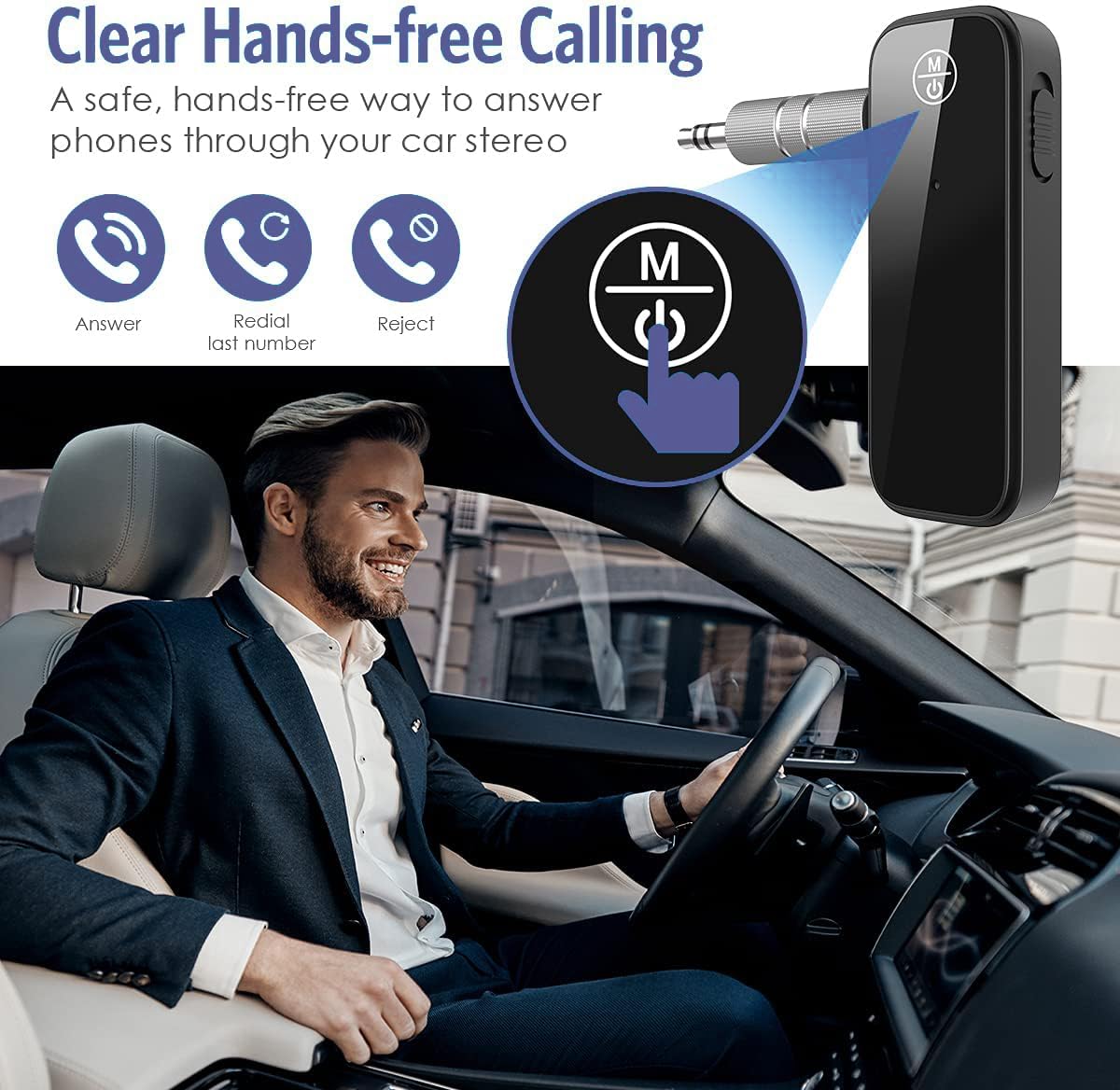
Image: The OQIMAX adapter enabling hands-free calls in a car, demonstrating its call management features.
When the adapter is in RX mode and connected to your smartphone, you can use its built-in microphone and Multifunction Button for hands-free calling.
- Jawab Panggilan: Tekan Butang Multifungsi sekali.
- Tamatkan Panggilan: Tekan Butang Multifungsi sekali semasa panggilan.
- Tolak Panggilan: Press and hold the Multifunction Button for 2 seconds when a call comes in.
- Dail Semula Nombor Terakhir: Tekan dua kali Butang Pelbagai Fungsi.
6. Penyelenggaraan
- Pastikan peranti kering. Elakkan pendedahan kepada kelembapan atau cecair.
- Jangan cuba membuka atau mengubah suai peranti. Ini akan membatalkan jaminan dan boleh menyebabkan kerosakan.
- Bersihkan peranti dengan kain lembut dan kering. Jangan gunakan bahan kimia yang keras atau pembersih yang kasar.
- Simpan peranti di tempat yang sejuk dan kering apabila tidak digunakan.
7. Penyelesaian masalah
- Tiada Kuasa: Ensure the device is fully charged. Connect it to a power source using the USB charging cable.
- Tidak boleh berpasangan:
- Ensure the adapter is in the correct mode (RX for receiving, TX for transmitting).
- Make sure the adapter is in pairing mode (indicator light flashing).
- Ensure the other device (smartphone, headphones) is also in pairing mode.
- Move the devices closer together (within 33 feet / 10 meters) and ensure no major obstacles.
- Matikan dan hidupkan kedua-dua peranti, kemudian cuba pasangkan sekali lagi.
- The adapter automatically reconnects to the last paired device. If you want to pair a new device, ensure the previous device's Bluetooth is off or out of range.
- Tiada Audio:
- Check that the 3.5mm audio cable is securely connected to both the adapter and the audio device.
- Ensure the adapter is in the correct mode (RX or TX) for your setup.
- Verify that both the adapter and the connected audio devices have their volumes turned up.
- Confirm that the adapter is successfully paired and connected (solid indicator light).
- Poor Audio Quality / Intermittent Connection:
- Ensure devices are within the optimal operating range (up to 33 feet / 10 meters) without significant physical obstructions (walls, doors, etc.).
- Avoid interference from other wireless devices (Wi-Fi routers, other Bluetooth devices).
- Ensure the adapter is fully charged. Low battery can affect performance.
8. Spesifikasi
- Jenama: OQIMAX
- model: B0CC1ZXKGZ
- Versi Bluetooth: 5.0
- Mod Pengendalian: Transmitter (TX) / Receiver (RX)
- Antara muka perkakasan: Bluetooth, Bluetooth 5
- Jenis Penyambung: AUX, Bluetooth
- Peranti Serasi: Headphones, Smartphones, Speakers, Tablets, Televisions, Car Stereo Systems, Home Stereo Systems
- Ciri Khas: Built-In Microphone, Hands-Free Calling, Auto Reconnection
- Sumber Kuasa: Battery Powered (Rechargeable battery included)
- Input Pengecasan: 5V/1A (Micro USB)
- Masa Pengecasan: Lebih kurang 2 jam
- Masa Bekerja: Up to 8 hours (music/calls)
- Julat Tanpa Wayar: Up to 33 feet (10 meters) without obstacles
- Dimensi: 12.4 x 6.7 x 1.9 cm
- Berat: 30 g
9. Maklumat Keselamatan
- Jangan dedahkan peranti kepada suhu yang melampau, cahaya matahari langsung atau nyalaan terbuka.
- Jauhkan daripada kanak-kanak.
- Buang peranti dan baterinya secara bertanggungjawab mengikut peraturan tempatan.
- Use only the provided or a certified charging cable and adapter to prevent damage.
10. Waranti dan Sokongan
For warranty information, technical support, or customer service inquiries, please refer to the product packaging or contact OQIMAX customer support through the retailer where the product was purchased. Please have your product model number (B0CC1ZXKGZ) and purchase details ready when contacting support.
