pengenalan
This manual provides detailed instructions for the safe and efficient use of your LENRUE F13 Portable Bluetooth Speaker. Please read this manual thoroughly before operating the device and retain it for future reference.
Produk Selesaiview
Kandungan Pakej
- LENRUE F13 Portable Bluetooth Speaker
- Kabel Pengecas USB
- Lanyard boleh tanggal
- Manual Pengguna
Komponen dan Kawalan Pembesar Suara
Familiarize yourself with the various parts and controls of your LENRUE F13 speaker:

Rajah 1: Depan view of the LENRUE F13 speaker, showcasing its compact design and metal grille.

Rajah 2: Atas view of the speaker, highlighting the sound output grille.

Rajah 3: sebelah view showing the control buttons for volume, track navigation, and power.
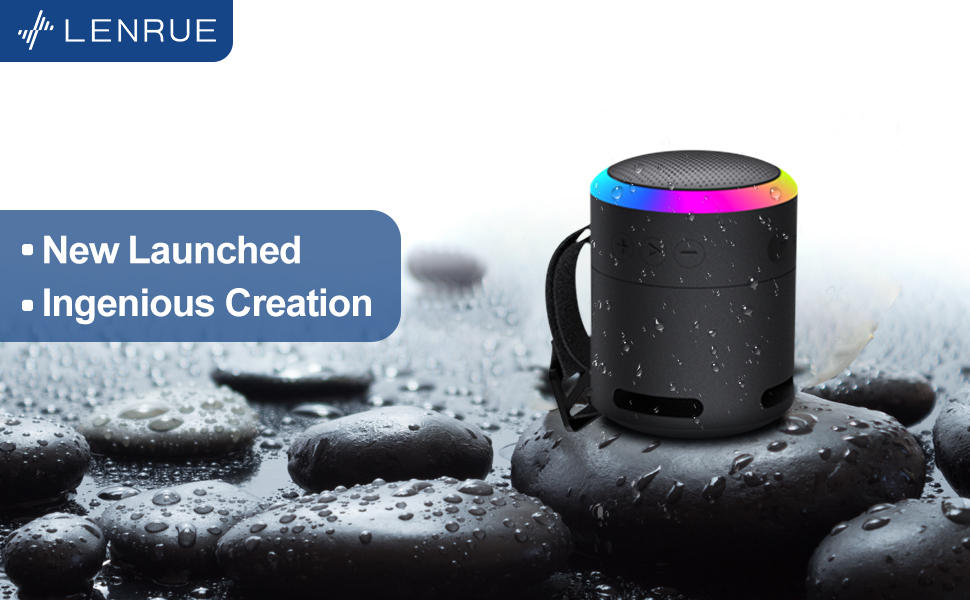
Rajah 4: Meletup view illustrating the internal 5W high-performance driver and passive subwoofer for clear sound.
The speaker features a sleek metal design with a stainless steel line around its body. The top surface is metal, where the sound is emitted. On the bottom, you will find the main control buttons:
- Butang Kuasa: Located in the center, used to power the device on/off.
- Butang Main/Jeda: Mengawal main balik audio.
- Butang Naikkan Kelantangan / Trek Seterusnya: Meningkatkan kelantangan atau melangkau ke lagu seterusnya.
- Butang Kelantangan Kurang / Trek Sebelumnya: Mengurangkan kelantangan atau pergi ke lagu sebelumnya.
- Butang Mod Cahaya: Changes the colorful LED light modes.
On the rear side of the speaker, you will find the charging input (USB-C) and an auxiliary input port. A small slot is also present for attaching the included lanyard, allowing for easy portability.
Persediaan
Mengecas Speaker
- Connect the provided USB charging cable to the speaker's USB-C port.
- Sambungkan hujung kabel USB yang satu lagi ke penyesuai kuasa USB yang serasi (tidak disertakan) atau port USB komputer.
- The LED indicator will show charging status. Allow sufficient time for a full charge before first use.
Menghidupkan/Mematikan
- Untuk Menghidupkan: Press and hold the Power button (center button on the bottom) for a few seconds until the LED lights illuminate and an audible prompt is heard.
- Untuk Mematikan: Press and hold the Power button again for a few seconds until the LED lights turn off and an audible prompt is heard.
Arahan Operasi
Berpasangan Bluetooth
The LENRUE F13 speaker uses Bluetooth 5.0 for stable wireless connection up to 33 feet (10 meters).
- Ensure the speaker is powered on and in pairing mode (LED lights will typically flash).
- Pada telefon pintar atau tablet anda, dayakan Bluetooth dan cari peranti yang tersedia.
- Select "LENRUE F13" (or similar name) from the list of devices.
- Once paired, the speaker will indicate a successful connection, and the LED lights may change to a steady pattern.
Main Balik Audio
- Main/Jeda: Tekan butang Main/Jeda sekali.
- Kelantangan: Tekan butang "+".
- Perlahankan suara: Tekan butang "-".
- Lagu Seterusnya: Tekan dan tahan butang "+".
- Trek Sebelumnya: Tekan dan tahan butang "-".
Mod Cahaya Berwarna-warni
The speaker features colorful LED lights to enhance your listening experience.
- Tukar Mod: Press the Light Mode button (located on the bottom, opposite the Power button) to cycle through different light patterns and colors.
- Matikan Lampu: Press and hold the Light Mode button to turn off the LED lights.
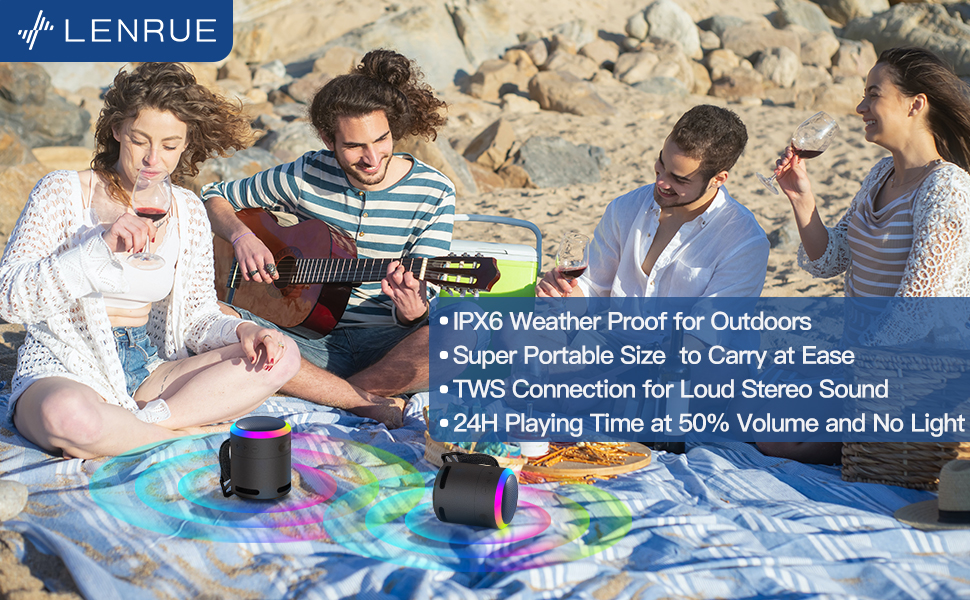
Rajah 5: The speaker's colorful lights create an ambient atmosphere, ideal for relaxation or social gatherings.
Pasangan Stereo Tanpa Wayar Sejati (TWS)
If you have two LENRUE F13 speakers, you can pair them together for a true wireless stereo experience.
- Pastikan kedua-dua pembesar suara dihidupkan dan tidak disambungkan ke mana-mana peranti Bluetooth lain.
- On one speaker (the master speaker), press and hold the Light Mode button for 3 seconds to enter TWS pairing mode.
- Pembesar suara akan bersambung secara automatik antara satu sama lain. Setelah disambungkan, ia akan berfungsi sebagai pasangan stereo.
- Connect your device to the master speaker via Bluetooth as described above.

Rajah 6: Two speakers connected via TWS for an enhanced stereo audio experience.
Penyelenggaraan
Pembersihan
- Lap pembesar suara dengan kain lembut dan kering.
- Jangan gunakan pembersih atau pelarut yang melelas.
Rintangan Air (IPX6)
The LENRUE F13 speaker is IPX6 waterproof, making it resistant to strong jets of water. It is suitable for use in environments like showers, by the pool, or during light rain.
- Pastikan semua penutup port ditutup rapat untuk mengekalkan kalis air.
- Jangan tenggelamkan pembesar suara di dalam air.
- Selepas terdedah kepada air, lap pembesar suara sehingga kering sebelum dicas.
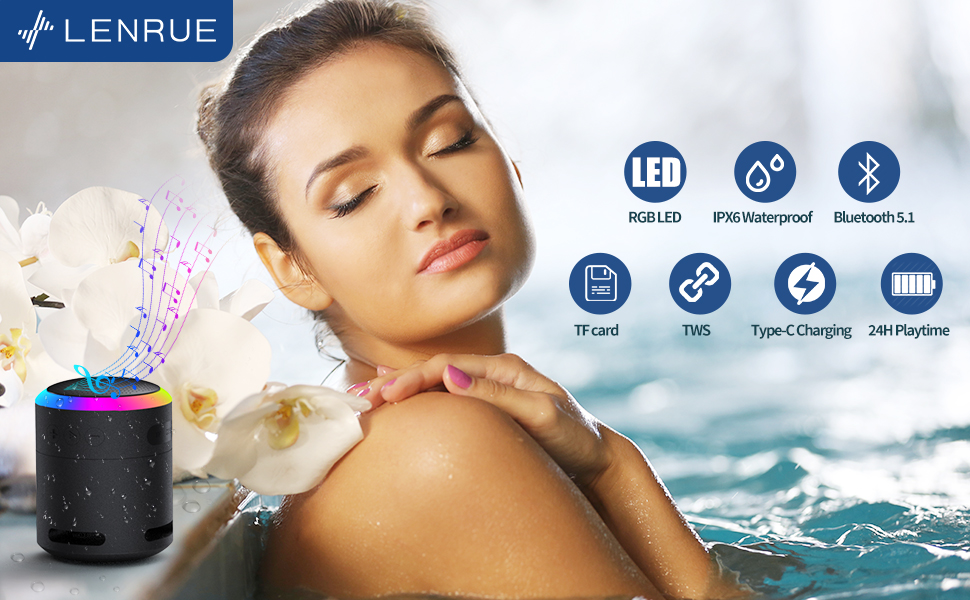
Rajah 7: The IPX6 water resistance allows for worry-free use in various wet environments.
Menyelesaikan masalah
| Masalah | Kemungkinan Punca | Penyelesaian |
|---|---|---|
| Speaker tidak dihidupkan | Bateri lemah | Cas pembesar suara sepenuhnya. |
| Tidak boleh berpasangan melalui Bluetooth | Speaker not in pairing mode / Device Bluetooth off / Too far from device | Ensure speaker is in pairing mode, Bluetooth is enabled on your device, and device is within 33 feet (10 meters). |
| Tiada bunyi semasa main balik | Volume too low / Paused / Not connected | Increase volume on both speaker and device, check if playback is paused, ensure successful Bluetooth connection. |
| Gandingan TWS gagal | Speakers already paired to other devices / Too far apart | Ensure both speakers are disconnected from other devices. Place them close together and retry TWS pairing. |
Spesifikasi
- Nama Model: F13
- Jenis pembesar suara: Pembesar Suara Bluetooth Mudah Alih
- Kuasa Output Maksimum Pembesar Suara: 5 Watt
- Teknologi Ketersambungan: Bluetooth 5.0
- Julat Bluetooth: 10 Meter (33 kaki)
- Penilaian Kalis Air: IPX6
- Masa main: Up to 24 hours (at 50% volume, no LED light); 5 hours (typical use)
- Port Pengecasan: USB-C
- Ciri Khas: Colorful LED Lights, Metal Construction, Detachable Lanyard, TWS Pairing
- Dimensi Produk: 2.8"D x 2.8"W x 3.6"H
- Berat Barang: 10.5 auns
Waranti dan Sokongan
For any questions, concerns, or support needs regarding your LENRUE F13 Portable Bluetooth Speaker, please contact LENRUE customer service through the retailer where the product was purchased. Keep your purchase receipt for warranty claims.