
pengenalan
This manual provides comprehensive instructions for the Creative Outlier Free Pro+ Wireless Waterproof Bone Conduction Headphones. Please read this manual thoroughly before using your device to ensure proper operation and to maximize its features. Keep this manual for future reference.
Produk Selesaiview
The Creative Outlier Free Pro+ headphones utilize bone conduction technology to deliver audio through vibrations, allowing for open-ear listening and situational awareness. They feature an IPX8 waterproof rating, a built-in 8GB MP3 player, Bluetooth 5.3 connectivity with multipoint support, and up to 10 hours of battery life. The design incorporates lightweight silicone and titanium memory alloy for comfort and a secure fit, along with adjustable transducers for optimized sound.

Image: Creative Outlier Free Pro+ Bone Conduction Headphones, showcasing reka bentuk ergonomik mereka.
Kandungan Pakej
- Creative Outlier Free Pro+ Headphones
- Kabel Pengecasan Magnetik
- Earplugs (for swimming)
- Manual Pengguna
Persediaan
1. Pengecasan Awal
Before first use, fully charge the headphones. Connect the magnetic charging cable to the charging port on the headphones and plug the USB end into a power source. The LED indicator will show charging status. A full charge typically takes approximately 2 hours.

Image: Close-up of the magnetic charging port on the Creative Outlier Free Pro+ headphones.
2. Hidupkan/Mati Kuasa
- Hidupkan kuasa: Press and hold the Power/Multi-function button until the LED indicator flashes blue.
- Matikan: Press and hold the Power/Multi-function button until the LED indicator flashes red and then turns off.
3. Berpasangan Bluetooth
- Pastikan fon kepala dimatikan.
- Press and hold the Power/Multi-function button for approximately 5 seconds until the LED indicator flashes red and blue alternately, indicating pairing mode.
- Pada peranti anda (telefon pintar, tablet, dll.), dayakan Bluetooth dan cari peranti yang tersedia.
- Select "Outlier Free Pro+" from the list.
- Setelah disambungkan, penunjuk LED akan berkelip biru perlahan.
4. Ketersambungan Berbilang Titik
The headphones support connecting to two Bluetooth devices simultaneously. After pairing with the first device, disable Bluetooth on that device. Then, put the headphones back into pairing mode and connect to the second device. Re-enable Bluetooth on the first device, and the headphones should automatically connect to both.
5. Loading MP3 Files
To use the built-in 8GB MP3 player, connect the headphones to a computer using the magnetic charging cable. The headphones will appear as a removable storage device. Drag and drop your MP3, FLAC, WAV, or APE audio files into the designated music folder. WMA formats are not supported.
6. Adjusting Transducers
The transducers are designed to be adjustable for optimal sound conduction and comfort. Gently adjust the position of the transducers on your cheekbones until you find the most comfortable fit and clearest audio experience.

Image: Diagram illustrating bone conduction technology and the adjustable transducers for optimal fit and sound.
Beroperasi
1. Kawalan Asas
- Butang Kuasa/Pelbagai Fungsi: Press and hold to power on/off. Single press to play/pause music or answer/end calls. Double press to activate voice assistant.
- Kelantangan Naik (+): Increase volume. Press and hold for next track (in MP3 mode).
- Perlahankan suara (-): Decrease volume. Press and hold for previous track (in MP3 mode).
2. Switching Between Bluetooth and MP3 Mode
To switch between Bluetooth and MP3 playback, press the Mode button (if available, or refer to specific button functions in your quick start guide). The headphones will indicate the current mode via voice prompt.
3. Waterproof Usage (IPX8)
The Creative Outlier Free Pro+ headphones are IPX8 waterproof, suitable for submersion in freshwater up to 1.5 meters for up to 40 minutes. For swimming, it is recommended to use the built-in MP3 player mode as Bluetooth connectivity may be interrupted underwater. Insert the provided earplugs for an enhanced audio experience while swimming.

Image: A person swimming while wearing the Creative Outlier Free Pro+ headphones, highlighting their waterproof design and built-in MP3 player.
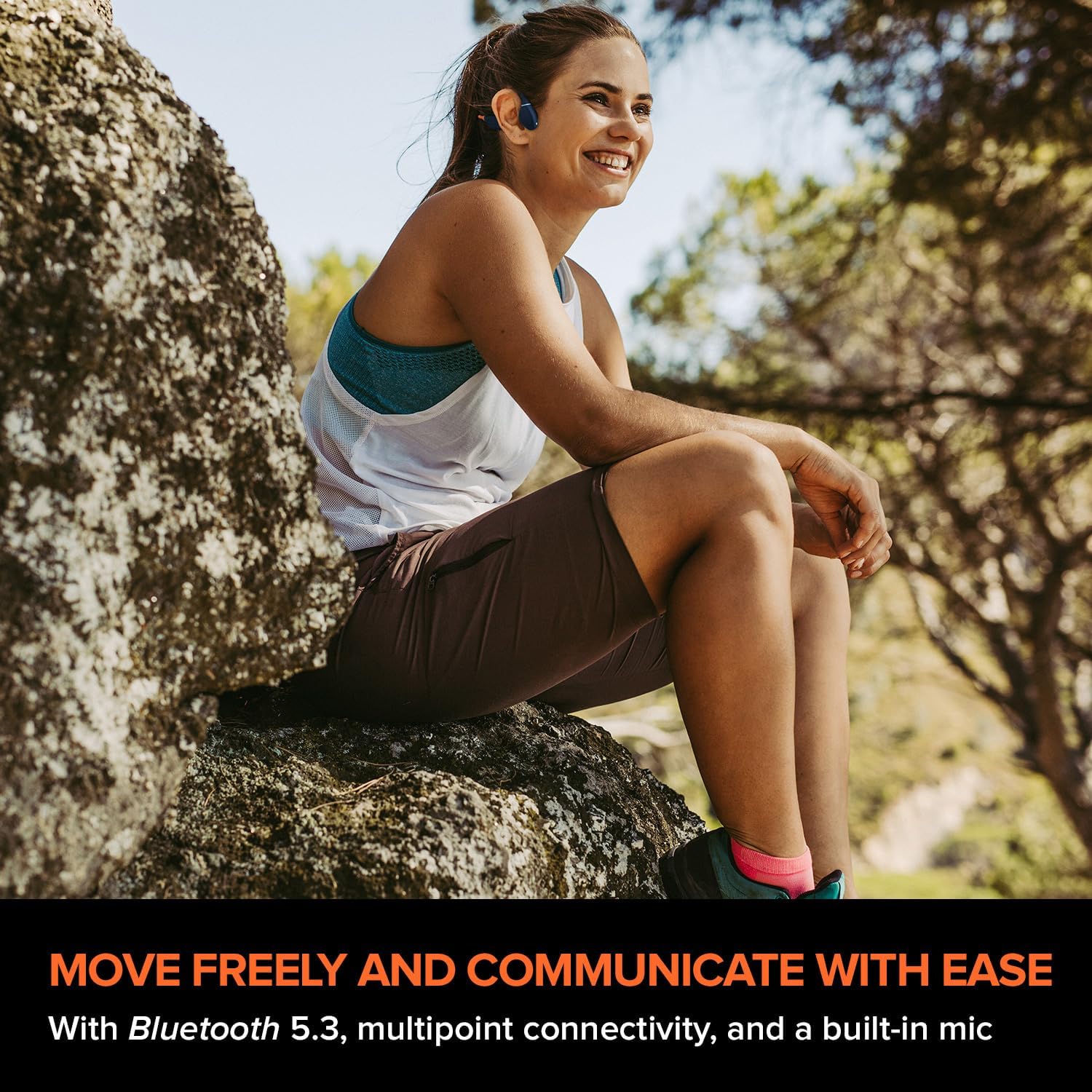
Image: A person relaxing in a pool while wearing the Creative Outlier Free Pro+ headphones, demonstrating their suitability for water activities.
4. Pengendalian Panggilan
- Jawab/Tamatkan Panggilan: Single press the Power/Multi-function button.
- Tolak Panggilan: Tekan dan tahan butang Kuasa/Berbilang fungsi selama 2 saat.
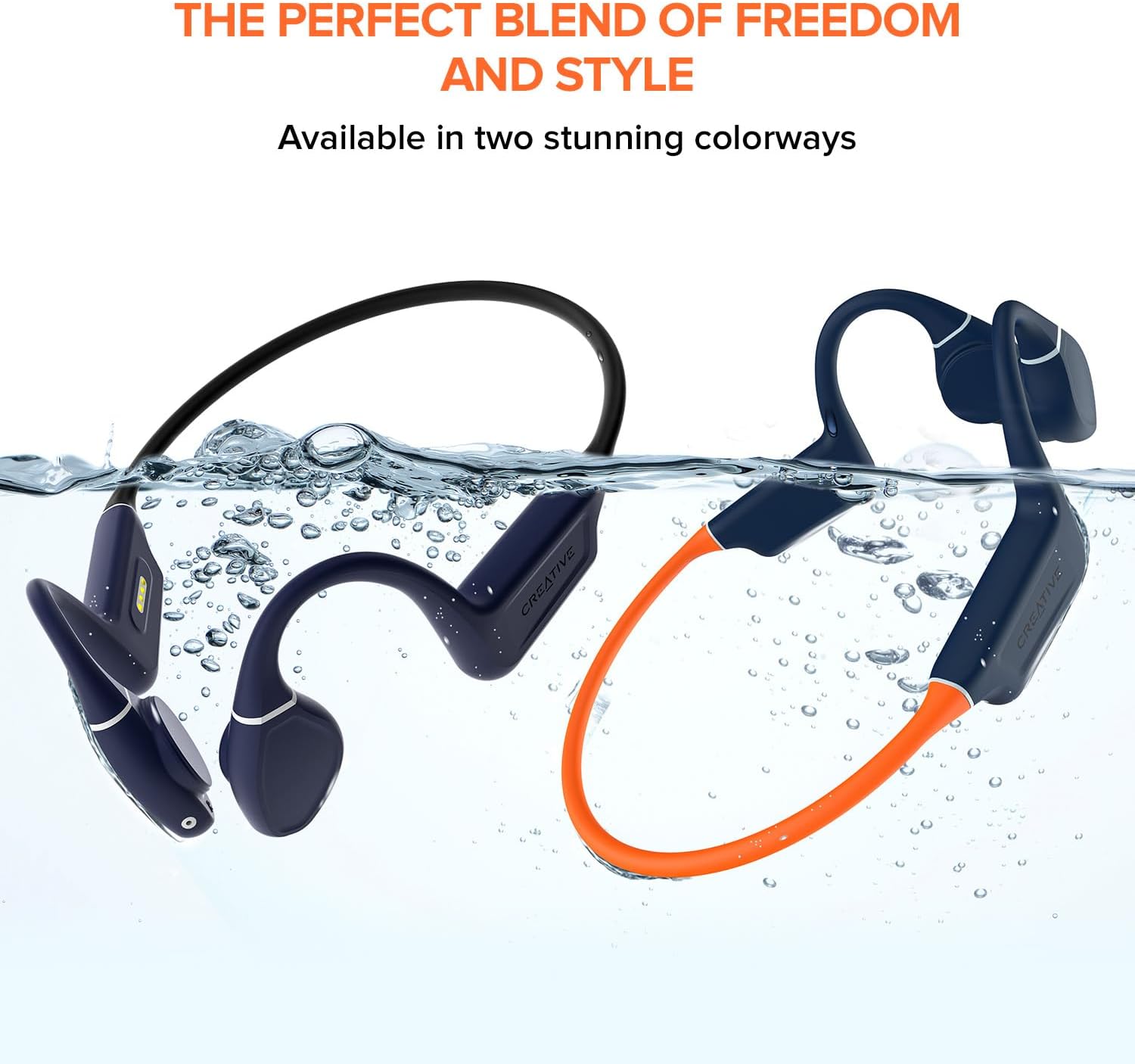
Image: A person wearing the Creative Outlier Free Pro+ headphones while sitting outdoors, illustrating their use for communication and music during activities.
Penyelenggaraan
1. Pembersihan
Lap fon kepala dengan lembut, damp kain. Elakkan penggunaan bahan kimia yang keras atau bahan yang kasar. Pastikan port pengecasan kering sebelum mengecas.
2. Penyimpanan
Simpan fon kepala di tempat yang sejuk dan kering, jauh daripada cahaya matahari langsung dan suhu yang melampau. Elakkan meletakkan objek berat di atasnya.
3. Penjagaan Bateri
Untuk memanjangkan hayat bateri, elakkan daripada menyahcas sepenuhnya fon kepala dengan kerap. Caskannya dengan kerap, walaupun tidak digunakan untuk tempoh yang lama.

Image: Hands demonstrating the flexibility of the Creative Outlier Free Pro+ headphones, highlighting their durable and comfortable design.
Menyelesaikan masalah
- Tiada Kuasa: Ensure the headphones are fully charged. Connect to the charger and check the LED indicator.
- Tiada Bunyi: Check the volume level on both the headphones and the connected device. Ensure the headphones are correctly paired via Bluetooth or in MP3 mode.
- Isu Berpasangan: Ensure the headphones are in pairing mode (flashing red and blue). Turn off and on Bluetooth on your device. Try unpairing and re-pairing.
- Isu Main Semula MP3: Sahkan bahawa audio files are in a supported format (MP3, FLAC, WAV, APE) and correctly transferred to the headphones' internal storage.
- Kualiti Bunyi Lemah: Adjust the transducers for optimal placement on your cheekbones. Ensure there is no obstruction.
- Tetapan Semula Peranti: If experiencing persistent issues, consult the Creative support website for instructions on how to perform a factory reset.
Spesifikasi
| Ciri | Perincian |
|---|---|
| Nama Model | Outlier Free Pro+ |
| Teknologi Ketersambungan | Bluetooth 5.3, Tanpa Wayar |
| Teknologi Komunikasi Tanpa Wayar | Bluetooth |
| bahan | silikon |
| Berat Barang | 1.12 auns |
| Tahap Ketahanan Air | Kalis Air (IPX8) |
| Julat Kekerapan | 20 Hz - 18,000 Hz |
| Hayat Bateri | Sehingga 10 Jam |
| Jenis Pemacu Audio | Pemacu Pengaliran Tulang |
| Julat Bluetooth | 10 Meter |
| Storan Terbina dalam | 8 GB MP3 Player |
| Jenis Kawalan | Kawalan Media, Aplikasi |
| Pengeluar | Makmal Kreatif |
| Dimensi Produk | 4.17 x 5.39 x 1.73 inci |
| Nombor model item | EF1081 |
Waranti dan Sokongan
Creative products are covered by a limited hardware warranty. For detailed warranty information, product registration, technical support, and frequently asked questions, please visit the official Creative support website. You can find the most up-to-date information and contact options there.
Untuk bantuan lanjut, sila layari: Sokongan Kreatif


