pengenalan
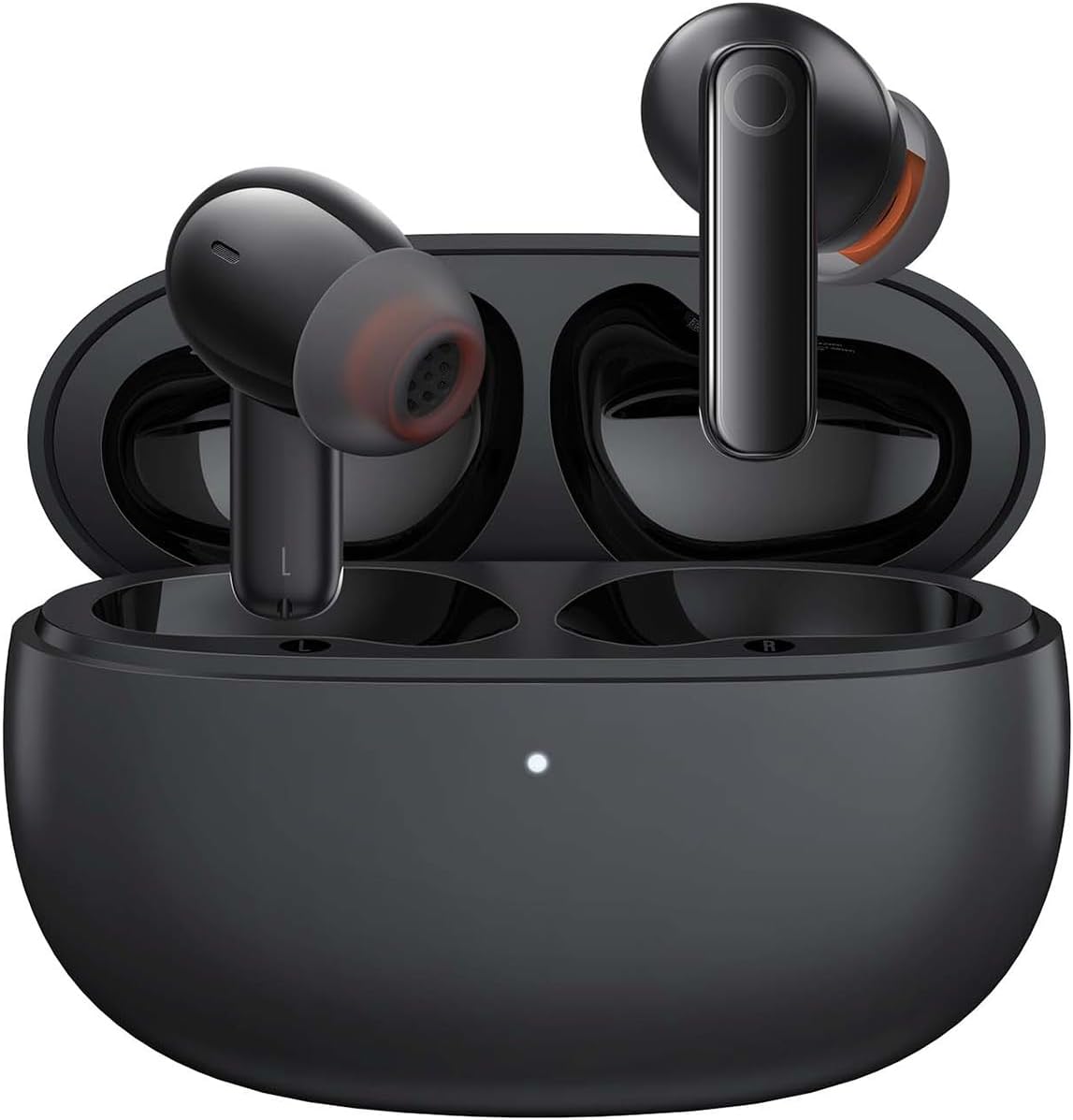
Image: The Baseus Bowie MZ10 True Wireless Stereo Earphones, shown in their open charging case, ready for use.
This manual provides detailed instructions for the operation, maintenance, and troubleshooting of your Baseus Bowie MZ10 TWS Earphones. Please read this manual thoroughly before using the product to ensure proper function and longevity.
Apa yang ada dalam Kotak
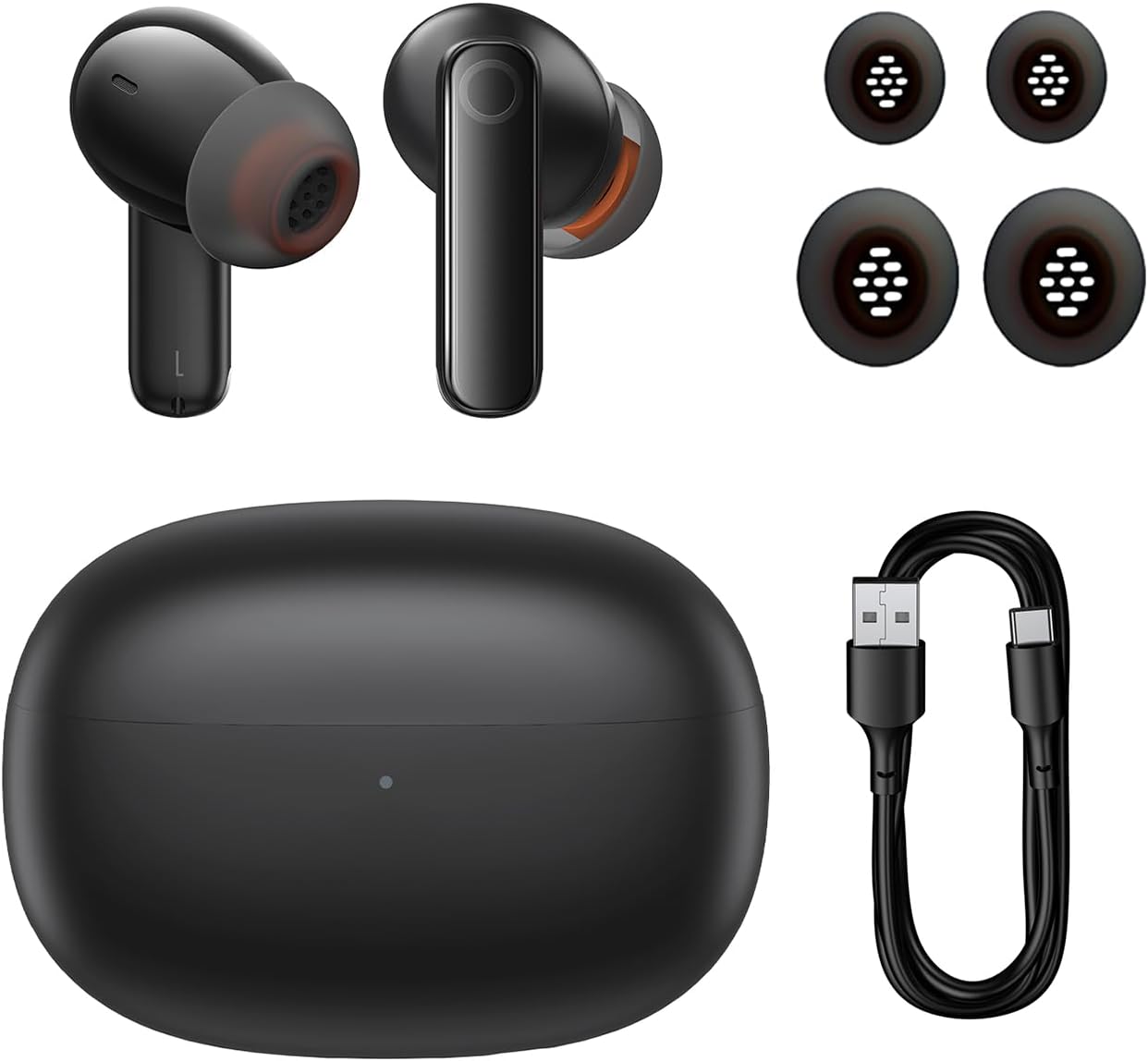
Image: The package contents of the Baseus Bowie MZ10 TWS Earphones, showing the two earbuds, the charging case, multiple sizes of ear tips, and a USB-C charging cable.
- Baseus Bowie MZ10 TWS Earbuds (Left and Right)
- Kes Pengecasan
- Kabel Pengecas USB-C
- Hujung Telinga Silikon (pelbagai saiz)
- Manual Pengguna (dokumen ini)
Persediaan
1. Mengecas Fon Telinga dan Sarung
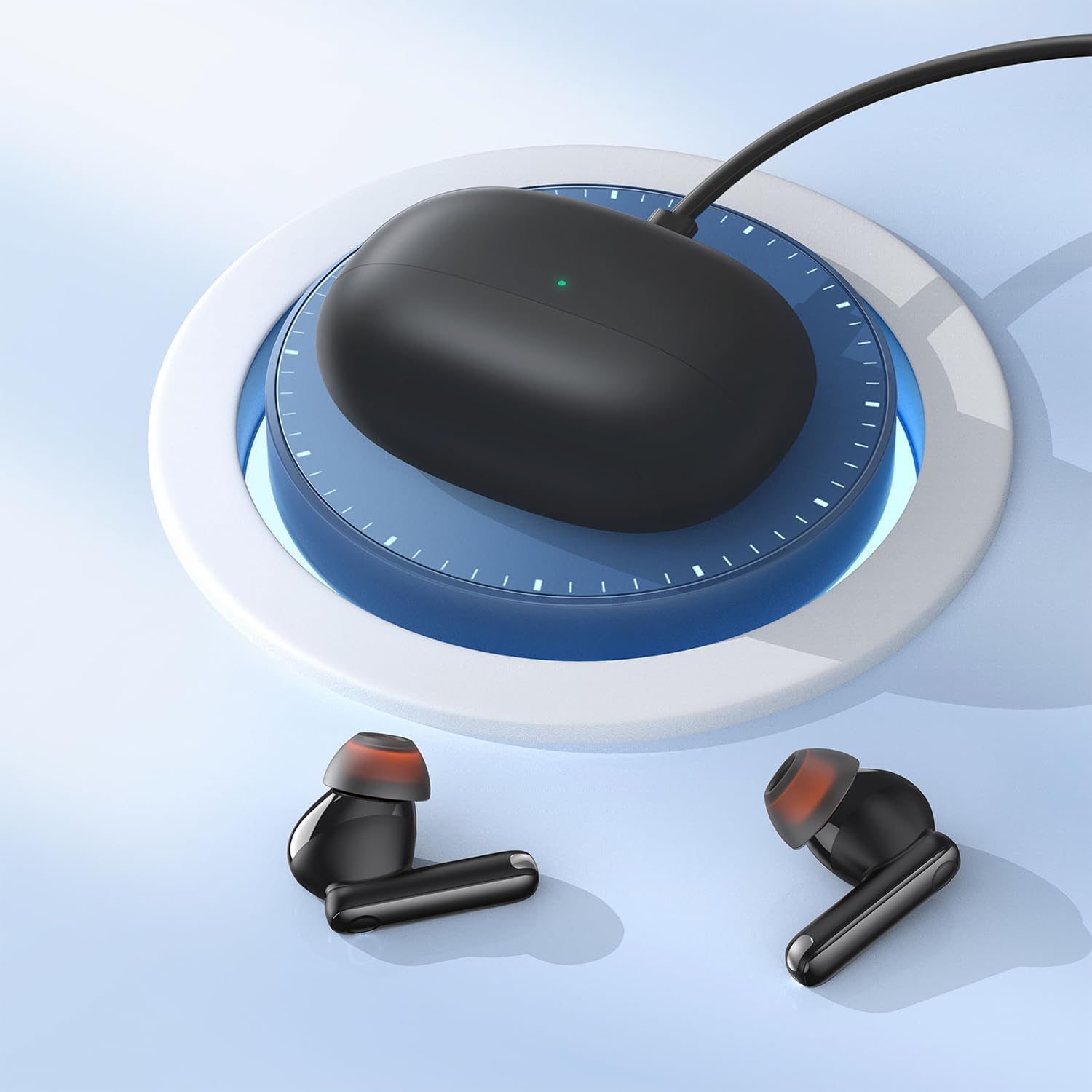
Image: The Baseus Bowie MZ10 charging case being charged via a USB-C cable, indicated by a green light on the case.
- Sebelum penggunaan pertama, cas sepenuhnya sarung pengecas dan fon telinga.
- Sambungkan kabel pengecas USB-C ke port pengecasan pada sarung dan sumber kuasa.
- The indicator light on the case will show charging status. A full charge is indicated when the light remains solid.
- Letakkan fon telinga ke dalam bekas pengecasan untuk mengecasnya. Fon telinga akan dicas secara automatik apabila diletakkan dengan betul di dalam bekas.
2. Berpasangan Bluetooth
- Open the charging case. The earbuds will automatically enter pairing mode, and the indicator light on the case will flash.
- Pada peranti anda (telefon pintar, tablet, dll.), dayakan Bluetooth.
- Cari untuk "Baseus Bowie MZ10" in the list of available Bluetooth devices.
- Select "Baseus Bowie MZ10" to connect. Once connected, the indicator light on the case will turn off or show a steady light.
- Jika pemasangan gagal, tutup bekas, tunggu beberapa saat dan ulangi langkah-langkah tersebut.
Arahan Operasi
Kawalan Sentuh
The Baseus Bowie MZ10 earphones feature touch-sensitive controls on each earbud. The specific functions may vary slightly depending on your device and application.
| Tindakan | Fungsi |
|---|---|
| Ketik Tunggal (Kiri/Kanan) | Mainkan / Jeda muzik, Jawapan / Tamatkan panggilan |
| Ketik Dua Kali (Kanan) | Trek seterusnya |
| Ketik Dua Kali (Kiri) | Lagu sebelumnya |
| Tekan Lama (Kiri/Kanan) | Switch between ANC/Transparency Mode (if applicable) |
| Ketik Tiga Kali (Kiri/Kanan) | Aktifkan Pembantu Suara |
Pembatalan Bising Aktif (ANC)
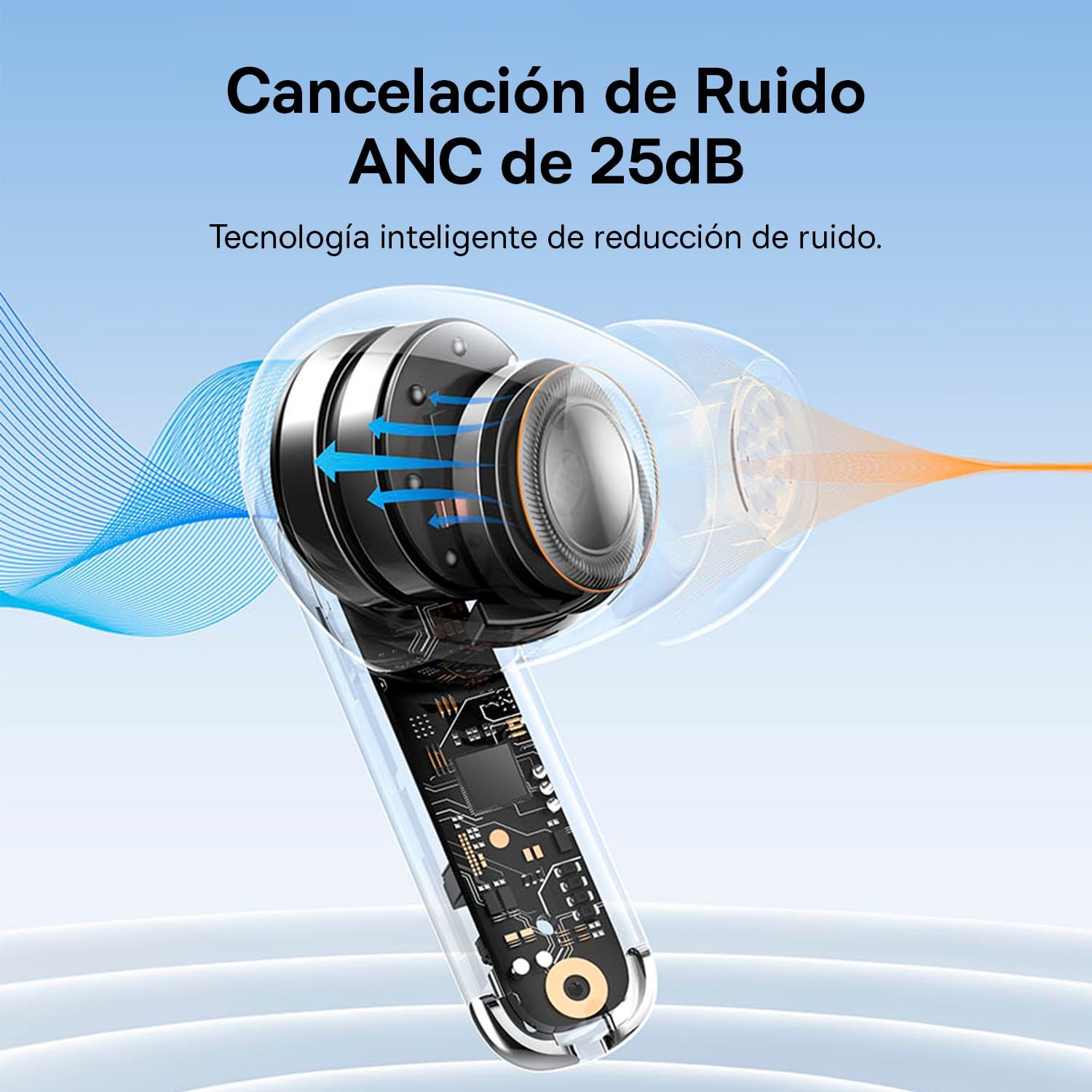
Image: A diagram showing how Active Noise Cancellation (ANC) works within the earbud, with sound waves being cancelled out.
The Baseus Bowie MZ10 earphones feature Active Noise Cancellation to reduce ambient noise. To activate or deactivate ANC, perform a long press on the touch area of either earbud. You may hear an audible prompt indicating the mode change.
Pembatalan Bunyi Alam Sekitar (ENC) untuk Panggilan
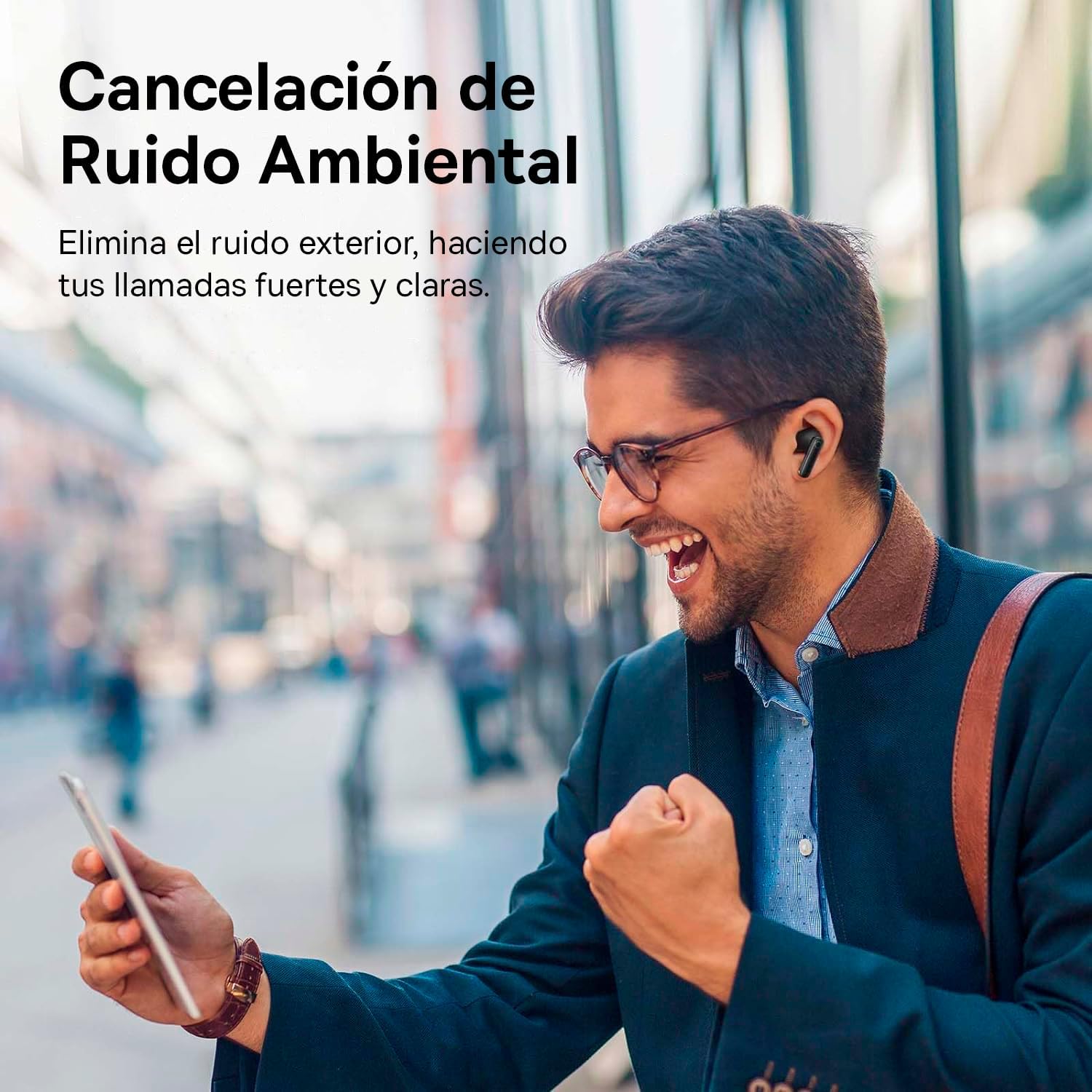
Image: A person smiling while using the Baseus Bowie MZ10 earphones in an outdoor setting, suggesting clear call quality despite ambient noise.
The earphones are equipped with Environmental Noise Cancellation (ENC) technology, which helps to suppress background noise during phone calls, ensuring your voice is transmitted clearly to the other party.
Mod Latensi Rendah untuk Permainan

Image: The Baseus Bowie MZ10 earphones positioned near a smartphone displaying a video game, highlighting their low latency feature for an enhanced gaming experience.
For an optimized gaming experience, the Baseus Bowie MZ10 earphones offer a low latency mode. This mode reduces audio delay, ensuring that sound effects and dialogue are synchronized with on-screen actions. Refer to the Baseus app or specific earbud gestures (if available) to activate this mode.
Penyelenggaraan
- Pembersihan: Regularly clean the earbuds and charging case with a soft, dry, lint-free cloth. Do not use abrasive cleaners or immerse the product in water.
- Petua Telinga: Tanggalkan hujung telinga secara berkala dan bersihkannya denganamp kain. Pastikan ia benar-benar kering sebelum dipasang semula.
- Storan: Apabila tidak digunakan, simpan fon telinga di dalam bekas pengecas untuk melindunginya dan memastikan ia sentiasa dicas. Simpan di tempat yang sejuk dan kering, jauh daripada cahaya matahari langsung dan suhu yang melampau.
- Penjagaan Bateri: To preserve battery life, avoid fully discharging the battery frequently. Charge the earphones regularly, even if not in constant use.
Menyelesaikan masalah
| Masalah | Penyelesaian yang Mungkin |
|---|---|
| Fon telinga tidak berpasangan dengan peranti |
|
| Only one earbud playing sound |
|
| Kelantangan rendah atau kualiti bunyi yang lemah |
|
| Kes pengecas tidak dicas |
|
Spesifikasi
- Jenama: Baseus
- Nombor Model: NGTW340001
- Jenis Produk: True Wireless Stereo (TWS) Earphones
- warna: Hitam
- Bateri: Litium-ion (boleh dicas semula)
- ciri-ciri: Active Noise Cancellation (ANC), Environmental Noise Cancellation (ENC), Low Latency Mode
- Ketersambungan: Bluetooth (version not specified, but typically 5.0 or higher for TWS)
- Antara Muka Pengecasan: USB-C
Waranti dan Sokongan
Baseus products are designed and manufactured to the highest quality standards. For information regarding warranty coverage, technical support, or service, please refer to the warranty card included with your purchase or visit the official Baseus webtapak. Simpan bukti pembelian anda untuk tuntutan waranti.
For further assistance, you may contact Baseus customer support through their official channels.


