1. Pengenalan
Thank you for choosing the Baseus Bowie D05 Wireless Headphones. This manual provides detailed instructions on how to set up, operate, maintain, and troubleshoot your new headphones. Please read this manual carefully before use to ensure optimal performance and longevity of your device.
2. Apa yang ada di dalam Kotak
Selepas membuka kotak, sila pastikan semua item berikut ada:
- Fon Kepala Wayarles Baseus Bowie D05
- Kabel Pengecas USB-A ke USB-C
- Kabel Audio 3.5mm
- Manual Pengguna
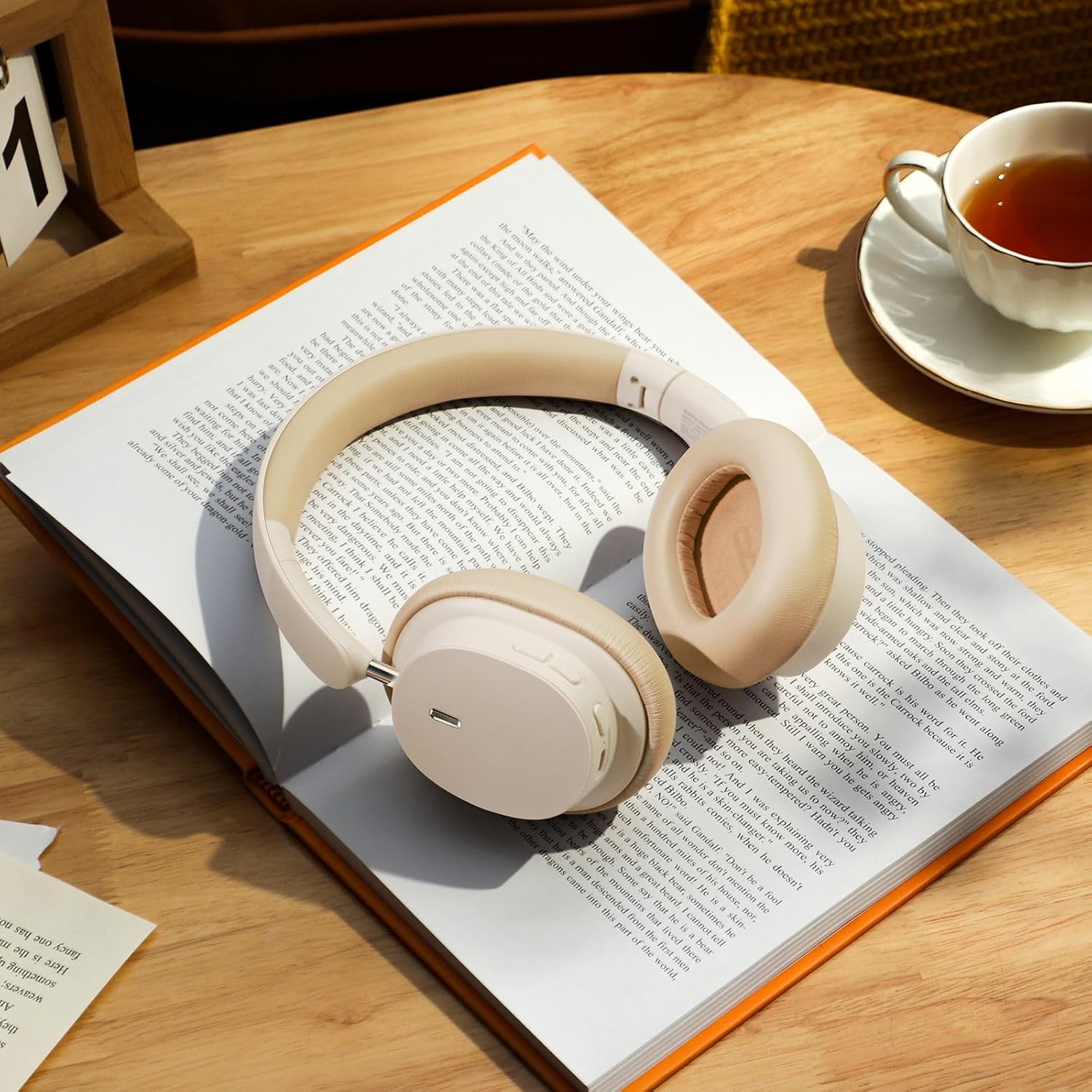
Image: The Baseus Bowie D05 headphones shown alongside their USB-C charging cable and 3.5mm audio cable, illustrating the complete package contents.
3. Produk Lebihview
Familiarize yourself with the various parts and controls of your Baseus Bowie D05 headphones:
- Butang Kuasa/Pelbagai Fungsi: Used for powering on/off, play/pause, answering/ending calls, and activating voice assistant.
- Butang Naik Kelantangan: Increases volume, long press for next track.
- Butang Kurang Kelantangan: Decreases volume, long press for previous track.
- Port Pengecasan USB-C: Untuk mengecas fon kepala.
- Bicu Audio 3.5mm: Untuk sambungan berwayar.
- Penunjuk LED: Menunjukkan kuasa, pengecasan dan status berpasangan.
- mikrofon: Untuk panggilan dan arahan suara.

Imej: A terperinci view of the left earcup of the Baseus Bowie D05 headphones, highlighting the location of the control buttons (volume up/down, multi-function) and the charging/audio ports.
4. Persediaan
4.1 Mengecas Fon Kepala
- Connect the USB-C end of the charging cable to the headphone's charging port.
- Connect the USB-A end to a USB power adapter (5V/1A recommended) or a computer's USB port.
- The LED indicator will show red during charging and turn off or blue when fully charged.
- Pengecasan penuh biasanya mengambil masa kira-kira 1.5-2 jam.
4.2 Berpasangan Bluetooth
- Pastikan fon kepala dicas sepenuhnya.
- Press and hold the Power/Multi-function button for 3-5 seconds until the LED indicator flashes blue and red alternately, indicating pairing mode.
- Pada peranti anda (telefon pintar, tablet, komputer), dayakan Bluetooth.
- Cari untuk "Baseus Bowie D05" in the list of available Bluetooth devices.
- Select "Baseus Bowie D05" to connect. Once connected, the LED indicator will flash blue slowly or turn off.
4.3 Wired Connection (Optional)
Anda boleh menggunakan fon kepala dengan kabel audio 3.5mm yang disertakan apabila bateri lemah atau untuk peranti tanpa sambungan Bluetooth.
- Pasangkan satu hujung kabel audio 3.5mm ke dalam bicu audio 3.5mm fon kepala.
- Palamkan hujung yang satu lagi ke dalam bicu output audio peranti anda.
- Note: Controls on the headphones may not function in wired mode.
5. Arahan Operasi
5.1 Hidupkan/Mati Kuasa
- Hidupkan kuasa: Tekan dan tahan butang Kuasa/Berbilang fungsi selama 3 saat.
- Matikan: Tekan dan tahan butang Kuasa/Berbilang fungsi selama 5 saat.
5.2 Main balik Muzik
- Main/Jeda: Tekan sebentar butang Kuasa/Berbilang fungsi.
- Kelantangan: Tekan pendek butang Kelantangan Naik.
- Perlahankan suara: Tekan pendek butang Kurangkan Kelantangan.
- Lagu Seterusnya: Tekan lama butang Kelantangan Naik.
- Trek Sebelumnya: Tekan lama butang Kurangkan Kelantangan.
5.3 Pengurusan Panggilan
- Jawab/Tamatkan Panggilan: Tekan sebentar butang Kuasa/Berbilang fungsi.
- Tolak Panggilan: Long press the Power/Multi-function button for 2 seconds.
5.4 Sambungan Berbilang Peranti
The Baseus Bowie D05 headphones support simultaneous connection to two devices, allowing seamless switching between them.
- Connect the headphones to the first device via Bluetooth as described in section 4.2.
- Disconnect the headphones from the first device (do not unpair).
- Sambungkan fon kepala ke peranti kedua melalui Bluetooth.
- Reconnect the headphones to the first device from its Bluetooth settings. The headphones should now be connected to both devices.
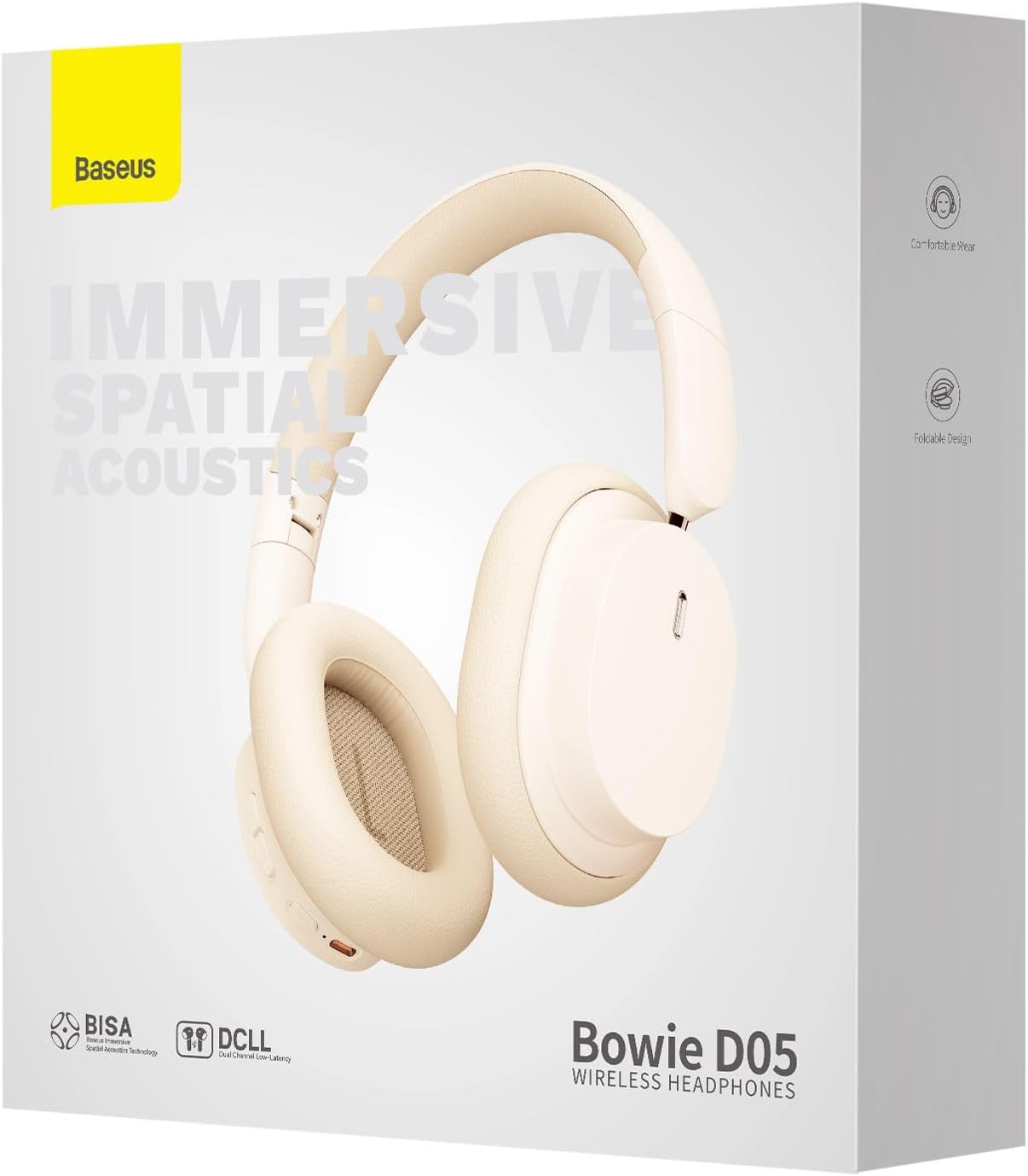
Image: The Baseus Bowie D05 headphones are depicted wirelessly connected to both a smartphone and a tablet, demonstrating their multi-device connectivity feature.
6. Penyelenggaraan
Untuk memastikan jangka hayat dan prestasi optimum fon kepala anda, ikut garis panduan penyelenggaraan ini:
- Pembersihan: Gunakan kain lembut, kering dan bebas serabut untuk membersihkan fon kepala. Jangan gunakan pembersih yang melelas, alkohol atau pelarut kimia.
- Storan: Apabila tidak digunakan, simpan fon kepala di tempat yang sejuk dan kering, jauh daripada cahaya matahari langsung dan suhu yang melampau.
- Elakkan Kelembapan: Jauhkan fon kepala daripada air dan kelembapan berlebihan.
- Tangani dengan Berhati-hati: Elakkan daripada menjatuhkan atau meletakkan fon kepala kepada kesan yang kuat.
7. Penyelesaian masalah
If you encounter any issues with your Baseus Bowie D05 headphones, please refer to the following common problems and solutions:
| Masalah | Penyelesaian yang Mungkin |
|---|---|
| Fon kepala tidak dihidupkan. | Pastikan fon kepala dicas sepenuhnya. Sambungkan ke sumber kuasa dan cuba lagi. |
| Tidak boleh berpasangan dengan peranti. | Ensure headphones are in pairing mode (flashing blue/red). Turn off and on Bluetooth on your device. Clear previous Bluetooth connections on your device. Move headphones closer to the device. |
| Tiada bunyi atau kelantangan rendah. | Check headphone and device volume levels. Ensure headphones are properly connected. Try playing different audio. If using wired connection, ensure cable is fully inserted. |
| Kualiti bunyi yang buruk. | Move closer to your device to avoid interference. Avoid obstacles between headphones and device. Try disconnecting and reconnecting. |
| Headphones disconnect frequently. | Ensure headphones are fully charged. Keep within Bluetooth range (typically 10 meters). Avoid strong electromagnetic interference. |
Jika masalah berterusan selepas mencuba penyelesaian ini, sila hubungi sokongan pelanggan.
8. Spesifikasi
Detailed technical specifications for the Baseus Bowie D05 Wireless Headphones:
- Nama Model: NGTD020202
- Jenama: Baseus
- Teknologi Ketersambungan: Wayarles (Bluetooth)
- Teknologi Komunikasi Tanpa Wayar: Bluetooth
- Peletakan Telinga: Atas Telinga
- Faktor Bentuk: Atas Telinga
- Jenis Pemacu Audio: Pemandu Dinamik
- Saiz Unit Pemandu: 40mm
- Hayat Bateri: Up to 70 hours of audio playback (at 70% volume)
- Port Pengecasan: USB-C
- Jack Audio: Jack 3.5 mm
- Bahan: plastik
- Berat Barang: Kira-kira 209 gram (7.37 auns)
- warna: Creamy-White (as per product title, though spec says Black)
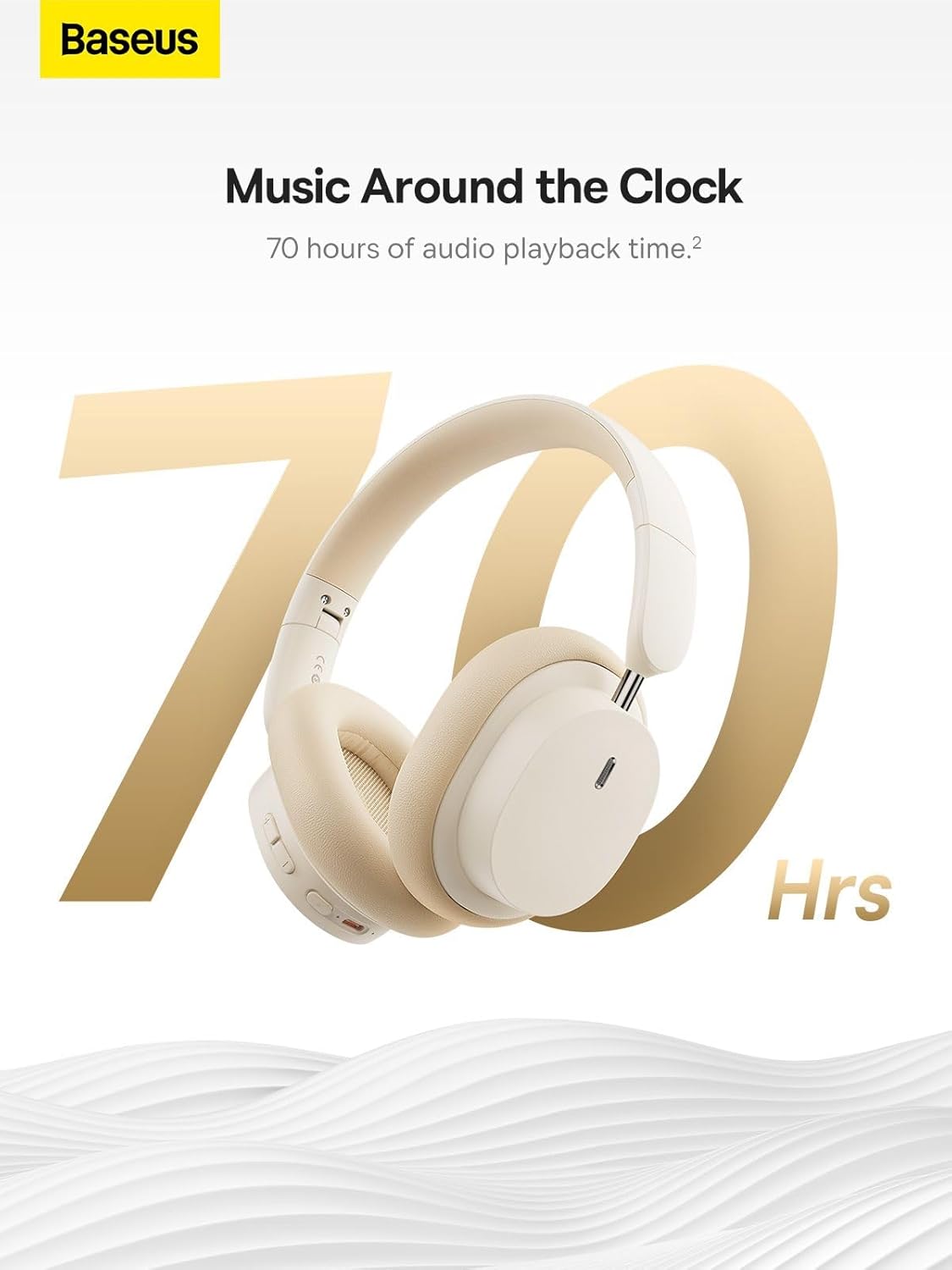
Image: The Baseus Bowie D05 headphones are featured with a prominent '70 Hrs' graphic, highlighting their extended audio playback time on a single charge.

Image: Two individuals are shown comfortably wearing the Baseus Bowie D05 headphones, emphasizing their lightweight design with the text 'Only 209g' for extended listening sessions.

Image: A visual representation of a 40mm large driver unit, illustrating its capability to deliver detailed high-end and fuller low-end audio performance.
9. Waranti dan Sokongan
9.1 Maklumat Waranti
Baseus products are covered by a limited warranty from the date of purchase. Please refer to the warranty card included in your product packaging or visit the official Baseus webtapak untuk terma dan syarat jaminan terperinci.
9.2 Sokongan Pelanggan
For technical assistance, troubleshooting, or warranty claims, please contact Baseus customer support through the following channels:
- rasmi Webtapak: Visit the Baseus official webtapak untuk Soalan Lazim, sumber sokongan dan borang hubungan.
- Sokongan E-mel: Rujuk kepada pembungkusan produk anda atau pegawai rasmi webtapak untuk alamat e-mel sokongan pelanggan.
- Peruncit Sah: Contact the retailer from whom you purchased the product for assistance.


