pengenalan
This manual provides detailed instructions for the proper use, setup, and maintenance of your New Bee B45 Mini Handfree Bluetooth Single Ear Wireless Headset. Please read this manual thoroughly before using the product to ensure optimal performance and longevity.

Image: The New Bee B45 Mini Handfree Bluetooth Headset, showcasing its sleek design and compact size, alongside its charging case.
Kandungan Pakej
Pastikan semua item ada dalam pakej:
- New Bee B45 Mini Handfree Bluetooth Headset
- Kabel Pengecas USB
- Petua Telinga (pelbagai saiz)
- Manual Pengguna (dokumen ini)
Persediaan
Mengecas Alat Dengar
Before first use, fully charge the headset.
- Sambungkan kabel pengecas USB yang disediakan ke port pengecasan set kepala.
- Sambungkan hujung kabel USB yang satu lagi ke sumber kuasa USB yang serasi (cth., port USB komputer, penyesuai dinding).
- The indicator light will show charging status (e.g., red for charging, blue for fully charged). A full charge takes approximately 2 hours.
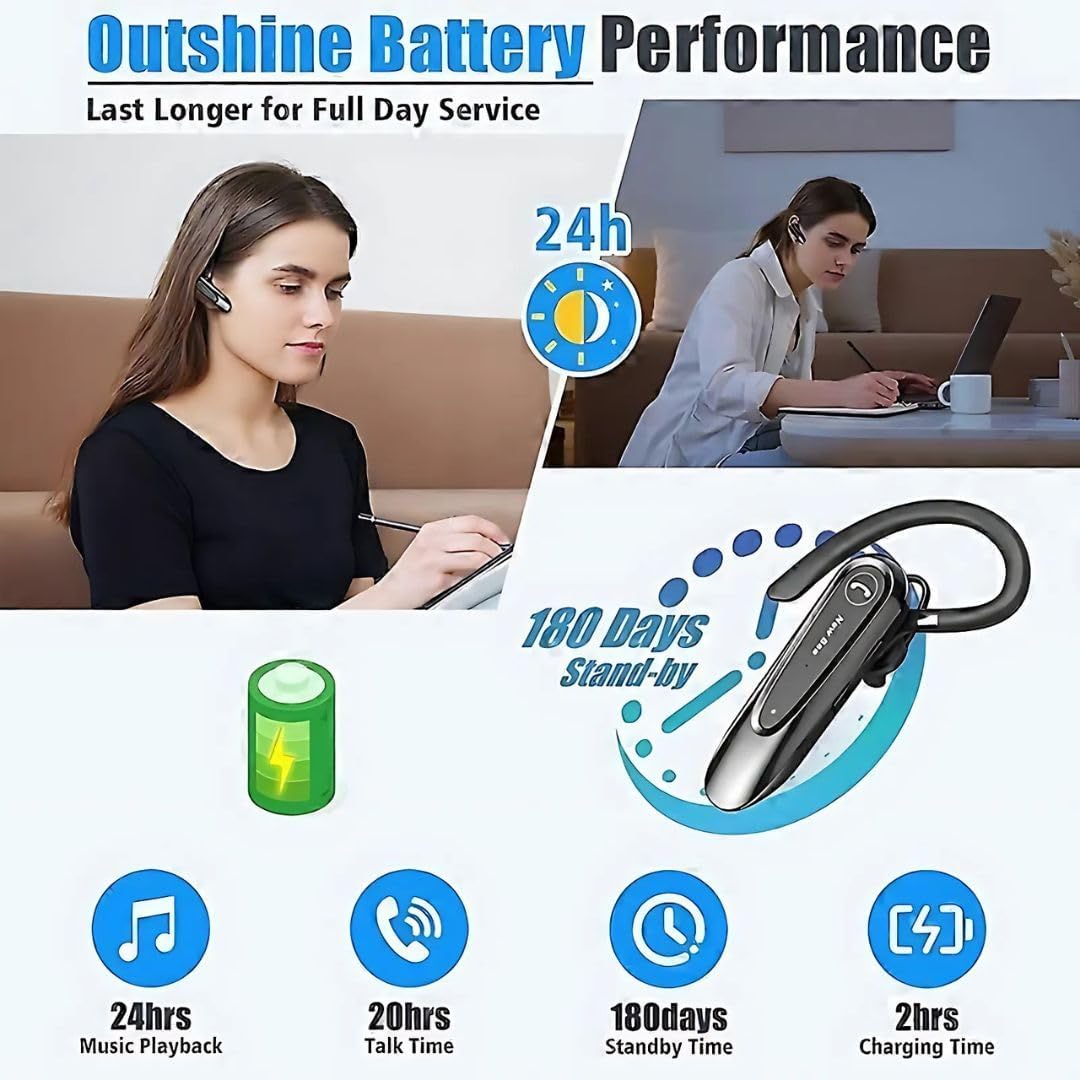
Image: Visual representation of the New Bee B45's battery performance, highlighting 24 hours music playback, 20 hours talk time, 180 days standby, and 2 hours charging time.
Berpasangan dengan Peranti
The headset uses Bluetooth 5.0 for stable and efficient connection.
- Ensure the headset is fully charged and turned off.
- Press and hold the Multi-function Button (MFB) until the indicator light flashes red and blue alternately, indicating pairing mode.
- Pada peranti anda (telefon pintar, tablet, dll.), dayakan Bluetooth dan cari peranti yang tersedia.
- Select "New Bee B45" (or similar name) from the list of found devices.
- Once connected, the indicator light will flash blue slowly, and you may hear a voice prompt "Connected".

Image: Diagram illustrating the QCC3020 Bluetooth 5.0 chip, emphasizing its 15-meter barrier-free connection, stable performance, and lower power consumption for the New Bee B45 headset.
Arahan Operasi
Hidupkan/Mati Kuasa
- Hidupkan kuasa: Tekan dan tahan MFB selama 3 saat.
- Matikan: Tekan dan tahan MFB selama 5 saat.
Pengurusan Panggilan
- Jawab Panggilan: Tekan pendek MFB.
- Tamatkan Panggilan: Short press the MFB during a call.
- Tolak Panggilan: Press and hold the MFB for 2 seconds during an incoming call.
- Dail Semula Nombor Terakhir: Tekan dua kali pada MFB.
- Redam Mikrofon: Press the dedicated mute button during a call. Note: This function is only supported on mobile phones.
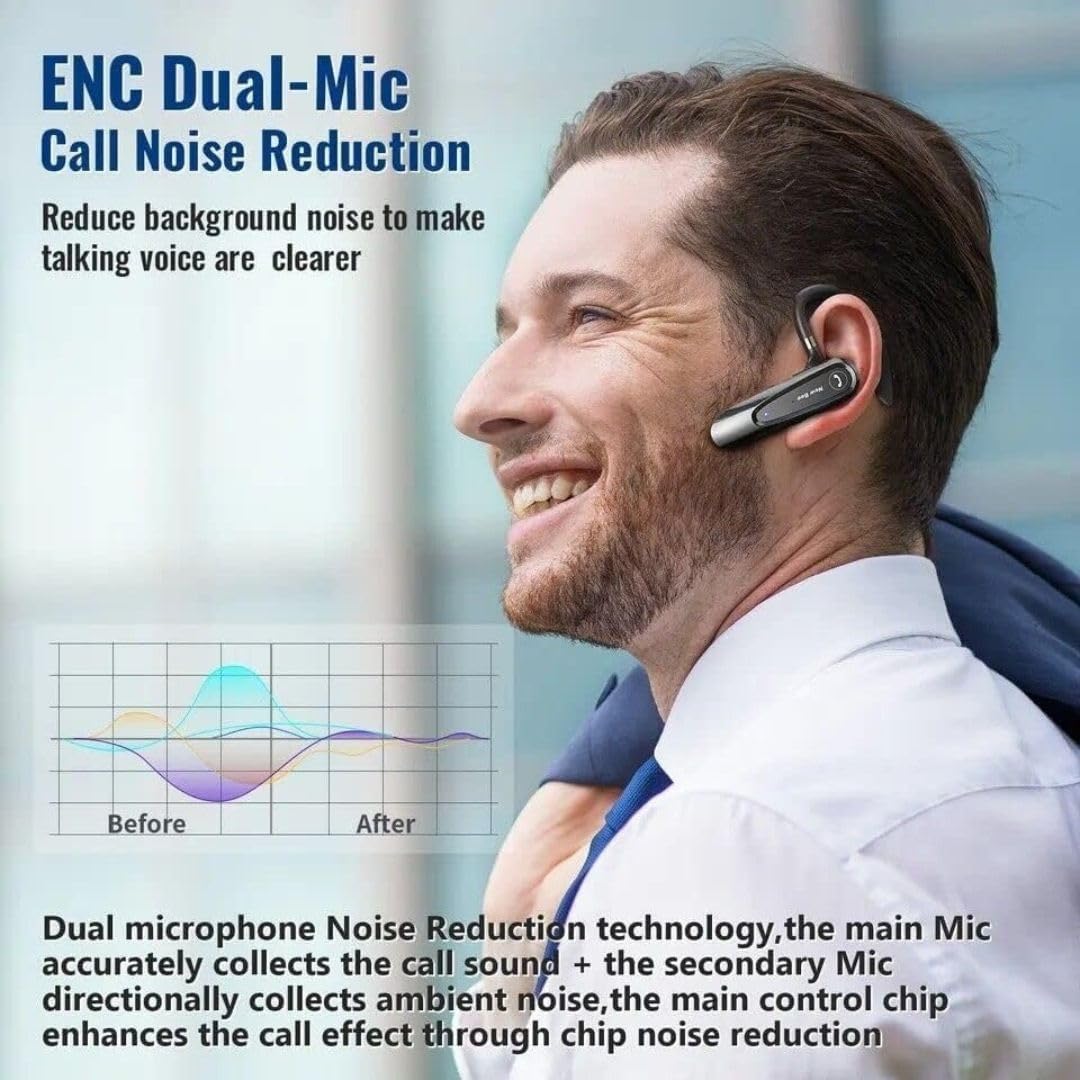
Image: Illustration of the New Bee B45's ENC Dual-Mic Call Noise Reduction technology, showing how it reduces background noise for clearer voice transmission during calls.
Main balik Muzik
- Main/Jeda: Tekan pendek MFB.
- Lagu Seterusnya: Tekan lama butang Kelantangan Naik.
- Trek Sebelumnya: Tekan lama butang Kurangkan Kelantangan.
Kawalan Kelantangan
- Kelantangan: Tekan pendek butang Kelantangan Naik.
- Perlahankan suara: Tekan pendek butang Kurangkan Kelantangan.
Penyelenggaraan
Penyelenggaraan yang betul memastikan ketahanan dan prestasi optimum alat dengar anda.
- Pastikan alat dengar kering. Jangan dedahkannya kepada kelembapan atau suhu yang melampau.
- Clean the headset regularly with a soft, dry cloth. Avoid using harsh chemicals or abrasive cleaners.
- Store the headset in a cool, dry place when not in use, preferably in its original case.
- Elakkan daripada menjatuhkan atau meletakkan set kepala kepada kesan yang kuat.
- Do not attempt to disassemble or modify the headset, as this will void the warranty.
Menyelesaikan masalah
| Masalah | Kemungkinan Punca | Penyelesaian |
|---|---|---|
| Alat dengar tidak dihidupkan. | Bateri lemah. | Caskan set kepala sepenuhnya. |
| Tidak boleh berpasangan dengan peranti. | Fon kepala tidak dalam mod berpasangan; Bluetooth dimatikan pada peranti; peranti terlalu jauh. | Ensure headset is in pairing mode (flashing red/blue). Turn on Bluetooth on your device. Move headset closer to device. |
| Tiada bunyi atau kualiti bunyi yang buruk. | Kelantangan terlalu rendah; alat dengar tidak disambungkan; gangguan. | Increase volume on headset and device. Reconnect headset. Move away from sources of interference. |
| Mikrofon tidak berfungsi. | Microphone muted; incorrect audio input selected on device. | Ensure microphone is not muted. Check device audio settings to confirm headset is selected for input. |
Spesifikasi
| Ciri | Perincian |
|---|---|
| Model | NB-B45 |
| Versi Bluetooth | 5.0 (QCC3020 chip) |
| Teknologi Ketersambungan | Tanpa wayar |
| Kawalan Bunyi | Passive Noise Cancellation, Dual Mic DSP Noise Cancelling |
| Masa Berbual | Sehingga 20 jam |
| Masa Main semula Muzik | Sehingga 24 jam |
| Masa Tunggu Sedia | Sehingga 180 hari |
| Masa Mengecas | Lebih kurang 2 jam |
| Jack Fon Kepala | USB |
| bahan | Getah |
| Berat Barang | 120 gram |
| warna | Hitam |
| Mikrofon | With microphone (Dual Mic) |
| Penempatan Telinga | Di Telinga |
| Faktor Bentuk | Di Telinga |
| Impedans | 140 Ohm |
Waranti dan Sokongan
Your New Bee B45 Mini Handfree Bluetooth Headset comes with a return policy.
- Polisi Pemulangan: This product is eligible for a refund or replacement within 30 days of purchase. Please refer to your retailer's specific return policy for detailed terms and conditions.
- For technical support or inquiries, please contact the manufacturer or your point of purchase.
Maklumat Keselamatan
- Do not use the headset at excessively high volumes for prolonged periods, as this may cause hearing damage.
- Do not use the headset while driving or engaging in activities that require awareness of your surroundings.
- Jauhkan alat dengar daripada kanak-kanak dan haiwan peliharaan.
- Dispose of the headset and its components responsibly according to local regulations.


