1. Pengenalan
This manual provides essential information regarding the Phomemo A4 Printer Paper. Designed for versatility and high-quality output, this paper is suitable for a wide range of printing needs, from everyday documents to professional reports. It is compatible with various printers, including the Phomemo P831 portable printer, and is engineered for reliable performance.

Image 1.1: Packaging of Phomemo A4 Printer Paper, showing the A4 size and 200 sheets count.
2. Spesifikasi
The Phomemo A4 Printer Paper is manufactured to precise standards to ensure optimal performance.
| Spesifikasi | Perincian |
|---|---|
| Dimensi Produk | 29.7 x 21 x 0.1 cm |
| Berat Barang | 860 Gram |
| warna | putih |
| Saiz Helaian | 210x297 Millimeters (A4) |
| Kiraan Helaian | 200 Helaian |
| Paper Surface | Berkilat |
| Ciri Bahan | BPA/BPS-free |

Image 2.1: Visual comparison illustrating the dimensions of A4 paper (297x210mm) versus US Letter paper (279x216mm).
3. Persediaan dan Keserasian
Phomemo A4 Printer Paper is designed for broad compatibility and ease of use with various printing devices.
3.1 Loading Paper into Your Printer
To ensure optimal printing results and prevent paper jams, always load the paper correctly according to your printer's specific instructions. Ensure the paper stack is neatly aligned and not overfilled in the paper tray.
3.2 Printer Compatibility
This A4 paper is compatible with a wide range of printers, including:
- Phomemo P831 Portable Printer
- Other general printers (e.g., laser printers, inkjet printers, copiers)

Image 3.1: Illustration showing compatibility with various printer types, including Phomemo P831, laser printers, copiers, and inkjet printers.
4. Arahan Operasi
Utilizing Phomemo A4 Printer Paper for your printing needs is straightforward, offering high-quality results for various applications.
4.1 Mencetak Dokumen
Insert the paper into your compatible printer. Adjust printer settings as needed for paper type and quality. The paper's smooth surface ensures clear and sharp printing effects, suitable for both text and graphics.
4.2 Double-Sided Printing
The paper supports double-sided printing, which helps reduce paper consumption and makes documents more compact. Ensure your printer is configured for duplex printing if you wish to utilize this feature.
4.3 Aplikasi Serbaguna
This universal paper is ideal for a multitude of uses, including:
- Essays and homework
- Contracts and business documents
- Graphical drawings and reports
- General office and home printing
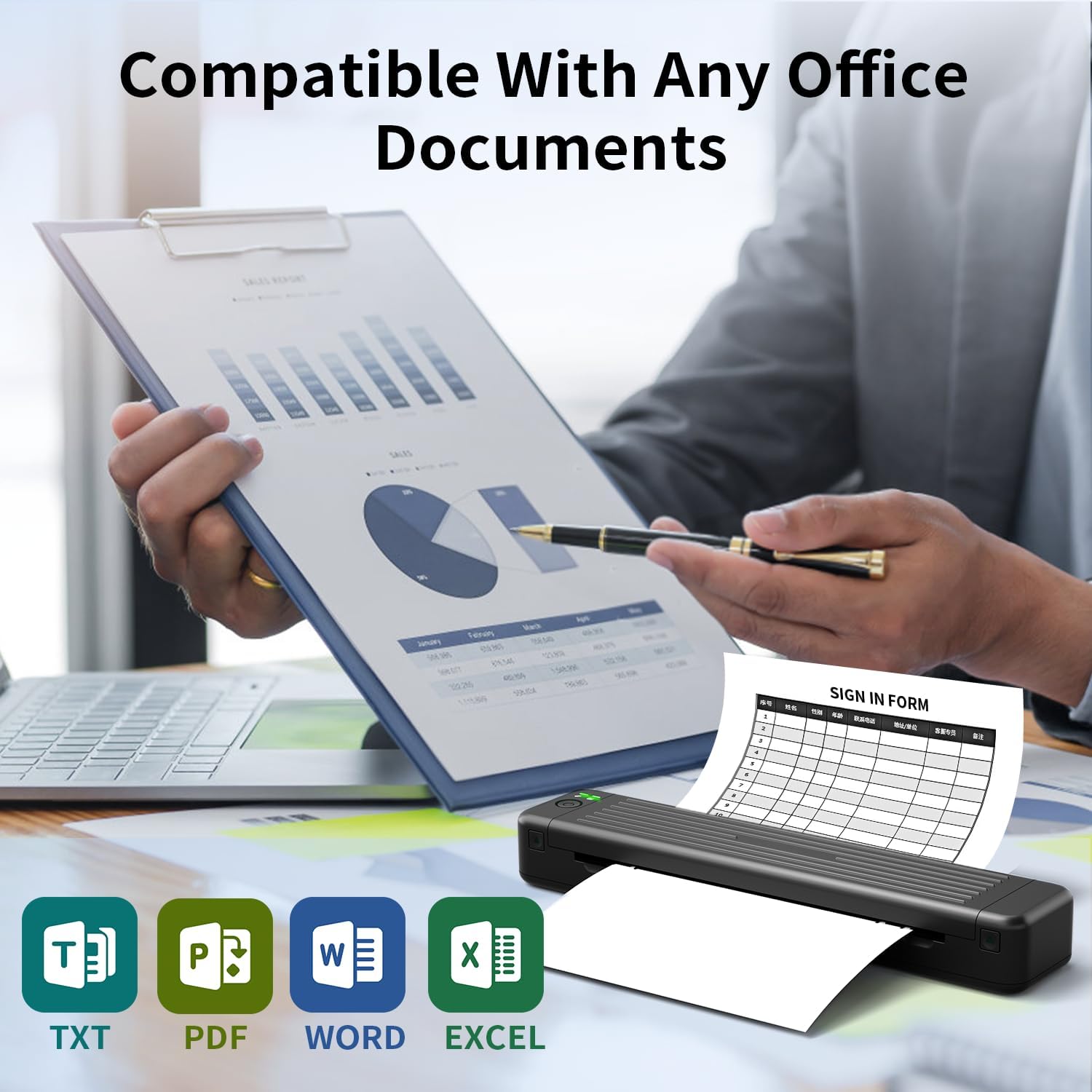
Image 4.1: The paper is compatible with various digital document formats such as TXT, PDF, Word, and Excel, making it suitable for diverse office and personal printing needs.

Imej 4.2: Cthamples of multi-purpose usage, including document printing, home use, business applications, office tasks, school assignments, and for travel.
5. Penyelenggaraan dan Penyimpanan
Proper handling and storage of Phomemo A4 Printer Paper will ensure its longevity and maintain print quality.
5.1 Cadangan Penyimpanan
Store the paper in a cool, dry place away from direct sunlight and excessive humidity. This helps prevent yellowing over time and ensures a long-lasting appearance for your printed documents, improving archival quality.
5.2 Handling Tips
Handle the paper by the edges to avoid fingerprints or smudges on the printing surface. The paper is designed to be flat and smooth, reducing the risk of paper jams during printing.

Image 5.1: The paper is certified BPA-free, ensuring safety and environmental consideration.
6. Penyelesaian masalah
While Phomemo A4 Printer Paper is designed for reliability, here are some common issues and their solutions.
6.1 Kesesakan Kertas
The paper is manufactured to be flat and smooth, minimizing the risk of paper jams. If a jam occurs, ensure the paper is loaded correctly and that the printer's paper path is clear of any obstructions. Avoid overfilling the paper tray.
6.2 Isu Kualiti Cetakan
If print quality is not optimal (e.g., faded text, streaks), first check your printer's ink/toner levels. Ensure the paper is stored correctly to prevent moisture absorption, which can affect print quality. The paper's high quality generally ensures clear and sharp output.

Image 6.1: A visual comparison demonstrating the higher quality and clearer printing effect achieved with Phomemo paper compared to other standard papers.


