1. Pengenalan
Thank you for choosing the Ultrean K125H High Capacity Digital Kitchen Scale. This manual provides essential information for the safe and efficient use of your new kitchen scale. Designed for precision and convenience, this scale is ideal for cooking, baking, and meal preparation, offering accurate measurements up to 33 pounds (15 kg) with 1-gram graduation.
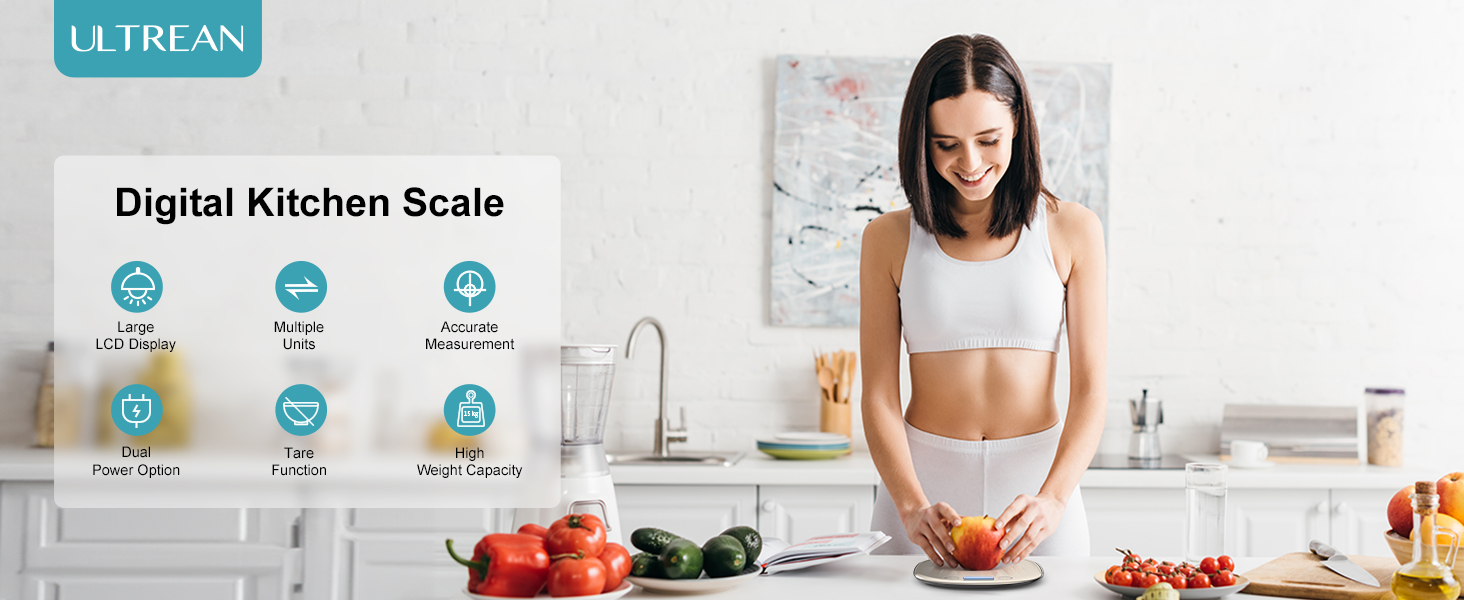
Imej: Selesaiview of the Ultrean Digital Kitchen Scale's key features.
2. Persediaan
2.1 Membongkar
Carefully remove the kitchen scale from its packaging. Ensure all components, including the scale unit and USB charging cable, are present. Remove any protective films from the stainless steel platform and LCD display.
2.2 Bekalan Kuasa
The Ultrean K125H scale offers dual power options:
- Bateri Litium Terbina dalam: The scale features a rechargeable lithium battery. Connect the included USB cable to the scale's charging port and a compatible USB power source (e.g., wall adapter, computer USB port) to charge. A red indicator light will typically show during charging.
- Bateri AAA: For alternative power, the scale can also operate on two AAA batteries (included). Open the battery compartment on the underside of the scale and insert the batteries, ensuring correct polarity.
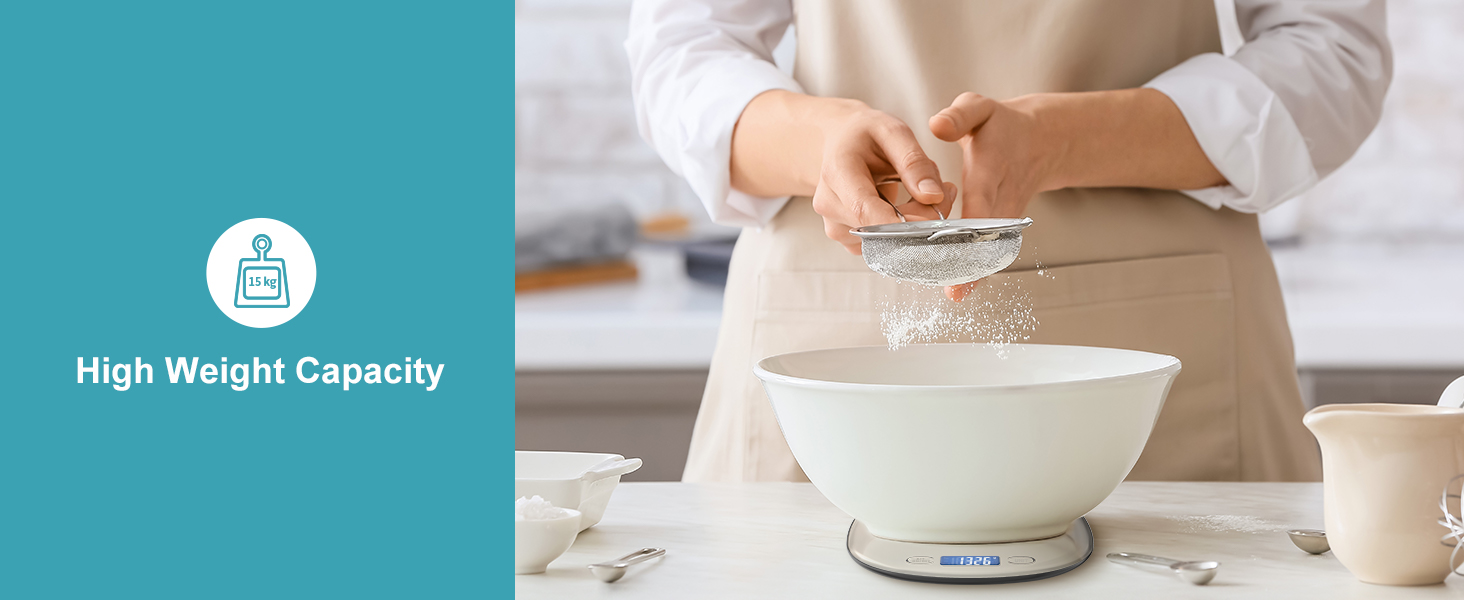
Image: Illustration of the dual power options for the scale, including USB charging and AAA battery installation.
3. Arahan Operasi
3.1 Menghidupkan/Mematikan
- Untuk Menghidupkan: Tekan ke Z/T ON/OFF button. The LCD display will light up and show '0' when ready.
- Untuk Mematikan: Tekan dan tahan butang Z/T ON/OFF button for a few seconds. The scale will also automatically shut off after 120 seconds of inactivity to conserve power.
3.2 Penukaran Unit
The scale supports six units of measurement. To switch between units (g, kg, lb, oz, ml, milk), press the UNIT butang berulang kali sehingga unit yang anda inginkan dipaparkan.

Image: The scale's display showing the different measurement units available.
3.3 Fungsi Tara
The Tare function allows you to weigh multiple ingredients in the same container without recalculating. It subtracts the weight of the container or previously added ingredients.
- Letakkan bekas kosong pada skala.
- Tekan ke Z/T ON/OFF butang. Paparan akan ditetapkan semula kepada '0'.
- Add your first ingredient. The display will show its weight.
- Untuk menambah bahan lain, tekan butang Z/T ON/OFF button again to reset the display to '0', then add the next ingredient. Repeat as needed.

Image: Step-by-step visual guide for using the Tare function to weigh ingredients in a container.
3.4 Penimbangan Barang
Place the item(s) directly onto the stainless steel platform or in a container (using the Tare function). The weight will be displayed on the LCD screen.
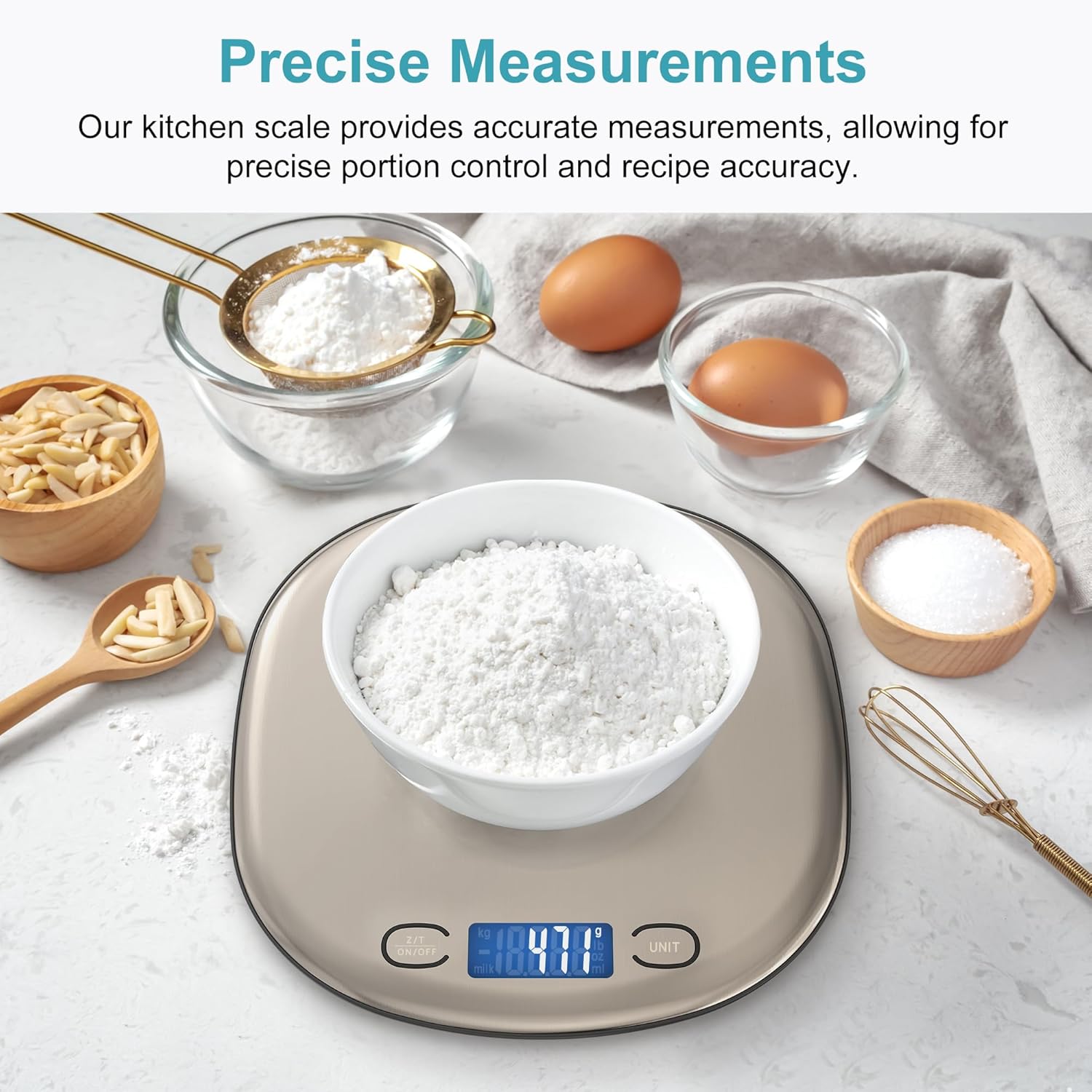
Image: The scale accurately measuring flour, demonstrating its precise graduation.
3.5 Petunjuk
- Penunjuk Bateri Rendah: If the battery symbol appears on the display, it indicates low battery. Recharge the scale via USB or replace the AAA batteries.
- Penunjuk Lebihan: If 'EEEE' appears on the display, the scale is overloaded. Remove items immediately to prevent damage. The maximum capacity is 33lb (15kg).
Video: An official Ultrean video demonstrating the features and operation of the 33lb/15Kg Digital Kitchen Scale.
4. Penyelenggaraan dan Penjagaan
4.1 Pembersihan
The stainless steel platform is easy to clean. Wipe the scale with a damp kain dan detergen lembut. Jangan rendam penimbang di dalam air atau gunakan pembersih yang kasar.
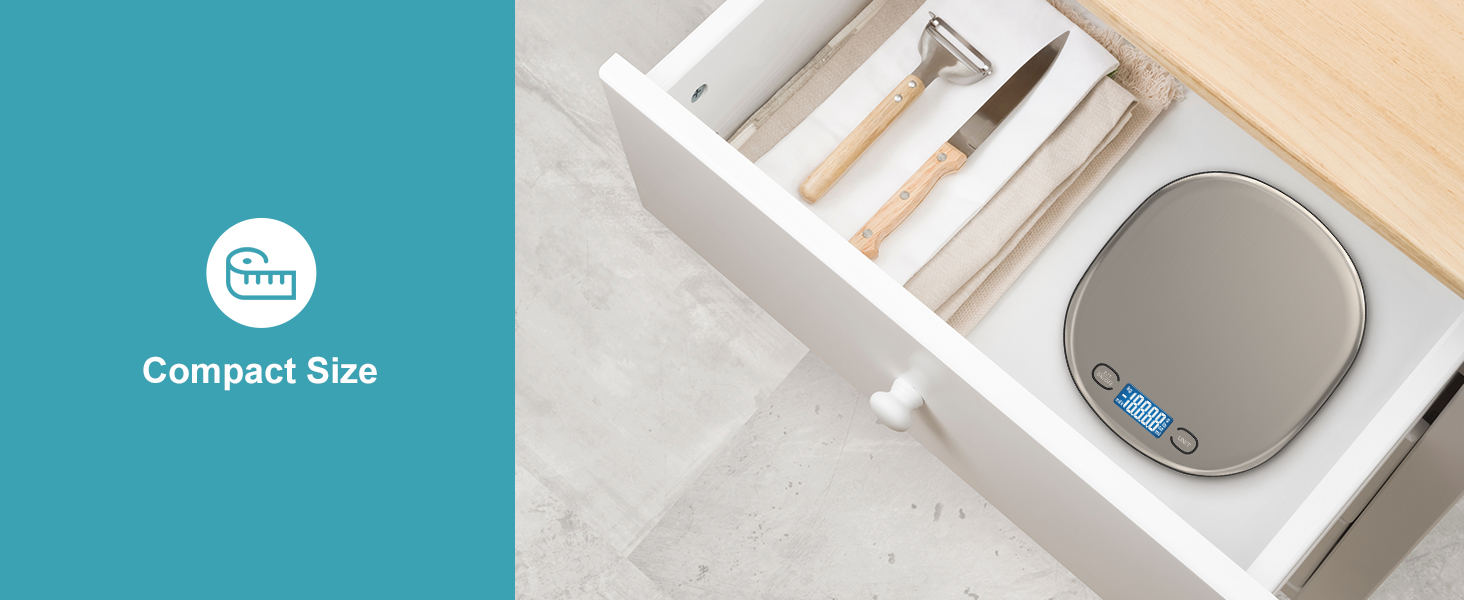
Image: The scale's easy-to-clean stainless steel surface being wiped down.
4.2 Penyimpanan
Its slim and lightweight design makes the scale easy to store in a drawer or hang on a hook. Store in a cool, dry place away from extreme temperatures and humidity.

Image: The compact design of the scale allows for convenient storage in a kitchen drawer.
5. Penyelesaian masalah
- Skala tidak dihidupkan: Check if the batteries are correctly installed or if the rechargeable battery needs charging.
- Bacaan tidak tepat: Ensure the scale is placed on a flat, stable surface. Avoid placing it near strong electromagnetic fields. Recalibrate by turning it off and on, then pressing the Tare button before weighing.
- Auto-off too fast: The scale is designed to turn off after 120 seconds of inactivity. This is a power-saving feature.
- 'EEEE' displayed: The scale is overloaded. Remove items immediately.
6. Spesifikasi
| Nombor Model | K125H |
| Kapasiti Berat | 33 paun / 15 kg |
| Pengijazahan | 1 g / 0.1 oz |
| Unit Pengukuran | g, kg, lb, oz, ml, milk |
| Dimensi Produk | 7.8 x 7.2 x 0.6 inci |
| bahan | Keluli Tahan Karat |
| Jenis Paparan | LCD |
| Sumber Kuasa | USB Rechargeable (built-in lithium battery) or 2 AAA batteries |
| Fungsi Auto-Off | 120 saat tidak aktif |
7. Waranti dan Sokongan
Ultrean is committed to providing high-quality products. While specific warranty details are not provided in this manual, Ultrean offers lifetime after-sales service. For any questions, concerns, or support needs regarding your K125H Digital Kitchen Scale, please contact Ultrean customer service through their official webtapak atau peruncit tempat produk itu dibeli.
Video: An official Ultrean video detailing the dual power options of the food scale.


