pengenalan
This manual provides essential information for setting up, operating, maintaining, and troubleshooting your Vodafone 4G Mobile Broadband Hotspot R228t. Please read this manual carefully before using the device to ensure optimal performance and safety.

Imej: Depan view of the Vodafone 4G Mobile Broadband Hotspot R228t, showing the indicator lights for signal, Wi-Fi, messages, and battery.
Panduan Persediaan
1. Kandungan Pakej
Sebelum anda mula, pastikan semua item terdapat dalam pakej:
- Vodafone 4G Mobile Broadband Hotspot R228t Device
- Bateri boleh dicas semula
- Kabel Pengecas USB
2. Memasukkan Kad SIM dan Bateri
The device requires a standard SIM card (not included). Follow these steps:
- Carefully remove the back cover of the hotspot.
- Locate the SIM card slot. Insert your activated SIM card into the slot with the gold contacts facing down, ensuring it clicks into place.
- Insert the provided battery into its compartment, aligning the contacts.
- Gantikan penutup belakang dengan selamat.
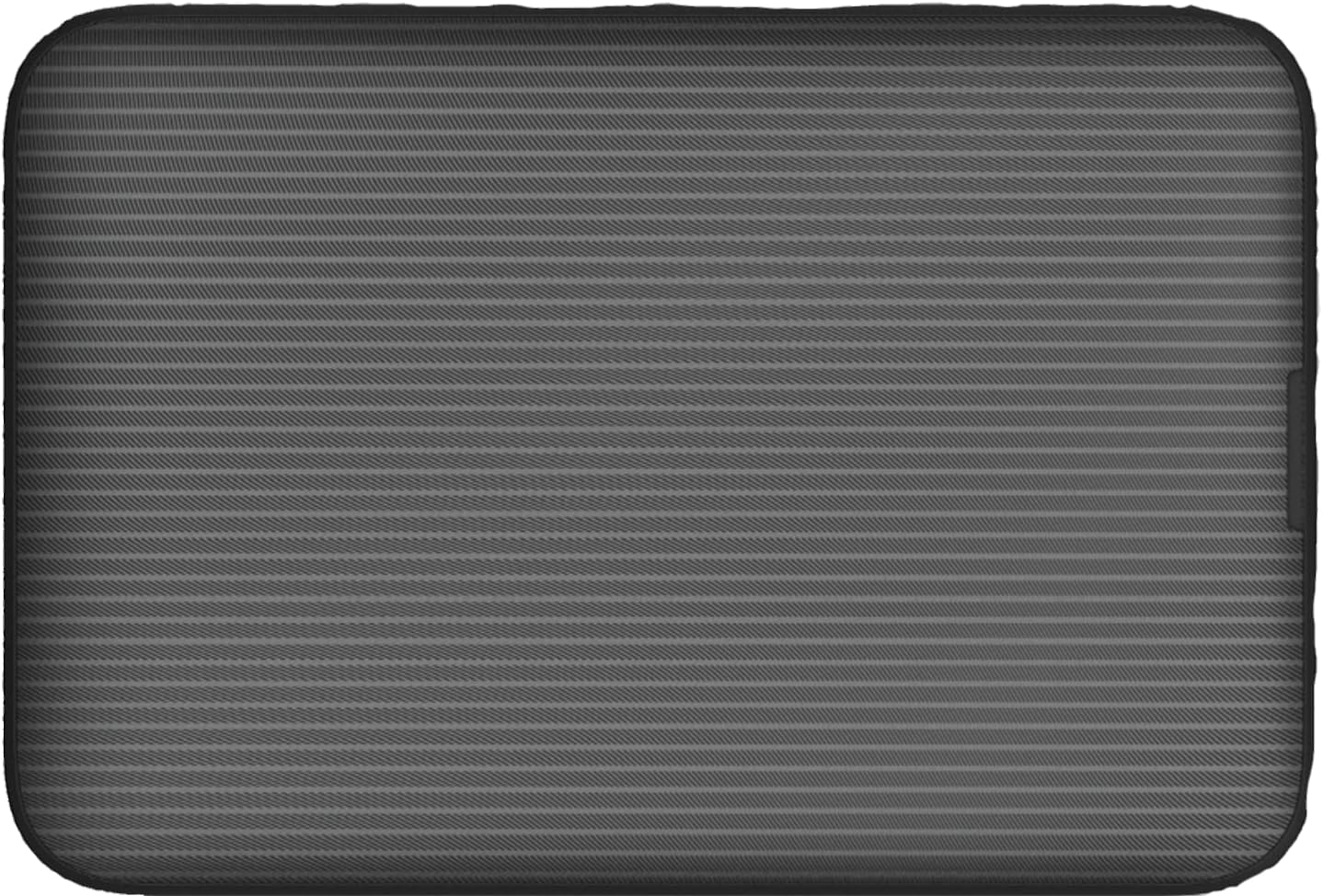
Imej: Belakang view of the Vodafone R228t hotspot with the back cover removed, illustrating the placement of the SIM card and battery.
3. Mengecas Peranti
Sebelum penggunaan pertama, cas peranti sepenuhnya.
- Connect the USB charging cable to the hotspot's charging port.
- Sambungkan hujung kabel yang satu lagi ke penyesuai kuasa USB (tidak disertakan) atau port USB komputer.
- The battery indicator light will show charging status. A full charge typically takes a few hours.

Imej: Jarak dekat view of the Vodafone R228t hotspot's charging port, located on the side of the device.
Arahan Operasi
1. Menghidupkan/Mematikan
- To power on: Press and hold the power button (located on the side) until the indicator lights illuminate.
- Untuk mematikan: Tekan dan tahan butang kuasa sehingga lampu penunjuk padam.
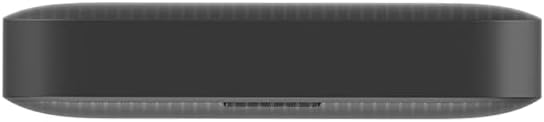
Imej: Sisi view of the Vodafone R228t hotspot, highlighting the power button.
2. Connecting to the Wi-Fi Network
Once powered on, the hotspot will broadcast a Wi-Fi network. You can connect up to 32 devices simultaneously.
- On your device (laptop, smartphone, tablet), open your Wi-Fi settings.
- Cari untuk available networks. The network name (SSID) and password (Wi-Fi Key) are typically found on a sticker inside the battery compartment or on the device packaging.
- Select the hotspot's SSID and enter the Wi-Fi Key when prompted.
- Sebaik sahaja disambungkan, anda sepatutnya mempunyai akses internet.
3. Lampu Penunjuk
The front panel features several indicator lights:
- Kekuatan Isyarat: Indicates the strength of the 4G mobile signal. More bars mean better signal.
- Status Wi-Fi: Menunjukkan sama ada Wi-Fi aktif dan jika peranti disambungkan.
- Mesej: Menunjukkan mesej SMS baharu yang diterima pada kad SIM.
- Status Bateri: Memaparkan tahap bateri semasa dan status pengecasan.
4. Web Antara Muka Pengurusan
For advanced settings, such as changing Wi-Fi name/password, checking data usage, or managing SMS, access the web antara muka pengurusan:
- Connect your device to the hotspot's Wi-Fi network.
- Buka a web pelayar dan masukkan alamat IP lalai (cth, http://192.168.0.1 or http://vodafonemobile.wifi). Refer to your device's sticker for the exact address.
- Enter the default login password (usually "admin" or found on the device sticker).
Penyelenggaraan
- Pembersihan: Gunakan kain lembut dan kering untuk membersihkan peranti. Elakkan pembersih cecair atau bahan yang melelas.
- Storan: Simpan peranti di tempat yang sejuk dan kering jauh dari cahaya matahari langsung dan suhu yang melampau.
- Penjagaan Bateri: To prolong battery life, avoid fully discharging the battery frequently. If storing for extended periods, charge the battery to about 50% and recharge every few months.
- Kemas Kini Perisian: Semak secara berkala web antara muka pengurusan untuk kemas kini perisian tegar yang tersedia untuk memastikan prestasi dan keselamatan yang optimum.
Menyelesaikan masalah
| Masalah | Penyelesaian yang Mungkin |
|---|---|
| Tiada sambungan internet |
|
| Tidak dapat menyambung ke Wi-Fi |
|
| Kelajuan internet perlahan |
|
| Peranti tidak dihidupkan |
|
Spesifikasi
| Ciri | Perincian |
|---|---|
| Nama Model | R228t (Vodafone MW40) |
| Teknologi Ketersambungan | 4G LTE, Wi-Fi |
| Kelajuan Muat Turun Maks | Sehingga 300 Mbps |
| Wi-Fi Standard | 802.11a (Single-Band) |
| Keselamatan | WPA + WPA2 |
| Max Wi-Fi Users | Sehingga 32 |
| Jenis Bateri | Litium Ion (1 termasuk) |
| Masa Tunggu Sedia | Sehingga 300 jam |
| Dimensi (L x W x H) | 9.5 x 6.5 x 1.5 cm |
| Berat badan | 87 g |
| Komponen yang Disertakan | Device, Battery, USB charging cable |
Waranti dan Sokongan
For warranty information and technical support, please refer to the official Vodafone website or contact Vodafone customer service. Keep your purchase receipt as proof of purchase.
Official Vodafone Store: Vodafone Amazon Store

Image: The official Vodafone logo, a red circle with a white teardrop shape and the word "vodafone" in lowercase below it.


