1. Pengenalan
This manual provides comprehensive instructions for the LENVII D7800 Desktop Automatic 2D Barcode Scanner. Please read this manual carefully before using the product to ensure proper operation and to maximize its performance and lifespan. Keep this manual for future reference.
2. Maklumat Keselamatan
- Jangan dedahkan pengimbas kepada air atau kelembapan berlebihan.
- Avoid dropping the scanner from heights exceeding 1.2 meters to prevent damage, despite its anti-shock design.
- Do not attempt to disassemble or repair the scanner yourself. Refer to qualified service personnel.
- Pastikan tetingkap pengimbasan bersih untuk memastikan prestasi optimum.
- Avoid direct eye exposure to the scanner's light source.
3. Kandungan Pakej
Sahkan bahawa semua item terdapat dalam pakej:
- LENVII D7800 Desktop Automatic 2D Barcode Scanner
- Kabel USB (bersepadu)
- Manual Pengguna (dokumen ini)

Rajah 3.1: Package contents including the scanner, USB cable, and user manual.
4. Produk Lebihview
4.1 Ciri-ciri Utama
- Reka bentuk bebas tangan: Omnidirectional scanning for 1D, 2D, and QR codes.
- CCD Scanning Technology: Capable of reading barcodes from mobile phone and computer screens, as well as damaged, blurred, distorted, colorful, or reflective barcodes.
- Pasang dan Main: No driver installation required.
- Keserasian Luas: Works with Windows XP/7/8/10, Mac OS, and Linux operating systems.
- Kepala boleh laras: Features a 15° adjustable head for flexible scanning angles.
- Anti-shock Design: Direka bentuk untuk menahan jatuhan sehingga 1.2 meter.
4.2 Dimensi
The scanner has compact dimensions suitable for desktop use.

Rajah 4.1: Depan dan sisi view of the LENVII D7800 scanner with dimensions indicated.
4.3 Anti-shock Design
The LENVII D7800 is designed for durability, capable of withstanding accidental drops from a height of 1.2 meters without affecting its functionality.

Rajah 4.2: Illustration of the scanner's anti-shock capability.
5. Persediaan
5.1 Menyambung Pengimbas
- Place the LENVII D7800 scanner on a stable, flat surface.
- Connect the integrated USB cable from the scanner to an available USB port on your computer (desktop or laptop).
- The scanner will power on automatically and initiate the "Plug and Play" process.

Rajah 5.1: The scanner connected to various devices, demonstrating its plug-and-play functionality.
5.2 Pemasangan Pemandu
The LENVII D7800 is a plug-and-play device. No additional drivers or software installation is required for basic operation. Your operating system (Windows, Mac OS, Linux) will automatically recognize the device.
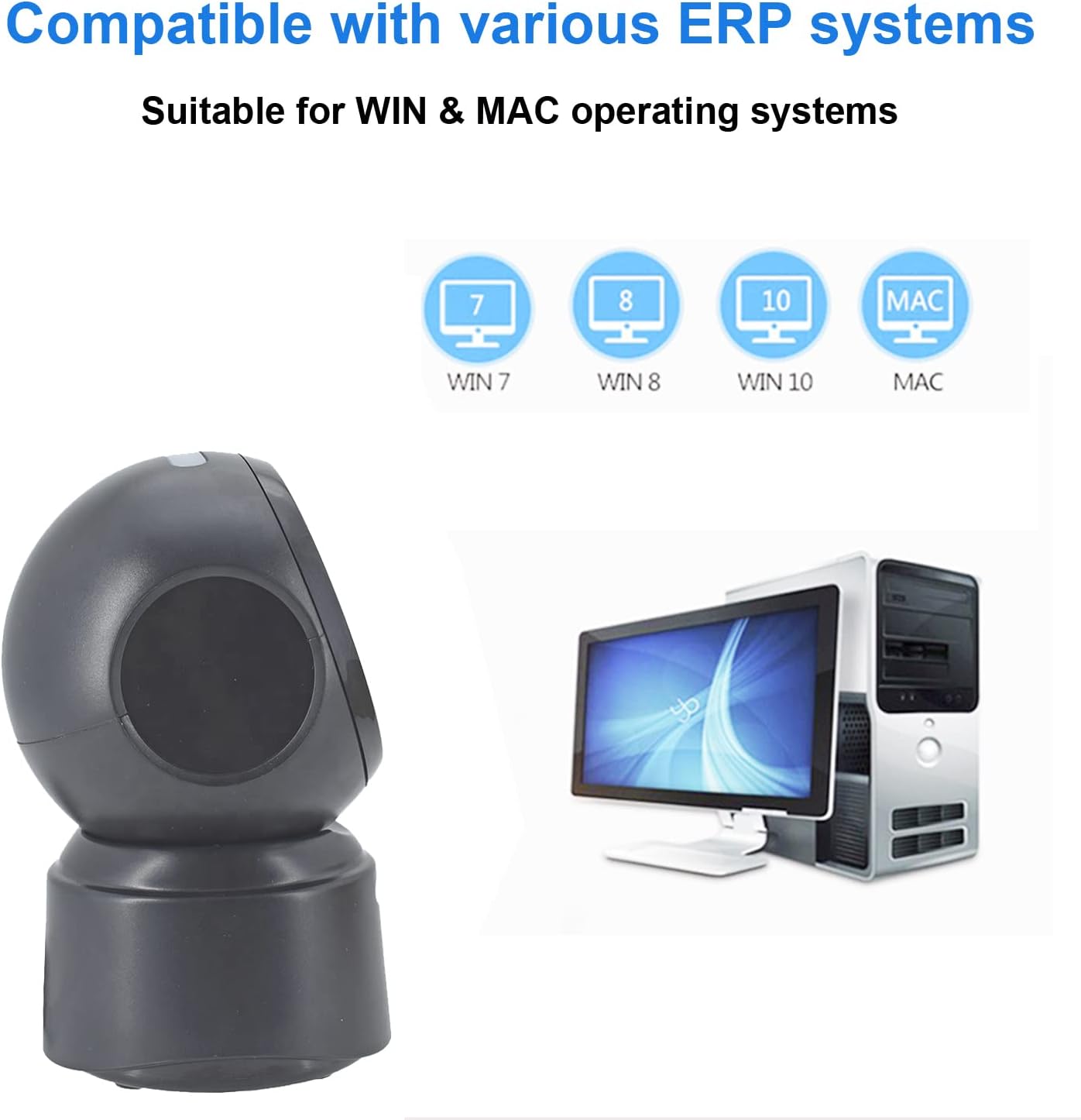
Rajah 5.2: Compatibility with various operating systems.
6. Arahan Operasi
6.1 Prosedur Pengimbasan Asas
The D7800 scanner operates in an automatic, hands-free mode. Once connected, it is ready to scan.
- Pastikan pengimbas disambungkan ke komputer anda dan dihidupkan.
- Present the barcode to the scanning window. The scanner will automatically detect and read the barcode.
- A successful scan is typically indicated by an audible beep and/or a visual confirmation (e.g., LED indicator).
- The scanned data will be transmitted to your computer as keyboard input.
6.2 Scanning Barcode Types
The scanner supports a wide range of 1D, 2D, and QR codes, including those that are less than perfect.
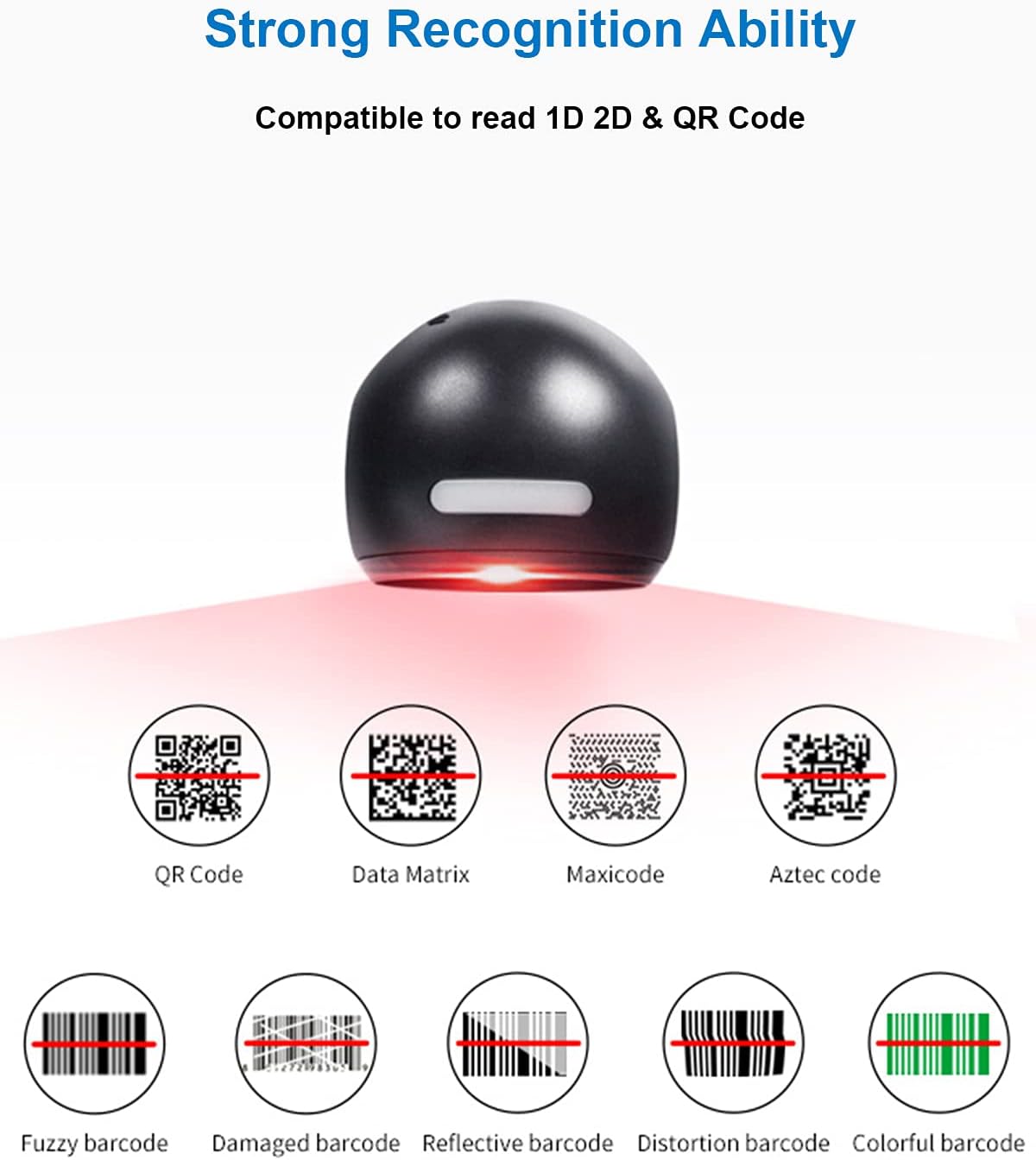
Rajah 6.1: Examples of various barcode types and conditions the scanner can recognize.
6.3 On-Screen Barcode Scanning
The D7800 is capable of scanning barcodes directly from digital displays, such as smartphones, tablets, and computer monitors.

Rajah 6.2: The scanner reading a barcode from a digital screen. Example barcode: 1234567890
6.4 Senario Aplikasi
The LENVII D7800 is suitable for various environments requiring efficient barcode scanning.
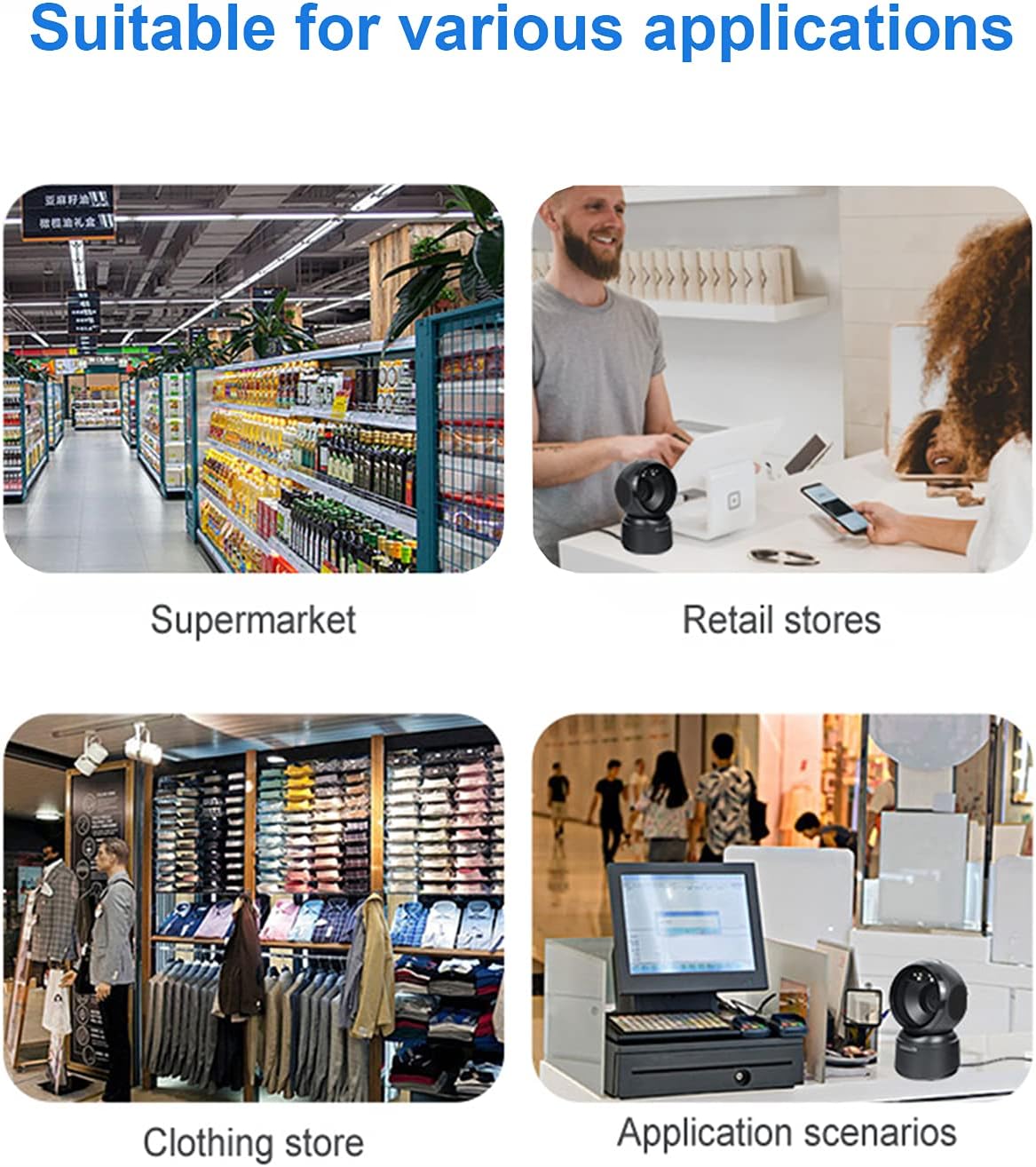
Rajah 6.3: Common application environments for the scanner.
7. Penyelenggaraan
7.1 Membersihkan Pengimbas
- Pastikan pengimbas diputuskan sambungannya daripada sumber kuasa sebelum membersihkannya.
- Gunakan kain lembut, kering, bebas serabut untuk mengelap bahagian luar pengimbas.
- For the scanning window, use a lens cleaning cloth or a soft cloth lightly dampened with a mild, non-abrasive cleaning solution. Avoid spraying cleaners directly onto the scanner.
- Do not use harsh chemicals, solvents, or abrasive materials, as these can damage the scanner's surface or scanning window.
7.2 Penyimpanan
When not in use, store the scanner in a cool, dry place, away from direct sunlight and extreme temperatures. The maximum storage temperature is 60°C (140°F).
8. Penyelesaian masalah
| Masalah | Kemungkinan Punca | Penyelesaian |
|---|---|---|
| Pengimbas tidak dihidupkan. | Kabel USB tidak disambungkan dengan betul atau port USB rosak. | Ensure the USB cable is securely connected. Try a different USB port on your computer. |
| Pengimbas tidak membaca kod bar. |
|
|
| Data yang diimbas tidak betul atau tidak lengkap. |
|
|
Jika masalah berterusan selepas mencuba penyelesaian ini, sila hubungi sokongan pelanggan.
9. Spesifikasi
| Ciri | Perincian |
|---|---|
| Model | D7800 |
| taip | 2D CMOS Wired Barcode Scanner |
| Kaedah Sambungan | USB |
| Dimensi (W x H x D) | 84mm x 140.2mm x 90.1mm (lebih kurang 3.31 x 5.52 x 3.55 inci) |
| Berat badan | 230g (lebih kurang 0.51 paun) |
| bahan | ABS |
| warna | Hitam |
| Sumber Cahaya | 617nm LED (aimer); 6500K LEDs (illumination) |
| Penderia Imej | 640*480 CMOS |
| Pemproses | ARM 32-bit |
| Kelajuan Imbasan | 200 kali / saat |
| kuasa | DC 5V |
| semasa | 400mA ±5% |
| OS yang serasi | Windows XP/7/8/10, Mac OS, Linux |
| 1D Code Support | EAN-8, EAN-13, Codabar, CODE 39, CODE 93, CODE 128, China Post, GS1-128, UPC-A, UPC-E, ISBN/ISSN, ISBT, Interleaved 2 of 5, Standard 2 of 5, Matrix 2 of 5, Industrial 2 of 5, MSI, RSS, ITF14, Telepen, etc. |
| 2D/QR Code Support | Micro QR Code, Data Matrix, PDF417, Micro PDF417, Maxicode, Aztec, Hanxin, etc. |
| Suhu Penyimpanan Maksimum | 60°C (140°F) |
10. Waranti dan Sokongan
10.1 Maklumat Waranti
LENVII products are covered by a limited warranty against defects in materials and workmanship. Please refer to the warranty card included with your product or contact LENVII customer support for specific warranty terms and conditions.
10.2 Sokongan Pelanggan
For technical assistance, troubleshooting, or product inquiries, please contact LENVII customer support. Contact information can typically be found on the product packaging or the official LENVII webtapak.


