pengenalan
Thank you for choosing the LC-dolida Bluetooth Headband Headphones. This manual provides detailed instructions on how to set up, operate, and maintain your device. Please read this manual thoroughly before use to ensure optimal performance and longevity of your product.
Kandungan Pakej
Sila semak pakej untuk item berikut:
- LC-dolida Bluetooth Headband Headphones (Model LC001)
- Kabel Pengecas USB
- Manual Pengguna
Jika ada item yang hilang atau rosak, sila hubungi sokongan pelanggan.
Produk Selesaiview
The LC-dolida Bluetooth Headband Headphones (Model LC001) are designed for versatile use, combining a comfortable headband with integrated audio technology. They are suitable for various activities including sleep, sports, and general audio listening.

Imej: Depan view of the LC-dolida Bluetooth Headband Headphones, highlighting the control panel.
Ciri-ciri Utama:
- Reka bentuk 3-dalam-1: Functions as a sports headband, sleep mask, and Bluetooth headphones.
- Bahan yang selesa: Made from highly elastic, breathable, and sweat-wicking fabric.
- Ultra-Thin Speakers: Designed for comfort, especially for side sleepers, with adjustable positioning.
- Kesambungan Bluetooth 5.2: Provides stable connections and clear audio.
- Mikrofon terbina dalam: Membolehkan panggilan bebas tangan.

Image: Visual representation of the headband's material properties: soft, sweat-absorbing, elastic, and breathable.

Image: Depiction of the headband's comfort for side sleepers, highlighting the super thin speakers and zero pressure design.
Persediaan
1. Pengecasan Awal
- Connect the provided USB charging cable to the charging port on the headband.
- Sambungkan hujung kabel USB yang satu lagi ke penyesuai kuasa USB (tidak disertakan) atau port USB komputer.
- Lampu penunjuk LED akan menyala semasa pengecasan.
- A full charge typically takes 1-2 hours. The LED indicator will change or turn off once charging is complete.

Image: Visual guide for charging time (2 hours) and approximate playtime (14 hours).
2. Berpasangan Bluetooth
- Pastikan ikat kepala dicas sepenuhnya.
- Press and hold the Power button on the control panel until the LED indicator light flashes blue and red, indicating pairing mode.
- Pada peranti anda (telefon pintar, tablet, dll.), dayakan Bluetooth dan cari peranti yang tersedia.
- Select "LC-dolida" from the list of devices.
- Sebaik sahaja disambungkan, penunjuk LED biasanya akan menunjukkan cahaya biru pekat atau berkelip biru perlahan-lahan.
- Penyambungan Semula Automatik: After the initial pairing, the headband will automatically attempt to connect to the last paired device when powered on, provided the device's Bluetooth is active and within range.
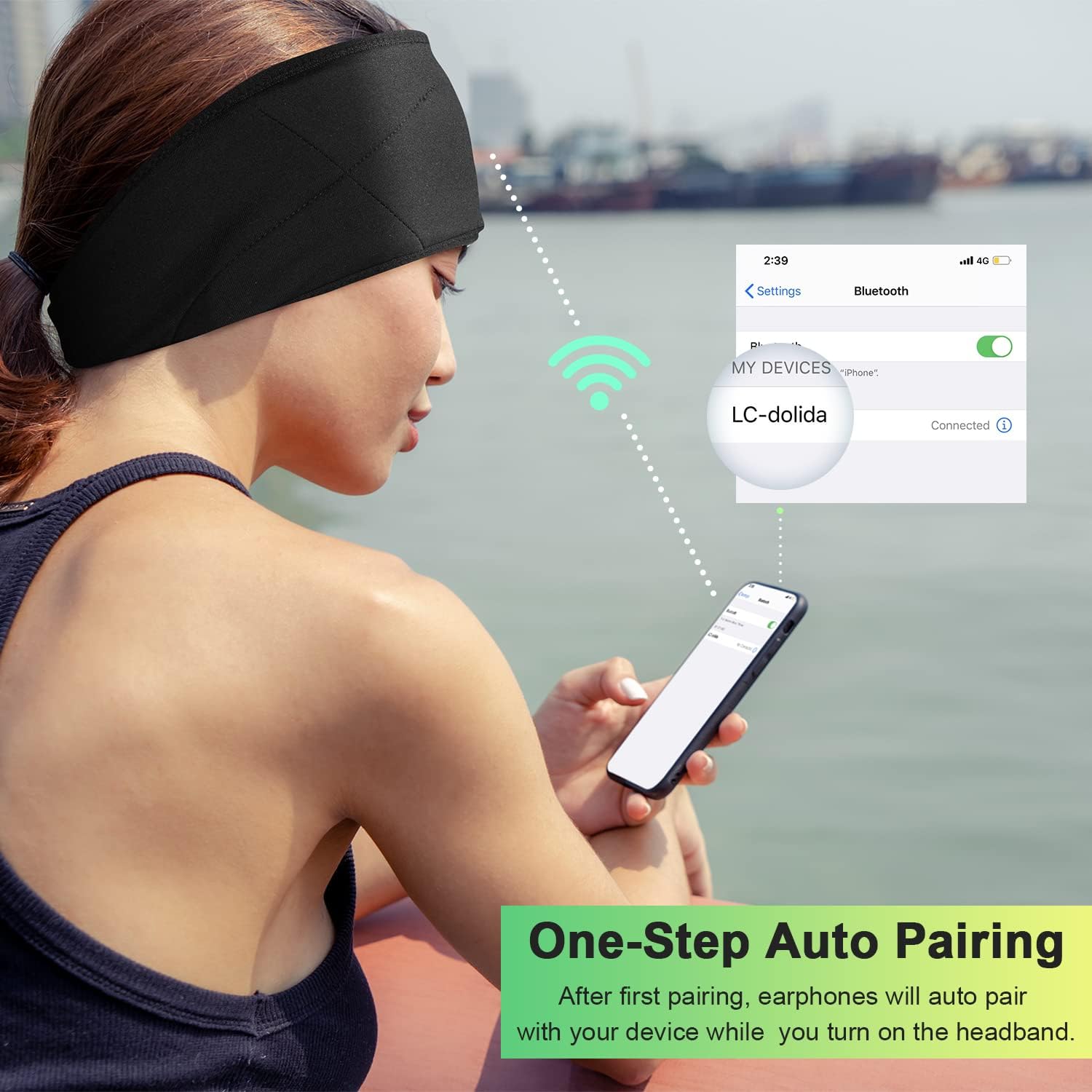
Image: Illustration of the one-step auto pairing process with a smartphone.

Image: Visual confirmation of strong compatibility with various Bluetooth-enabled devices (Android, iOS, Windows).
Arahan Operasi
Fungsi Panel Kawalan
The control panel on the headband allows you to manage power, music playback, and calls.
- Hidupkan/Mati Kuasa: Press and hold the Power button (center button) for approximately 3 seconds.
- Main/Jeda Muzik: Tekan butang Kuasa sekali.
- Kelantangan: Tekan butang "+".
- Perlahankan suara: Tekan butang "-".
- Lagu Seterusnya: Tekan dan tahan butang "+" selama 2 saat.
- Trek Sebelumnya: Tekan dan tahan butang "-" selama 2 saat.
- Jawab/Tamatkan Panggilan: Tekan butang Kuasa sekali.
- Tolak Panggilan: Tekan dan tahan butang Kuasa selama 2 saat.
- Dail Semula Nombor Terakhir: Tekan dua kali butang Kuasa.

Image: Visual highlighting of the HIFI music and HD stereo sound capabilities.
Pelarasan Pembesar Suara
The ultra-thin speakers inside the headband can be gently moved to align with your ears for optimal sound and comfort. Simply slide them within the fabric casing to find your preferred position.
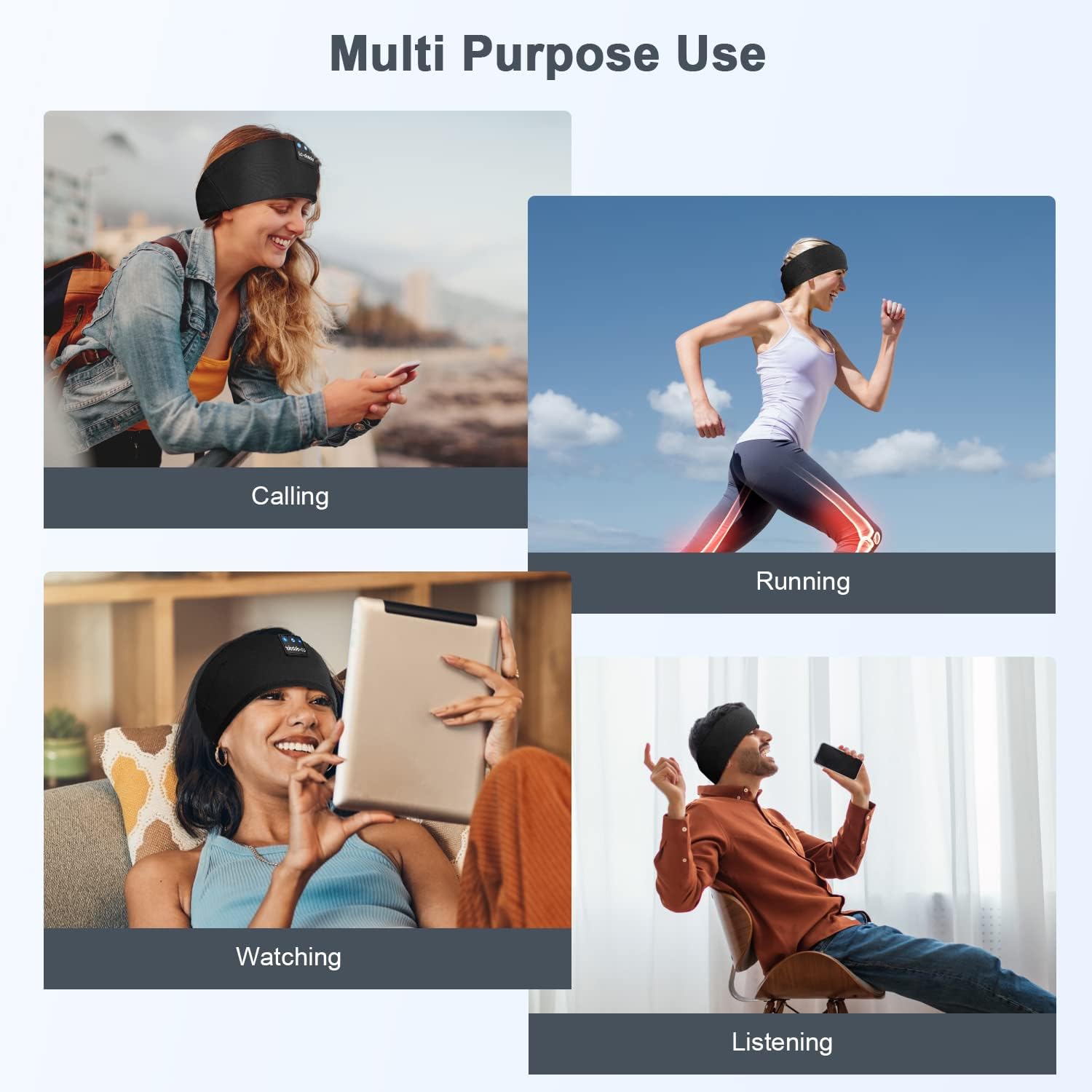
Imej: Cthamples of multi-purpose use, including hands-free calling, running, watching media, and general listening.
Penyelenggaraan
Cleaning the Headband
- Before cleaning, ensure the headband is powered off and disconnected from any charging source.
- Gently remove the electronic module (control panel and speakers) from the fabric headband.
- The fabric headband can be hand-washed with mild soap and cold water. Do not machine wash or tumble dry.
- Allow the fabric headband to air dry completely before reinserting the electronic module.
- Wipe the electronic module with a dry, soft cloth. Do not immerse it in water.
Penyimpanan
- Store the headband in a cool, dry place away from direct sunlight and extreme temperatures.
- Avoid placing heavy objects on the headband to prevent damage to the speakers or internal components.
Menyelesaikan masalah
| Masalah | Kemungkinan Punca | Penyelesaian |
|---|---|---|
| Headband does not power on. | Bateri lemah. | Charge the headband for 1-2 hours. |
| Tidak boleh berpasangan dengan peranti. | Bluetooth is off on your device; headband is not in pairing mode; device is too far. | Ensure Bluetooth is enabled on your device. Put the headband into pairing mode (flashing blue/red LED). Move device closer to the headband. |
| Tiada bunyi atau kelantangan rendah. | Volume too low on headband or device; speakers misaligned; connection issue. | Increase volume on both the headband and your device. Adjust speaker position within the headband. Re-pair the device. |
| Sambungan terputus-putus. | Peranti terlalu jauh; gangguan; bateri lemah. | Move closer to your device. Avoid strong electromagnetic interference. Charge the headband. |
| Mikrofon tidak berfungsi. | Mikrofon disekat; tetapan peranti. | Ensure the microphone area is clear. Check your device's audio input settings. |
If you encounter issues not listed here, please refer to the Warranty and Support section for assistance.
Spesifikasi
| Nama Model | LC001 |
| Teknologi Ketersambungan | Wayarles (Bluetooth) |
| Versi Bluetooth | 5.2 |
| Julat Bluetooth | 45 Kaki |
| Jenis Pemacu Audio | Pemandu Dinamik |
| Julat Kekerapan | 20Hz - 20,000Hz |
| Hayat Bateri | Up to 13 Hours (Playback) |
| Masa Mengecas | 1-2 Jam |
| Jenis Kawalan | Media Control (Buttons) |
| Tahap Ketahanan Air | Bukan Tahan Air |
| Berat Barang | 2.89 auns |
| Dimensi Pakej | 7.95 x 3.98 x 0.94 inci |
Catatan: Spesifikasi boleh berubah tanpa notis.
Waranti dan Sokongan
Waranti Pengeluar
This LC-dolida product comes with a one-year manufacturer's warranty from the date of purchase, covering defects in materials and workmanship under normal use.
Additionally, a 30-day satisfaction guarantee allows for a refund within 30 days of purchase if you are not satisfied with the product.
Sokongan Pelanggan
For any questions, technical assistance, or warranty claims, please contact our after-sales team via email. We aim to provide a satisfactory solution within 6 hours.
Please visit the official LC-dolida website or your purchase platform for specific contact details.


