pengenalan
This manual provides instructions for the Matias Wired USB-C Keyboard for Mac with Numeric Keypad, Model FK316CS. It covers setup, operation, maintenance, troubleshooting, and product specifications to ensure optimal use of your keyboard.
Kandungan Pakej
- Matias Wired USB-C Keyboard
Persediaan
The Matias Wired USB-C Keyboard is designed for simple plug-and-play functionality with compatible Mac devices. No additional drivers or software installation is required.
- Locate an available USB-C port on your Mac computer (e.g., MacBook Pro, MacBook Air, iMac).
- Insert the USB-C connector of the keyboard into the USB-C port on your Mac.
- The keyboard should be recognized automatically by your operating system.
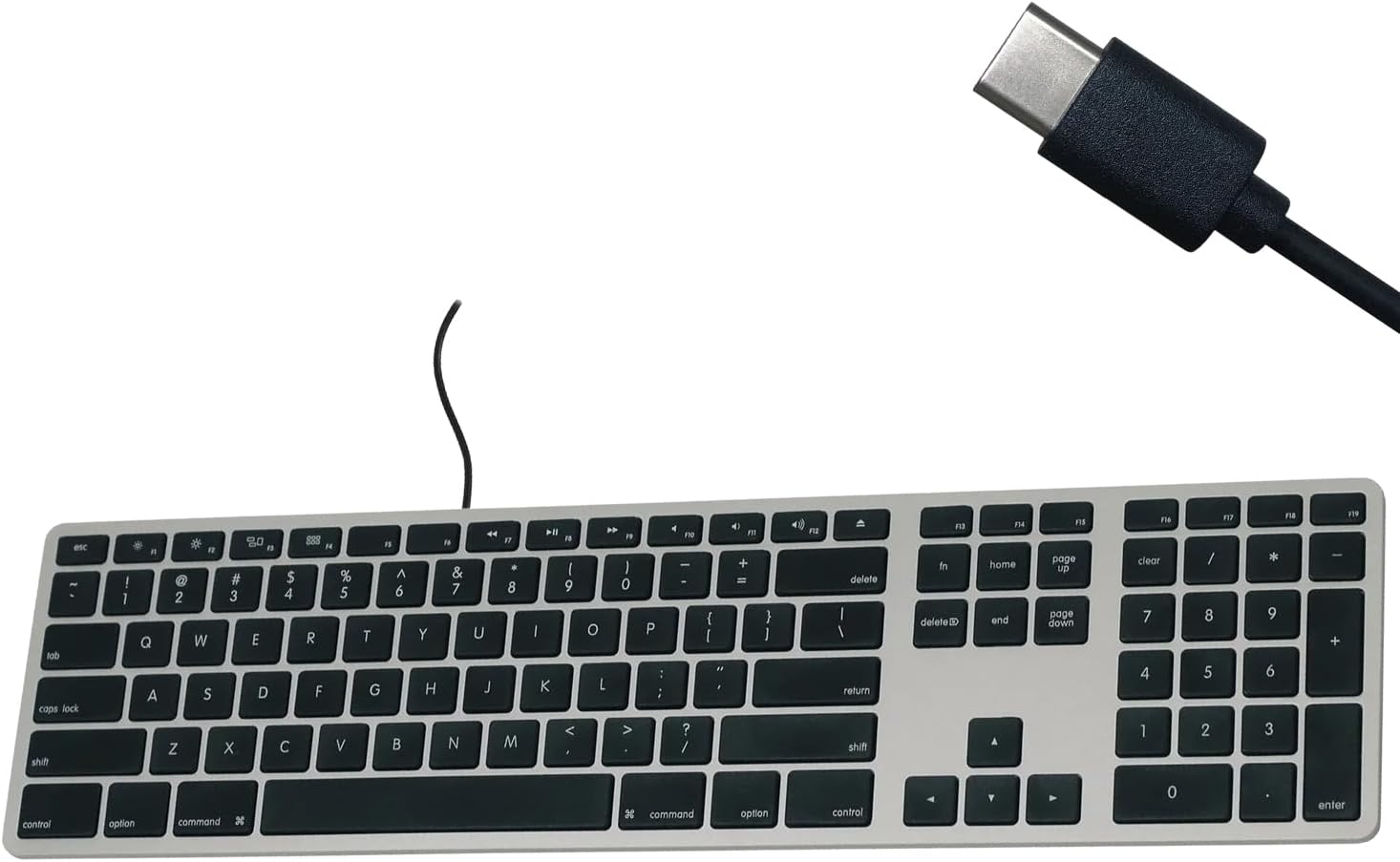
Figure 1: Matias USB-C Keyboard with its USB-C connector, ready for connection.

Figure 2: The keyboard connected to a Mac computer, demonstrating a typical setup.
Arahan Operasi
Menaip Asas
The keyboard features a standard QWERTY layout with a full numeric keypad. Simply begin typing after connecting the keyboard to your Mac.
Pad Kekunci Berangka
The integrated numeric keypad allows for efficient data entry and calculations. Ensure the 'Num Lock' function is active if numbers are not registering (though typically not required on Mac keyboards for the numeric pad).
Kekunci Fungsi Mac
The top row of keys (F1-F12) provides dedicated Mac-specific functions. These keys allow for quick access to controls such as screen brightness, volume adjustment, media playback, and Mission Control.

Rajah 3: Jarak dekat view of the Mac-specific function keys (F1-F12) on the keyboard.
Penyelenggaraan
To maintain the performance and appearance of your Matias keyboard, follow these guidelines:
- Pembersihan: Gunakan kain lembut dan tidak berbulu sedikit dampened with water or a mild, non-abrasive cleaner to wipe the surface of the keyboard. Avoid spraying liquids directly onto the keyboard.
- Penyingkiran habuk: Gunakan udara termampat untuk mengeluarkan habuk dan serpihan dari antara kekunci.
- Storan: Simpan papan kekunci di persekitaran yang bersih dan kering apabila tidak digunakan.
Menyelesaikan masalah
If you encounter issues with your Matias Wired USB-C Keyboard, consider the following steps:
- Papan Kekunci Tidak Membalas:
- Ensure the USB-C cable is securely connected to both the keyboard and your Mac.
- Try connecting the keyboard to a different USB-C port on your Mac.
- Restart your Mac computer.
- Test the keyboard on another compatible Mac computer, if available, to determine if the issue is with the keyboard or the computer.
- Kekunci Tidak Berfungsi Dengan Betul:
- Check for any physical obstructions or debris under the affected keys.
- Ensure your Mac's operating system is up to date.
Jika langkah-langkah ini tidak menyelesaikan masalah, sila rujuk bahagian Sokongan untuk bantuan lanjut.
Spesifikasi
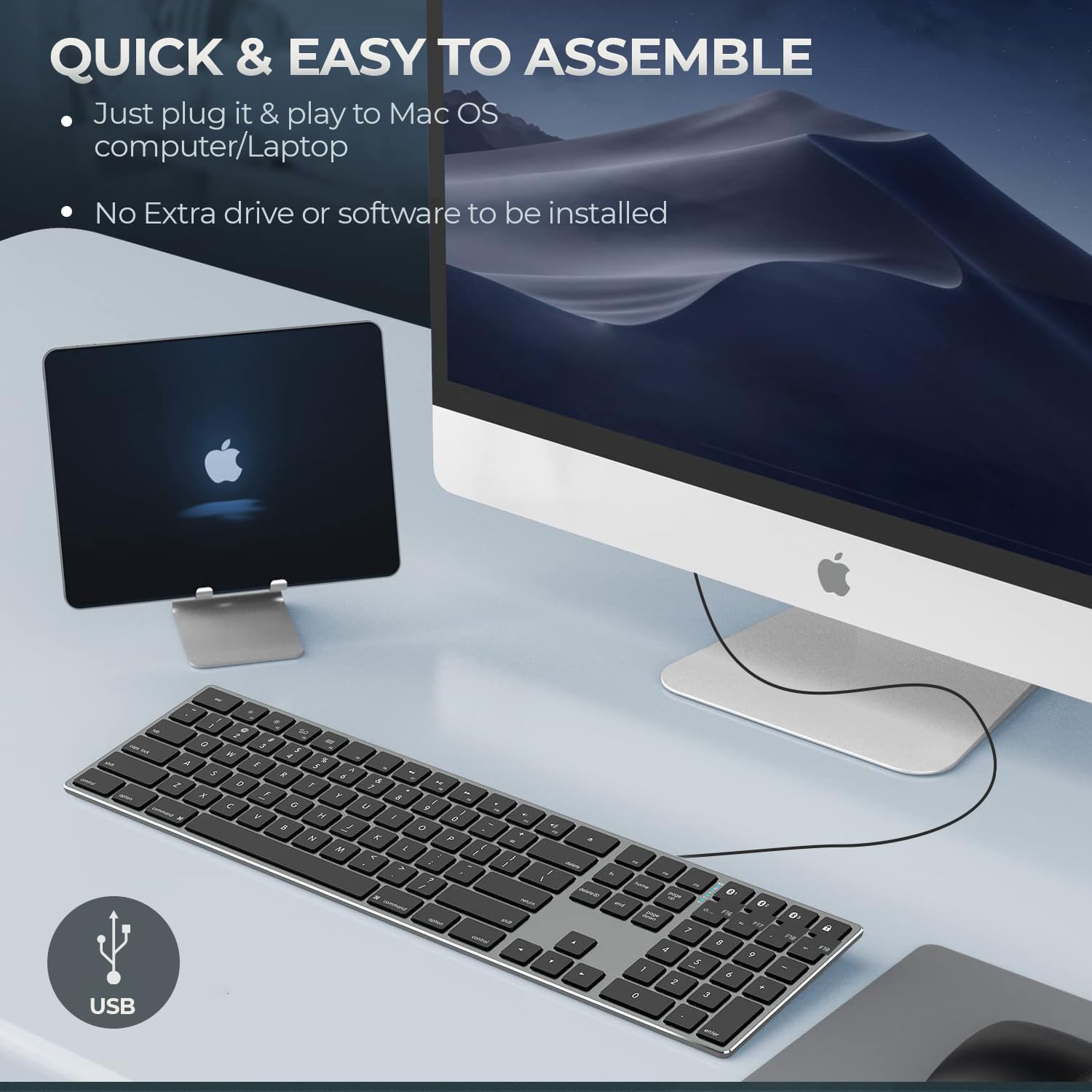
Figure 4: Key specifications of the Matias USB-C Keyboard.
| Ciri | Perincian |
|---|---|
| Nombor Model | FK316CS |
| Teknologi Ketersambungan | USB-C (Berwayar) |
| Peranti Serasi | MacBook Pro, MacBook Air, iMac, Mac OS X v.10.6.8 and later |
| Dimensi Produk | 17.35 x 4.58 x 0.75 inci (44.07 x 11.63 x 1.91 cm) |
| Berat Barang | 1.35 paun (612 gram) |
| Panjang Kabel | 5 kaki (1.5 meter) |
| bahan | Plastic keyframe |
| warna | Kelabu Angkasa |

Figure 5: Keyboard dimensions and ergonomic tilt angle.
Maklumat Waranti
Matias products are covered by a manufacturer's warranty. For specific details regarding the warranty period and terms, please refer to the warranty card included with your product or visit the official Matias webtapak.
Sokongan
For further assistance, technical support, or to inquire about replacement parts, please contact Matias customer service through their official webtapak:
- Matias Official Webtapak: www.matias.ca
Please have your product model number (FK316CS) and purchase information ready when contacting support.


