Produk Selesaiview
The SHREYANS CD410 is a versatile 4-inch thermal printer designed for both receipt and label printing. It offers efficient and reliable performance for various business needs, including shipping labels, e-commerce invoices, retail labeling, and warehouse labeling. This compact device combines multiple functionalities into one, providing a space-saving and cost-effective solution.

Image: The SHREYANS CD410 printer, a compact white device with a black transparent cover, shown actively printing a shipping label. A blue Bluetooth icon is illuminated above the printer, indicating wireless connectivity.
Panduan Persediaan
1. Membongkar dan Pemeriksaan Awal
Keluarkan semua komponen dari pembungkusan dengan berhati-hati. Sahkan bahawa semua item yang disertakan ada:
- SHREYANS CD410 Printer Unit
- Penyesuai Kuasa
- Kabel USB
- Panduan Mula Pantas (jika berkenaan)
Inspect the printer for any visible damage that may have occurred during transit. If any damage is found or components are missing, contact customer support immediately.
2. Loading Labels/Receipt Paper
The CD410 printer supports thermal labels and receipt paper with a width of 2 inches (50mm) to 4 inches (100mm). Follow these steps to load the media:
- Buka penutup atas pencetak.
- Place the roll of thermal paper into the media compartment, ensuring the printing side is facing up.
- Pull a small length of paper out past the print head and align it with the paper guides.
- Close the top cover securely until it clicks into place.

Image: The SHREYANS CD410 printer demonstrating its compatibility with various thermal label sizes, ranging from 2 inches (50mm) to 4 inches (100mm) in width, suitable for different applications like shipping labels and MRP tags.
3. Menyambungkan Pencetak
The SHREYANS CD410 offers multiple connectivity options:
- Sambungan USB: Sambungkan pencetak ke komputer anda menggunakan kabel USB yang disediakan.
- Sambungan Bluetooth: For wireless printing, ensure Bluetooth is enabled on your device (laptop, Android). Pair the printer with your device through the Bluetooth settings.

Image: The SHREYANS CD410 printer connected to a laptop via USB and showing Bluetooth connectivity to a smartphone, illustrating its multiple connectivity options for printing labels from 1 inch to 4 inches in size.
4. Pemasangan Pemandu
The printer is compatible with Windows, Linux, and Mac operating systems. Drivers are typically provided on a CD or available for download from the SHREYANS support webtapak. Ikut arahan pada skrin untuk pemasangan.

Image: The SHREYANS CD410 printer with icons representing Windows, Linux, and Mac operating systems, indicating its broad compatibility across different computer platforms.
Once drivers are installed, you may need to set printer properties, such as paper size and print density, within your operating system's printer settings or the application you are printing from.

Image: A visual guide illustrating the easy operation steps for the SHREYANS CD410 printer: Load Label, Install Driver, Set Printer Properties, and Start to Print.
Arahan Operasi
1. Percetakan Asas
After successful setup and driver installation, you can begin printing. Open the document or label design in your preferred software (e.g., shipping platform, billing software, design application). Select the SHREYANS CD410 as your printer and initiate the print command.
The printer is designed for high efficiency, capable of printing up to 120 pieces per minute or at a speed of 150 mm/s, significantly saving time for high-volume tasks.

Image: A graphic illustrating the SHREYANS CD410 printer's speed and efficiency, showing it can print 120 pieces per minute at 150 mm/s, leading to significant time savings compared to other printers.
2. Keserasian Perisian
The CD410 printer supports various billing and inventory software, making it suitable for diverse business environments. This includes compatibility with platforms like Zoho, NetEHost, HostBooks, Vyapar, Posify, Nukkad Shops, MyBillBook, Ezetap, Invoice Home, and GoFrugal.
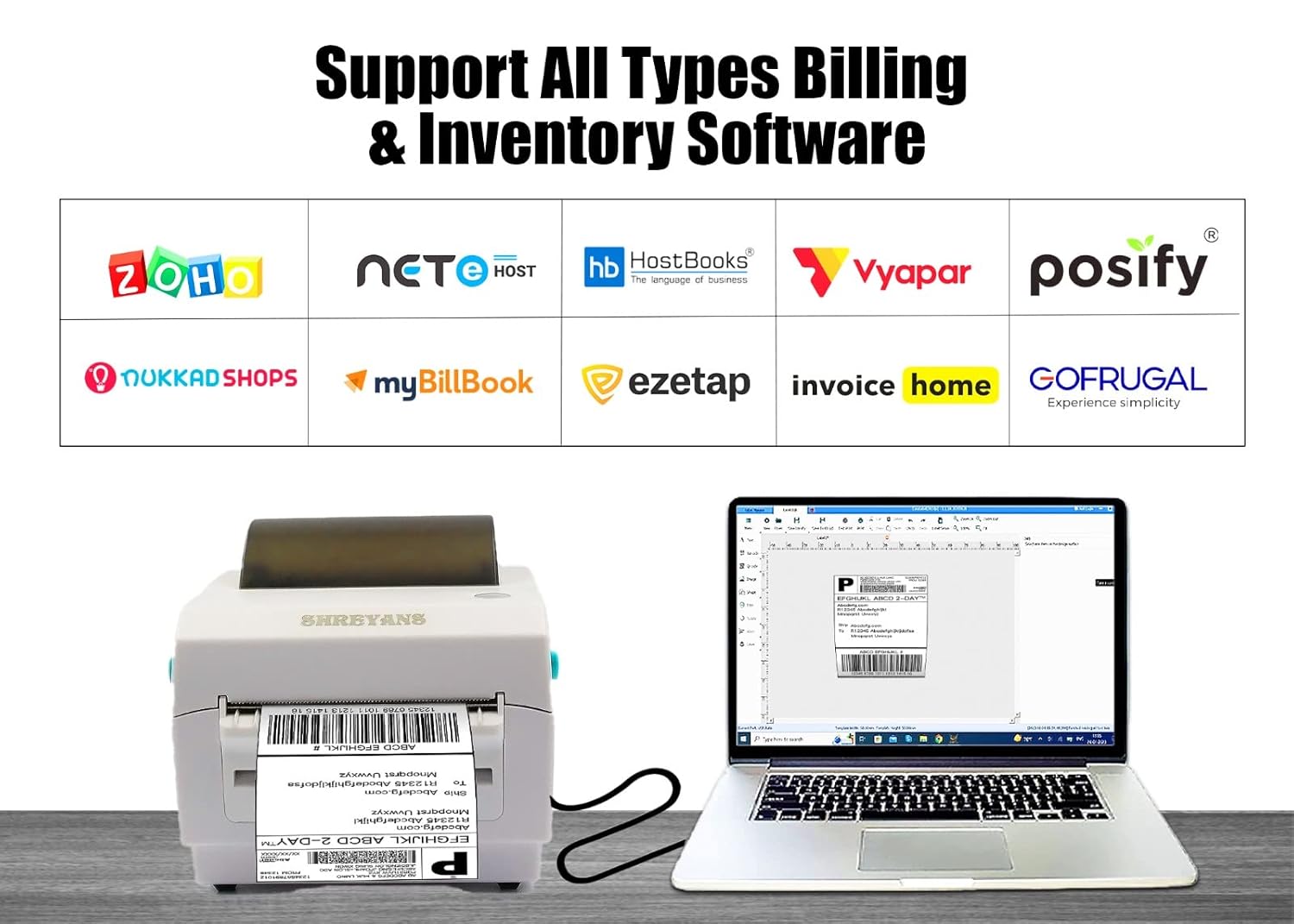
Image: The SHREYANS CD410 printer shown alongside logos of various billing and inventory software, including Zoho, NetEHost, HostBooks, Vyapar, Posify, Nukkad Shops, MyBillBook, Ezetap, Invoice Home, and GoFrugal, highlighting its broad software compatibility.
Penyelenggaraan
1. Membersihkan Pencetak
Regular cleaning ensures optimal performance and extends the life of your printer. Use a soft, lint-free cloth slightly dampened with isopropyl alcohol to clean the exterior of the printer. Avoid using abrasive cleaners or solvents.
2. Penjagaan Kepala Cetak
The print head is a critical component. Clean it periodically, especially if print quality degrades (e.g., faded lines, streaks). Use a print head cleaning pen or a cotton swab lightly moistened with isopropyl alcohol. Gently wipe the print head surface. Ensure the print head is completely dry before closing the cover and resuming operation.
Menyelesaikan masalah
This section addresses common issues you might encounter with your SHREYANS CD410 printer.
| Masalah | Kemungkinan Punca | Penyelesaian |
|---|---|---|
| Pencetak tidak bertindak balas / Tidak mencetak |
|
|
| Poor print quality (faded, blurred, streaks) |
|
|
| Paper jam or misfeed |
|
|
| Printer makes beeping sound / Error indicator |
|
|
Spesifikasi
| Ciri | Perincian |
|---|---|
| Nama Model | SRS421-UEWB (CD410 + CH421) |
| Dimensi Produk | 24D x 25W x 10H Sentimeter |
| Berat Barang | 2.29 Kilogram (2 kg 290 g) |
| Teknologi Ketersambungan | Bluetooth, USB |
| Teknologi Percetakan | terma |
| Output Pencetak | Monokrom |
| Saiz Media Maksimum | 10 centimeters (4 inches) |
| Media Cetak | Labels, Receipt Paper |
| Kelajuan Salinan Maksimum (Hitam dan Putih) | 32 ppm (150 mm/s) |
| Peranti Serasi | Laptops, Android devices |
| Keserasian Sistem Pengendalian | Windows, Linux, Mac |
| Ciri Khas | Mudah alih |
| Komponen yang Disertakan | Pencetak |
| Kegunaan Khusus Untuk Produk | Shipping labels, E-commerce invoices, Retail labeling, Warehouse labeling, Household labeling |
| Pengeluar | Shreyans Retail Solution |
| Negara Asal | India |
Maklumat Waranti
The SHREYANS CD410 printer comes with a Waranti 1 Tahun from the date of purchase. This warranty covers manufacturing defects and malfunctions under normal use. Please retain your purchase receipt as proof of warranty.
The warranty does not cover damage caused by misuse, accidents, unauthorized repairs, or consumables such as thermal paper.
Sokongan Pelanggan
For any technical assistance, installation queries, or troubleshooting help, please contact SHREYANS customer support. Our team is available to provide comprehensive support.

Image: A banner promoting SHREYANS 24/7 Customer Support Service, featuring a customer service representative with a headset, and listing contact phone numbers.
Maklumat Hubungan:
- telefon: O22-40041231
- telefon: 9324776246
- Ketersediaan: All Day Available (IM Time)
Our support team can assist with technical support for installation, solving technical faults, and addressing any problems you may encounter.


