pengenalan
Thank you for choosing the Cellularline Wireless Power Bank MAG 5000. This portable charger is designed to provide convenient and efficient power to your compatible devices, especially those supporting MagSafe technology. Please read this manual carefully before using the product to ensure proper operation and to maximize its lifespan.
Kandungan Pakej
- Cellularline Wireless Power Bank MAG 5000
- Kabel Pengecasan USB-C ke USB-C
- Manual Pengguna (dokumen ini)
Spesifikasi
| Nama Model | PBMAGSFCOL5000WIRK |
| Jenama | Talian selular |
| Kapasiti Bateri | 5000 mAh (Milliampsebelum jam) |
| Output Pengecasan Tanpa Wayar | 7.5 W |
| Output Pengecasan Berwayar | 1 x USB-C 18 W |
| Jenis Penyambung | USB Jenis C |
| Voltage | 5 Volt |
| Komposisi Bateri | Polimer |
| warna | Hitam |
| Ciri Khas | Reka bentuk padat |
| Penggunaan yang Disyorkan | Mobile Phones (especially iPhone 12 and later with MagSafe) |
| Sumber Kuasa | Kabel Elektrik |
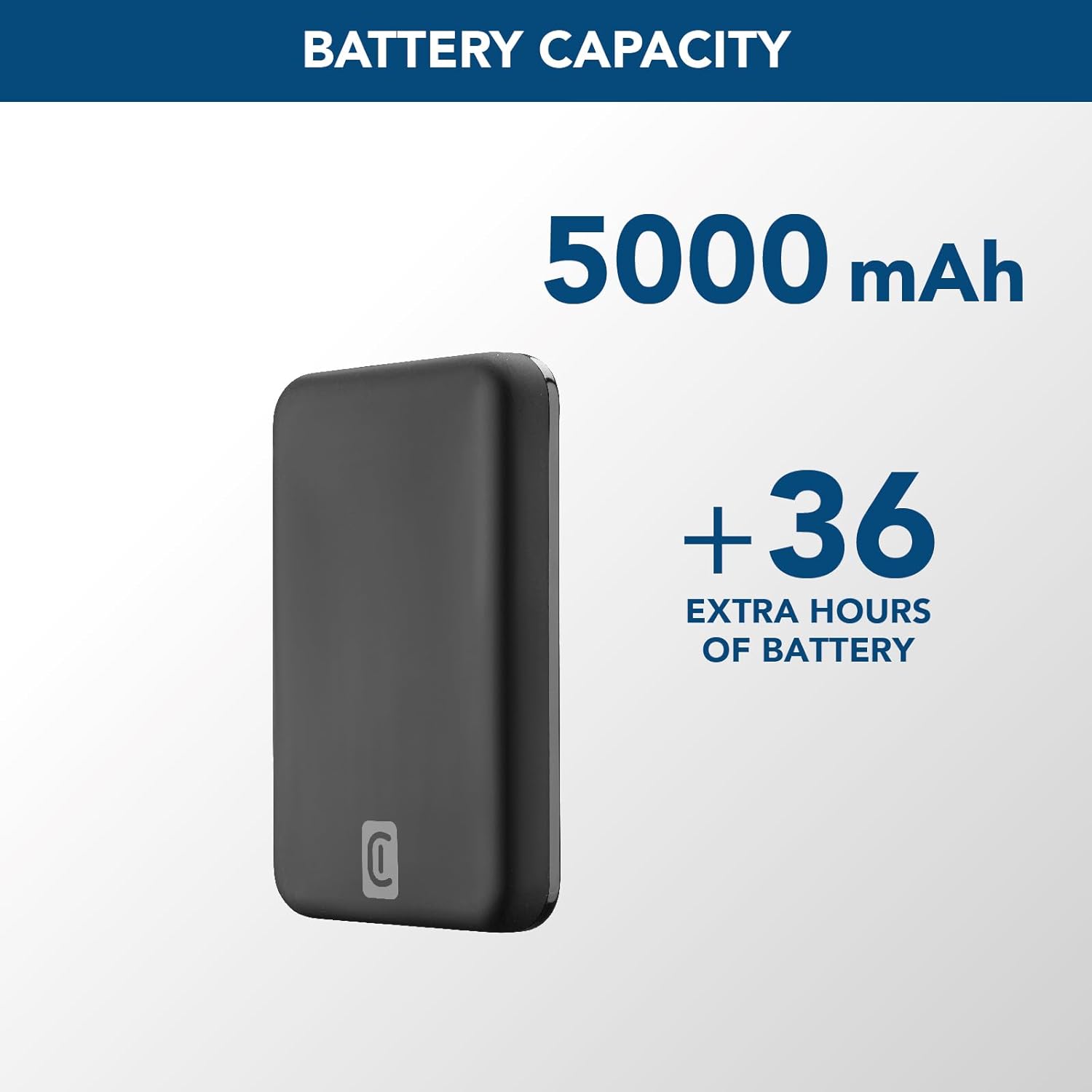
Image: A graphic highlighting the 5000 mAh battery capacity of the power bank, indicating extended battery life for devices.
Persediaan
Mengecas Power Bank
Before initial use, fully charge your Cellularline Wireless Power Bank MAG 5000. This ensures optimal performance and battery longevity.
- Connect the supplied USB-C to USB-C cable to the USB-C port on the power bank.
- Connect the other end of the USB-C cable to a compatible USB-C wall adapter (not included) or a powered USB-C port on a computer.
- The LED indicators on the power bank will illuminate to show the charging status. Once all LEDs are solid, the power bank is fully charged.

Image: The Cellularline Wireless Power Bank MAG 5000 shown magnetically attached to the back of an iPhone, demonstrating its compact size and MagSafe compatibility. The power bank is black, and the iPhone has a clear case revealing the MagSafe ring.
Arahan Operasi
Pengecasan Wayarles (Serasi MagSafe)
The power bank features magnetic wireless charging, ideal for iPhone 12 and later models, or other devices with MagSafe compatible cases.
- Ensure your device supports wireless charging and has MagSafe technology, or is equipped with a MagSafe compatible case.
- Align the power bank with the back of your compatible device. The magnets will automatically snap the power bank into place, ensuring proper alignment for wireless charging.
- Wireless charging will begin automatically. The LED indicators on the power bank may show charging activity.
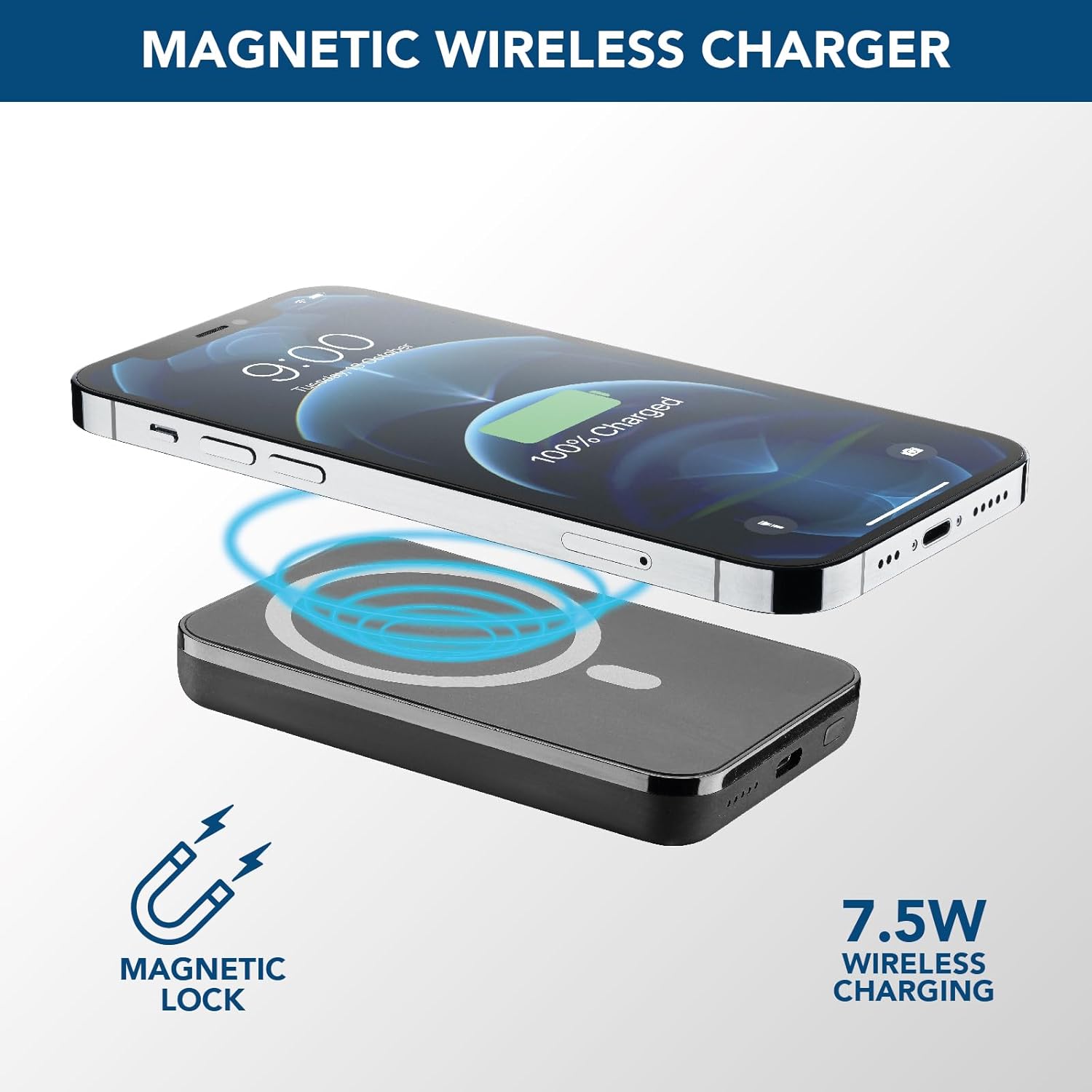
Image: An illustration showing the Cellularline power bank wirelessly charging an iPhone. Blue magnetic waves emanate from the power bank to the phone, indicating the magnetic lock and 7.5W wireless charging capability.
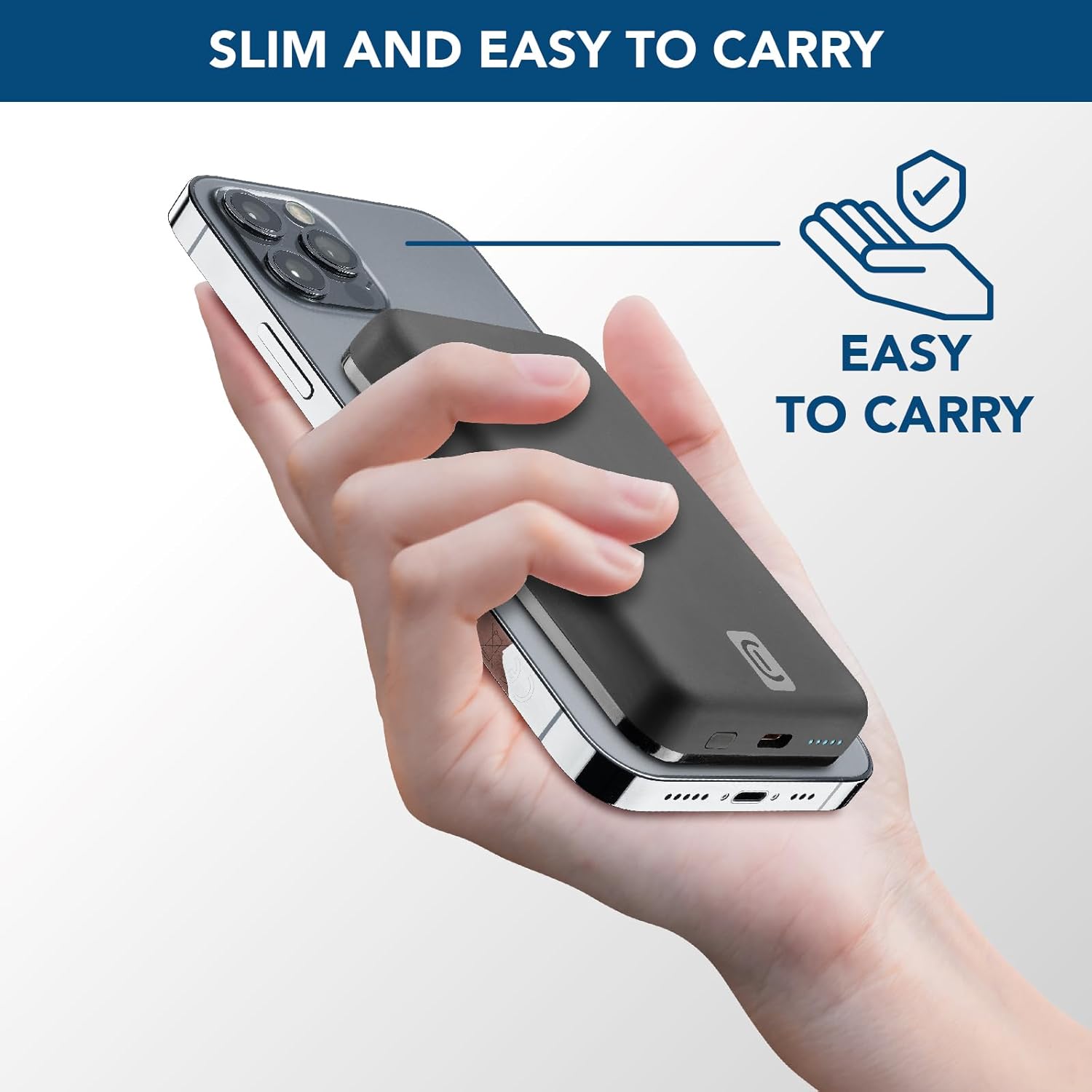
Image: A hand holding an iPhone with the Cellularline power bank magnetically attached to its back, highlighting the product's slim profile and ease of carrying.

Image: A collection of colorful MagSafe compatible phone cases, illustrating that the power bank can be used with any MagSafe case for secure magnetic attachment and charging.
Pengecasan Berwayar (USB-C)
For devices that do not support wireless charging or for faster charging, use the USB-C port.
- Connect one end of a USB-C cable (the one supplied or another compatible cable) to the USB-C port on the power bank.
- Sambungkan hujung kabel USB-C yang satu lagi ke port pengecasan peranti anda.
- Pengecasan akan bermula secara automatik.
Nota: Bank kuasa ini boleh mengecas satu peranti secara wayarles dan satu lagi melalui port USB-C secara serentak, walaupun jumlah output mungkin dikongsi.
Penyelenggaraan
- Pembersihan: Gunakan kain lembut dan kering untuk membersihkan power bank. Jangan gunakan bahan kimia yang keras atau bahan yang melelas.
- Storan: Simpan bank kuasa di tempat yang sejuk dan kering jauh dari cahaya matahari langsung dan suhu yang melampau.
- Penjagaan Bateri: Untuk memanjangkan hayat bateri, cas sepenuhnya power bank sekurang-kurangnya sekali setiap tiga bulan jika tidak digunakan secara tetap. Elakkan daripada kerap mencas sepenuhnya bateri.
- Pengendalian: Do not drop, disassemble, or attempt to repair the power bank yourself. This can void the warranty and cause damage.
Menyelesaikan masalah
| Masalah | Kemungkinan Punca | Penyelesaian |
|---|---|---|
| Power bank tidak dicas |
|
|
| Peranti tidak dicas secara wayarles |
|
|
| Peranti tidak dicas melalui USB-C |
|
|
| Power bank gets hot during use |
|
|
Waranti dan Sokongan
Cellularline products are designed and manufactured to the highest quality standards. For information regarding warranty coverage, technical support, or service inquiries, please refer to the warranty card included with your purchase or visit the official Cellularline webtapak. Sila simpan bukti pembelian anda untuk tuntutan waranti.
rasmi Webtapak: www.cellularline.com


