1. Pengenalan
Thank you for choosing the Baseus Bipow Digital Display Power Bank. This compact and efficient device is designed to provide reliable power on the go, ensuring your devices stay charged when you need them most. This manual provides essential information on how to set up, operate, and maintain your power bank, along with important safety guidelines and troubleshooting tips.
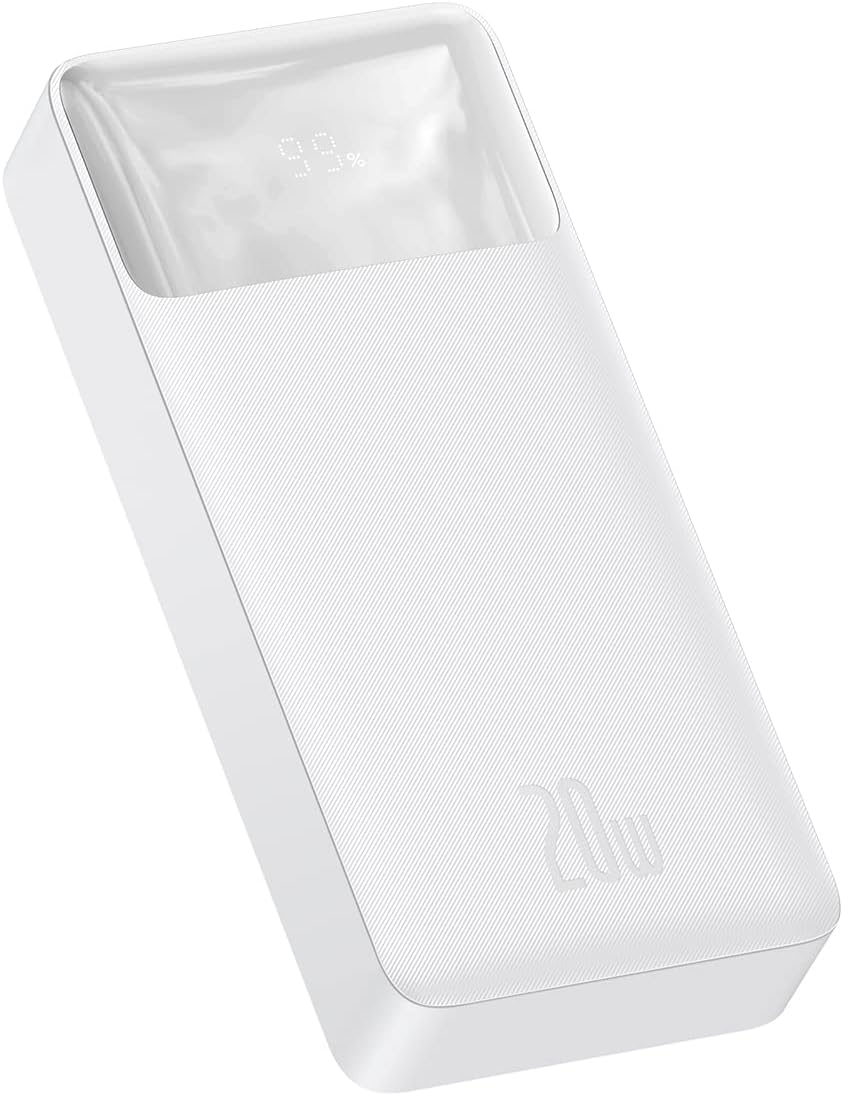
Imej 1.1: Bersudut view of the Baseus Bipow Digital Display Power Bank, showcasing its sleek white design and the digital percentagpaparan e.
2. Produk Lebihview
2.1 Ciri-ciri Utama
- Kapasiti Tinggi: 20000mAh battery for multiple device charges.
- Pengecasan Cepat: Supports Power Delivery (PD) 20W and Quick Charge (QC) 3.0 for rapid charging of compatible devices.
- Berbilang Output: Equipped with two USB-A ports and one USB-C port, allowing simultaneous charging of up to three devices.
- Paparan Digital: An integrated LED screen clearly shows the remaining battery percentage.
- Perlindungan Cip Pintar: Adapts charging performance to the connected device and provides comprehensive safety features.
- Reka bentuk tahan lasak: Constructed from robust ABS and polycarbonate materials for enhanced durability.
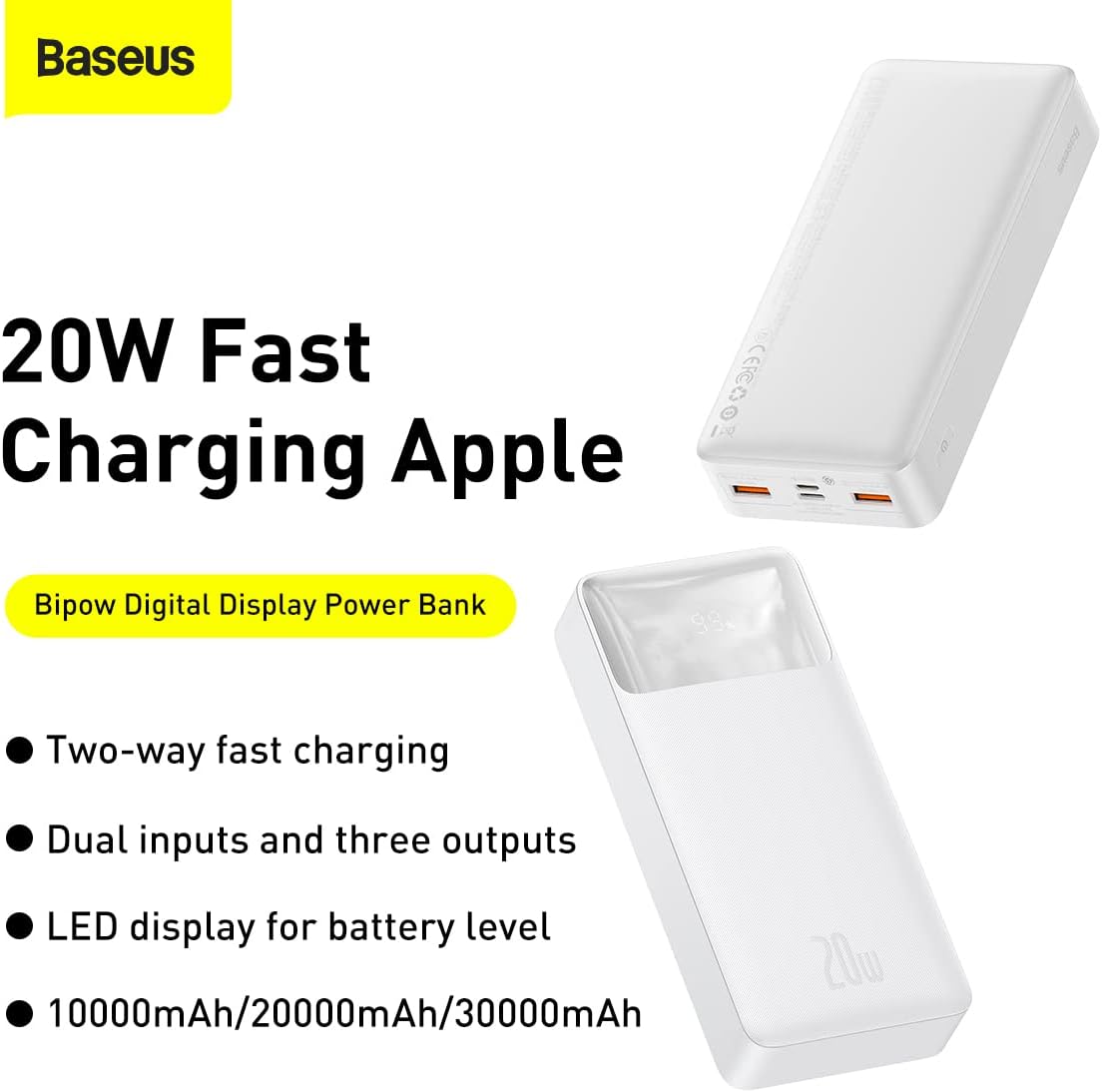
Image 2.1: Marketing image illustrating the 20W fast charging capability, two-way fast charging, dual inputs, three outputs, and LED display for battery level, available in 10000mAh, 20000mAh, and 30000mAh variants.
2.2 Komponen
The Baseus Bipow Digital Display Power Bank features a user-friendly design with clearly marked ports and an informative display.
- Paparan Digital: Menunjukkan percen bateritage.
- Port Output USB-A (x2): For charging various devices.
- Port Input/Output USB-C: For charging the power bank or compatible devices.
- Micro-USB Input Port: Untuk mengecas power bank.
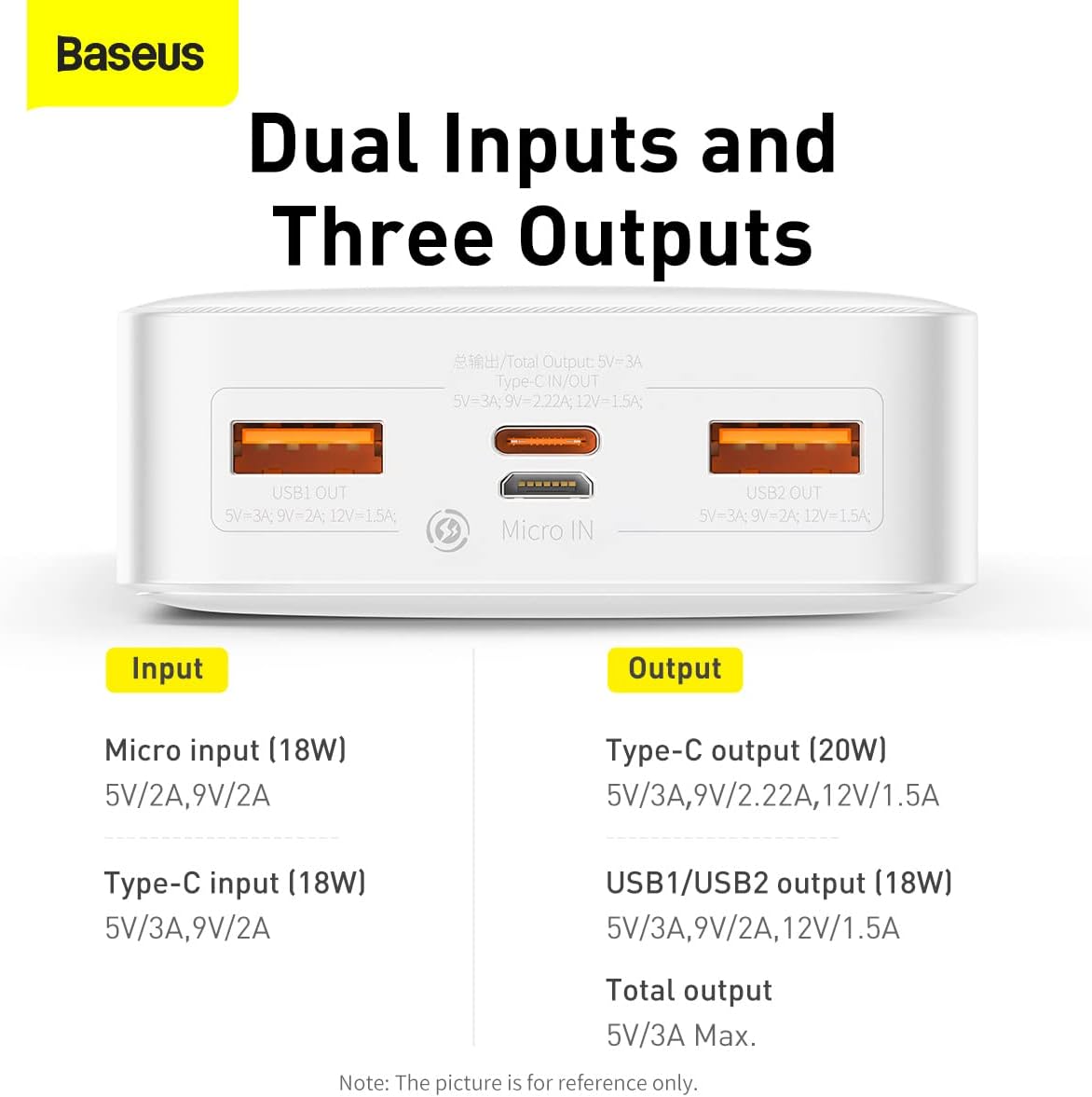
Imej 2.2: Atas-bawah view of the power bank's ports, clearly labeling the Micro-USB input, Type-C input/output, and two USB1/USB2 output ports.

Imej 2.3: Depan view of the power bank, highlighting the digital display showing '99%' charge and the '20W' power output branding.
3. Spesifikasi
| Ciri | Spesifikasi |
|---|---|
| Nombor Model | PPBD050302 |
| Bahan | ABS + Polikarbonat |
| Jenis Bateri | Polimer Litium |
| Kapasiti Bateri | 20000mAh / 3.7V 74Wh |
| Kapasiti Dinilai | 12000mAh |
| Power Conversion Rate | ≥75% |
| Input Mikro-USB | DC 5V/2A, 9V/2A (Max 18W) |
| Input Jenis-C | DC 5V/3A, 9V/2.22A, 12V/1.5A (Max 20W) |
| Keluaran USB1/USB2 | DC 5V/3A, 9V/2A, 12V/1.5A (Max 18W) |
| Output Jenis-C | DC 5V/3A, 9V/2.22A, 12V/1.5A (Max 20W) |
| Total Output (USB + Type-C) | DC 5V/3A (Maks) |
| Dimensi Produk | 153 × 68.8 × 29.5 mm |
| Berat Produk | lebih kurang 300g |
| warna | putih |
4. Persediaan
Before using your Baseus Bipow Digital Display Power Bank for the first time, it is recommended to fully charge it to ensure optimal performance and battery longevity.
4.1 Pengecasan Awal Bank Kuasa
- Connect the power bank to a power source (e.g., wall adapter, computer USB port) using either a Micro-USB cable or a Type-C cable.
- The digital display on the power bank will illuminate and show the charging percentage.
- Charge until the display shows 100%.
5. Arahan Operasi
5.1 Mengecas Peranti Anda
- Connect your device (smartphone, tablet, etc.) to one of the power bank's output ports (USB-A or Type-C) using a compatible charging cable.
- The power bank will automatically detect the connected device and begin charging. The digital display will show the power bank's remaining charge.
- Anda boleh mengecas sehingga tiga peranti serentak.

Image 5.1: The power bank shown alongside Huawei and Samsung phones, demonstrating its compatibility with various fast charging protocols.

Image 5.2: The power bank connected to and charging an iPhone, illustrating its compatibility with Apple devices.
5.2 Menyemak Tahap Bateri
Paparan digital pada bahagian hadapan bank kuasa akan menunjukkan peratusan bateri semasatage. It illuminates automatically when a device is connected or when the power bank is being charged.
6. Maklumat Keselamatan
The Baseus Bipow Digital Display Power Bank is designed with multiple safety protections to ensure safe and reliable operation. These include:
- Perlindungan Lebihan: Prevents battery damage from excessive charging.
- Perlindungan lebihan pelepasan: Protects the battery from being fully depleted.
- Lebih-voltage Perlindungan: Perlindungan terhadap voltage turun naik.
- Overheating Protection (NTC Temperature Protection): Memantau dan mengawal suhu dalaman untuk mengelakkan terlalu panas.
- Perlindungan lebihan semasa: Menghalang kerosakan daripada aliran arus yang berlebihan.
- Perlindungan Litar pintas: Secara automatik memotong kuasa sekiranya berlaku litar pintas.
- Perlindungan Medan Elektromagnet: Perisai terhadap gangguan elektromagnet.
Despite these protections, please observe the following general safety precautions:
- Do not expose the power bank to extreme temperatures (hot or cold).
- Jangan buka, ubah suai atau cuba membaiki peranti.
- Jauhkan daripada air dan kelembapan yang tinggi.
- Elakkan daripada menjatuhkan atau meletakkan bank kuasa kepada kesan yang kuat.
- Jauhkan daripada kanak-kanak.

Imej 6.1: Dalaman view of the power bank highlighting the NTC temperature protection sensor and a graph illustrating temperature regulation during charging.
7. Penyelenggaraan
- Clean the power bank with a soft, dry cloth. Do not use liquid cleaners or aerosols.
- Simpan bank kuasa di tempat yang sejuk dan kering apabila tidak digunakan.
- If storing for extended periods, charge the power bank to approximately 50-70% every three months to maintain battery health.
8. Penyelesaian masalah
8.1 Power Bank Tidak Mengecas
- Pastikan kabel pengecasan disambungkan dengan selamat ke bank kuasa dan sumber kuasa.
- Cuba kabel pengecasan atau penyesuai kuasa yang berbeza.
- Sahkan sumber kuasa aktif.
8.2 Peranti Tidak Mengecas daripada Power Bank
- Check if the power bank has sufficient charge (refer to the digital display).
- Ensure the charging cable connecting your device to the power bank is functional and securely connected.
- Cuba port output yang berbeza pada power bank.
- Sahkan peranti anda serasi dengan spesifikasi output bank kuasa.
8.3 Pengecasan Lambat
- Ensure both the power bank and your device support fast charging protocols (PD, QC 3.0) for optimal speed.
- Gunakan kabel serasi yang berkualiti tinggi dan mengecas pantas.
- Elakkan mengecas berbilang peranti secara serentak jika anda memerlukan kelajuan maksimum untuk satu peranti.
9. Waranti dan Sokongan
For warranty information or technical support, please refer to the warranty card included with your product or visit the official Baseus website. You may also contact customer service through your point of purchase.
Pengeluar: Baseus
Nombor Model: PPBD050302


