1. Pengenalan
This manual provides detailed instructions for the setup, operation, and maintenance of your Logitech MK670 Comfort Wave Wireless Keyboard and Mouse Combo, along with the included Mini Bluetooth Speaker, Gel Wrist Pad, and Gel Mouse Pad. Please read this manual thoroughly before using the products to ensure optimal performance and longevity.

Image 1.1: Complete bundle including the Logitech MK670 keyboard, mouse, mini Bluetooth speaker, and gel pads.
2. Komponen Produk
Pakej anda harus mengandungi item berikut:
- Logitech MK670 Comfort Wave Wireless Keyboard
- Tetikus Tanpa Wayar Logitech
- Penerima USB Penyatuan Logitech
- Pembesar Suara Bluetooth Wayarles Mini Mudah Alih
- Gel Wrist Pad
- Gel Mouse Pad
- Micro USB Charging Cable (for speaker)
- Dokumentasi Pengguna (manual ini)
3. Arahan Persediaan
3.1. Logitech Keyboard and Mouse Setup
- Bongkar: Tanggalkan papan kekunci dan tetikus dengan berhati-hati daripada pembungkusannya.
- Masukkan Bateri: The keyboard and mouse typically come with pre-installed batteries or require standard AA/AAA batteries. Open the battery compartments (usually on the underside of each device) and ensure batteries are correctly inserted.
- Locate Unifying Receiver: The small USB Unifying receiver is often stored inside the mouse's battery compartment for safekeeping. Remove it.
- Sambungkan Penerima: Plug the Logitech Unifying USB receiver into an available USB port on your computer.
- Hidupkan kuasa: Turn on the keyboard and mouse using their respective power switches (usually located on the underside or side). The devices should automatically connect to your computer.

Image 3.1: The Logitech MK670 wireless keyboard and mouse, ready for connection via the Unifying receiver.
3.2. Mini Bluetooth Speaker Setup
- Caj pembesar suara: Before first use, fully charge the mini Bluetooth speaker using the provided Micro USB charging cable. Connect the Micro USB end to the speaker and the USB-A end to a power source (e.g., computer USB port, USB wall adapter). The charging indicator light will typically turn off or change color when fully charged.
- Hidupkan kuasa: Press and hold the power button on the speaker until you hear an audible prompt or see an indicator light flash, indicating it is in pairing mode.
- Berpasangan melalui Bluetooth:
- Pada peranti anda (telefon pintar, tablet, komputer riba), pergi ke tetapan Bluetooth.
- Pastikan Bluetooth diaktifkan.
- Cari untuk available devices. The speaker will typically appear as a name like "Mini Speaker" or similar.
- Select the speaker to pair. Once paired, you will hear a confirmation sound.
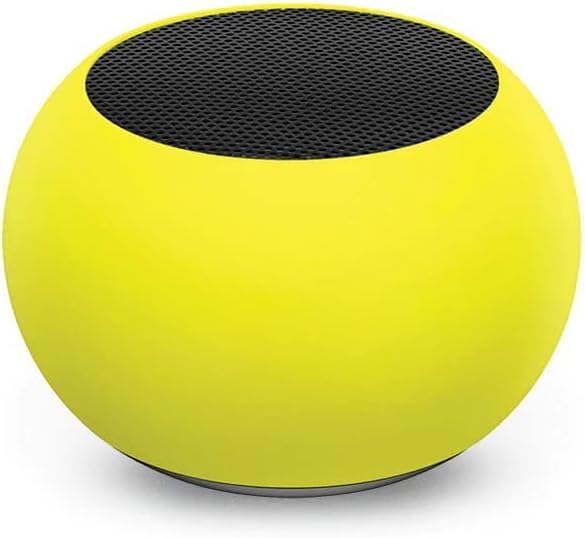
Imej 3.2: Gambar jarak dekat view of the compact mini Bluetooth speaker, highlighting its design.
3.3. Gel Pads Placement
- Keyboard Wrist Rest: Place the longer gel wrist pad directly in front of your Logitech MK670 keyboard, aligning it to support your wrists while typing.
- Mouse Pad with Wrist Rest: Position the gel mouse pad on your desk where you typically use your mouse. Ensure the integrated wrist rest provides comfortable support for your mousing hand.

Image 3.3: The ergonomic gel wrist pad and gel mouse pad, designed for comfort and support.
4. Arahan Operasi
4.1. Penggunaan Papan Kekunci
- Menaip: The Comfort Wave design provides an ergonomic layout for natural hand and wrist positioning.
- Papan kekunci angka: Utilize the full-size numeric keypad for efficient data entry.
- Kekunci pintasan: Access common functions quickly using the dedicated shortcut keys (e.g., media controls, volume, application launch). Refer to the key legends for specific functions.
- Kaki Tilt Boleh Laras: Flip out the tilt legs on the underside of the keyboard to adjust the typing angle for personalized comfort.

Imej 4.1: Sisi view of the Logitech MK670 keyboard, illustrating the adjustable tilt legs for ergonomic customization.
4.2. Penggunaan Tetikus
- Menunjuk dan Mengklik: Use the mouse for precise cursor control, left-clicks, and right-clicks.
- Menatal: The scroll wheel allows for smooth navigation through documents and web muka surat.
- Reka Bentuk Ambidextrous: Tetikus ini direka bentuk untuk kegunaan yang selesa oleh pengguna tangan kiri dan kanan.
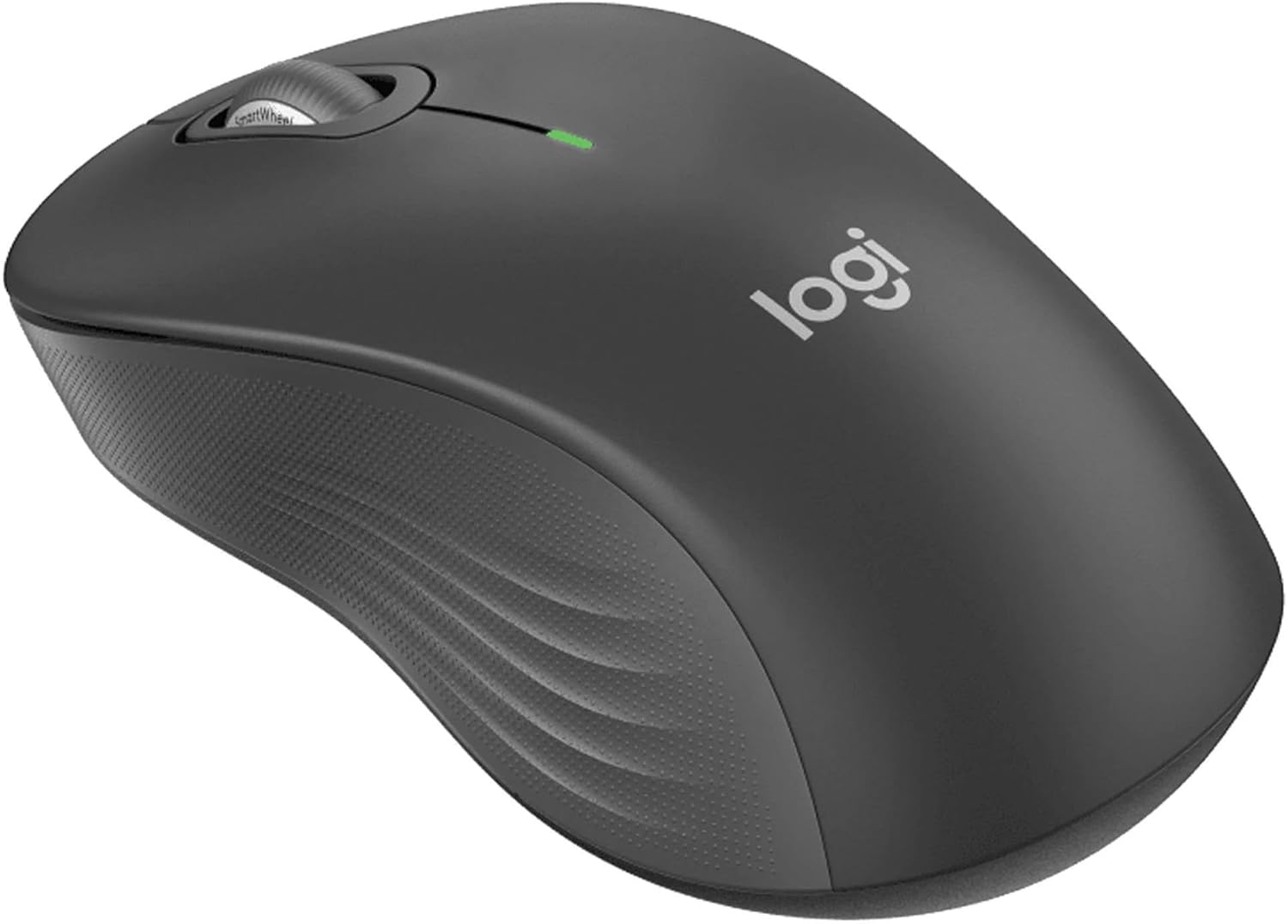
Imej 4.2: Perincian view of the Logitech wireless mouse, showcasing its ergonomic shape.
4.3. Mini Bluetooth Speaker Usage
- Hidupkan/Mati Kuasa: Tekan dan tahan butang kuasa untuk menghidupkan atau mematikan pembesar suara.
- Pairing Bluetooth: Once powered on, the speaker will automatically attempt to connect to the last paired device. If not, it will enter pairing mode for new connections (refer to Section 3.2).
- Kawalan Kelantangan: Volume is typically controlled via the connected device. Some speakers may have integrated volume buttons.
- Selfie Remote: The speaker may feature a remote selfie button. Consult the speaker's specific instructions for activation and use with your device's camera.
- Panggilan Bebas Tangan: With its built-in microphone, the speaker can be used for hands-free calls when connected to a smartphone.
5. Penyelenggaraan
5.1. Pembersihan
- Papan Kekunci dan Tetikus: Gunakan kain lembut dan tidak berbulu sedikit dampdicairkan dengan air atau larutan pembersih yang lembut. Elakkan bahan kimia yang keras atau bahan yang kasar. Untuk habuk di antara kekunci, gunakan udara termampat.
- Mini Bluetooth Speaker: Wipe the exterior with a soft, dry cloth. Do not immerse in water.
- Gel Pads: Lap dengan iklanamp cloth and mild soap if necessary. Allow to air dry completely before reuse.
5.2. Battery Replacement (Keyboard and Mouse)
When the battery indicator light on your keyboard or mouse signals low power, replace the batteries with new ones of the same type (e.g., AA or AAA). Ensure correct polarity when inserting new batteries.
6. Penyelesaian masalah
6.1. Keyboard/Mouse Not Responding
- Semak Bateri: Ensure batteries are correctly inserted and have sufficient charge. Replace if necessary.
- Suis Kuasa: Verify that both the keyboard and mouse power switches are in the 'ON' position.
- Penerima USB: Ensure the Logitech Unifying USB receiver is securely plugged into a working USB port on your computer. Try a different USB port.
- Kedekatan: Ensure the keyboard and mouse are within the operational range (up to 33 feet) of the USB receiver.
- pasangan semula: If issues persist, you may need to re-pair the devices using Logitech's Unifying software (downloadable from the Logitech support webtapak).
6.2. Mini Bluetooth Speaker Connection Issues
- Kuasa pembesar suara: Pastikan pembesar suara dicas dan dihidupkan.
- Bluetooth Hidup: Verify Bluetooth is enabled on your source device.
- Lupakan Peranti: On your source device, 'forget' or 'unpair' the speaker from your Bluetooth device list, then attempt to pair again.
- Kedekatan: Keep the speaker and source device within close range (typically 10 meters or 33 feet) for stable connection.
- Gangguan: Beralih dari peranti wayarles lain yang mungkin menyebabkan gangguan.
6.3. No Sound from Speaker
- Tahap Kelantangan: Check the volume on both the speaker and the connected device.
- Source Device Output: Ensure your device's audio output is set to the Bluetooth speaker.
- Main balik Media: Verify that media is playing on your source device.
7. Spesifikasi
| Ciri | Perincian |
|---|---|
| Jenama | Logitech |
| Model | MK670 (Keyboard & Mouse Combo) |
| Teknologi Ketersambungan | 2.4GHz Wireless (Keyboard & Mouse), Bluetooth 5.0 (Speaker) |
| Julat Tanpa Wayar | Sehingga 33 kaki (10 meter) |
| Ciri Papan Kekunci | Ergonomic Comfort Wave design, Full-size with numeric keypad, Shortcut keys, Cushioned palm rest, Adjustable tilt legs |
| Ciri Tetikus | Ambidextrous design, Precise tracking |
| Dimensi Pembesar Suara | 45.45 mm x 33 mm (1.75 "x 1.3") |
| Berat Speaker | 2.46 oz |
| Kapasiti Bateri Pembesar Suara | 400mAh |
| Speaker Playback Time | Sehingga 4 jam |
| Speaker Special Features | Magnetic base, Built-in mic, Remote selfie button, Glow in the Dark (Yellow variant) |
| Peranti Serasi | Laptops, Gaming Consoles (for keyboard/mouse functionality), Bluetooth-enabled devices (for speaker) |
| Berat Barang (Bundel) | 4 paun |
| Dimensi Pakej | 23 x 10 x 10 inci |
8. Maklumat Waranti
Logitech products are typically covered by a limited hardware warranty. For specific warranty terms and conditions, including duration and coverage details, please refer to the warranty card included with your product or visit the official Logitech webtapak. Simpan bukti pembelian anda untuk tuntutan waranti.
9. Sokongan
For further assistance, technical support, or to download the latest drivers and software for your Logitech products, please visit the official Logitech support weblaman web. Anda juga boleh menemui Soalan Lazim dan forum komuniti di sana.
Sokongan Logitech Webtapak: https://support.logi.com/


