1. Pengenalan
This manual provides detailed instructions for the setup, operation, and maintenance of your TMY V88 Projector. Please read this manual thoroughly before using the product to ensure proper function and to prevent damage.
The TMY V88 is a native 1080P Full HD projector supporting 4K video sources, featuring 5G WiFi and Bluetooth 5.1 connectivity. It is designed for both indoor and outdoor use, offering a large screen viewpengalaman dalam.
2. Kandungan Pakej
Sahkan bahawa semua item terdapat dalam pakej:
- TMY V88 Projector
- Kord Kuasa
- Alat Kawalan Jauh
- Manual Pengguna
- Kabel HDMI
- Cleaning Kit (Q-tips, cleaning solution)
- 80-inch Projection Screen with mounting hooks
- AV Cable (3.5mm to RCA)
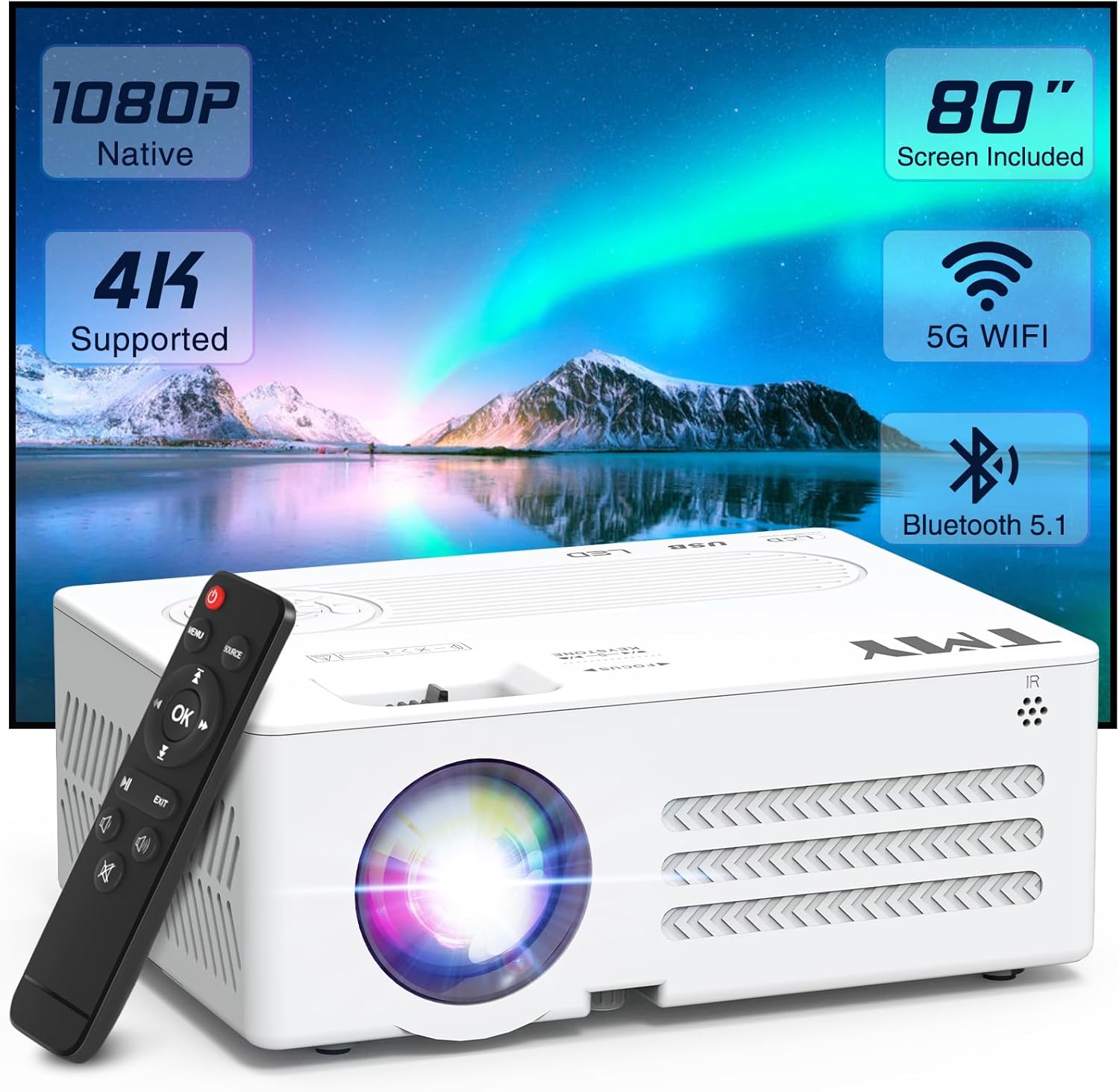
Image: TMY V88 Projector with remote, cables, and screen. This image displays the main projector unit, remote control, power cable, HDMI cable, AV cable, and the folded projection screen, illustrating the complete package contents.
3. Produk Lebihview
3.1. Projector Features
- Native 1080P Full HD resolution, 4K supported.
- 5G WiFi for stable and fast wireless mirroring.
- Bluetooth 5.1 for external audio device connection.
- Pembesar suara terbina dalam.
- Reka bentuk padat dan mudah alih.
- Adjustable projection size from 30 to 300 inches.
- ±15° Keystone correction.
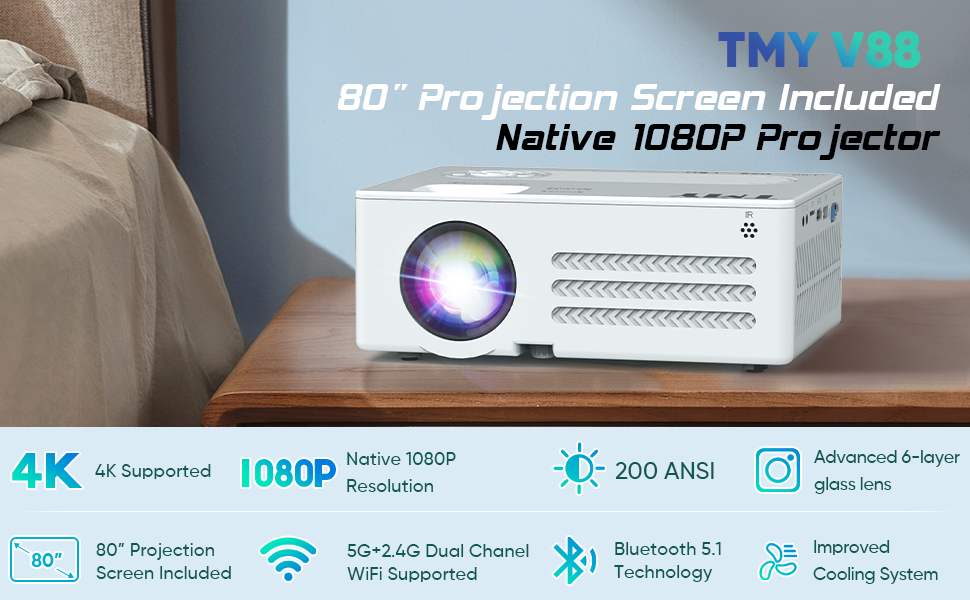
Image: Infographic highlighting key features such as 4K support, Native 1080P, 200 ANSI Lumen, 80" screen, 5G+2.4G WiFi, Bluetooth 5.1, and 250" large display. This image visually summarizes the core capabilities of the TMY V88 projector.
3.2. Port dan Kawalan
The projector features multiple ports for versatile connectivity and intuitive controls for ease of use.
- Keluar Audio: 3.5mm jack for headphones or external speakers.
- Slot Kad TF: Untuk memainkan media terus daripada kad Micro SD.
- Port HDMI: Connects to computers, gaming consoles, TV sticks, etc.
- Port USB: For USB drives to play media or connect other USB devices.
- Port VGA: For connecting to older computer monitors.
- Pelabuhan AV: For connecting older video devices using the included AV cable.
- Roda Fokus: Pelarasan manual untuk kejelasan imej.
- Pembetulan Keystone: Adjusts image shape to correct trapezoidal distortion.
- Butang Panel Atas: Power, navigation, and source selection.

Imej: Sisi view of the TMY V88 Projector showing the audio, TF card, HDMI, USB, and VGA ports. This image provides a clear view of the projector's connectivity options.
4. Persediaan
4.1. Sambungan Kuasa
- Sambungkan kord kuasa ke input kuasa projektor.
- Palamkan hujung kord kuasa yang lain ke dalam salur keluar kuasa.
- Tekan butang kuasa pada projektor atau alat kawalan jauh untuk menghidupkannya.
4.2. Meletakkan Projektor
Letakkan projektor pada permukaan yang stabil dan rata. Untuk optimum viewing, ensure the projector is centered with the projection screen or wall.
- Jarak Unjuran: The recommended projection distance is between 0.9m (35 inches) and 3.3m (120 inches) for optimal image quality.
- Saiz Skrin: The projector supports screen sizes from 30 to 300 inches.
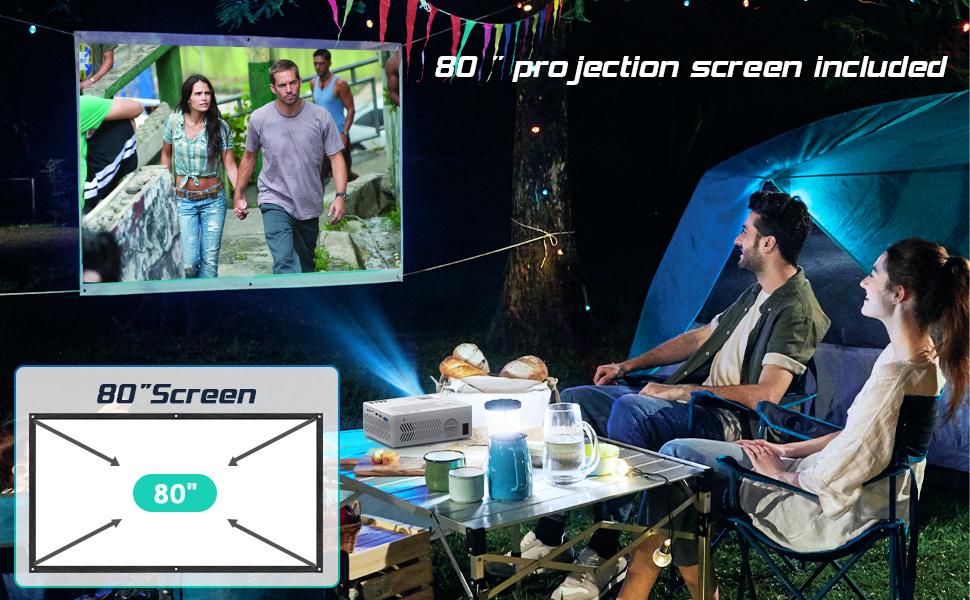
Image: Diagram illustrating recommended projection distances for various screen sizes, from 35 inches at 0.9 meters to 120 inches at 3.3 meters. This helps users determine optimal placement for their desired screen size.
4.3. Adjusting Focus and Keystone
- Fokus: Rotate the focus wheel on top of the projector until the image is clear and sharp.
- Pembetulan Keystone: Use the keystone correction slider to adjust the image shape if it appears trapezoidal.
Video: A user demonstrating the automatic and manual focus adjustment of the projector. The video shows the projector automatically adjusting focus when moved, and then manually adjusting the focus wheel for fine-tuning, highlighting the ease of achieving a clear image.
5. Mengendalikan Projektor
5.1. Memilih Sumber Input
After powering on, the projector will display the main menu. Use the remote control or top panel buttons to navigate and select your desired input source:
- HDMI: For devices connected via HDMI cable (e.g., laptop, TV stick, gaming console).
- USB/TF: Untuk media files stored on USB drives or TF cards.
- DARI: For devices connected via AV cable (e.g., DVD player).
- Pencerminan Skrin: For wireless connection with iOS or Android devices.
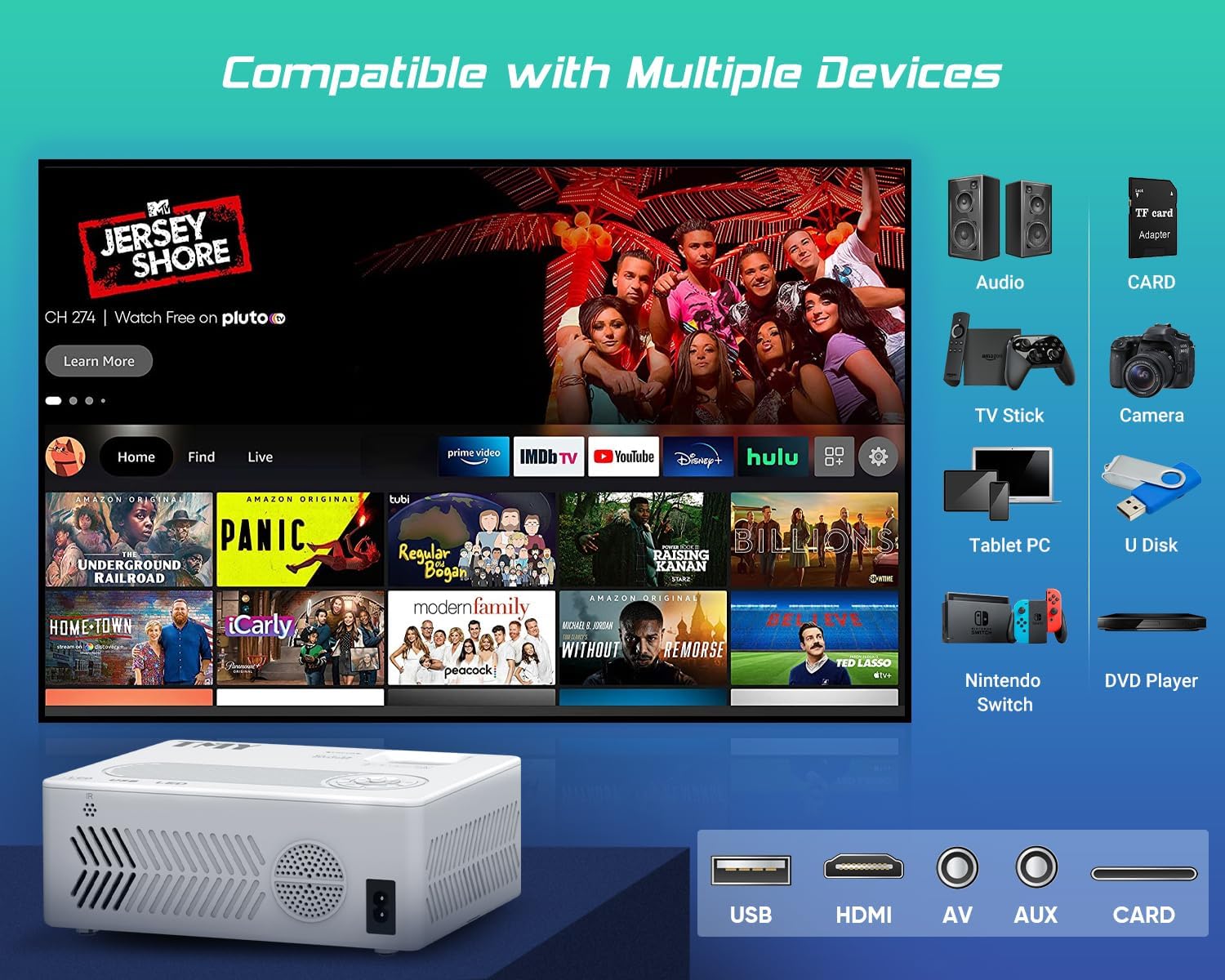
Image: An illustration of the projector connected to various devices such as audio systems, TV sticks, cameras, tablet PCs, Nintendo Switch, and DVD players, demonstrating its broad compatibility. The image also highlights the USB, HDMI, AV, and AUX ports.
5.2. Kesambungan Tanpa Wayar (WiFi & Bluetooth)
The TMY V88 Projector supports both 5G WiFi for screen mirroring and Bluetooth 5.1 for audio output.
5.2.1. Pencerminan Skrin (WiFi)
- Select "Screen Mirroring" from the main menu.
- Choose "iOS Cast" for Apple devices or "Android Screen" for Android devices.
- Ensure your mobile device is connected to the same WiFi network as the projector.
- On your mobile device, activate screen mirroring/casting and select the projector from the list of available devices.

Image: A smartphone wirelessly mirroring its screen to the TMY V88 Projector, displaying content on a large wall, illustrating the 5G WiFi connectivity feature. The image shows the projector in a living room setting.
5.2.2. Sambungan Audio Bluetooth
- From the main menu, navigate to "Settings" and then "Bluetooth".
- Turn on Bluetooth and select "Search" to find available devices.
- Pilih pembesar suara atau fon kepala Bluetooth yang anda inginkan daripada senarai untuk dipasangkan.

Image: The TMY V88 Projector on a table, surrounded by Bluetooth headphones and a speaker, indicating its Bluetooth audio connectivity. This image highlights the projector's ability to connect to external audio devices wirelessly.
6. Penyelenggaraan
6.1. Membersihkan Lensa
To maintain optimal image quality, regularly clean the projector lens.
- Use a soft, lint-free cloth or the included cleaning kit.
- Gently wipe the lens surface. Avoid harsh chemicals or abrasive materials.
6.2. Pembersihan Am
Wipe the projector's exterior with a soft, dry cloth. Ensure ventilation vents are clear of dust and debris to prevent overheating.
7. Penyelesaian masalah
| Masalah | Kemungkinan Punca | Penyelesaian |
|---|---|---|
| Tiada imej dipaparkan | Incorrect input source selected, loose cable connection, device not powered on. | Verify input source, check all cable connections, ensure connected device is powered on. |
| Imej kabur | Out of focus, incorrect keystone adjustment. | Adjust the focus wheel until the image is clear. Use keystone correction to square the image. |
| Tiada bunyi | Volume too low, external speaker not connected/paired, incorrect audio output selected. | Increase volume. Check Bluetooth connection for external speakers. Ensure correct audio output is selected in settings. |
| Isu pencerminan skrin | Different WiFi networks, device compatibility, network interference. | Ensure both devices are on the same 5G WiFi network. Restart both devices. Check for network congestion. |
8. Spesifikasi
- Jenama: TMY
- model: V88
- Resolusi Paparan: Native 1920 x 1080 (Full HD), 4K Supported
- Ketersambungan: 5G WiFi, Bluetooth 5.1, HDMI, USB, AV, TF Card, VGA
- Saiz Unjuran: 30" - 300"
- Nisbah Aspek: 4:3 / 16:9
- Pembetulan Keystone: Manual ±15°
- Penceramah: Terbina Dalam
- Berat Barang: 1.98 paun
- Dimensi Produk: 9.13 x 7.17 x 3.74 inci
9. Waranti dan Sokongan
TMY offers comprehensive customer support for its products.
- Waranti: Waranti 3 Tahun.
- Perkhidmatan selepas jualan: Lifetime after-sale service and technical support.
- Pulangan: 30 Days No Reason to Return.
- Sokongan: Quick reply within 24 hours.

Image: Graphic detailing TMY's customer support offerings, including lifetime after-sale service, 24-hour quick replies, 30-day no-reason returns, and a 3-year warranty. This image reassures users about product support.


