pengenalan
Welcome to your new AZATOM Classic V1 DAB/DAB+ FM Digital Radio. This manual provides detailed instructions for setting up, operating, and maintaining your device. Please read it thoroughly to ensure optimal performance and longevity of your radio.
Maklumat Keselamatan Penting
Sila simpan manual ini untuk rujukan masa hadapan.
- Jangan dedahkan unit kepada hujan atau lembapan.
- Jangan buka unit ini. Rujuk semua servis kepada kakitangan yang berkelayakan.
- Elakkan suhu yang melampau.
- Pastikan pengudaraan yang betul.
- Gunakan hanya penyesuai kuasa atau bateri yang ditentukan.
For detailed safety guidelines, refer to the full safety leaflet included with your product.
Ciri-ciri Utama
- DAB/DAB+ and FM Radio: Access a wide range of digital and analog radio stations.
- Kesambungan Bluetooth 5.0: Stream audio wirelessly from compatible devices.
- Fungsi Dwi Penggera: Set two independent alarms with customizable sources.
- Colour LCD Display: Clear and intuitive display for station information, time, and settings.
- Battery and Mains Power: Flexible power options for portable or home use.
- Input AUX: Connect external audio sources via a 3.5mm jack.
- Output Fon Kepala: Private listening experience.
- 60 Pratetap: Store up to 60 favorite stations (40 DAB, 20 FM).
- Pemasa Tidur: Automatically turn off the radio after a set period.

Imej: Depan view of the AZATOM Classic V1 radio, showcasing its black and silver design with a leather-look handle and front speaker grille.
Persediaan
Menghidupkan
The AZATOM Classic V1 can be powered using the included mains adapter or four Type C batteries (not included).
Kuasa Utama
- Connect the mains adapter to the DCV input port on the back of the radio.
- Palamkan penyesuai ke dalam soket dinding.
- Tekan dan tahan butang KUASA button on the top panel to turn on the radio.
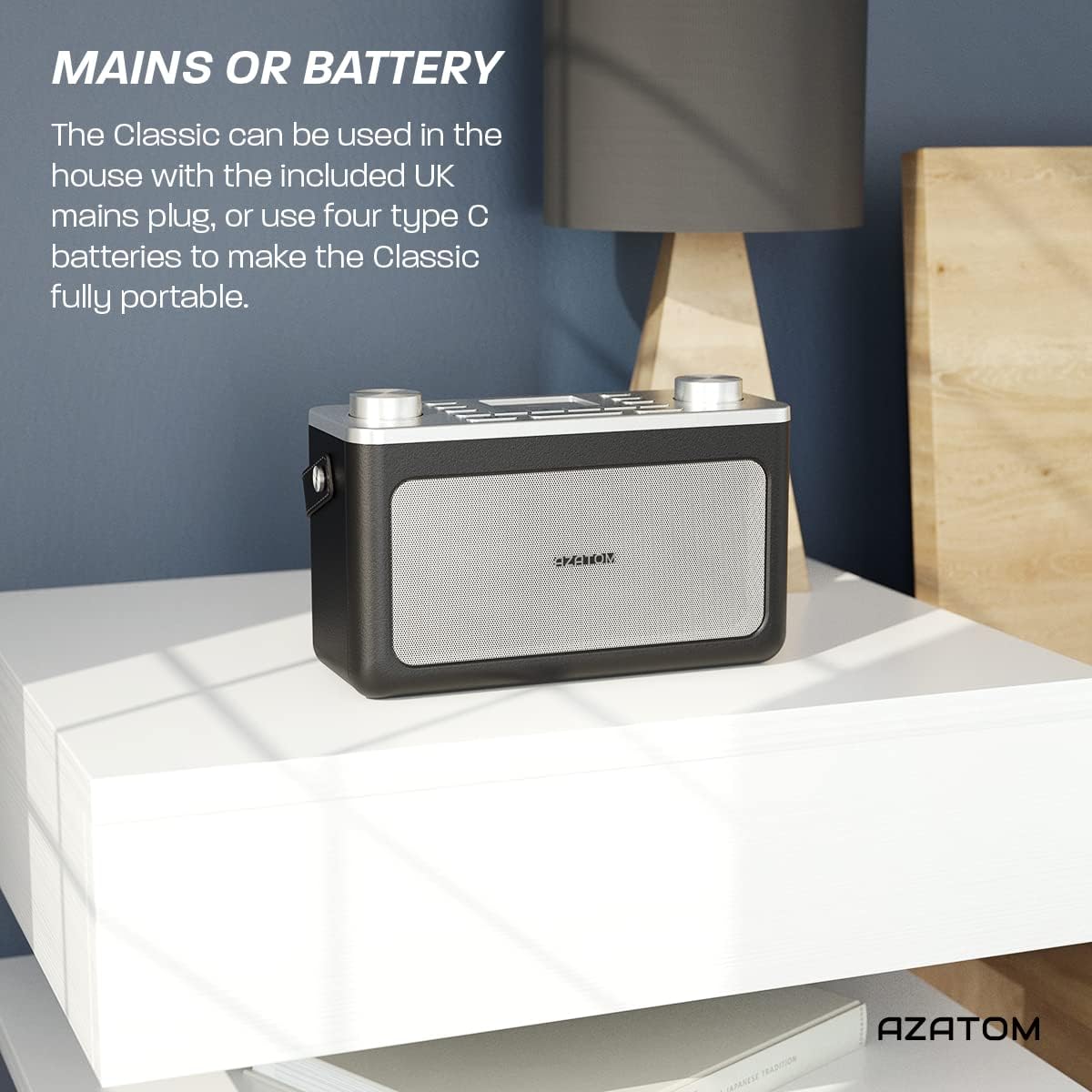
Image: The AZATOM Classic V1 radio on a white surface, illustrating its portability and dual power options (mains or battery).
Kuasa Bateri
- Buka penutup petak bateri di belakang radio.
- Insert four Type C batteries, ensuring correct polarity (+/-).
- Tutup penutup petak bateri dengan selamat.
- Tekan dan tahan butang KUASA button on the top panel to turn on the radio.

Imej: Belakang view of the AZATOM Classic V1 radio, highlighting the DCV input, AUX IN, USB CHARGE ports, and the two battery compartment covers.
Initial Scan (DAB/DAB+)
Upon first power-on, the radio will automatically perform a full scan for DAB/DAB+ stations. This may take a few minutes.
Setelah imbasan selesai, radio akan menala ke stesen pertama yang tersedia.
If no stations are found, ensure the telescopic antenna is fully extended and reposition the radio, then perform a manual scan (see "Operating DAB/DAB+ Radio").
Arahan Operasi

Imej: Atas ke bawah view of the AZATOM Classic V1 radio, showing the control panel with buttons for power, mode, presets, volume, and tuning/enter knobs, along with the color LCD display.
Kawalan Asas
- Butang kuasa: Press and hold to turn on/off. Press briefly to switch between standby and active mode.
- Butang MOD: Press to cycle through DAB, FM, Bluetooth, and AUX modes.
- Tombol VOLUME: Rotate left to decrease volume, right to increase volume.
- ENTER/TUNE Knob: Rotate to navigate menus or tune stations. Press to confirm selections.
- PRESET Buttons (1-4): Quickly access stored favorite stations.
- PRESET Button (Long Press): Access the full list of stored presets.
- Butang MENU: Access system settings and mode-specific options.
- Butang TUNDA/DIMMER: Snooze active alarm or adjust display brightness.
- Butang SLEEP: Activate/deactivate sleep timer.
- SKIP Buttons (<< / >>): Navigate tracks in Bluetooth mode or stations in radio mode.

Image: The AZATOM Classic V1 radio displaying the time and alarm settings on its color LCD, emphasizing its alarm and sleep timer functionalities.
Mod Radio DAB/DAB+
- Tekan ke MODE button until "DAB Radio" appears on the display.
- If a full scan hasn't been performed, the radio may initiate one.
- Putar ENTER/TUNE knob to browse available stations.
- Tekan ke ENTER/TUNE tombol untuk memilih stesen.
- Menyimpan Pratetap:
- Tune ke stesen yang dikehendaki.
- Tekan dan tahan salah satu daripada PRESET buttons (1-4) until "Preset Stored" appears.
- To store beyond preset 4, press and hold the PRESET button (not 1-4) and rotate the ENTER/TUNE knob to select a preset number (5-40), then press ENTER/TUNE untuk mengesahkan.
- Pratetap Mengingat:
- Tekan secara ringkas salah satu daripada PRESET buttons (1-4) to recall.
- To recall presets 5-40, briefly press the PRESET button (not 1-4), rotate the ENTER/TUNE knob to select the preset, then press ENTER/TUNE.
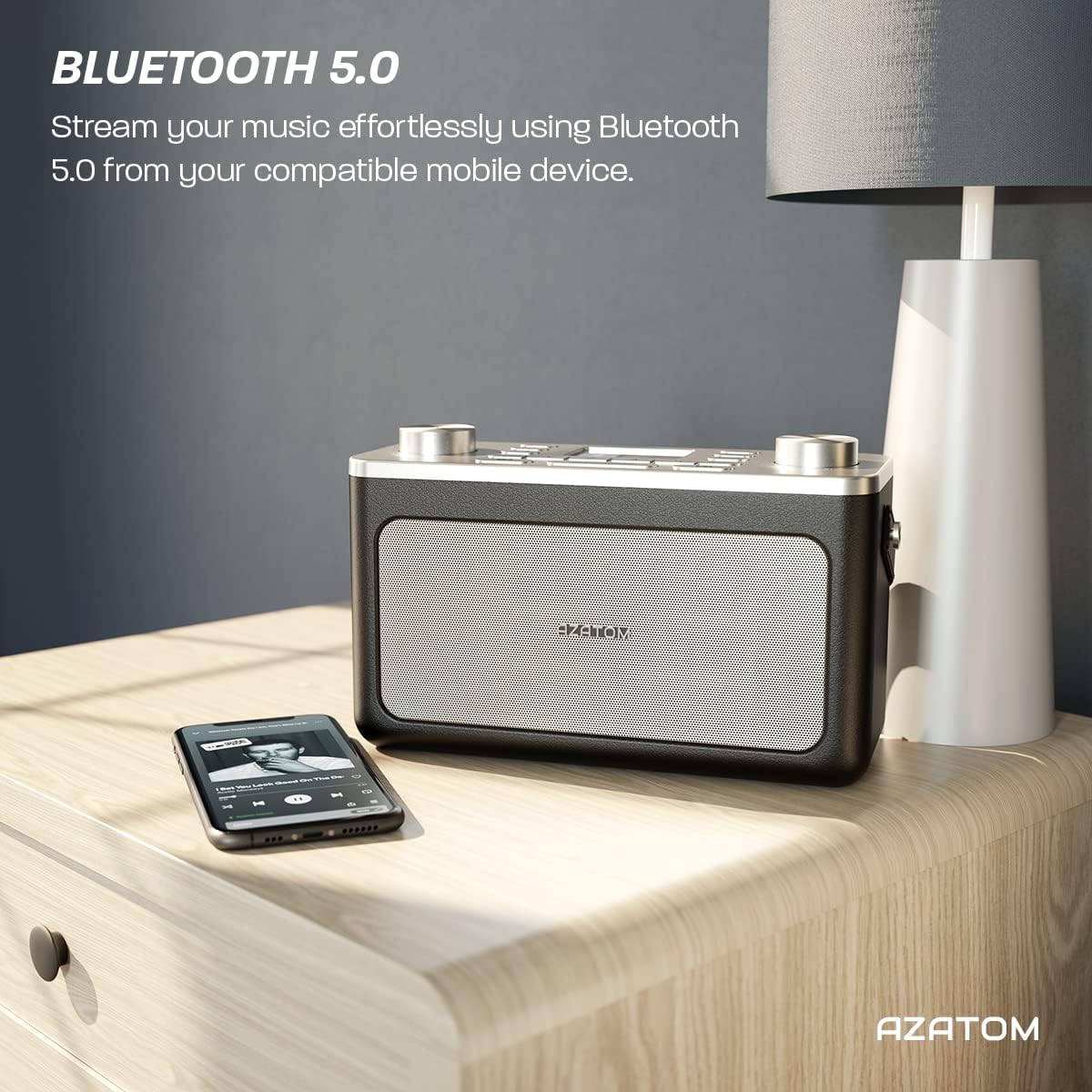
Image: The AZATOM Classic V1 radio on a kitchen counter, highlighting its ability to store and recall pre-set stations for quick access.
Mod Radio FM
- Tekan ke MODE button until "FM Radio" appears on the display.
- Imbasan Auto: Tekan dan tahan butang ENTER/TUNE knob to automatically scan for the next available station.
- Penalaan Manual: Putar ENTER/TUNE tombol untuk melaraskan frekuensi secara manual.
- Menyimpan Pratetap: (Same as DAB/DAB+ but for FM stations, up to 20 presets).
- Pratetap Mengingat: (Same as DAB/DAB+).
Mod Bluetooth
- Tekan ke MODE button until "Bluetooth" appears on the display. The radio will enter pairing mode, indicated by a flashing Bluetooth icon.
- On your mobile device, enable Bluetooth and search for "AZATOM Classic V1".
- Select "AZATOM Classic V1" to pair. Once connected, the Bluetooth icon will stop flashing.
- Play audio from your device. Use the radio's SKIP buttons (<< / >>) to control tracks and the JILID tombol untuk melaraskan kelantangan.

Image: The AZATOM Classic V1 radio on a bedside table next to a smartphone, demonstrating its Bluetooth 5.0 capability for wireless music streaming.
Mod Input AUX
- Sambungkan peranti audio luaran (cth, pemain MP3) ke AUX IN port on the back of the radio using a 3.5mm audio cable (not included).
- Tekan ke MODE button until "AUX Input" appears on the display.
- Play audio from your external device. Adjust volume using the radio's JILID knob and the external device's volume control.
Imej: Belakang view of the AZATOM Classic V1 radio, highlighting the DCV input, AUX IN, USB CHARGE ports, and the two battery compartment covers.
Jam Penggera
- Tekan ke MENU butang.
- Putar ENTER/TUNE knob to select "Alarm" and press ENTER/TUNE.
- Select "Alarm 1" or "Alarm 2".
- Configure alarm time, duration, source (Buzzer, DAB, FM), and frequency (Daily, Once, Weekdays, Weekends).
- Ensure the alarm is set to "On".
When an alarm sounds, press SNOOZE / DIMMER to snooze for 9 minutes, or press KUASA untuk mematikan penggera.
Pemasa Tidur
- Tekan ke TIDUR button repeatedly to cycle through sleep timer options (e.g., 15, 30, 45, 60, 90 minutes, Off).
- Radio akan dimatikan secara automatik selepas tempoh yang dipilih.
Penyelenggaraan
Pembersihan
Lap radio dengan kain lembut dan kering. Jangan gunakan pembersih atau pelarut yang melelas.
Penggantian Bateri
If using battery power, replace all four Type C batteries when the low battery indicator appears on the display or when performance degrades.
Penyimpanan
Jika menyimpan radio untuk tempoh yang lama, tanggalkan bateri untuk mengelakkan kebocoran. Simpan di tempat yang sejuk dan kering.
Menyelesaikan masalah
- Tiada Kuasa:
- Check if the mains adapter is securely connected and the wall socket is active.
- Jika menggunakan bateri, pastikan ia dimasukkan dengan betul dan tidak habis.
- Tekan dan tahan butang KUASA butang selama beberapa saat.
- Poor DAB/FM Reception:
- Panjangkan antena teleskopik sepenuhnya.
- Reposition the radio to a location with better signal strength, away from other electronic devices that may cause interference.
- Perform a full scan for stations.
- Isu Berpasangan Bluetooth:
- Ensure the radio is in Bluetooth mode and "AZATOM Classic V1" is visible on your device.
- Make sure no other device is currently connected to the radio.
- Try restarting both the radio and your Bluetooth device.
- Tiada Bunyi:
- Check the volume level on both the radio and any connected external devices (in AUX/Bluetooth mode).
- Ensure headphones are not connected if you expect sound from the speaker.
- Penggera Tidak Berbunyi:
- Verify that the alarm is set to "On" and the time is correct.
- Periksa tetapan kelantangan penggera.
- Ensure the radio is not completely powered off (it should be in standby mode for alarms to function).
Spesifikasi
- model: Classic V1
- Jenama: AZATOM
- Frekuensi Radio: DAB/DAB+, FM
- Versi Bluetooth: 5.0
- Pratetap: 60 (40 DAB, 20 FM)
- Input Kuasa: Mains adapter (included), 4 x Type C batteries (not included)
- Ketersambungan: AUX In (3.5mm), Headphone Out (3.5mm), USB Charge Port
- paparan: LCD warna
- UPC: 632793245407
- Penggunaan yang Disyorkan: Music, News, Sports Broadcasts

Image: Angled top view of the AZATOM Classic V1 radio, featuring its control panel and display, with a "3 Year Warranty" badge overlaid, indicating product reliability.
Waranti dan Sokongan
The AZATOM Classic V1 comes with a 3-year warranty from the date of purchase. Please retain your proof of purchase for warranty claims.
For technical support, warranty inquiries, or further assistance, please visit the official AZATOM website or contact their customer service department. Contact details can typically be found on the product packaging or the AZATOM webtapak.


