pengenalan
This manual provides essential information for setting up, operating, and maintaining your Apple iPad (10th Generation). The iPad features an all-screen design, a 10.9-inch Liquid Retina display, the powerful A14 Bionic chip, Wi-Fi 6 connectivity, and advanced cameras. It is designed for everyday tasks, creativity, and staying connected.
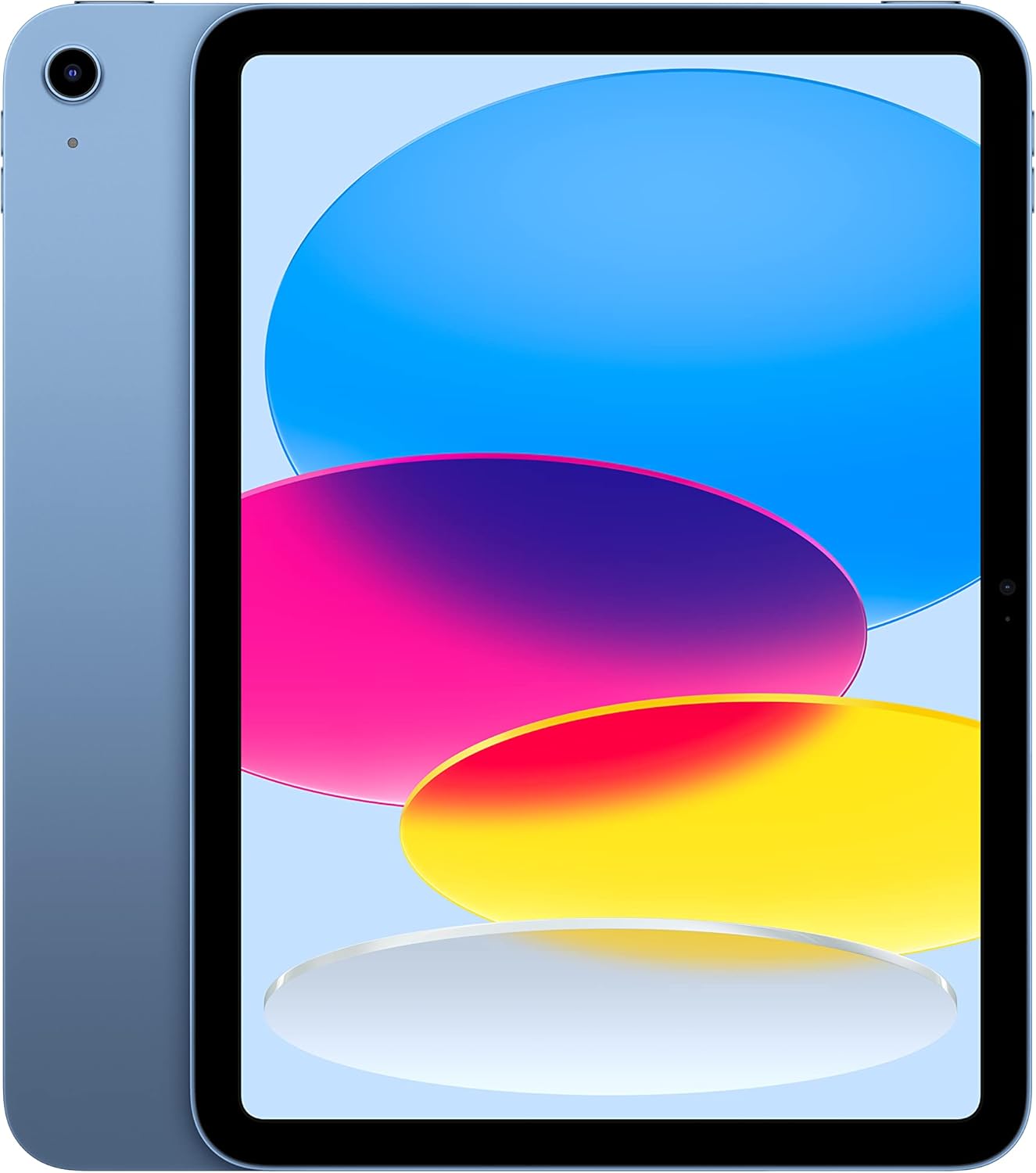
Image: The Apple iPad (10th Generation) in blue, showcasing its full-screen display and sleek design.
Apa yang ada dalam Kotak
Verify that all items are present in your iPad packaging:
- iPad (Generasi ke-10)
- Kabel Caj USB-C (1 meter)
- Penyesuai Kuasa USB-C 20W

Image: A visual representation of the items included in the iPad packaging: the iPad device, a USB-C charging cable, and a 20W USB-C power adapter.
Persediaan
- Hidupkan kuasa: Tekan dan tahan butang atas sehingga logo Apple muncul.
- Konfigurasi Awal: Ikut arahan pada skrin untuk memilih bahasa, rantau dan sambungkan ke rangkaian Wi-Fi anda.
- Pemindahan Data (Pilihan): If you have a previous iPad or iPhone, you can transfer your data during setup.
- ID Apple: Log masuk dengan Apple ID anda atau buat yang baharu. Ini penting untuk memuat turun apl, menggunakan iCloud dan perkhidmatan Apple yang lain.
- Persediaan ID Sentuh: Configure Touch ID for secure unlocking and purchases.
- mengecas: Sambungkan Kabel Pengecas USB-C ke port USB-C iPad dan Penyesuai Kuasa USB-C 20W, kemudian pasangkannya ke soket kuasa.
Mengendalikan iPad Anda
Paparan
The iPad features a 10.9-inch Liquid Retina display with True Tone technology. True Tone automatically adjusts the display's color and intensity to match the ambient light, providing a more natural viewpengalaman dalam.

Image: An illustration of the iPad's key features, including the 10.9-inch Liquid Retina display, Landscape Ultra Wide front camera, and the A14 Bionic chip.
Touch ID
Touch ID is integrated into the top button of your iPad. It allows you to securely unlock your device, sign in to apps, and authorize purchases with Apple Pay using your fingerprint.
- Buka kunci: Place your registered finger on the top button.
- Apple Pay: Double-press the top button and then place your finger on it to authenticate a payment.
Kamera
The iPad is equipped with advanced cameras:
- Kamera Depan: Landscape 12MP Ultra Wide camera with Center Stage and Smart HDR 3. Center Stage automatically keeps you in the frame during video calls.
- Kamera Belakang: 12MP Wide camera with Smart HDR 3, capable of recording 4K video at 24, 25, 30, or 60 frames per second.
Ketersambungan
The iPad supports Wi-Fi 6, providing fast and reliable wireless internet access for streaming, downloading, and browsing.
Prestasi dan Storan
Powered by the A14 Bionic chip with a 6-core CPU, 4-core graphics, and a 16-core Neural Engine, the iPad delivers robust performance for various applications, from immersive games to photo and video editing. It is available with 64GB or 256GB storage options.
Hayat Bateri
The iPad offers up to 10 hours of web surfing on Wi-Fi or video playback. When using cellular data (on Wi-Fi + Cellular models), battery life is up to 9 hours.
Aksesori
Enhance your iPad experience with compatible accessories (sold separately):
- Pensil Apple (Generasi Pertama): Transforms your iPad into a digital canvas and note-taking device. Requires a USB-C to Apple Pencil Adapter.
- Magic Keyboard Folio: Features a two-piece design with a detachable keyboard and protective back panel that attach magnetically.

Image: The Apple iPad (10th Generation) shown with the Magic Keyboard Folio and Apple Pencil, demonstrating its versatility for productivity and creativity.
Penyelenggaraan
To ensure the longevity and optimal performance of your iPad, follow these maintenance guidelines:
- Pembersihan: Gunakan kain lembut dan tidak berbulu untuk membersihkan skrin dan bahagian luarnya. Elakkan bahan yang kasar atau bahan kimia yang keras.
- Suhu: Operate and store your iPad within recommended temperature ranges (0° to 35° C / 32° to 95° F). Avoid extreme heat or cold.
- Kemas Kini Perisian: Regularly update iPadOS to the latest version to benefit from new features, security enhancements, and bug fixes. Go to Settings > General > Software Update.
- Pengurusan Storan: Semula secara berkalaview and manage your storage to free up space. Go to Settings > General > iPad Storage.
Menyelesaikan masalah
If you encounter issues with your iPad, consider the following common troubleshooting steps:
- Peranti Tidak Membalas: If your iPad is unresponsive, force restart it. Press and quickly release the volume up button, press and quickly release the volume down button, then press and hold the top button until the Apple logo appears.
- Isu Sambungan Wi-Fi:
- Pastikan Wi-Fi diaktifkan dalam Tetapan.
- Mulakan semula penghala Wi-Fi anda.
- Lupakan rangkaian dan sambung semula.
- Longkang Bateri: Check battery usage in Settings > Battery to identify apps consuming significant power. Adjust settings or background app refresh as needed.
- Isu Apl: If an app is not working correctly, try closing and reopening it. If the problem persists, delete and reinstall the app.
For more detailed troubleshooting or persistent issues, visit the official Apple Support webtapak atau hubungi perkhidmatan pelanggan Apple.
Spesifikasi
| Ciri | Perincian |
|---|---|
| Nama Model | iPad (Generasi ke-10) |
| Nombor Model Item | MPQ93LL/A |
| Paparan | Paparan Retina Cecair 10.9-inci dengan True Tone |
| Resolusi Paparan | 2360 x 1640 Piksel |
| Cip | A14 Bionic chip (6-core CPU, 4-core graphics, 16-core Neural Engine) |
| Kapasiti Penyimpanan Memori | 256 GB (also available in 64GB) |
| Kamera Belakang | 12MP Wide camera with Smart HDR 3, 4K video recording |
| Kamera Depan | Landscape 12MP Ultra Wide with Center Stage and Smart HDR 3 |
| Hayat Bateri | Up to 10 hours (Wi-Fi), Up to 9 hours (Cellular) |
| Penyambung | USB-C |
| Dimensi (H x W x D) | 9.79 x 7.07 x 0.28 inci (248.6 x 179.5 x 7 mm) |
| Berat badan | Model Wi-Fi 1.05 paun (477 gram). |
| Compatible Apple Pencil | Apple Pencil (1st generation) - requires USB-C to Apple Pencil Adapter |
| Pengeluar | epal |
| Tarikh Mula-mula Tersedia | 18 Oktober 2022 |
Waranti dan Sokongan
Your Apple iPad (10th Generation) is covered by Apple's standard limited warranty. For detailed information regarding warranty terms, coverage, and service options, please refer to the warranty documentation included with your product or visit the official Apple Support webtapak.
For technical assistance, troubleshooting guides, and additional resources, please visit the Sokongan Apple website for iPad.
Nota Penting
This manual provides general instructions. For the most up-to-date information and advanced features, always refer to the official Apple iPad User Guide available digitally on your device or Apple's webtapak.


