1. Pengenalan
This manual provides essential instructions for setting up, operating, and maintaining your Yealink VCM36-W Conference Microphone. Designed for clear audio conferencing, this device offers reliable performance for various communication needs.
2. Apa yang ada di dalam Kotak
- Mikrofon
3. Produk Lebihview
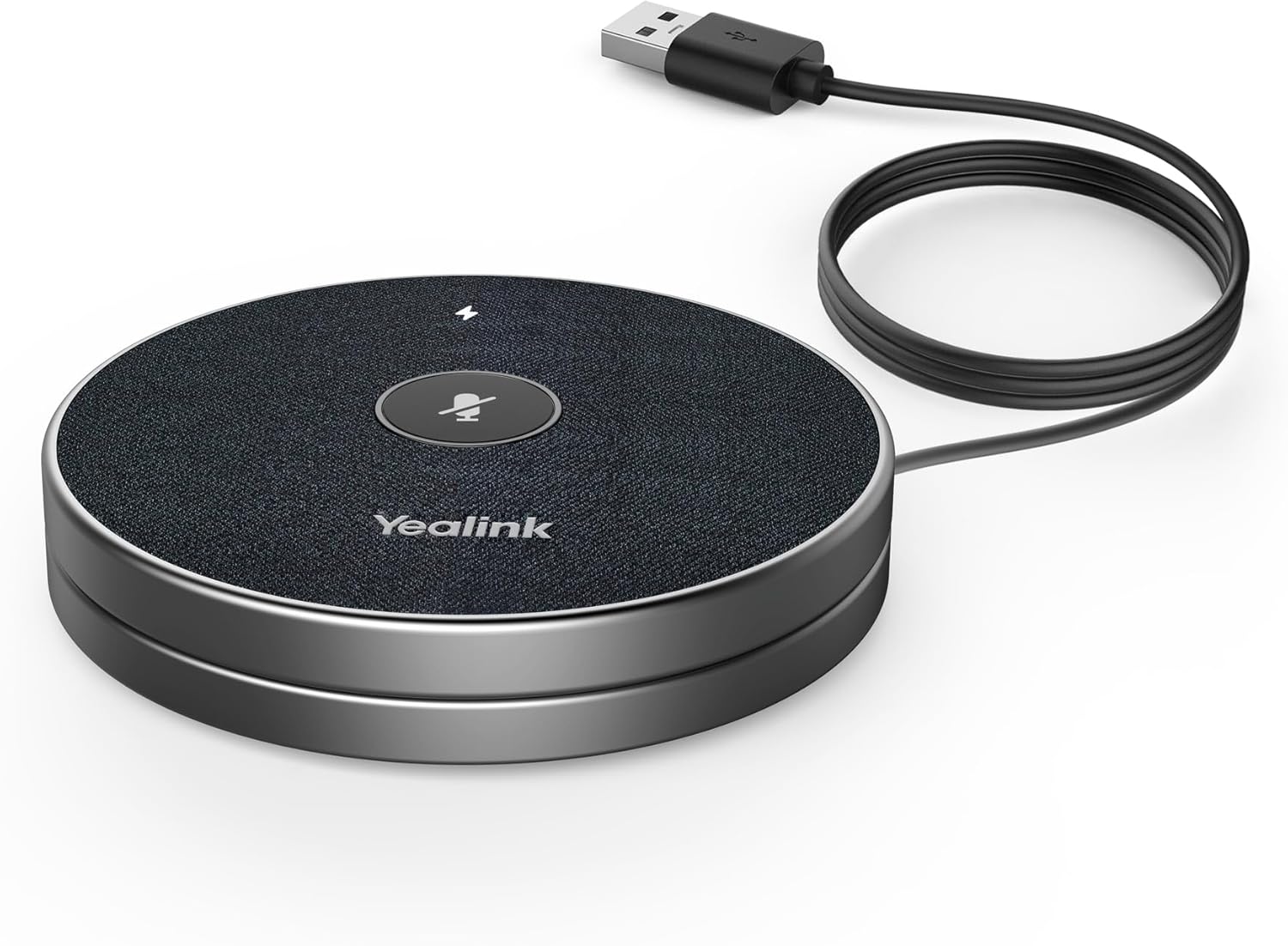
Figure 1: Yealink VCM36-W Conference Microphone connected via USB.
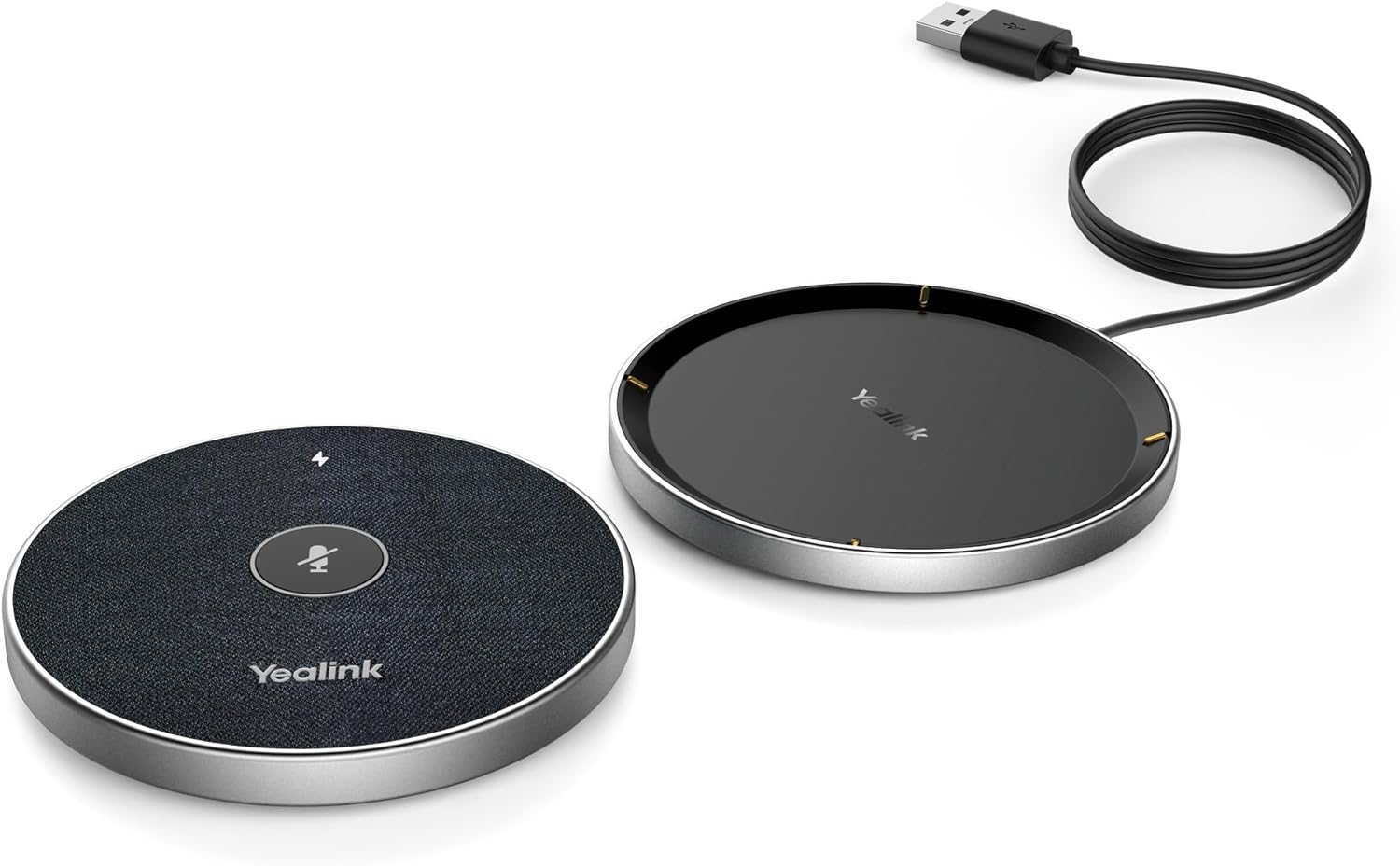
Figure 2: The VCM36-W microphone unit detached from its charging base.

Figure 3: Close-up of the VCM36-W's touch controls, including mute and volume.
4. Persediaan
4.1 Sambungan Kuasa
Connect the microphone to a power source using the provided corded electric power supply. Ensure the device is adequately charged before initial use or firmware updates.
4.2 Sambungan Peranti
The Yealink VCM36-W supports Wi-Fi connectivity. For wired connections, use the XLR connector type. Refer to your device's specific connection ports for compatibility.
4.3 Panduan Pemasangan
For visual guidance on setting up a Yealink speakerphone, the following video demonstrates installation steps for similar models. While not specific to VCM36-W, the principles may apply.
Video 1: Yealink CP50/CPE40 Speakerphone Installation Description. This video provides general installation steps for Yealink speakerphones, which may be helpful for setting up the VCM36-W.
5. Operasi
5.1 Kawalan Asas
The VCM36-W features intuitive touch controls for managing your conference calls. These include:
- Butang Bisukan: Untuk meredam atau menyahredamkan mikrofon.
- Kelantangan Naik/Turun: To adjust the speaker volume.
- Butang Bluetooth: For pairing with mobile devices or a Bluetooth dongle.
5.2 Kesambungan Bluetooth
The VCM36-W supports Bluetooth for wireless connection to compatible devices. Press the Bluetooth button to initiate pairing mode. For a demonstration of Yealink Bluetooth speakerphone features, refer to the video below.
Video 2: Yealink Bluetooth Speakerphone Conference Microphone. This video highlights general features of Yealink Bluetooth speakerphones, including connectivity.
5.3 Prestasi Audio
The VCM36-W is designed for clear audio pickup and output. The following videos provide audio tests for other Yealink speakerphone models, offering insight into the expected audio quality and range.
Video 3: Yealink CP700 Speakerphone Audio Test. This video demonstrates the audio performance of a similar Yealink speakerphone model.
Video 4: Yealink CP50 and CPE40 Speakerphone Audio Test. This video showcases the audio capabilities of other Yealink speakerphone models, including range tests.
6. Spesifikasi
| Ciri | Penerangan |
|---|---|
| Nama Model | VCM36-W |
| Kepekaan Audio | 54 Desibel |
| Impedans | 16 ohm |
| Faktor Bentuk Mikrofon | Susunan Meja |
| Nisbah Isyarat-ke-Bunyi | 36 dB |
| Corak Kutub | Satu arah |
| Teknologi Ketersambungan | Wi-Fi |
| Jenis Penyambung | XLR |
| Ciri Khas | Touchpad, WiFi technology |
| Peranti Serasi | Personal Computer, Laptop, Headset |
| Penggunaan yang Disyorkan | Videokonferenz (Video Conferencing) |
| Sumber Kuasa | Elektrik Bertali |
| Bateri | 1 Bateri Lithium Ion diperlukan. |
| bahan | logam |
| Dimensi Produk | 5.91 x 3.15 x 1.97 inci |
| Berat Barang | 15.1 auns |
7. Penyelenggaraan
To ensure the longevity and optimal performance of your Yealink VCM36-W, follow these maintenance guidelines:
- Pembersihan: Gunakan kain lembut dan kering untuk membersihkan peranti. Elakkan pembersih atau pelarut yang kasar.
- Storan: Simpan mikrofon di tempat yang sejuk dan kering jauh dari cahaya matahari langsung dan suhu yang melampau.
- Pengurusan Kabel: Utilize the integrated cord management feature to keep cables tidy and prevent damage.
8. Penyelesaian masalah
If you encounter issues with your VCM36-W, consider the following basic troubleshooting steps:
- Tiada Kuasa: Ensure the power cable is securely connected and the power source is active. Check battery level if operating wirelessly.
- Tiada Audio/Audio Lemah: Verify all connections (USB, Wi-Fi, Bluetooth). Check volume settings on both the microphone and your connected device. Ensure the microphone is not muted.
- Isu Ketersambungan: For Wi-Fi, ensure the device is within range of your network. For Bluetooth, ensure the device is in pairing mode and your host device's Bluetooth is enabled.
- Kemas kini Firmware: Regularly check the Yealink support website for the latest firmware updates to improve performance and resolve potential issues.
9. Waranti dan Sokongan
For warranty information, technical support, or service inquiries, please contact Yealink customer service or visit the official Yealink website. Keep your purchase receipt and product serial number handy for faster assistance.
Additional protection plans may be available from your retailer.


