pengenalan
This manual provides instructions for the setup, operation, and troubleshooting of your REDSTORM Wireless USB Receiver Dongle, model VG-C349. This device is designed to connect your REDSTORM 9124 Wireless Controller to compatible systems.
Persediaan
- Driver Installation (Windows 7 and Older): For computers running Windows 7 or older operating systems, driver installation may be required. Please refer to your operating system's documentation or the REDSTORM support website for specific driver download and installation instructions. Windows 8 and newer typically install drivers automatically.
- Sambungkan Penerima: Insert the REDSTORM Wireless USB Receiver Dongle into an available USB port on your computer or compatible device.

Image: The REDSTORM Wireless USB Receiver Dongle, a black USB device with a central button.
Arahan Operasi
This USB Receiver is specifically designed for use with the REDSTORM 9124 Wireless Controller.
- Pengawal Hidupkan Kuasa: Ensure your REDSTORM 9124 Wireless Controller is powered on.
- Mulakan Berpasangan: On your 9124 controller, simultaneously press and hold the butang Y dan Butang rumah.
- Tunggu Sambungan: The controller's indicator lights will flash, indicating it is searching for the receiver. Once successfully paired, the lights will stabilize.

Imej: Bekasample of the REDSTORM 9124 Wireless Controller, featuring a white design with red splatter accents.
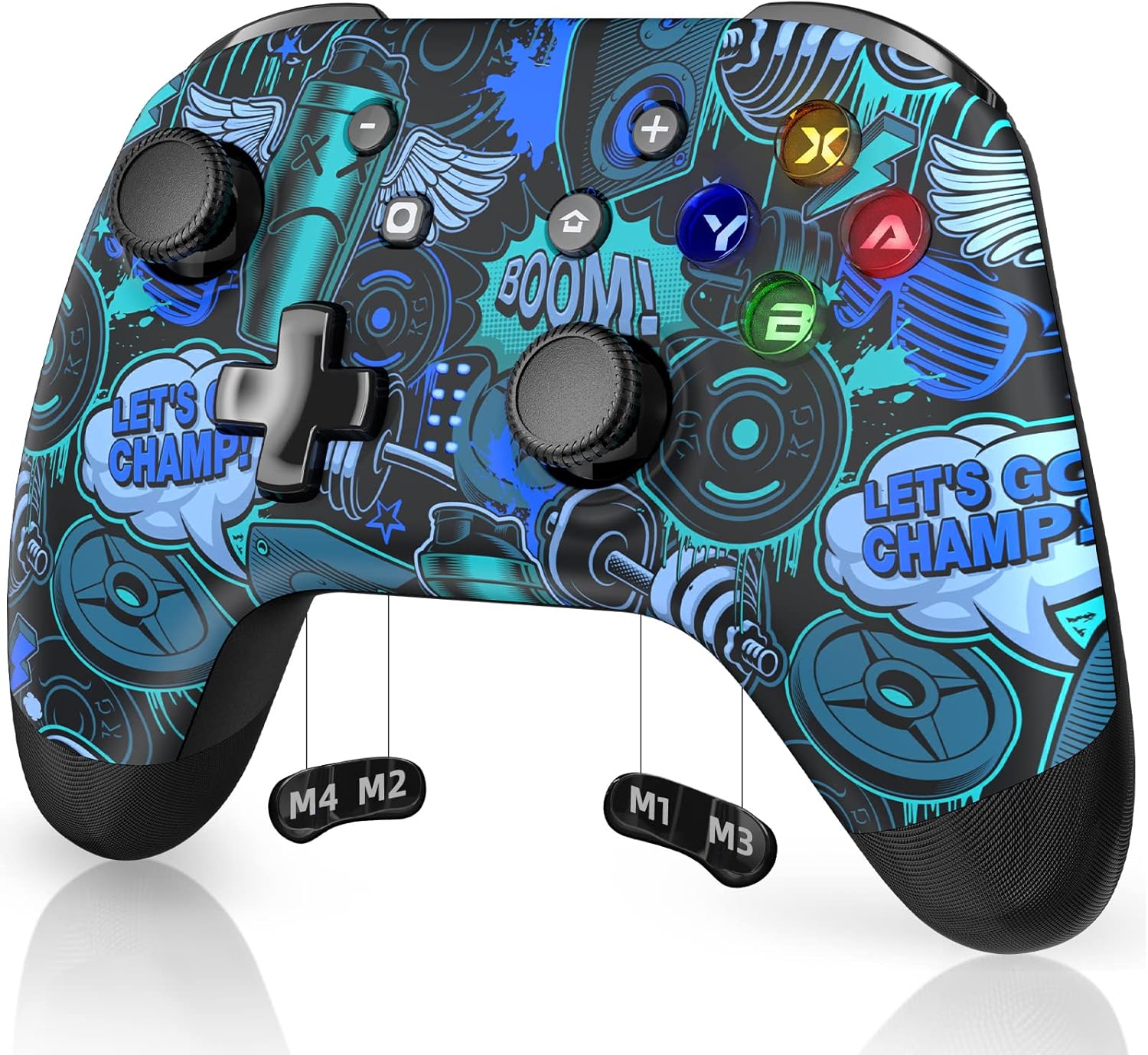
Image: Another example of the REDSTORM 9124 Wireless Controller, featuring a blue and black graphic design.
Penyelenggaraan
- Keep the receiver dongle clean and free from dust. Use a soft, dry cloth for cleaning.
- Elakkan daripada mendedahkan peranti kepada suhu atau kelembapan yang melampau.
- Simpan dongle di tempat yang selamat apabila tidak digunakan untuk mengelakkan kerosakan fizikal.
Menyelesaikan masalah
- Controller Not Pairing:
- Ensure the receiver is securely plugged into a working USB port.
- Confirm the controller is a REDSTORM 9124 model.
- Re-attempt the pairing process by pressing Y+Home on the controller after it is powered on.
- Cuba palamkan penerima ke port USB yang berbeza.
- No Response After Pairing:
- Verify that the correct drivers are installed, especially for Windows 7 and older systems.
- Mulakan semula komputer atau peranti anda.
- Check if the controller's battery is charged.
- Sambungan Terputus-putus:
- Ensure there are no significant obstructions between the controller and the receiver.
- Kurangkan gangguan daripada peranti wayarles lain.
- Try moving the receiver to a more open location or using a USB extension cable.
Spesifikasi
| Ciri | Perincian |
|---|---|
| Nombor Model | VG-C349 |
| Jenama | RIBUT SEMULA |
| Dimensi Produk | 2.5 x 1 x 0.5 inci |
| Berat Barang | 0.317 auns (0.01 Kilogram) |
| Antara Muka Perkakasan | USB |
| Protokol Pautan Data | USB |
| Peranti Serasi | Komputer meja |
| Keluarga OS yang Serasi | Windows (Driver required for Windows 7 and older) |
| warna | Hitam |
| ASIN | B0BG614DTF |
Waranti dan Sokongan
For warranty information, technical support, or further assistance, please visit the official REDSTORM website or contact their customer service department. Details can typically be found on the product packaging or the brand's online presence.
You can visit the REDSTORM store on Amazon for more products and support information: REDSTORM Store


