1. Pengenalan
This manual provides detailed instructions for the installation, operation, and maintenance of your Poyasilon CQ1X Solar Security Camera. Please read this manual thoroughly before using the product to ensure proper function and safety. This camera is designed for outdoor security, featuring solar power, 3MP 2K FHD resolution, 355° pan-tilt-zoom (PTZ) capabilities, motion detection, color night vision, and two-way audio.
2. Apa yang ada di dalam Kotak
- Solar security camera x 1
- Panel solar x 1
- Bracket for camera x 1
- Bracket for solar panel x 1
- Screws bags x 1
3. Panduan Persediaan
3.1 Initial Charging & Power-on
The camera is equipped with a high-conversion rate monocrystalline silicon solar panel and a built-in large capacity rechargeable battery. For initial setup, ensure the camera has sufficient charge. When the security camera is powered off, after the solar panel is charged to a certain amount of power, it will auto turn on and connect. No manual charging and restart are needed under normal solar operation.

Figure 3.1: The camera and solar panel, highlighting the auto power-on feature after charging.
3.2 App Installation & Wi-Fi Connection
Download the "VicoHome" APP on your smartphone. The camera connects via 2.4G Wi-Fi transmission, which offers good wall penetration and strong anti-interference ability. Note that 5G Wi-Fi is not supported. Follow the in-app instructions to connect your camera. This typically involves scanning a QR code on the camera unit.
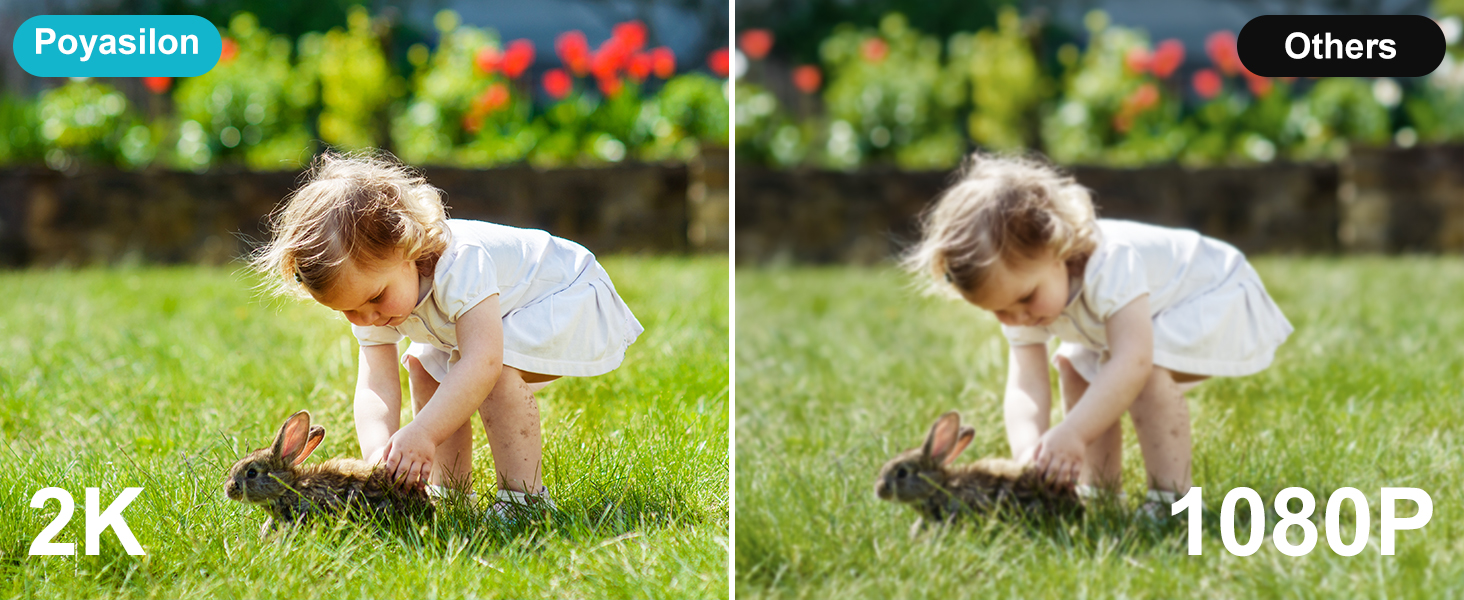
Figure 3.2: App connection process via QR code and 2.4GHz Wi-Fi.
3.3 Pemasangan Fizikal
The camera supports wall mount/ceiling mount installation. Position the solar panel in direct sunlight to ensure optimal charging. The solar panel has a long enough USB cable to allow flexible placement. Ensure the camera is within range of your 2.4G Wi-Fi network for stable connectivity.

Figure 3.3: The Poyasilon solar security camera and its solar panel.
4. Arahan Operasi
4.1 Langsung View & Alat kawalan jauh
Access live video feed through the "VicoHome" APP. The camera offers 355° pan rotation, 90° tilt rotation, and a 120° ultra-wide viewing angle, allowing you to monitor any corner without blind spots. Use the app's controls to remotely adjust the camera's viewarah dalam.

Figure 4.1: Remote control of camera pan and tilt via the mobile application.
4.2 Pengesanan Gerakan & Makluman
The camera features advanced AI recognition technology, allowing you to customize monitoring areas and distinguish between people, pets, vehicles, or packages. Upon detecting an intruder, the camera sends instant alert notifications to your phone. Simultaneously, the strobe light, integrated spotlight, and built-in siren activate to deter suspicious individuals.

Figure 4.2: Motion detection features including siren, spotlight, and instant messages.
4.3 Penglihatan Malam
With 2048 * 1536 high resolutions, the camera provides delicate images and videos. It features a bright spotlight and built-in 2 IR lights for clearer colorful night vision, with a monitor distance of up to 30 ft.

Figure 4.3: Day and color night vision capabilities of the camera.
4.4 Audio Dua Hala
The camera supports real-time two-way audio, allowing for clear voice communication through the camera and your smartphone.

Figure 4.4: Two-way audio functionality for real-time communication.
4.5 Pilihan Storan
The camera supports 8-128 GB micro SD cards (not included) for local storage. Additionally, a 3-day trial cloud storage is available without hidden fees. All videos recorded by the Poyasilon Wi-Fi camera are encrypted for security.

Figure 4.5: Storage options including local SD card and cloud storage.
4.6 Perkongsian Berbilang Pengguna
The "VicoHome" APP allows for easy sharing of camera access with multiple users, enabling family members or trusted individuals to monitor the security feed.
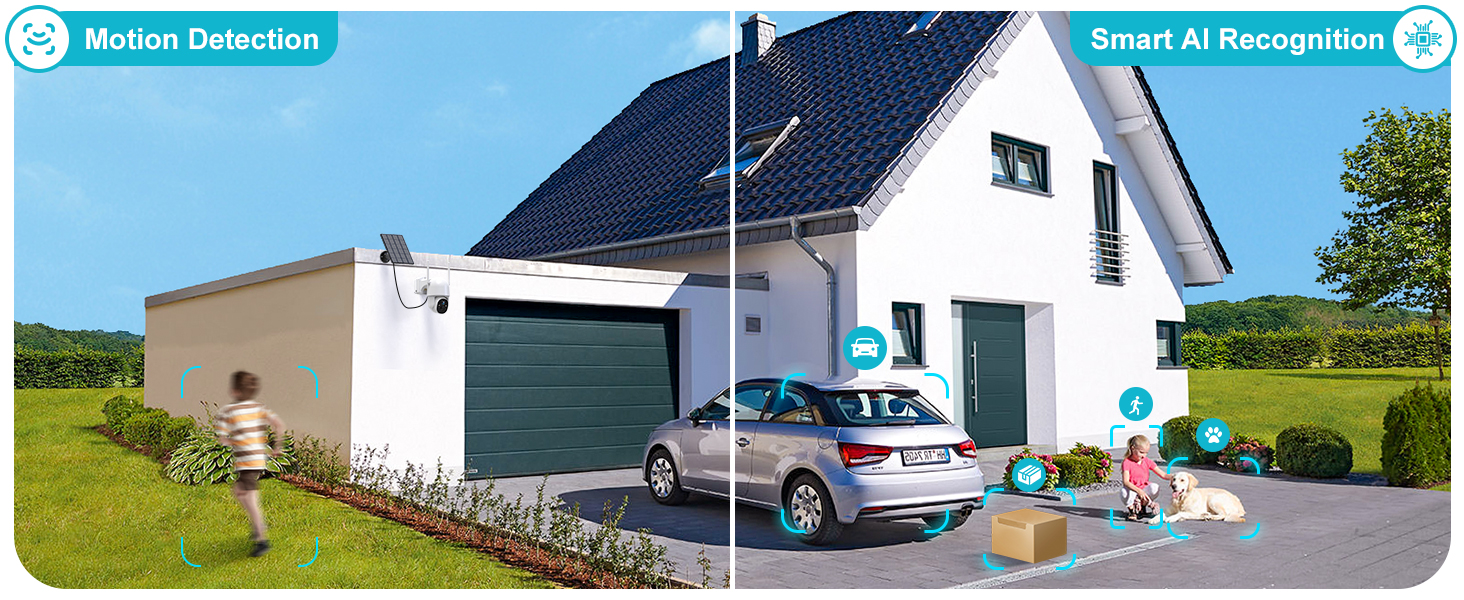
Figure 4.6: Multiple users can access and manage the camera through the app.
5. Penyelenggaraan
The Poyasilon CQ1X camera has an IP66 waterproof rating, making it resistant to rain, snow, and hot weather. This ensures reliable operation in various outdoor conditions. Regularly check the solar panel for any debris or dirt that might obstruct sunlight to ensure continuous charging. Periodically clean the camera lens to maintain clear image quality.

Figure 5.1: The camera's all-weather resistant design (IP66 waterproof).
6. Penyelesaian masalah
- Kamera tidak dihidupkan: Ensure the solar panel is receiving direct sunlight. If the battery is completely drained, allow several hours of direct sunlight exposure or connect it to a USB power source for initial charge. The camera has an auto power-on feature once sufficient charge is accumulated.
- Isu sambungan Wi-Fi: Verify your Wi-Fi network is 2.4GHz. This camera does not support 5G Wi-Fi. Ensure the camera is within range of your Wi-Fi router. Try resetting the camera using the reset button if connection problems persist.
- Kualiti imej yang lemah: Check if the camera lens is clean and free from dust or smudges. Ensure there are no obstructions in the camera's field of view.
- Pengesanan gerakan tidak berfungsi: Verify that motion detection is enabled in the "VicoHome" APP. Adjust the sensitivity settings and customize detection zones as needed.
- Tiada audio: Check the volume settings in the app. Ensure there are no obstructions blocking the microphone or speaker on the camera.
7. Spesifikasi
| Ciri | Spesifikasi |
|---|---|
| Nama Model | CQ1X |
| Penggunaan Dalaman/Luar | Luar |
| Sumber Kuasa | Berkuasa Suria |
| Protokol Ketersambungan | Wi-Fi (2.4GHz sahaja) |
| Resolusi Tangkapan Video | 2K (3MP) |
| Sudut Pan / Tilt | Kuali 355°, Condongkan 90° |
| Viewsudut | 120° Ultra lebar |
| Julat Penglihatan Malam | Sehingga 30 kaki (Penglihatan Malam Berwarna) |
| Penyimpanan | 8-128 GB Micro SD Card (not included), 3-day Cloud Storage Trial |
| Tahap Ketahanan Air | IP66 Kalis Air |
| bahan | Akrilonitril Butadiena Stirena (ABS) |
| Dimensi Item (L x W x H) | 7.2 x 5.3 x 7.6 inci |
| Berat Barang | 2.16 paun |
8. Waranti & Sokongan
For detailed warranty information, please refer to the product packaging or contact Poyasilon customer support directly. A comprehensive User Guide in PDF format is available for download: Poyasilon CQ1X User Guide (PDF).