1. Pengenalan
The ULTRALOQ U-Bolt Pro Smart Lock with Door Sensor provides advanced security and convenient access to your home. This manual guides you through the installation, setup, operation, and maintenance of your smart lock, ensuring optimal performance and peace of mind.
2. Produk Lebihview
The ULTRALOQ U-Bolt Pro Smart Lock offers multiple ways to access your property, combining traditional and modern security features. It is designed for easy DIY installation and integrates seamlessly with various smart home ecosystems.
- 6-in-1 Keyless Entry: Access via 360° Fingerprint ID, Anti-peep Keypad, Smartphone App, Auto Unlock, Auto Lock, and Mechanical Key.
- WiFi terbina dalam: Remote control and monitoring from anywhere without an additional hub.
- Sensor Pintu: Enables smart auto-lock and provides real-time door status.
- Keselamatan Tinggi: ANSI Commercial Grade 1 certified, offering superior strength and durability.
- tahan cuaca: IP65 rated external lock, built to withstand various weather conditions.
- Keserasian Rumah Pintar: Works with Amazon Alexa, Google Assistant, SmartThings, and IFTTT.
3. Apa yang Termasuk
Sahkan bahawa semua komponen hadir sebelum memulakan pemasangan:
- ULTRALOQ U-Bolt Pro WiFi Smart Lock (Exterior Assembly with Keypad and Fingerprint Scanner)
- Interior Assembly (with thumb-turn and battery compartment)
- Plat Pemasangan
- Selak Deadbolt
- Plat Hentakan dan Kotak Hentakan
- Sensor Pintu
- Kekunci Sandaran (2)
- Bateri Alkali AA (4)
- Mounting Hardware (screws, bolts)
- Pemasangan dan Panduan Pengguna

Image: All components of the ULTRALOQ U-Bolt Pro Smart Lock, including the exterior keypad, interior assembly, deadbolt, mounting hardware, and keys.
4. Pemasangan
The ULTRALOQ U-Bolt Pro Smart Lock is designed for simple DIY installation, typically taking minutes with just a screwdriver. Ensure your door has a separate deadbolt from the main handle for proper fitment.
- Keluarkan Deadbolt Sedia Ada: Unscrew and remove your current deadbolt assembly from the door.
- Pasang Selak Deadbolt Baharu: Insert the new deadbolt latch into the door edge and secure it with the provided screws.
- Pasang Perhimpunan Luaran: Carefully align the exterior keypad assembly with the deadbolt latch, ensuring the spindle passes through the latch mechanism. Feed the connecting cable through the door.
- Pasang Plat Pemasangan: On the interior side of the door, attach the mounting plate, feeding the cable through the plate's opening. Secure it with the long screws provided, ensuring a snug fit.
- Sambungkan Pemasangan Dalaman: Connect the cable from the exterior assembly to the interior assembly. Mount the interior assembly onto the mounting plate, ensuring the spindle engages correctly. Secure with screws.
- Masukkan Bateri: Open the battery cover on the interior assembly and insert the four AA alkaline batteries.
- Install Door Sensor: Attach the door sensor to the door frame, aligning it with the interior assembly for accurate door status detection.

Image: Step-by-step diagram illustrating the installation process of the smart lock.
5. Persediaan
5.1. Persediaan Aplikasi
Download the U-tec App from your smartphone's app store. Create an account and follow the on-screen instructions to add your U-Bolt Pro Smart Lock. You will be prompted to create an Admin PIN during this process.

Image: The U-tec app displaying lock status, user management, and log records.
5.2. Google Assistant Setup
To connect your ULTRALOQ U-Bolt Pro with Google Assistant, ensure your lock is paired with the U-tec App, your Google Assistant device is on and connected to WiFi, and your smartphone is connected to WiFi.
- Open the U-tec App and ensure your lock is listed and named (e.g., "Front Door").
- Buka Apl Google Home.
- Tap the User Logo (bottom right).
- Tap "More Settings".
- Tap "Assistant" then "Home Control".
- Tap the "+" button (bottom right) to add a device.
- Tap the Search button (top right) and search for "U-tec". Select "U-tec Smart Home".
- Log in to your U-tec account and tap "Authorize".
- Set a security code. Google Assistant will ask for this when unlocking your Ultraloq.
- Choose your device location and select your lock.
5.3. SmartThings Setup
To connect your ULTRALOQ U-Bolt Pro with SmartThings, ensure your lock is connected to your home WiFi and you have registered in the SmartThings App.
- Open your SmartThings App and select the "Devices" tab page.
- Tap the "+" button on the top-right corner.
- Find "U-tec" in the list of brands.
- Tap "Door Locks", then "Ultraloq Smart Lock with WiFi Access".
- Log in to your U-tec account in SmartThings and tap "Authorize".
- Tap "Done" to quit the site.
6. Mod Operasi
6.1. Fingerprint ID
The 360° Live Fingerprint Identification allows for fast and accurate biometric detection from any angle. Simply place your registered finger on the sensor to unlock.

Image: A hand using the fingerprint sensor on the smart lock for access.
6.2. Pad kekunci anti-peep
Enter your 4-8 digit entry code on the backlit numeric keypad. The anti-peep feature allows you to input random digits before or after your actual code to prevent others from guessing your password.
6.3. Smartphone Control
Use the U-tec App to lock, unlock, share access (eKeys or codes), and view a log of who entered and when, all remotely via the built-in WiFi.
6.4. Smart Auto Lock and Auto Unlock
The smart lock automatically locks if your door closes (with the door sensor installed). The auto-unlock feature allows the door to unlock when you arrive with your smartphone in your pocket (requires setting up a geofence in the app).

Image: The smart lock and door sensor indicating the door is closed and locked via the app.
6.5. Kunci Mekanikal
A hidden keyhole provides traditional backup access in case of battery failure or other electronic issues. Simply slide up the bottom cover of the exterior assembly to reveal the keyhole.
7. Integrasi Rumah Pintar
The ULTRALOQ U-Bolt Pro Smart Lock integrates with popular smart home platforms:
- Amazon Alexa: Control your lock with voice commands.
- Pembantu Google: Control your lock with voice commands.
- Perkara Pintar: Integrate into your broader smart home ecosystem.
- IFTTT: Create custom automations and triggers.
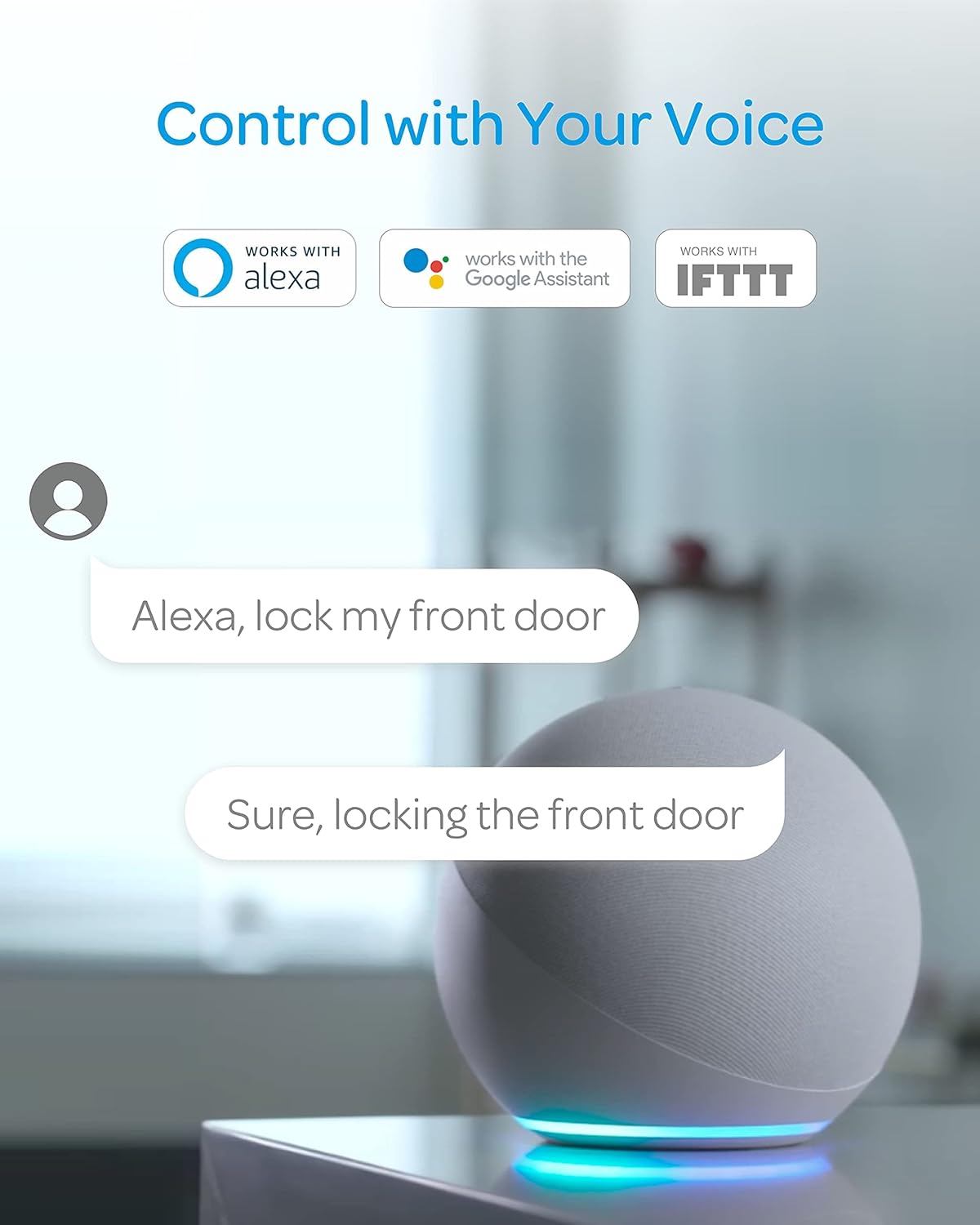
Image: Voice control of the smart lock using Amazon Alexa.
8. Penyelenggaraan
8.1. Hayat Bateri
The U-Bolt Pro WiFi is powered by 4 AA alkaline batteries. It can provide up to 6,000 accesses. On average, with 20 uses per day, the battery life can last up to 1 year. The U-tec App will provide low battery alerts, giving you ample time to replace the batteries.
8.2. Backup Power
In case of complete battery depletion, you can use a 9V battery as an emergency power source by touching it to the terminals on the bottom of the exterior assembly, or use the mechanical backup key.

Image: Using a 9V battery to temporarily power the lock for emergency access.
9. Penyelesaian masalah
9.1. Auto-Lock Engaged Unexpectedly
The auto-lock feature is turned on by default. If the door closes, the lock will automatically engage. Ensure you have your smartphone or a backup key with you when testing the lock to avoid being locked out. This setting can be adjusted in the U-tec App.
9.2. Isu Ketersambungan
The lock connects via 2.4GHz WiFi only (802.11 b/g/n). Ensure your router is configured to support 2.4GHz and that your smartphone is connected to the same network during setup. Some advanced router features like BSS Transition (801.11r) can cause issues with IoT devices; disabling these may improve connectivity.
9.3. Fingerprint Reader Not Recognizing
Ensure your finger is clean and dry. Re-register your fingerprint if issues persist. For children, ensure their fingerprints are fully developed for reliable recognition.
10. Spesifikasi
| Jenama | ULTRALOQ |
| Nama Model | UUL-U-BOLT-PRO-WIFI |
| Jenis Kunci | Biometric, Keypad, Smart Lock, WiFi Door Lock |
| bahan | Zink |
| warna | Keluli Tahan Karat |
| Dimensi (L x W x H) | 2.95 x 2.95 x 1.2 inci |
| Berat Barang | 3.12 paun |
| Protokol Ketersambungan | Bluetooth, Wi-Fi (2.4GHz) |
| Sumber Kuasa | 4 Bateri Alkali AA |
| Ciri Khas | Built-in WiFi, Commercial Level of Security and Durability, Fingerprint ID, Smartphone Control, Simple Installation |
11. Waranti & Sokongan
ULTRALOQ provides a lifetime mechanical warranty and an 18-month electronic warranty for the U-Bolt Pro Smart Lock. For support, please visit the ULTRALOQ official webtapak atau hubungi perkhidmatan pelanggan.


