1. Produk Lebihview
The Cellularline Crystal TWS Bluetooth 5.0 Wireless Earbuds offer a high-quality audio experience with the convenience of wireless connectivity. Designed for comfort and stability, these earbuds feature Environmental Noise Cancellation (ENC) technology to ensure clear calls and immersive listening. The compact charging case provides extended battery life, making them ideal for daily use, music, and video games.

Image: The Crystal TWS wireless earbuds, one in the charging case and one outside, showcasing their sleek black design and the charging case with its indicator light.
2. Persediaan dan Gandingan Awal
2.1 Mengecas Fon telinga dan Sarung
Before first use, ensure both the earbuds and the charging case are fully charged. The charging time for the earbuds is approximately 1.5 hours.
- Letakkan fon telinga ke dalam bekas pengecasan.
- Sambungkan bekas pengecasan kepada sumber kuasa menggunakan kabel USB yang disediakan.
- The indicator light on the case will show charging status and turn off when fully charged.
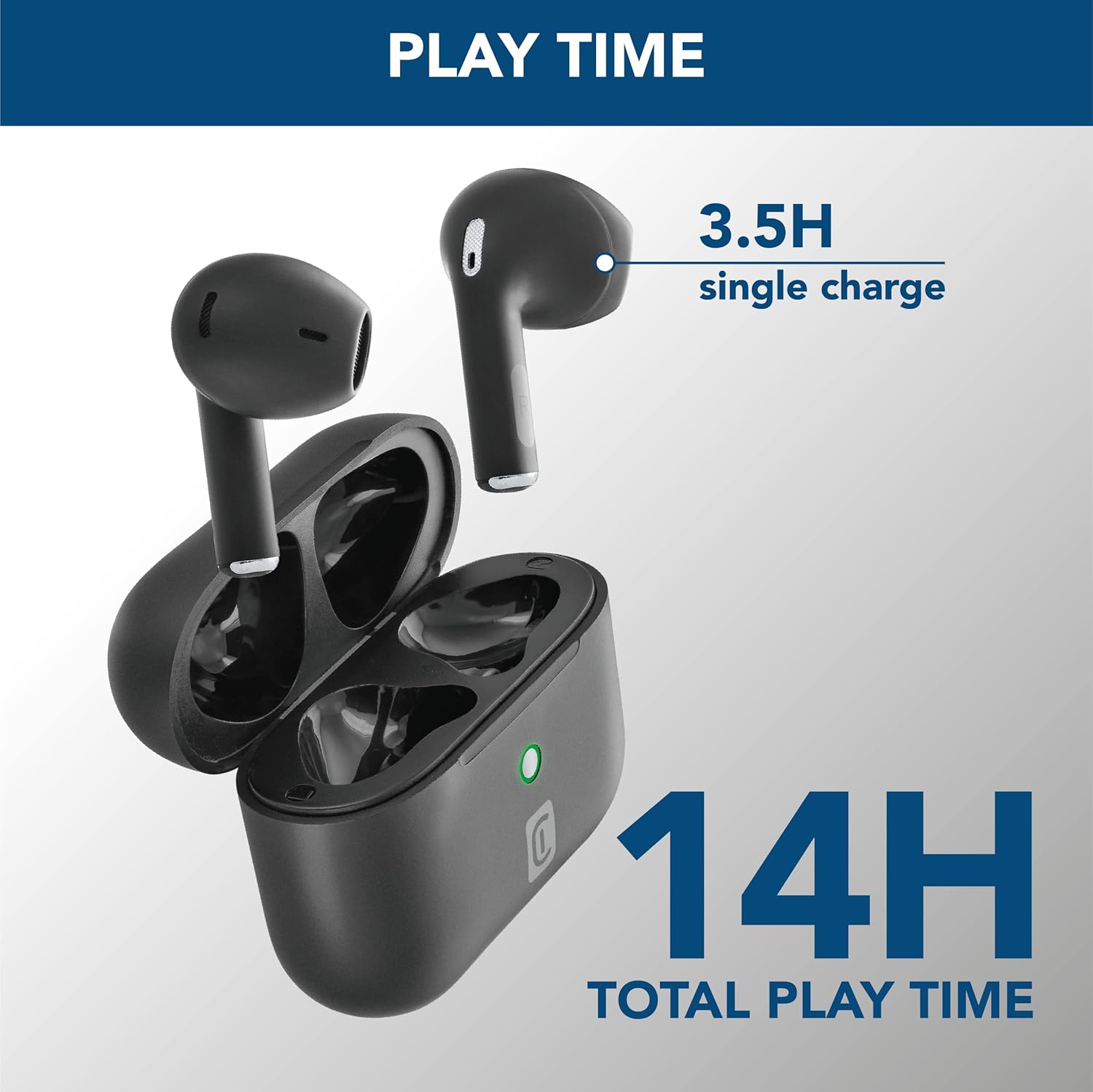
Image: The earbuds are shown inside their open charging case, with text indicating "3.5H single charge" and "14H total play time," illustrating the battery performance.
2.2 Berpasangan Bluetooth
Follow these steps to pair your Crystal TWS earbuds with your device:
- Buka bekas pengecas. Fon telinga akan memasuki mod berpasangan secara automatik.
- Pada peranti anda (telefon pintar, tablet, komputer riba), dayakan Bluetooth.
- Cari untuk available Bluetooth devices and select "Crystal TWS" from the list.
- Sebaik sahaja disambungkan, fon telinga akan menunjukkan pasangan yang berjaya (cth., gesaan suara atau pertukaran LED).
Note: The earbuds have a wireless range of up to 10 meters. For optimal connection, keep your device within this range.
3. Arahan Operasi
3.1 Memakai Fon Telinga
Insert the earbuds into your ears, ensuring a comfortable and secure fit. The ergonomic design provides comfort and stability for various activities.

Image: A person is shown wearing the Crystal TWS earbuds, demonstrating their comfortable and stable fit during use in a public setting.
3.2 Kawalan Sentuhan
The Crystal TWS earbuds feature touch controls for easy management of audio and calls:
| Tindakan | Fungsi |
|---|---|
| Ketik Tunggal (Earbud Kiri/Kanan) | Main/Jeda Muzik, Jawab/Tamatkan Panggilan |
| Dwiketik (Earbud Kanan) | Trek Seterusnya |
| Dwiketik (Earbud Kiri) | Trek Sebelumnya |
| Ketik Tiga Kali (Earbud Kiri/Kanan) | Aktifkan Pembantu Suara |
| Tekan Lama (Earbud Kiri/Kanan) | Tolak Panggilan |
3.3 Pembatalan Bunyi Alam Sekitar (ENC)
The built-in ENC technology actively reduces ambient noise during calls, ensuring your voice is clear to the person on the other end. This feature is automatically active during phone calls.

Image: A visual representation of Environmental Noise Cancellation, showing sound waves being reduced around the earbuds during a phone call displayed on a smartphone screen.
3.4 Low Latency for Video and Gaming
These earbuds are optimized for low latency, providing synchronized audio with video content and games. This ensures a smooth and immersive experience without noticeable delays between visuals and sound.
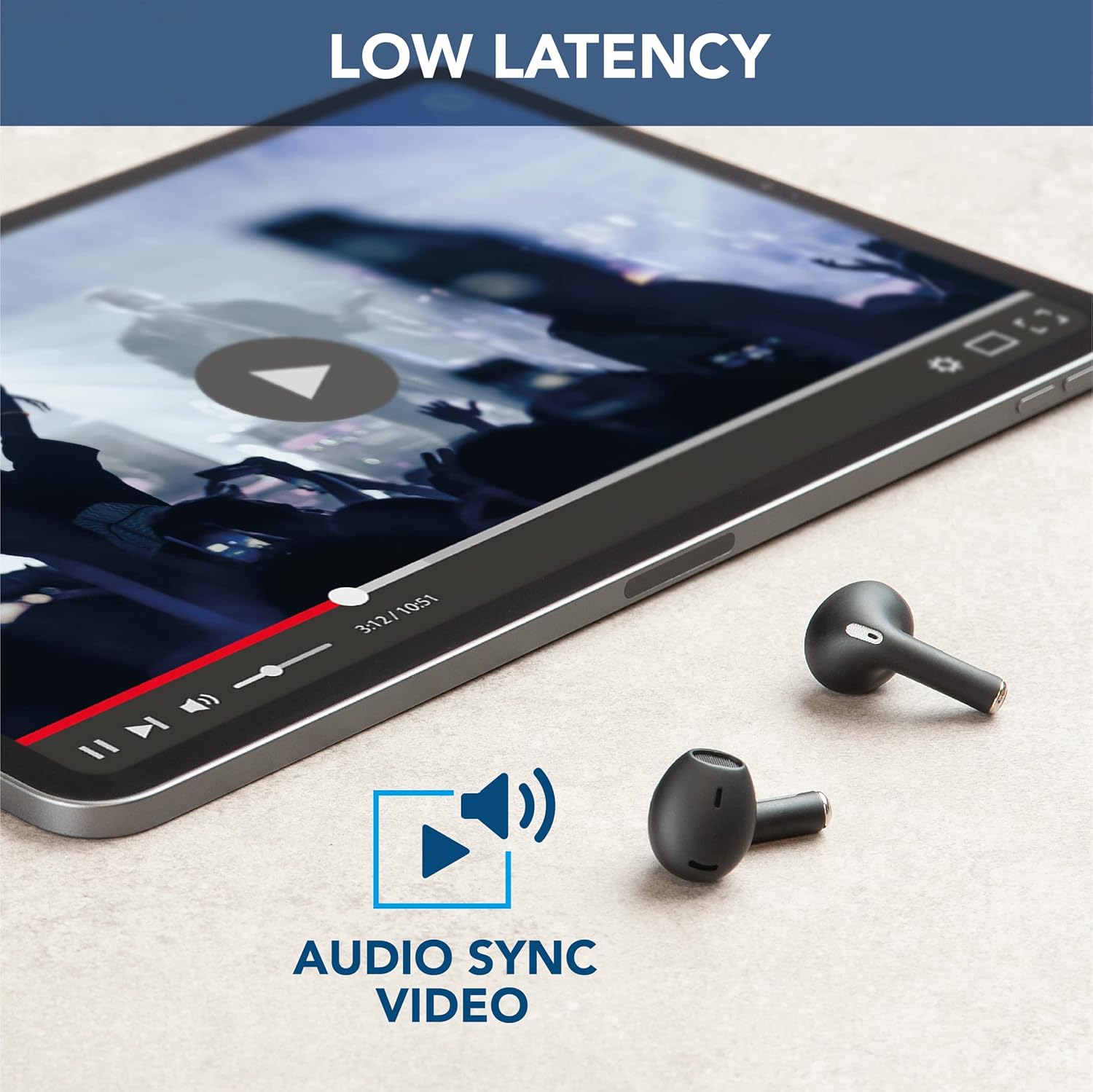
Image: The earbuds are placed next to a tablet displaying a video, accompanied by an "Audio Sync Video" icon, highlighting the low latency feature for synchronized audio and video playback.
4. Penjagaan dan Penyelenggaraan
- Pembersihan: Bersihkan fon telinga dan bekas pengecas dengan kerap menggunakan kain yang lembut, kering dan tidak berbulu. Jangan gunakan bahan kimia yang keras atau bahan yang melelas.
- Storan: Apabila tidak digunakan, simpan fon telinga dalam bekas pengecasnya untuk melindunginya daripada habuk dan kerosakan.
- Penjagaan Bateri: Untuk memanjangkan hayat bateri, elakkan daripada kerap mengecas fon telinga dan sarungnya sepenuhnya. Caskannya secara berkala, walaupun tidak digunakan secara berterusan.
- Tahan Air: Earbuds ini ialah tidak kalis air. Avoid exposure to water, moisture, or excessive humidity.
- Suhu: Do not expose the product to extreme temperatures (hot or cold) as this can affect battery performance and product lifespan.
5. Penyelesaian masalah
| Masalah | Kemungkinan Punca | Penyelesaian |
|---|---|---|
| Fon telinga tidak berpasangan | Bluetooth off on device, earbuds not in pairing mode, out of range. | Ensure Bluetooth is on. Place earbuds in case, close, then open to re-enter pairing mode. Move device closer to earbuds. |
| Tiada bunyi dari fon telinga | Low battery, not connected, volume too low. | Charge earbuds. Reconnect to device. Increase volume on both earbuds and device. |
| Poor call quality / Noise during calls | Weak signal, excessive ambient noise. | Move to an area with less interference. Ensure earbuds are properly seated. ENC is active during calls to minimize noise. |
| Fon telinga tidak dicas | Charging cable faulty, dirty charging contacts, case battery empty. | Try a different USB cable. Clean charging contacts on earbuds and case. Charge the charging case. |
6. Spesifikasi Produk
| Ciri | Perincian |
|---|---|
| Nama Model | Crystal TWS |
| Nombor Model | BTCRYSTALTWSK |
| Teknologi Ketersambungan | Wayarles (Bluetooth 5.0) |
| Julat Tanpa Wayar | Sehingga 10 meter |
| Faktor Bentuk Fon Kepala | Dalam Telinga |
| Kawalan Bunyi | Pembatalan Kebisingan Alam Sekitar (ENC) |
| Masa Pengecasan Bateri | 1.5 jam |
| Talk Time (Single Charge) | 3.5 jam |
| Total Play Time (with Case) | Sehingga 14 jam |
| Julat Kekerapan | 20 Hz - 20,000 Hz |
| Jenis Bahan | plastik |
| Berat Barang | 100 gram |
| warna | Hitam |
| Komponen yang Disertakan | Sarung pengecas tanpa wayar |
| Tahap Ketahanan Air | Tidak kalis air |
7. Waranti dan Sokongan
For warranty information and customer support, please refer to the official Cellularline webtapak atau hubungi perkhidmatan pelanggan mereka secara langsung. Simpan bukti pembelian anda untuk sebarang tuntutan waranti.
Sokongan dalam talian: melawat www.cellularline.com for FAQs, product registration, and contact details.
Pelan Perlindungan: Extended warranty options may be available from authorized retailers. For example, 1-year and 2-year extended protection plans are offered by Salama.
- • 1-Year Extended Warranty by Salama (Email Delivery)
- • 2-Year Extended Warranty by Salama (Email Delivery)


