1. Pengenalan
Thank you for choosing the EIGHTREE ET21 Smart WiFi Socket. This smart plug allows you to control your home appliances remotely, monitor energy consumption, and automate your home with ease. Compatible with popular voice assistants like Alexa and Google Home, it brings convenience and efficiency to your daily life.

Image: The EIGHTREE ET21 Smart WiFi Socket shown alongside a smartphone displaying its energy monitoring capabilities.
2. Maklumat Keselamatan
Please read and follow these safety guidelines carefully to ensure safe operation and prevent damage to the device or injury.
- Do not exceed the maximum load of 3680W (16A).
- Ensure proper grounding when plugging into an outlet.
- Jangan buka, baiki atau ubah suai peranti.
- Jauhkan peranti daripada air, kelembapan dan suhu tinggi.
- Produk ini direka untuk kegunaan dalaman sahaja.
- The device features short-circuit protection, overload protection, and is made from fireproof material for enhanced safety.

Image: Key safety features of the EIGHTREE ET21 Smart WiFi Socket, including its electrical ratings and protective mechanisms.
3. Produk Lebihview
The EIGHTREE ET21 Smart WiFi Socket is a compact and versatile device designed to integrate seamlessly into your home. It features a standard plug, a power button with an indicator light, and a robust internal structure.

Image: Various angles of the EIGHTREE ET21 Smart WiFi Socket, highlighting its design and features.
4. Panduan Persediaan
Follow these steps to set up your EIGHTREE ET21 Smart WiFi Socket and connect it to your home network.
- Muat turun Aplikasi Smart Life: Scan the QR code on the product packaging or visit http://e.tuya.com/smartlife to download the 'Smart Life' app from the App Store or Google Play.
- Plug in the Smart Socket: Insert the EIGHTREE ET21 Smart WiFi Socket into a standard wall outlet. The indicator light on the plug should start blinking rapidly.
- Tambahkan Peranti dalam Apl: Open the Smart Life app, register or log in. Tap the '+' icon in the top right corner, then select 'Electrical' > 'Socket (Wi-Fi)'.
- Sambung ke Wi-Fi: Confirm the indicator light is blinking rapidly. Enter your 2.4GHz Wi-Fi network password. Note: The smart plug only supports 2.4GHz Wi-Fi networks.
- Persediaan Lengkap: Follow the on-screen instructions in the app to complete the connection process. Once connected, you can rename your device and assign it to a room.

Image: Visual guide for the easy setup process of the smart plug using the Smart Life app.
5. Arahan Operasi
Once your smart plug is set up, you can utilize its various features for smart home control.
5.1 Alat Kawalan Jauh
Control your home appliances anytime, anywhere through the Smart Life APP. You no longer have to worry about forgetting to turn off appliances when you are not at home.

Image: Remote control of home appliances via the Smart Life app, even when away from home.
5.2 Kawalan Suara
The EIGHTREE ET21 Smart WiFi Socket is compatible with Google Home, Amazon Alexa, and SmartThings. Easily activate your home appliances with simple voice commands.
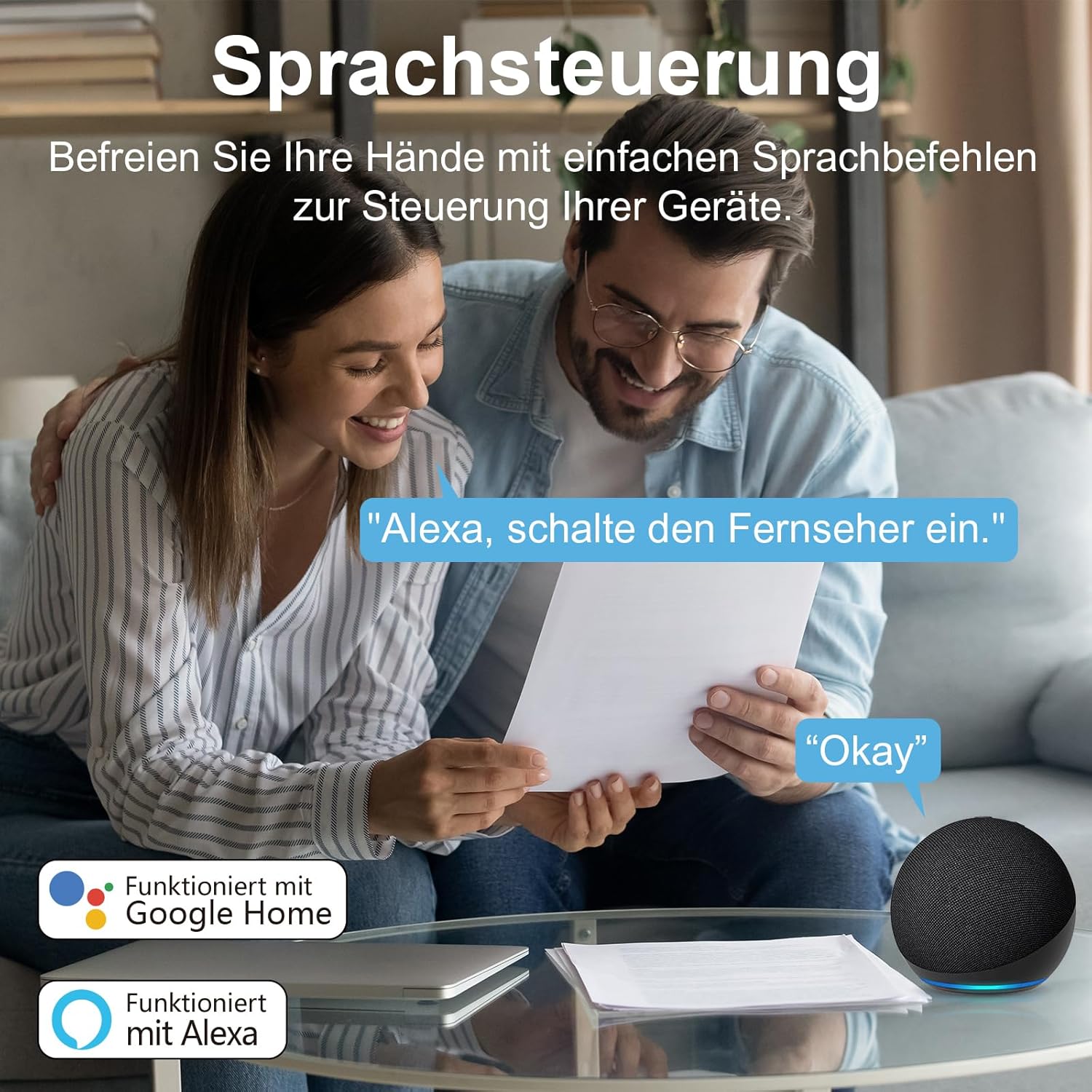
Image: Voice control in action, showing compatibility with Google Home and Alexa.
5.3 Energy and Cost Monitoring
Monitor your appliances' daily power consumption and electricity costs directly through the Smart Life app. You can set electricity rates for different periods to get more accurate records. Data can also be exported by entering your email address in the app.

Image: The Smart Life app's interface showing detailed electricity consumption statistics.
5.4 Pemasa & Jadual
Set schedules for your appliances to turn them on and off at specific times. This feature helps you avoid energy waste and save money on your electricity bill by automating device operation.

Imej: Cthample of setting timers and schedules for appliances, such as an air purifier.
5.5 Kawalan Kumpulan & Perkongsian Peranti
Create groups for your rooms and devices within the app, allowing you to control multiple devices with a single tap. You can also share control of devices with family members, enabling multiple users to manage a single device simultaneously.
6. Penyelenggaraan
To ensure the longevity and optimal performance of your EIGHTREE ET21 Smart WiFi Socket, please follow these simple maintenance guidelines:
- Pembersihan: Use a soft, dry cloth to clean the surface of the smart plug. Do not use liquid cleaners or aerosols.
- Storan: When not in use for extended periods, store the plug in a cool, dry place away from direct sunlight and extreme temperatures.
- Pengendalian: Avoid dropping or subjecting the plug to strong impacts, as this may damage internal components.
7. Penyelesaian masalah
If you encounter any issues with your EIGHTREE ET21 Smart WiFi Socket, please refer to the table below for common problems and their solutions.
| Masalah | Kemungkinan Punca | Penyelesaian |
|---|
| Device is offline in app | No Wi-Fi connection; Router is off; Plug is unplugged or powered off. | Check your Wi-Fi router and ensure it's on. Verify the smart plug is securely plugged in and powered on. Reconnect the plug to Wi-Fi if necessary. |
| Tidak dapat menyambung ke Wi-Fi | Incorrect Wi-Fi password; Not a 2.4GHz network; Too far from router. | Ensure you are entering the correct Wi-Fi password. Confirm your Wi-Fi network is 2.4GHz. Move the smart plug closer to your router. |
| Kawalan suara tidak berfungsi | Smart Life app not linked to voice assistant; Incorrect device name. | Check that your Smart Life account is correctly linked to Alexa or Google Home. Ensure the device name in the app is easy for the voice assistant to recognize. |
| Energy monitoring seems inaccurate | Electricity rates not set or incorrect in app. | Go to the energy monitoring section in the Smart Life app and ensure your electricity rates are correctly entered for accurate cost calculation. |
8. Spesifikasi
Detailed technical specifications for the EIGHTREE ET21 Smart WiFi Socket.
| Ciri | Perincian |
|---|
| Model | ET21 |
| Input Voltage | 230 Volt (AC) |
| Beban Maksimum | 3680 Watt / 16 Amps |
| bahan | PC (Polikarbonat) |
| Sistem Sokongan | Android & iOS |
| Suhu Bekerja | -20°C hingga 50°C |
| Wi-Fi Standard | 2.4GHz Sahaja |
| Dimensi Produk | 9 x 22.2 x 5.7 cm |
| Berat Barang | 380 g |

Image: Visual representation of the product specifications.
9. Waranti dan Sokongan
EIGHTREE is committed to providing high-quality products and excellent customer service.
- Waranti: Produk ini disertakan dengan a Waranti 24 bulan tanpa bimbang dari tarikh pembelian.
- Sokongan Pelanggan: For any inquiries, technical assistance, or warranty claims, please contact our support team.

Image: EIGHTREE's commitment to quality, service, and warranty.
Maklumat Hubungan:
e-mel: support.eu@eightree.club


