pengenalan
This manual provides detailed instructions for the operation and maintenance of your Kuephom Portable Bluetooth CD Walkman. Designed for versatility, this device supports CD, Bluetooth, USB, and AUX playback, featuring anti-skip protection and a built-in speaker. Please read this manual thoroughly before use to ensure proper functionality and longevity of your device.
Kandungan Pakej
Sahkan bahawa semua item yang disenaraikan di bawah disertakan dalam pakej anda:
- CD player X 1
- Fon telinga X 1
- Kabel audio X 1
- Kabel pengecasan X 1
- Pouch X 1
Produk Selesaiview

Figure 1: Kuephom Portable Bluetooth CD Walkman and its accessories, including earbuds, audio cable, charging cable, and pouch.

Figure 2: Detailed diagram illustrating the various buttons and ports on the Kuephom Portable CD Walkman, including volume controls, playback buttons, mode selection, Bluetooth transmit, USB slot, AUX in jack, earphone jack, and speaker.
Persediaan
Mengecas Peranti
The CD player has a built-in rechargeable lithium battery. Before first use, fully charge the device.
- Connect the provided USB charging cable to the charging port (DC 5V) on the device.
- Connect the other end of the USB cable to a compatible USB power source (e.g., wall charger, power bank, car charger, or computer USB port).
- The charging indicator light will illuminate during charging and turn off when fully charged. A full charge takes approximately 4 hours.

Figure 3: The portable CD player connected to a power source via its USB charging cable, demonstrating various charging options.
Menghidupkan/Mematikan
Luncurkan HIDUP/MATI switch located on the side of the device to turn it on or off.
Memasukkan CD
- Luncurkan TERBUKA switch to open the CD compartment cover.
- Carefully place a CD (CD, CD-R, CD-RW, MP3, WMA, WAV formats supported) onto the spindle with the label side facing up.
- Gently press the center of the CD until it clicks into place.
- Close the CD compartment cover firmly until it latches.
Video 1: Demonstration of inserting a CD into the Kuephom Portable CD Player and closing the compartment. This video also shows the supported disc formats.
Connecting Headphones or External Speakers (AUX)
For private listening or connecting to non-Bluetooth devices:
- Insert the 3.5mm jack of your headphones into the Bicu fon telinga.
- To connect to external speakers or a car audio system, use the provided 3.5mm audio cable. Insert one end into the AUX Dalam Jack on the CD player and the other end into the AUX input of your external device.

Figure 4: The portable CD player connected to a car's audio system via an AUX cable, demonstrating its use in a vehicle with anti-shock protection for uninterrupted playback.
Arahan Operasi
Main Semula Asas
- Tekan ke Main/Jeda button (►▮▮) to start or pause playback.
- Tekan ke Seterusnya button (►►) to skip to the next track.
- Tekan ke Sebelumnya button (◄◄) to go to the beginning of the current track or the previous track.
- Tekan ke Berhenti butang (■) untuk menghentikan main balik.
- Laraskan kelantangan menggunakan Vol+ dan Jilid- butang.
Kefungsian Bluetooth
The device supports two-way Bluetooth connection:
Bluetooth Transmitting (Connecting to Bluetooth Headphones/Speakers)
- Ensure the CD player is powered on and a CD is inserted.
- Tekan ke Penghantaran Bluetooth button (labeled "TRANSMIT" or "BT" on some models) to enter Bluetooth transmitting mode. The Bluetooth icon on the display will flash.
- Letakkan fon kepala atau pembesar suara Bluetooth anda ke mod berpasangan.
- The CD player will automatically search for and connect to nearby Bluetooth devices. Once connected, the Bluetooth icon will stop flashing.

Figure 5: The portable CD player actively transmitting audio via Bluetooth to both headphones and a separate Bluetooth speaker, illustrating its wireless output capability.
Bluetooth Receiving (Connecting to Smartphone/Laptop)
- Tekan ke Mod BT button (labeled "BT" or "MODE" on some models) to switch the CD player into Bluetooth receiving mode.
- Pada telefon pintar, tablet atau komputer riba anda, dayakan Bluetooth dan cari peranti yang tersedia.
- Select "Kuephom CD Player" (or similar name) from the list of devices to pair.
- Once connected, you can play audio from your smart device through the CD player's built-in speaker.
Video 2: This video demonstrates the Bluetooth playback feature, showing the CD player connecting to a smartphone to stream audio, highlighting its versatility as a Bluetooth speaker.
Other Playback Modes
- Main balik USB: Masukkan pemacu kilat USB ke dalam slot USB. The player will automatically switch to USB mode and begin playing compatible audio files.
- Fungsi Ulang: Tekan ke ulang button to cycle through repeat modes (e.g., repeat one, repeat all).
- AB Mengulang: Tekan ke AB button to set a starting point (A) and an ending point (B) for a section of audio to repeat. Press again to clear.
- Pelarasan Kelajuan: Gunakan Pelarasan Kelajuan buttons (labeled "SPEED" or "SPEED +/-") to increase or decrease the playback speed. This feature is particularly useful for language learning.
- Programming Playback: Refer to the detailed product diagram (Figure 2) for the "PROG." button if available on your model for custom track sequencing.
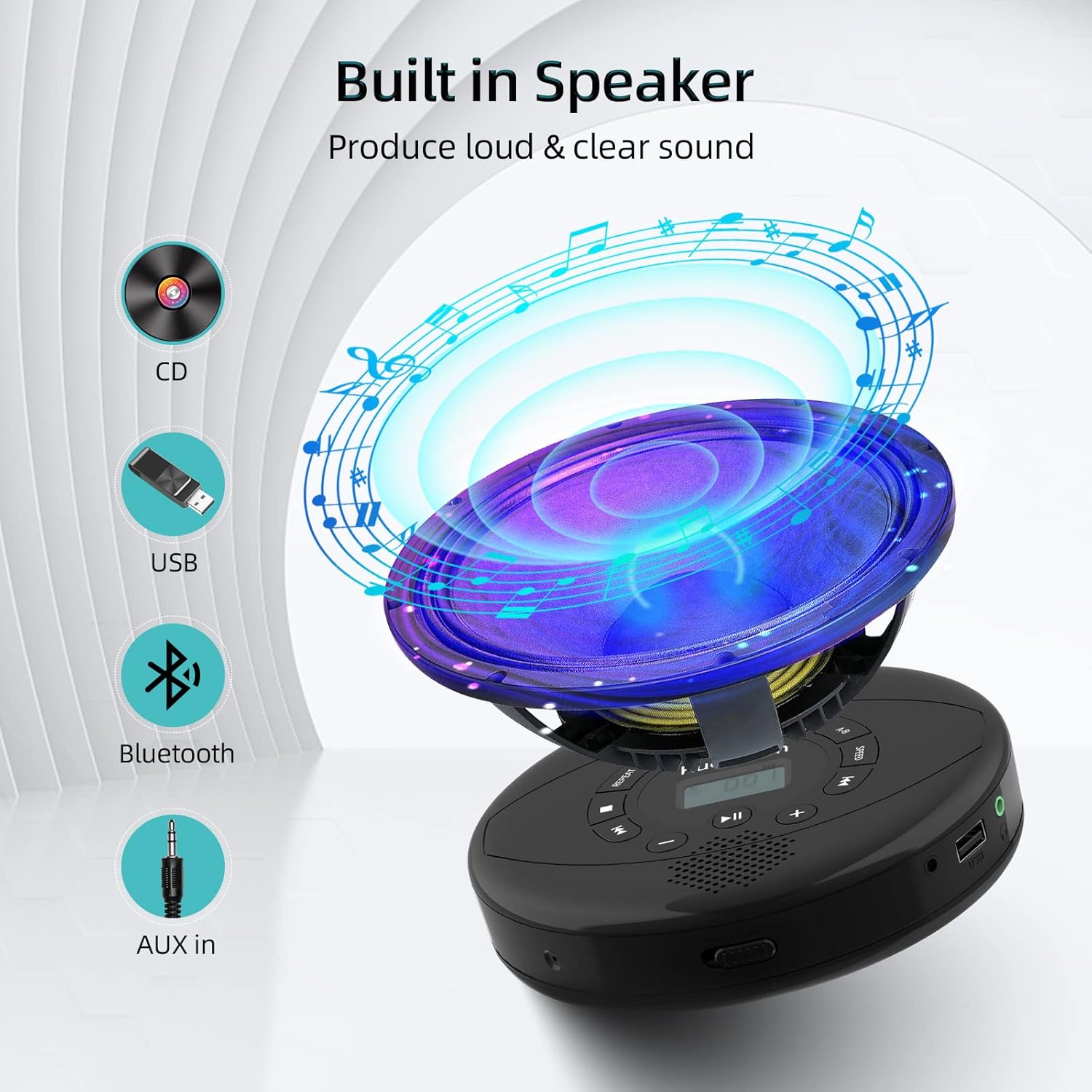
Figure 6: Illustration of the built-in speaker and the various audio input options supported by the device, including CD, USB, Bluetooth, and AUX in.
Penyelenggaraan
- Pastikan peranti bersih dengan mengelapnya dengan kain lembut dan kering. Elakkan menggunakan pembersih atau pelarut yang kasar.
- Jangan dedahkan peranti kepada suhu yang melampau, cahaya matahari langsung atau kelembapan yang tinggi.
- Handle CDs by their edges to prevent scratches and smudges. Clean CDs with a soft, lint-free cloth, wiping from the center outwards.
- Apabila tidak digunakan untuk tempoh yang lama, simpan peranti di tempat yang sejuk dan kering.
Menyelesaikan masalah
| Masalah | Kemungkinan Punca | Penyelesaian |
|---|---|---|
| Peranti tidak dihidupkan. | Battery is low or depleted. Power switch is off. | Charge the device fully. Ensure the ON/OFF switch is in the "ON" position. |
| CD melangkau atau tidak dimainkan. | CD is dirty, scratched, or damaged. Device is unstable. | Clean the CD. Try another CD. Ensure the device is on a stable surface or utilize its anti-skip protection during movement. |
| Tiada bunyi dari fon kepala/pembesar suara. | Volume is too low. Headphones/speakers not properly connected. Incorrect mode selected. | Increase volume. Re-insert headphone/AUX cable firmly. Ensure correct mode (CD, Bluetooth, USB, AUX) is selected. |
| Gandingan Bluetooth gagal. | Device not in pairing mode. Bluetooth device too far. Interference. | Ensure the CD player is in Bluetooth transmitting/receiving mode. Move devices closer. Turn off other Bluetooth devices to reduce interference. |
Spesifikasi
| Ciri | Perincian |
|---|---|
| Dimensi Produk | 5.7 x 5.7 x 1.2 inci |
| Berat Barang | 1.21 paun |
| Nombor Model | PM10-Black |
| Bateri | 1 bateri Polimer Litium (termasuk) |
| Jenama | Kuephom |
| Teknologi Ketersambungan | Bluetooth, Tambahan, USB |
| Format yang Disokong | CD, CD-R, CD-RW, MP3, WMA, WAV |
| Ciri Khas | Portable, Anti-Skip, Built-in Speakers |
Waranti dan Sokongan
For warranty information or technical support, please refer to the contact details provided with your purchase or visit the official Kuephom webtapak. Simpan resit pembelian anda sebagai bukti pembelian untuk sebarang tuntutan waranti.


