1. Pengenalan
This manual provides detailed instructions for the safe and efficient operation, maintenance, and troubleshooting of your KOIOS UHM-JS02 Ultrasonic Humidifier. Please read this manual thoroughly before use and retain it for future reference.
2. Arahan Keselamatan Penting
- Always place the humidifier on a flat, stable, and water-resistant surface.
- Jangan rendam unit asas ke dalam air atau cecair lain.
- Jauhkan pelembap udara daripada capaian kanak-kanak dan haiwan peliharaan.
- Cabut plag perkakas semasa mengisi, membersihkan dan apabila tidak digunakan.
- Do not add water to the mist outlet. Fill only through the designated top-fill opening.
- When using hypochlorous acid water, ensure its concentration is below 50ppm for safe operation.
- The ultrasonic mist produced is cool, making it safe for households with children and pets.
3. Kandungan Pakej
- KOIOS UHM-JS02 Ultrasonic Humidifier Unit
- Manual Pengguna
4. Komponen Produk

KOIOS UHM-JS02 Ultrasonic Humidifier with transparent water tank.
- Tangki Air: Tangki lutsinar untuk penyimpanan air.
- Unit Asas: Contains the ultrasonic vibrator and electronic components.
- Top Cover/Mist Nozzle: Directs the mist output and houses the control panel.
- Panel Kawalan: For power, mist level, and night light control.
- Aroma Compartment: Integrated area for essential oils.
- Kord Kuasa: Untuk sambungan elektrik.
5. Persediaan
- Bongkar: Carefully remove the humidifier and all packaging materials from the box.
- penempatan: Place the humidifier on a firm, flat, and water-resistant surface, away from walls and furniture.
- Sambungan Kuasa: Palamkan kord kuasa ke salur keluar elektrik yang sesuai.
This video provides a comprehensive guide to the KOIOS UHM-JS02 Humidifier, demonstrating its assembly, water filling, mist level adjustments, aroma function, night light operation, and cleaning procedures.
6. Arahan Operasi
6.1. Mengisi Tangki Air
- Tanggalkan penutup atas pelembap.
- Pour clean tap water directly into the water tank through the large opening. Do not exceed the maximum water level indicated.
- The transparent tank allows for easy monitoring of the water level.
- Gantikan penutup atas dengan selamat.

A hand pouring water into the top-fill opening of the KOIOS UHM-JS02 Humidifier.
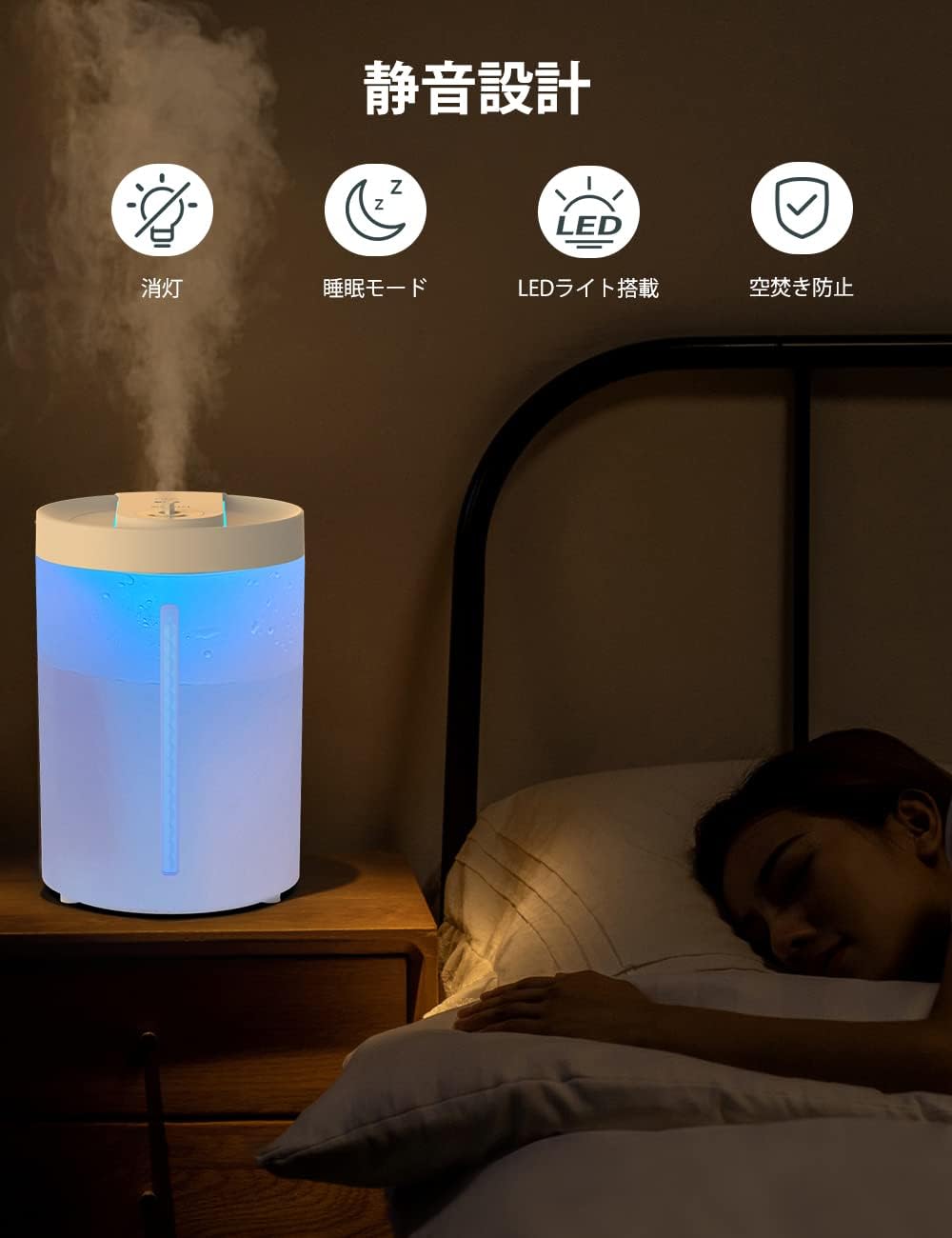
The transparent water tank of the KOIOS UHM-JS02 Humidifier showing the water level indicator.
6.2. Hidupkan/Mati Kuasa
Press the power button on the control panel to turn the humidifier on or off.
6.3. Mist Level Adjustment
The humidifier offers 3 mist output levels. Press the mist button repeatedly to cycle through High (H), Medium (M), and Low (L) modes.
- High (H) Mode: Approximately 12-13 hours of continuous operation.
- Medium (M) Mode: Approximately 15-16 hours of continuous operation.
- Low (L) Mode: Approximately 30-31 hours of intermittent operation (18 seconds on, 18 seconds off).

Close-up of the KOIOS UHM-JS02 Humidifier control panel showing mist level indicators.
6.4. Aroma Function
To use the aroma function, open the small cap on the top cover and add a few drops of your preferred essential oil into the designated aroma compartment. Close the cap securely.

A hand adding aroma oil to the designated compartment on the KOIOS UHM-JS02 Humidifier.
6.5. Cahaya Malam
The humidifier features an indirect night light. Long-press the night light button for 3 seconds to turn the light on or off.
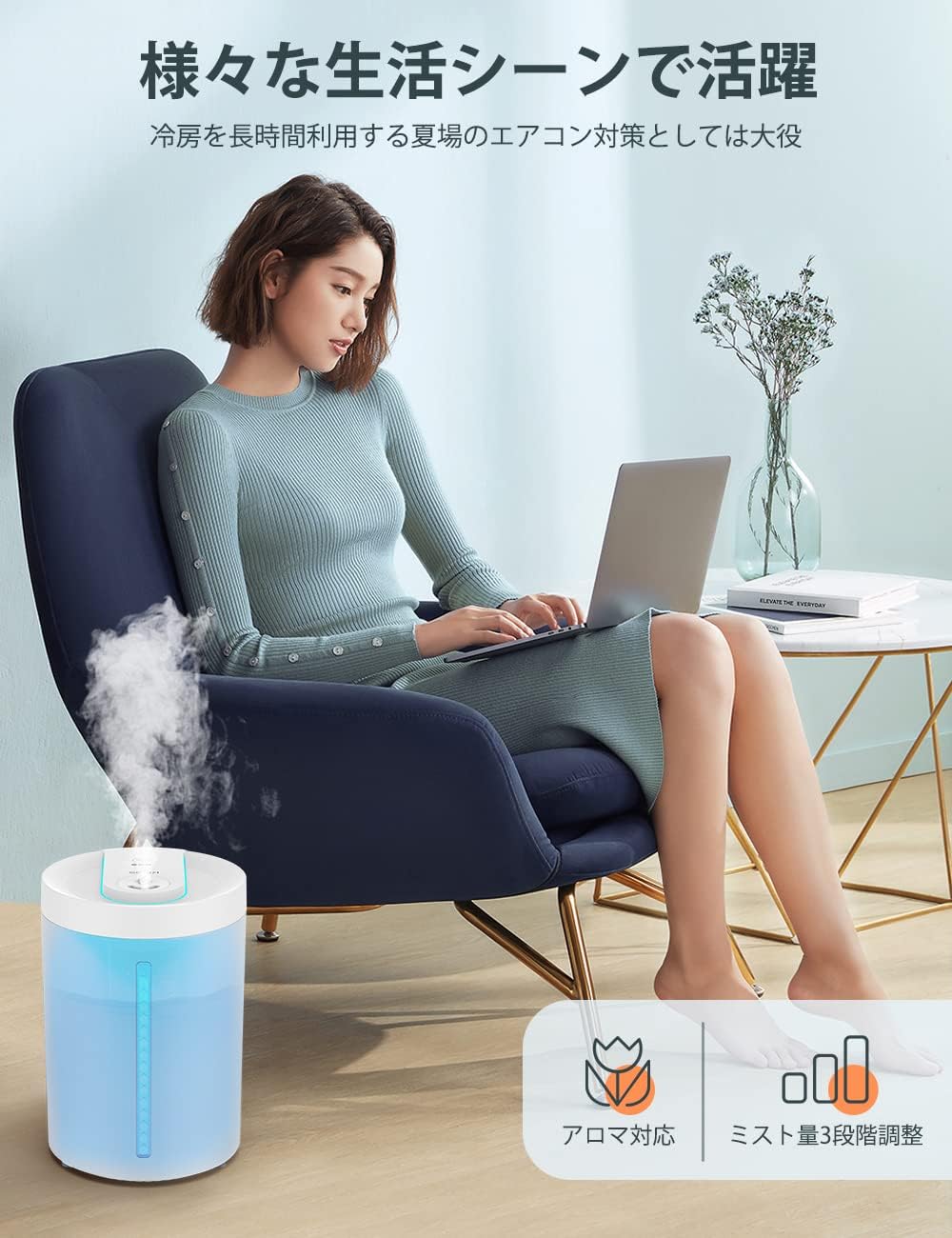
The KOIOS UHM-JS02 Humidifier operating with its blue night light illuminated in a dim room.
7. Penyelenggaraan
7.1. Membersihkan Tangki Air
- Cabut plag pelembap daripada salur keluar kuasa.
- Remove the top cover and the internal mist unit.
- The water tank is detachable and can be rinsed thoroughly under running water. Use a soft brush or cloth to clean any mineral deposits.
- Pastikan semua bahagian kering sebelum dipasang semula.

A person cleaning the detachable water tank of the KOIOS UHM-JS02 Humidifier under running water.
7.2. Cleaning the Ultrasonic Vibrator
Gently wipe the ultrasonic vibrator (located in the base) with a soft cloth to remove any mineral buildup. Do not use abrasive materials or harsh chemicals.
7.3. Penyimpanan
Jika pelembap udara tidak akan digunakan untuk tempoh yang lama, bersihkan semua bahagian dengan teliti, pastikan ia kering sepenuhnya, dan simpan unit di tempat yang sejuk dan kering.
8. Penyelesaian masalah
| Isu | Kemungkinan Punca | Penyelesaian |
|---|---|---|
| Tiada keluaran kabus | Paras air rendah Kuasa tidak disambungkan Unit not assembled correctly | Isi semula tangki air Periksa sambungan kabel kuasa Ensure top cover and internal unit are properly seated |
| Bunyi yang tidak biasa | Objek asing dalam tangki air Air tidak mencukupi | Keluarkan benda asing Isi semula tangki air |
| Kebocoran air | Perhimpunan yang tidak betul Overfilling the tank | Reassemble unit correctly Do not exceed MAX water level |
| Lampu malam tidak berfungsi | Tidak diaktifkan | Long-press the night light button for 3 seconds |
9. Spesifikasi
| Ciri | Spesifikasi |
|---|---|
| Jenama | KOIOS |
| Model | UHM-JS02 |
| Kapasiti Tangki Air | 4 Liter |
| Kadar Pelembapan | Approx. 350 mL/h (High mode) |
| Tahap Kebisingan | 28 dB |
| Penggunaan Kuasa | 20W |
| Kawasan Liputan | Approx. 10-35.6 square meters (6-22 tatami mats) |
| Dimensi | 29.7 x 20.2 x 19.9 cm |
| Ciri Khas | Top-fill, Auto-off, 3 Mist Levels, Aroma Function, Night Light, Hypochlorous Acid Water Compatible (under 50ppm) |

KOIOS UHM-JS02 Humidifier with dimensions labeled.
10. Waranti dan Sokongan
The KOIOS UHM-JS02 Humidifier and its accessories come with a 1-year warranty. An additional 6-month warranty extension is available upon product registration.
For any questions, concerns, or in the event of a malfunction, please contact our customer support. You can typically find contact information through your order history by navigating to 'Order History' and selecting 'Contact Seller'.


