pengenalan
This manual provides essential information for the safe and efficient operation of your Audiolab Omnia All-in-One Music System. Please read these instructions carefully before use and retain them for future reference. The Audiolab Omnia is designed to deliver high-fidelity audio performance from various sources, including CD, streaming, and external devices.
Maklumat Keselamatan Penting
- Bekalan Kuasa: Connect the unit only to an AC power source of the type marked on the rear panel. Ensure the power cord is securely plugged into the unit and the wall outlet.
- Pengudaraan: Jangan sekat bukaan pengudaraan. Pastikan aliran udara yang mencukupi di sekeliling unit untuk mengelakkan terlalu panas.
- Air dan Kelembapan: Jangan dedahkan unit kepada hujan, lembapan atau kelembapan berlebihan. Jangan letakkan objek yang diisi dengan cecair, seperti pasu, pada unit.
- Sumber Haba: Jauhkan unit daripada sumber haba seperti radiator, daftar haba, dapur, atau radas lain yang menghasilkan haba.
- Servis: Jangan cuba servis produk ini sendiri. Rujuk semua perkhidmatan kepada pegawai perkhidmatan yang berkelayakan.
- Pembersihan: Unplug the unit from the wall outlet before cleaning. Use a soft, dry cloth for cleaning. Do not use liquid cleaners or aerosol cleaners.
Kandungan Pakej
Sahkan bahawa semua item terdapat dalam pakej:
- Audiolab Omnia All-in-One Music System
- Kabel Kuasa
- Alat Kawalan Jauh
- Wi-Fi Antennas (x2)
- Manual Pengguna (dokumen ini)
Persediaan
1. Membongkar dan Meletakkan
Carefully remove the Audiolab Omnia from its packaging. Place the unit on a stable, level surface with adequate ventilation. Avoid placing it near strong magnetic fields or direct sunlight.
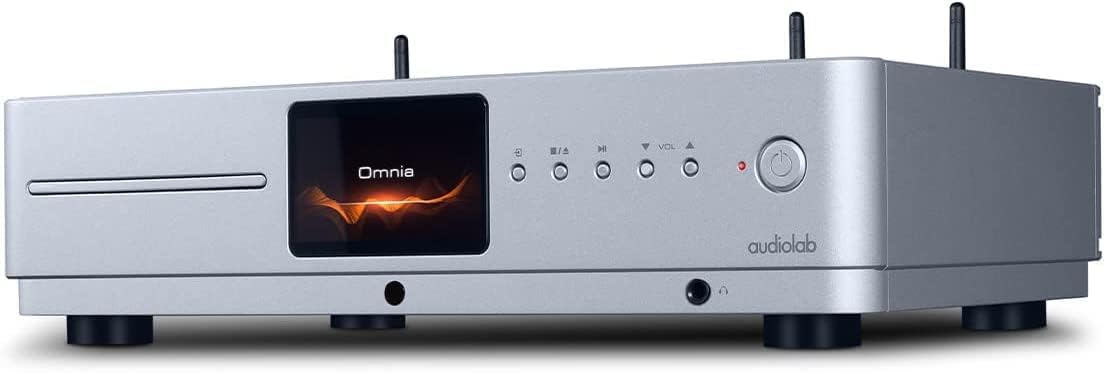
Depan view of the Audiolab Omnia All-in-One Music System, showcasing its silver finish, central display, CD slot, and control buttons.
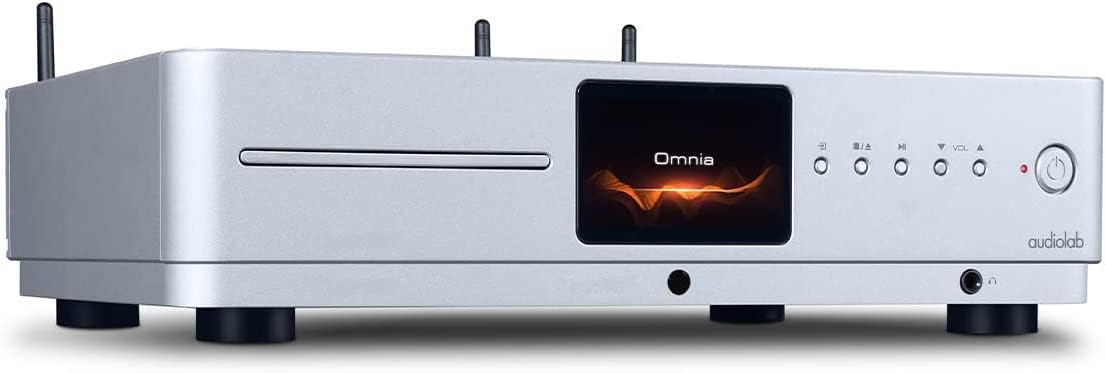
hadapan bersudut view of the Audiolab Omnia, highlighting its sleek design and integrated display.
2. Pembesar Suara Penyambung
Connect your passive speakers to the speaker terminals on the rear panel of the Omnia. Ensure correct polarity (+ to + and - to -) for optimal sound quality. Use high-quality speaker cables.

The rear panel of the Audiolab Omnia, displaying speaker terminals, digital and analog inputs, network ports, and power input.
3. Sambungan Rangkaian
For network streaming features, connect the supplied Wi-Fi antennas to the rear panel. Alternatively, connect an Ethernet cable from your router to the LAN port on the Omnia for a wired connection.
Detail of the rear panel, indicating the locations for Wi-Fi antenna attachment and the Ethernet port for network connectivity.
4. Sambungan Kuasa
Connect the power cable to the AC inlet on the rear panel and then to a suitable wall outlet. Ensure the power switch is in the OFF position before connecting.
Arahan Operasi
1. Menghidupkan/Mematikan
Press the power button on the front panel or the remote control to turn the unit on or off. The display will illuminate upon power-on.
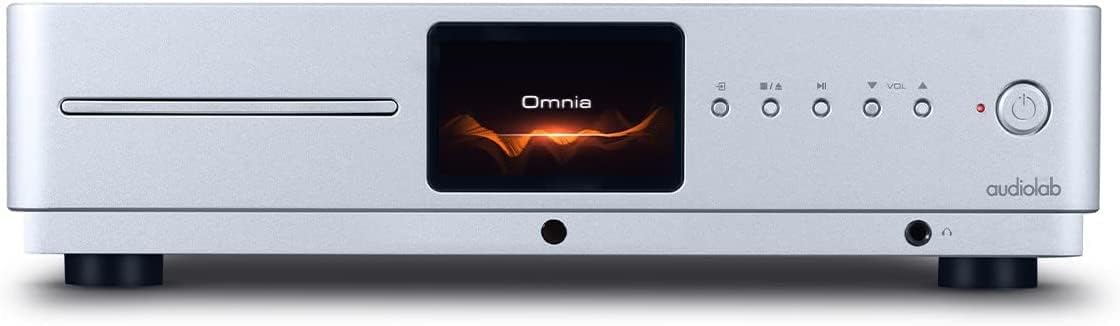
Front panel of the Omnia, showing the power button on the right and the central display.
2. Pemilihan Sumber
Use the 'Input' button on the front panel or the remote control to cycle through available input sources (e.g., CD, Optical, Coaxial, USB, Network, Bluetooth, Analog).
3. Main semula CD
Insert a CD into the slot on the front panel. The unit will automatically detect the CD and begin playback. Use the play/pause, stop, and track skip buttons on the front panel or remote control.
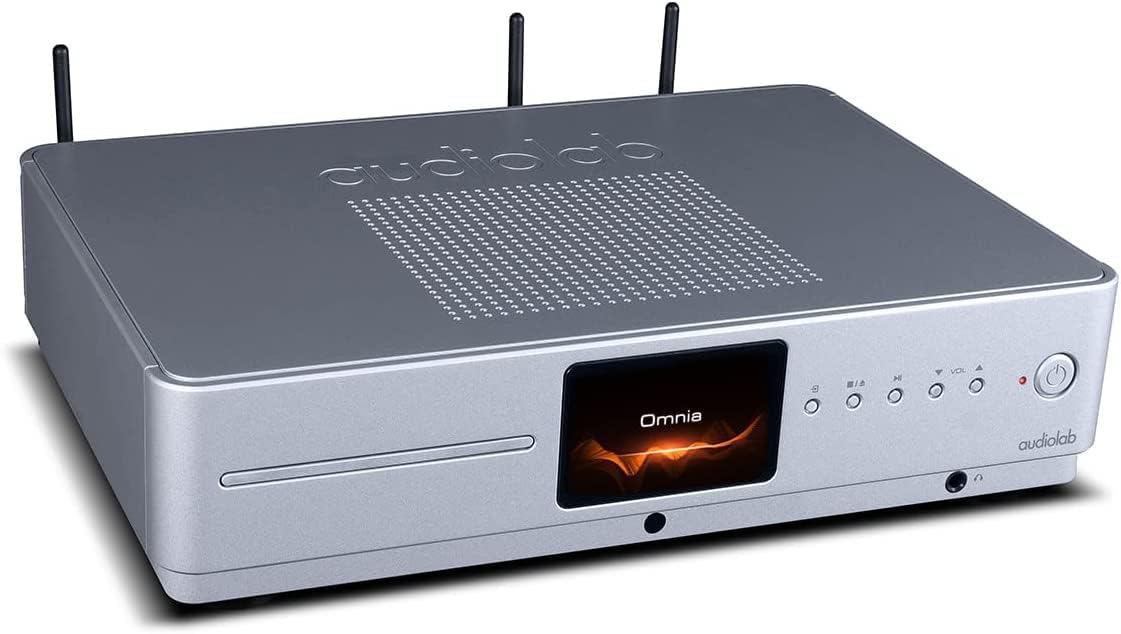
The CD slot on the front left of the Audiolab Omnia, ready for disc insertion.
4. Penstriman Rangkaian
Once connected to your network, use the dedicated Audiolab app (available for iOS and Android) to control streaming services, internet radio, and local network music files. Follow the in-app instructions for setup and control.
5. Kesambungan Bluetooth
Select Bluetooth as the input source. On your mobile device, search for "Audiolab Omnia" in the Bluetooth settings and pair. The unit supports aptX Bluetooth for high-quality wireless audio.
Penyelenggaraan
- Pembersihan: Use a soft, dry, lint-free cloth to clean the unit's exterior. Do not use abrasive cleaners, waxes, or solvents.
- Pengudaraan: Regularly check that the ventilation openings are clear of dust and debris to ensure proper airflow.
- Dulang CD: Keep the CD slot clean and free from foreign objects.
Menyelesaikan masalah
| Masalah | Kemungkinan Punca | Penyelesaian |
|---|---|---|
| Tiada kuasa | Power cable not connected; Power switch off; Wall outlet faulty. | Ensure power cable is securely connected; Turn power switch on; Test wall outlet with another device. |
| Tiada keluaran bunyi | Speakers not connected; Incorrect input source selected; Volume too low; Mute activated. | Check speaker connections; Select correct input source; Increase volume; Deactivate mute. |
| CD tidak dimainkan | CD inserted incorrectly; CD dirty or scratched; Incorrect source selected. | Re-insert CD correctly; Clean or replace CD; Select CD input source. |
| Isu sambungan rangkaian | Wi-Fi antennas not connected; Router issues; Incorrect network settings. | Ensure antennas are connected; Restart router; Check network settings via the app. |
Spesifikasi
- model: Omnia
- Jenama: Audiolab
- Teknologi Ketersambungan: Wi-Fi, Bluetooth, Ethernet
- warna: Perak
- Jenis pembesar suara: Stereo (Integrated Amplebih hidup)
- Sumber Kuasa: Elektrik Bertali
- Berat Barang: 26.1 paun (lebih kurang 11.84 kg)
- Dimensi Pakej: 21 x 16.7 x 8.3 inci (lebih kurang 53.34 x 42.42 x 21.08 cm)
- Tarikh Mula-mula Tersedia: 21 Oktober 2021
Maklumat Waranti
Audiolab products are manufactured to the highest standards and undergo rigorous quality control. This product is covered by a limited warranty against manufacturing defects. The specific terms and duration of the warranty may vary by region. Please retain your proof of purchase for warranty claims. For detailed warranty information, please refer to the warranty card included with your product or visit the official Audiolab webtapak.
Sokongan Pelanggan
If you encounter any issues not covered in the troubleshooting section or require further assistance, please contact Audiolab customer support. You can find contact details on the official Audiolab website or through your local dealer. Please have your product model and serial number ready when contacting support.
Sumber Dalam Talian: melawat www.audiolab.co.uk untuk pendaftaran produk, Soalan Lazim dan bahan sokongan tambahan.


