1. Pengenalan
This manual provides instructions for the safe and efficient operation of your MIFA S2118 WildRod Portable Bluetooth Speaker. Please read this manual thoroughly before using the product and retain it for future reference.
2. Kandungan Pakej
Sahkan bahawa semua item terdapat dalam pakej:
- MIFA WildRod Speaker
- Kabel USB-C
- Manual Pengguna (dokumen ini)
3. Produk Lebihview
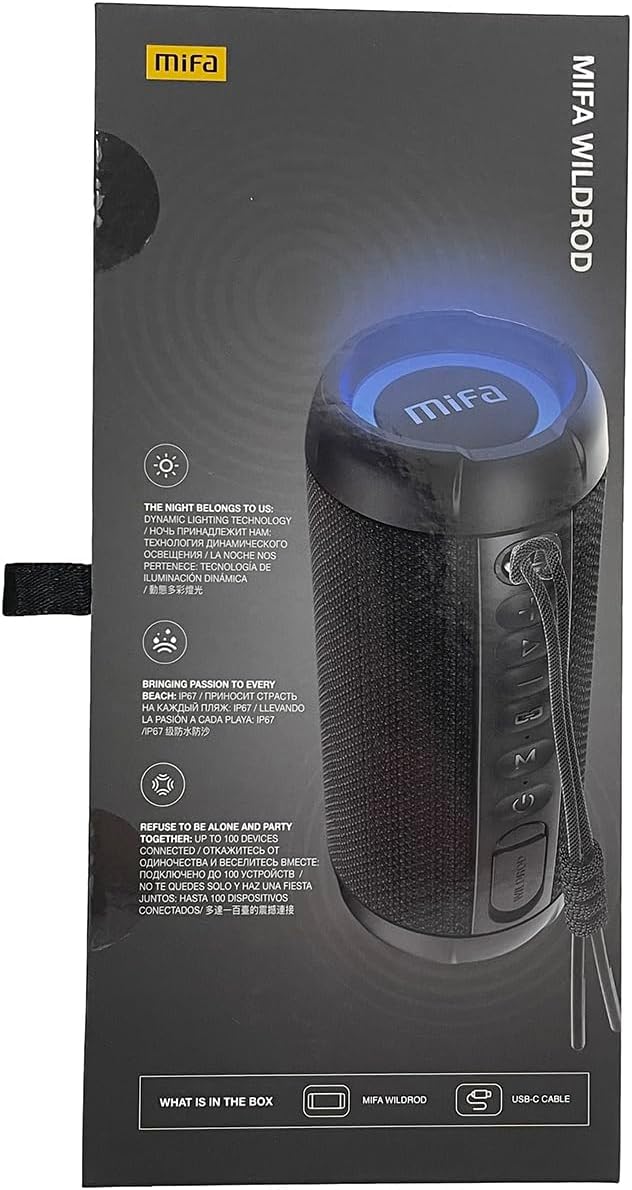
The MIFA S2118 WildRod is a portable Bluetooth speaker designed for outdoor use, featuring robust construction and dynamic audio capabilities.
Ciri-ciri Utama:
- IP67 Kalis Air dan Habuk: Designed to withstand immersion in water up to 1 meter for 30 minutes and protected against dust ingress.
- Kuasa Output 30W: Delivers clear and powerful sound with a 2-way speaker system, including a racetrack-shaped woofer and a separate tweeter.
- Dynamic LED Light: Features 16.8 million Aurora colors and 36 mixed color flashing lights that synchronize with music.
- Bluetooth 5.3: Untuk sambungan wayarles yang stabil.
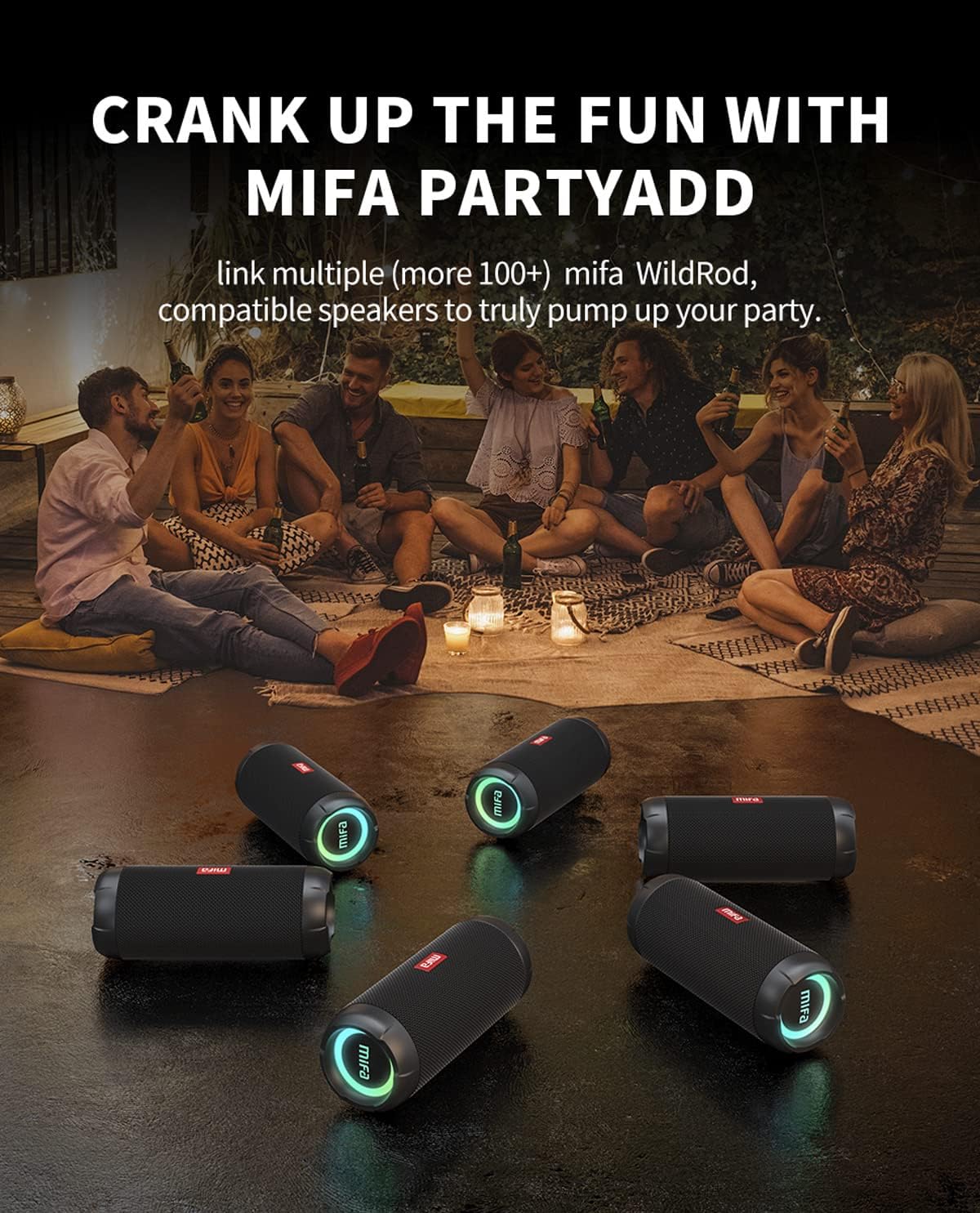
- MIFA PartyAdd: Allows linking multiple (100+) compatible speakers for synchronized audio.
- 12 Jam Masa Main: Equipped with a 5000mAh lithium battery.
- Pelbagai Pilihan Input: Supports Bluetooth and Micro SD card playback.


4. Persediaan
4.1 Pengecasan Awal
- Before first use, fully charge the speaker using the provided USB-C cable.
- Connect the USB-C cable to the charging port on the speaker and the other end to a compatible USB power adapter (not included).
- Penunjuk LED akan menunjukkan status pengecasan dan akan mati atau berubah warna apabila dicas sepenuhnya.

5. Arahan Operasi
5.1 Hidupkan/Mati Kuasa
- Untuk menghidupkan kuasa, tekan dan tahan butang Kuasa sehingga lampu penunjuk menyala.
- Untuk mematikan kuasa, tekan dan tahan butang Kuasa sehingga lampu penunjuk dimatikan.
5.2 Berpasangan Bluetooth
- Pastikan pembesar suara dihidupkan dan dalam mod pasangan Bluetooth (lampu penunjuk akan berkelip).
- Pada peranti anda (telefon pintar, tablet, dll.), dayakan Bluetooth dan cari peranti yang tersedia.
- Select "MIFA S2118" or "MIFA WildRod" from the list of devices.
- Setelah dipasangkan, pembesar suara akan menunjukkan sambungan yang berjaya dan lampu penunjuk akan menyala dengan jelas.
5.3 Kawalan Main Semula
- Main/Jeda: Tekan butang Main/Jeda.
- Kelantangan: Tekan butang Volume +.
- Perlahankan suara: Tekan butang Kelantangan -.
- Lagu Seterusnya: Tekan dan tahan butang Kelantangan +.
- Trek Sebelumnya: Tekan dan tahan butang Kelantangan -.
5.4 Mod Lampu LED
The speaker features dynamic LED lights. Refer to the specific button on your speaker (often marked with a light icon) to cycle through different light modes or turn them off.
5.5 MIFA PartyAdd (True Wireless Stereo Pairing)
To connect multiple MIFA WildRod speakers for a synchronized audio experience:
- Pastikan kedua-dua pembesar suara dihidupkan dan tidak disambungkan ke mana-mana peranti Bluetooth.
- On one speaker, press the PartyAdd button (or designated TWS button). It will enter pairing mode.
- Repeat the process on the second speaker.
- Once connected, the speakers will indicate successful pairing. You can then connect your device to one of the speakers via Bluetooth.

5.6 Main Semula Kad Mikro SD
Masukkan kad Micro SD dengan audio files into the designated slot. The speaker will automatically switch to Micro SD card playback mode. Use the playback controls to manage your music.
6. Penyelenggaraan
- Pembersihan: Gunakan yang lembut, damp kain untuk membersihkan bahagian luar pembesar suara. Jangan gunakan bahan kimia yang keras atau pembersih yang kasar.
- Storan: Simpan pembesar suara di tempat yang sejuk dan kering jauh dari cahaya matahari langsung dan suhu yang melampau.
- Penjagaan Bateri: Untuk memanjangkan hayat bateri, cas sepenuhnya pembesar suara sebelum tempoh tidak aktif yang lama. Elakkan daripada kerap kehabisan bateri sepenuhnya.
7. Penyelesaian masalah
| Masalah | Kemungkinan Punca | Penyelesaian |
|---|---|---|
| Speaker tidak dihidupkan. | Bateri lemah. | Cas pembesar suara sepenuhnya. |
| Tidak boleh berpasangan melalui Bluetooth. | Pembesar suara tidak dalam mod berpasangan; peranti Bluetooth dimatikan; terlalu jauh dari pembesar suara. | Ensure speaker is in pairing mode. Turn device Bluetooth off and on. Move device closer to speaker. |
| Tiada bunyi. | Kelantangan terlalu rendah; peranti tidak disambungkan; sumber input salah. | Increase volume on both speaker and device. Re-pair Bluetooth. Check if Micro SD card is inserted. |
| Penyelewengan bunyi. | Volume too high; low battery. | Reduce volume. Charge the speaker. |
8. Spesifikasi
- Nama Model: WildRod
- Nombor Model Item: S2118
- Jenama: MIFA
- Kuasa Output Maksimum Pembesar Suara: 30 Watt
- Respons Kekerapan: 20000 Hz
- Teknologi Ketersambungan: USB (for charging), Bluetooth 5.3
- Mod Output Audio: Stereo
- Input Voltage: 5 Volt
- Jenis Pemasangan: Atas meja
- Bahan: Waterproof and dustproof plastic with LED lights
- Jenis pembesar suara: Luar
- Bateri: 1 bateri Lithium Ion (termasuk)
- Dimensi Produk: 7 x 7 x 19 cm
- Berat: 600 g
- Penilaian Kalis Air: IP67
- Penilaian Kalis Habuk: IP6X
- Masa main: Sehingga 12 jam
9. Maklumat Keselamatan
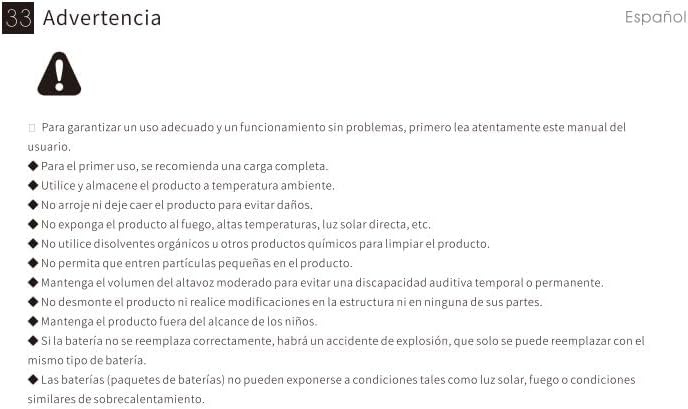
⚠ Amaran: For proper use and trouble-free operation, please read this user manual carefully first.
- For first use, a full charge is recommended.
- Gunakan dan simpan produk pada suhu bilik.
- Jangan jatuhkan produk untuk mengelakkan kerosakan.
- Jangan dedahkan produk kepada api, suhu tinggi, cahaya matahari langsung, dsb.
- Do not use organic solvents or other chemical products to clean the product.
- Do not allow small particles to enter the product.
- Maintain moderate speaker volume to avoid temporary or permanent hearing impairment.
- Do not disassemble the product or make modifications to the structure or any of its parts.
- Jauhkan produk daripada kanak-kanak.
- If the battery is not replaced correctly, there will be an explosion accident, and it can only be replaced with the same type of battery.
- Batteries (battery packs) cannot be exposed to conditions such as light, fire, or overheating.
10. Waranti dan Sokongan
MIFA products are covered by a limited warranty. For detailed warranty information and support, please visit the official MIFA webtapak atau hubungi perkhidmatan pelanggan.
- Pengeluar: MIFA INOVASI LLC
- Webtapak: www.mifa.net
- Hubungi: 4007-881-899


