1. Pengenalan
The Logitech Signature M650 for Business is a versatile wireless mouse designed to enhance productivity and comfort. It offers dual connectivity options, a SmartWheel for adaptive scrolling, and SilentTouch technology for quiet operation. Available in two sizes, it caters to various hand sizes for optimal ergonomic support.
Ciri-ciri Utama:
- Kesambungan Dwi: Connect via Logi Bolt USB receiver for secure connections or directly via Bluetooth Low Energy.
- SmartWheel Scrolling: Automatically switches between line-by-line precision and free-spin mode.
- Teknologi SilentTouch: Reduces click noise by 90% for a quieter work environment.
- Reka bentuk ergonomik: Contoured shape and soft thumb area for comfort, available in two sizes (M650 and M650 L).
- Butang Boleh Disesuaikan: Side buttons can be customized for various functions.
- Hayat Bateri yang Panjang: Up to 24 months on a single AA battery.
- Keserasian Pelbagai Platform: Works seamlessly with Windows, macOS, Linux, Chrome OS, iPadOS, and Android.

Image: Logitech Signature M650 for Business Wireless Mouse and its packaging, showcasing the product and its box.
2. Persediaan
2.1. Apa yang ada di dalam Kotak
Sebelum anda memulakan, pastikan semua komponen hadir:
- Tetikus Wayarles Logitech Signature M650
- Penerima USB Logi Bolt
- 1 Bateri AA (prapasang)

Image: The Logitech M650 mouse, a Logi Bolt USB receiver, and a 1-meter USB cable, representing the items included in the product packaging.
2.2. Pemasangan Bateri
The mouse comes with one AA battery pre-installed. If you need to replace it:
- Buka penutup petak bateri di bahagian bawah tetikus.
- Masukkan bateri AA baharu, pastikan kekutuban yang betul (+/-).
- Tutup penutup petak bateri dengan selamat.
2.3. Menyambung Tetikus Anda
The Signature M650 offers two connection methods: Logi Bolt USB Receiver or Bluetooth Low Energy.
Option 1: Logi Bolt USB Receiver (Recommended for Secure Connections)
- Locate the Logi Bolt USB receiver, typically found inside the mouse's battery compartment or packaged separately.
- Palamkan penerima USB Logi Bolt ke dalam port USB yang tersedia pada komputer anda.
- Turn on the mouse using the power switch on its underside. The mouse should automatically connect.

Image: The Logi Bolt USB receiver securely plugged into a laptop's USB port, demonstrating its compact size and integration.
Option 2: Bluetooth Low Energy
- Hidupkan tetikus menggunakan suis kuasa di bahagian bawahnya.
- Press and hold the connect button on the underside of the mouse until the LED indicator starts blinking rapidly, indicating pairing mode.
- Pada komputer atau peranti anda, buka tetapan Bluetooth.
- Pilih "Logitech M650" daripada senarai peranti yang tersedia dan ikuti arahan pada skrin untuk menyelesaikan pemasangan.

Image: The Logitech M650 mouse positioned on a mousepad, with visual cues for both Bluetooth and Logi Bolt connectivity options.
3. Mengendalikan Tetikus Anda
3.1. SmartWheel Scrolling
The SmartWheel automatically adapts to your scrolling needs:
- Mod Ketepatan: For detailed, line-by-line scrolling, gently scroll the wheel.
- Free-Spin Mode: For rapid, long document or web page navigation, give the wheel a quick flick. It will spin freely.
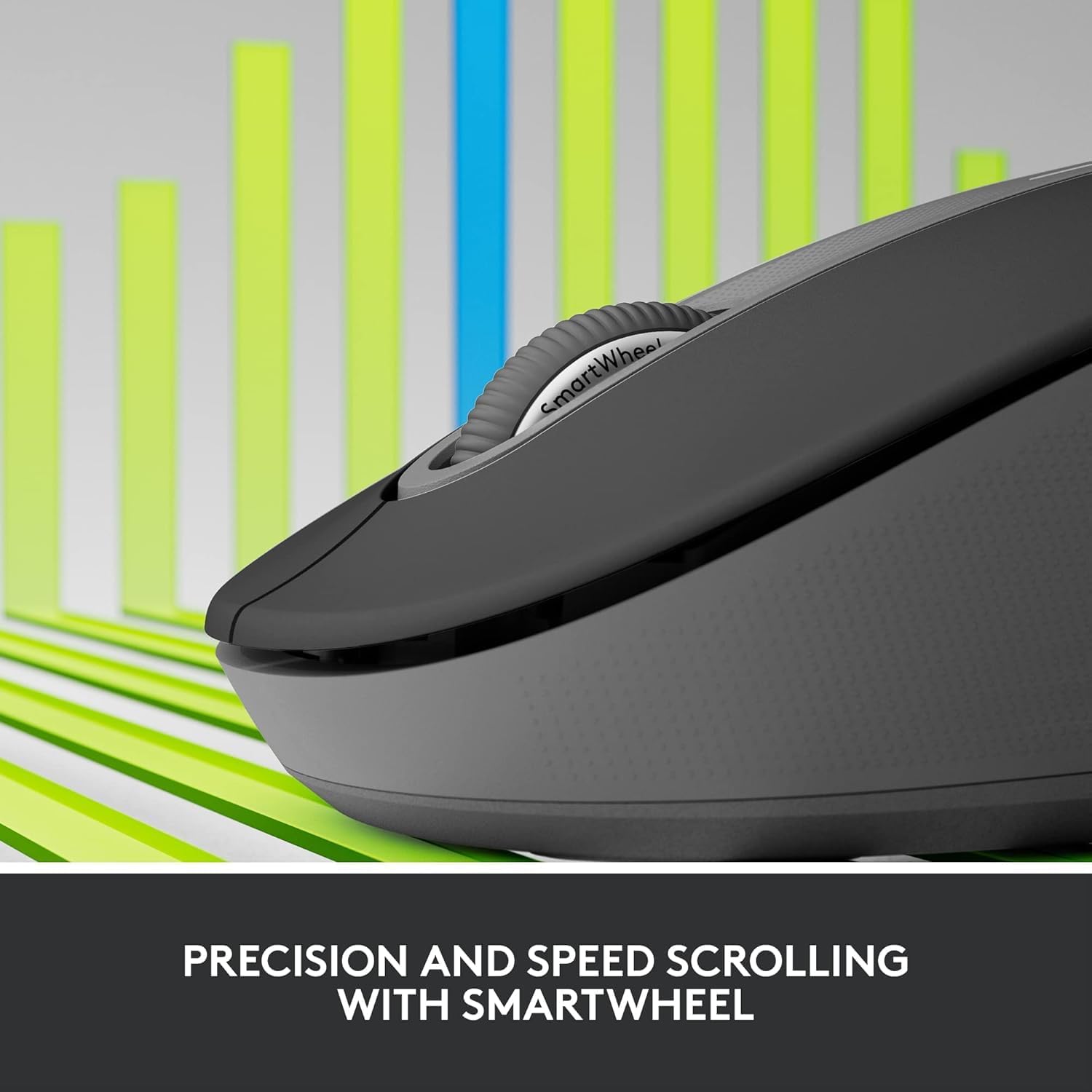
Image: A detailed close-up of the Logitech M650 mouse's SmartWheel, emphasizing its design for both precision and speed scrolling.
3.2. Customizable Side Buttons
The Signature M650 features two customizable side buttons. By default, these buttons may perform forward/back navigation in web browsers. To customize their functions, download and install the Logitech Options+ software from the official Logitech webtapak.
3.3. Teknologi Senyap Sentuh
Experience a quieter workspace with SilentTouch technology, which significantly reduces the sound of clicks without compromising the tactile feel.
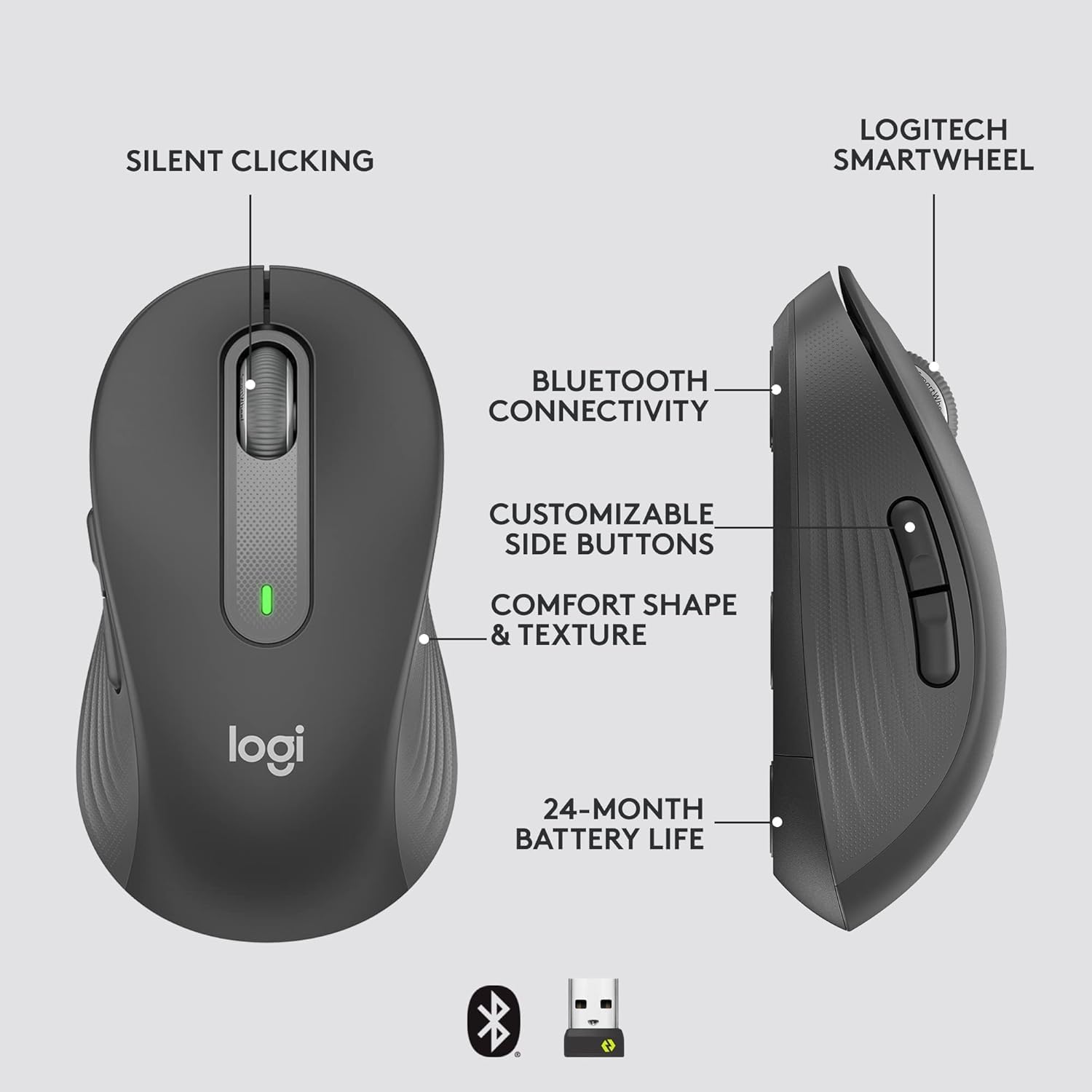
Image: An annotated diagram of the Logitech M650 mouse, highlighting key features such as Silent Clicking, Bluetooth Connectivity, Customizable Side Buttons, Comfort Shape & Texture, 24-Month Battery Life, and the Logitech SmartWheel.
4. Penyelenggaraan
4.1. Penggantian Bateri
The mouse uses one AA battery. When the battery is low, the LED indicator on the mouse may flash. Replace the battery as described in Section 2.2.
4.2. Pembersihan
Untuk membersihkan tetikus anda, gunakan kain lembut dan tidak berbulu. Untuk kotoran degil, sedikit dampen kain dengan air. Elakkan menggunakan bahan kimia yang keras atau bahan yang melelas.
5. Penyelesaian masalah
5.1. Tetikus Tidak Membalas
- Periksa Bateri: Pastikan bateri dipasang dengan betul dan mempunyai cas yang mencukupi. Gantikan jika perlu.
- Hidupkan kuasa: Verify the mouse is turned on using the power switch.
- Sambung Semula Sambungan:
- Logi Bolt: Try plugging the receiver into a different USB port. Ensure no obstructions are between the mouse and receiver.
- Bluetooth: Go to your device's Bluetooth settings, remove the mouse, and re-pair it.
- Gangguan: Move the mouse closer to the receiver or device. Avoid using the mouse near other wireless devices that might cause interference.
5.2. Erratic Cursor Movement
- Penderia Bersih: Ensure the optical sensor on the underside of the mouse is clean and free of debris.
- permukaan: Use the mouse on a clean, non-reflective, and uniform surface. A mouse pad is recommended.
6. Spesifikasi Teknikal
| Ciri | Spesifikasi |
|---|---|
| Nombor Model | 910-006272 |
| Ketersambungan | Penerima USB Logi Bolt, Bluetooth Tenaga Rendah |
| Teknologi Sensor | Optik |
| Jenis Bateri | 1 x bateri AA (termasuk) |
| Hayat Bateri | Sehingga 24 bulan |
| Dimensi (M650) | 4.22 x 2.43 x 1.49 inci (10.7 x 6.17 x 3.78 cm) |
| Berat badan | 3.57 auns (101.2 g) |
| warna | grafit |
| Keserasian Sistem Pengendalian | Windows, macOS, Linux, Chrome OS, iPadOS, Android |

Image: A visual comparison of the Logitech M650 and M650 L mouse sizes, indicating their respective lengths of 10.5cm and 11.5cm.
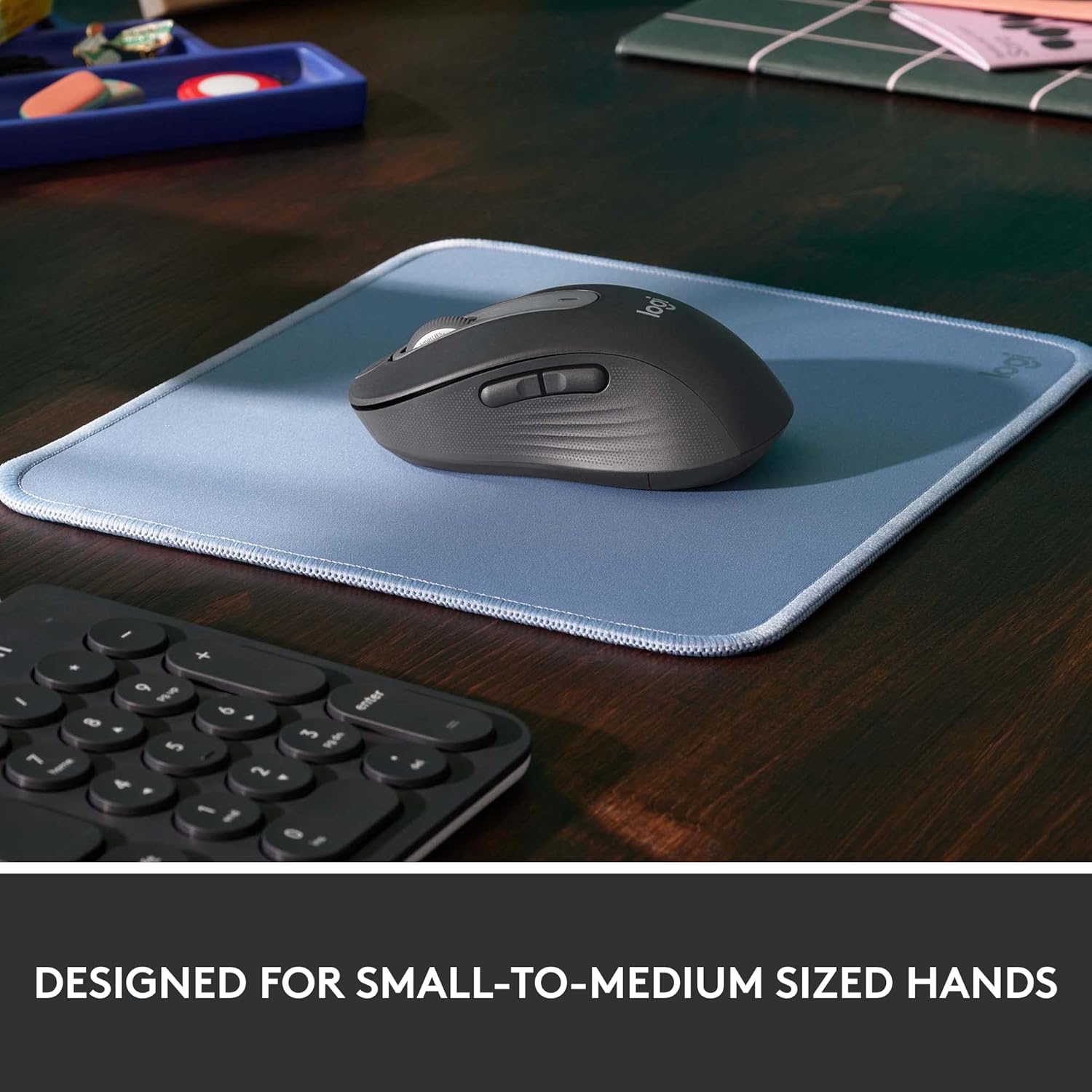
Image: The Logitech M650 mouse resting on a light blue mousepad, illustrating its ergonomic shape designed to fit comfortably in small to medium-sized hands.
7. Waranti dan Sokongan
Produk Logitech dihasilkan mengikut piawaian kualiti tertinggi. Untuk maklumat jaminan terperinci, sila rujuk kad jaminan yang disertakan dengan produk anda atau lawati sokongan rasmi Logitech. webtapak.
For technical assistance, troubleshooting, or to download the latest software and drivers, please visit the Logitech Support page: