pengenalan
Thank you for choosing UrbanX Street Buds Plus True Wireless Earbuds. This manual provides essential information for setting up, operating, maintaining, and troubleshooting your new earbuds. Please read it carefully to ensure optimal performance and longevity of your device.
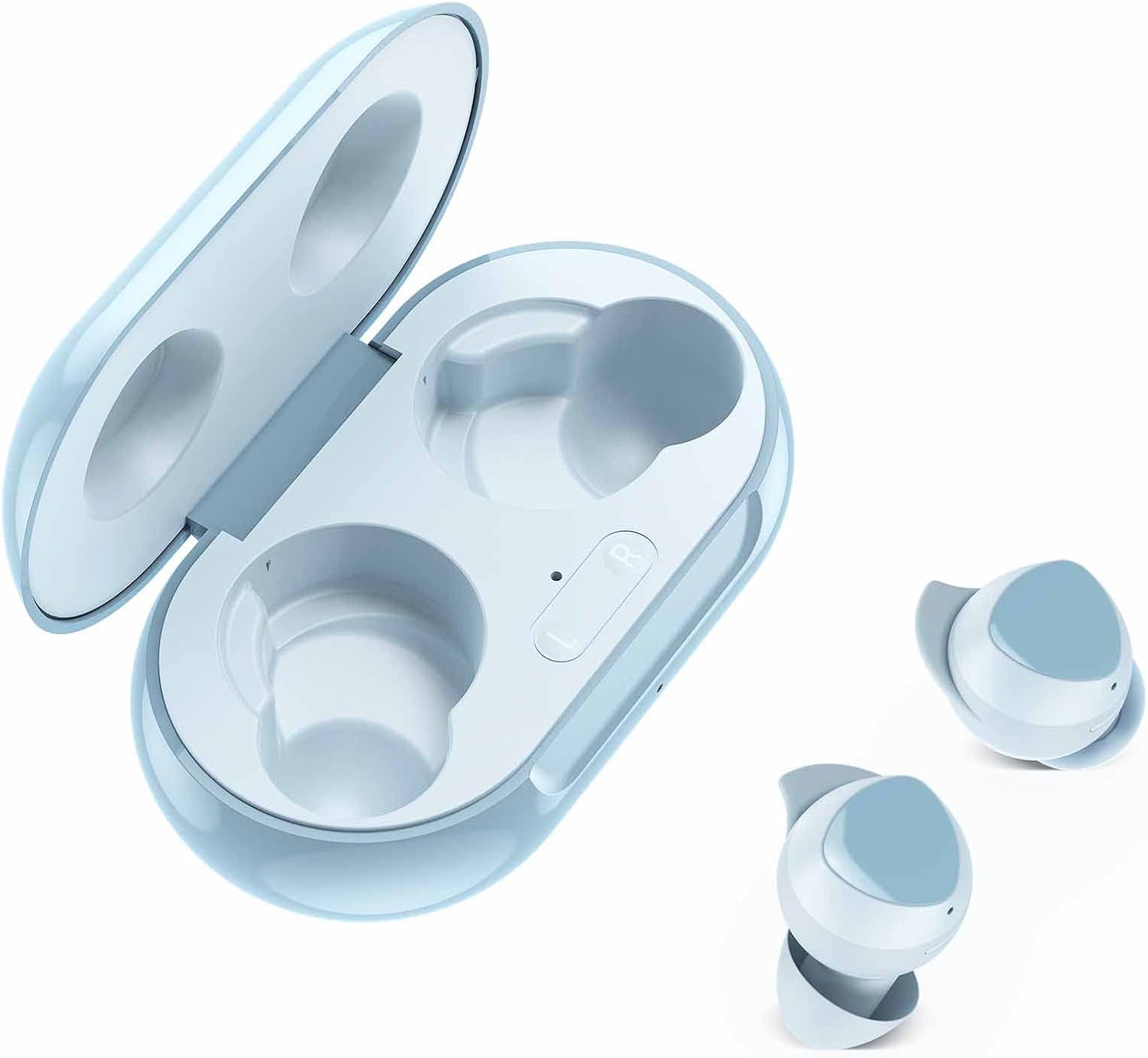
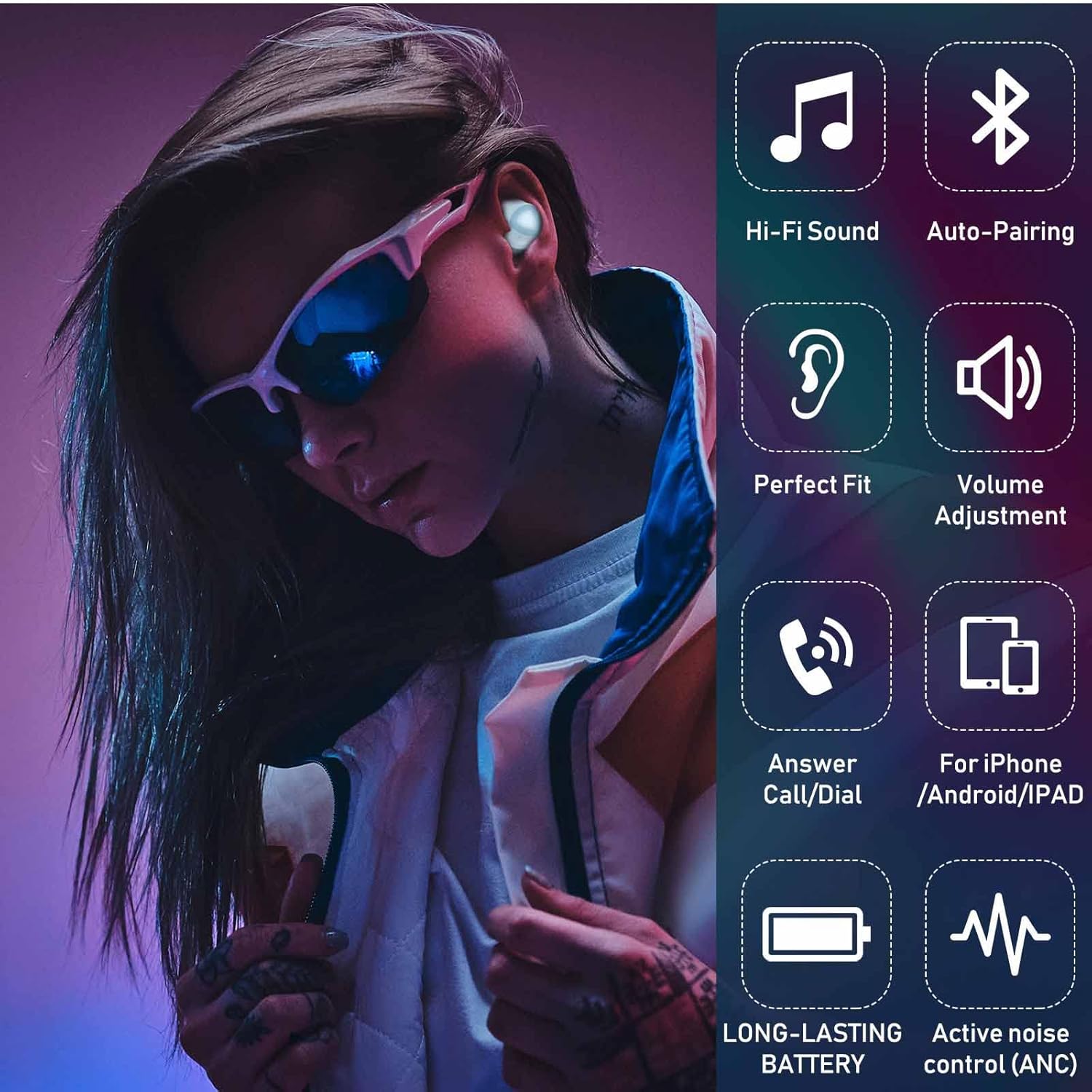
The UrbanX Street Buds Plus feature fine-tuned 12mm speakers for enhanced bass, hands-free controls, and a wireless charging case. They are designed for comfort and durability, including IP7 water and sweat resistance, making them suitable for various activities.
Kandungan Pakej
- UrbanX Street Buds Plus Earbuds (Left and Right)
- Sarung Pengecas Tanpa Wayar
- USB Charging Cable (not explicitly listed but standard)
- Manual Pengguna (dokumen ini)
Maklumat Keselamatan
- Do not expose the earbuds or charging case to extreme temperatures or direct sunlight for extended periods.
- Elakkan daripada menjatuhkan atau menggunakan daya yang berlebihan pada peranti.
- Jauhkan daripada kanak-kanak dan haiwan peliharaan.
- Jangan cuba membuka atau mengubah suai fon telinga atau bekas pengecas. Ini akan membatalkan jaminan.
- Gunakan hanya kabel dan penyesuai pengecas yang diluluskan.
- Mendengar pada kelantangan yang tinggi dalam tempoh yang lama boleh menyebabkan kerosakan pendengaran. Laraskan kelantangan ke tahap yang selamat.
Persediaan
1. Mengecas Fon Telinga dan Sarung
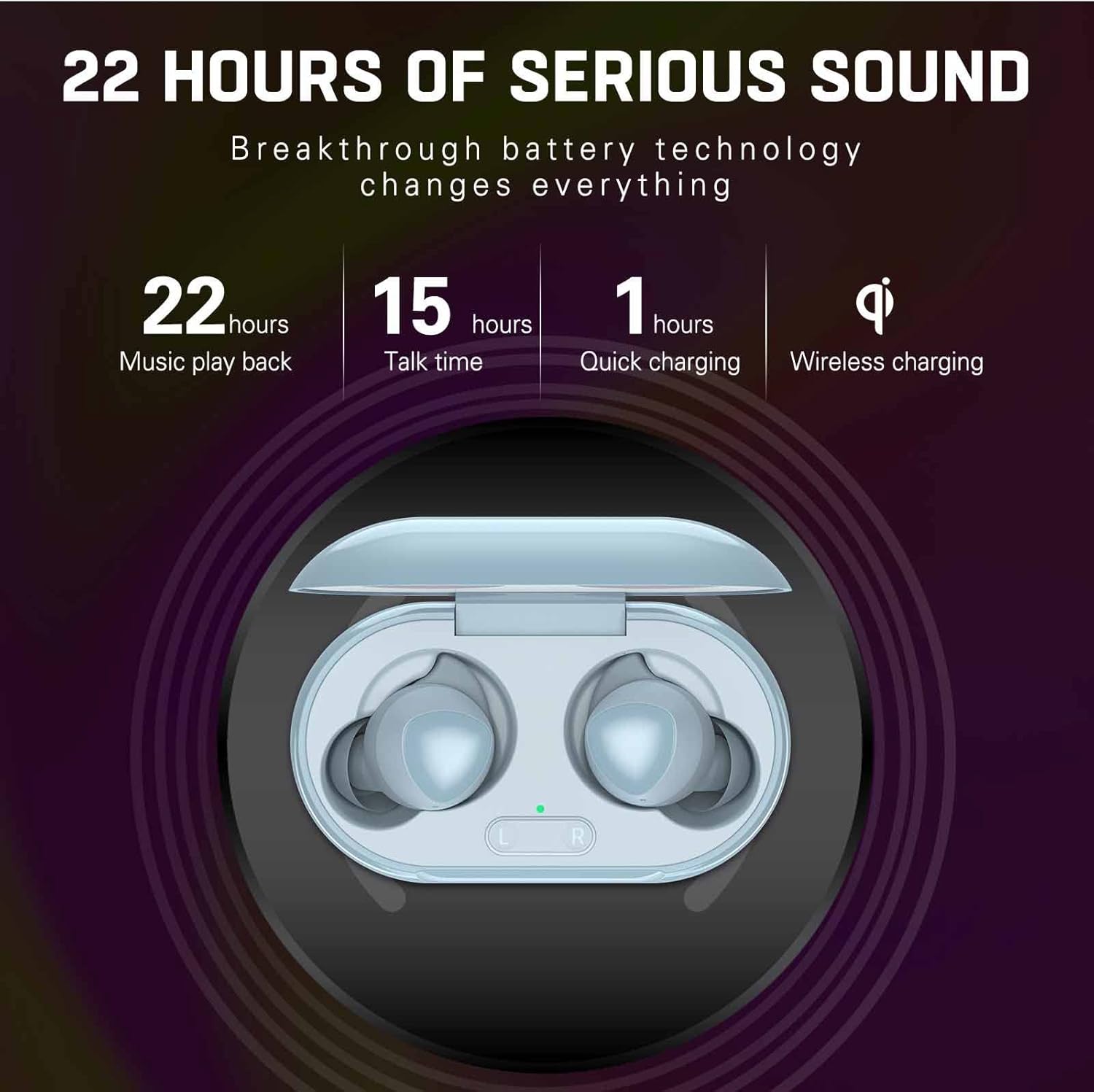
Before first use, fully charge the earbuds and the charging case. The charging case supports both wired (USB-C) and wireless charging.
- Pengecasan Berwayar: Connect the USB charging cable to the charging port on the case and to a power source. The indicator light on the case will show charging status.
- Pengecasan Tanpa Wayar: Place the charging case on a compatible wireless charging pad. The indicator light will confirm charging.
- Pengecasan fon telinga: Letakkan fon telinga ke dalam bekas pengecas. Ia akan mula dicas secara automatik.
A full charge provides approximately 22 hours of music playback and 15 hours of talk time. Quick charging can provide significant power in about 1 hour.
2. Berpasangan dengan Peranti
The UrbanX Street Buds Plus feature one-step auto-pairing for easy connection.
- Pastikan fon telinga dicas.
- Buka bekas pengecas. Fon telinga akan memasuki mod berpasangan secara automatik.
- Pada peranti anda (telefon pintar, tablet, komputer riba), pergi ke tetapan Bluetooth.
- Cari untuk available devices and select "Buds Plus" from the list.
- Setelah disambungkan, anda akan mendengar pengesahan yang boleh didengar, dan fon telinga akan sedia untuk digunakan.
The earbuds are compatible with iOS, Android, and Windows devices.

Beroperasi
Memakai Earbud
For optimal sound quality and comfort, ensure the earbuds are properly seated in your ears. Gently insert each earbud and twist slightly until it feels secure and comfortable.
Kawalan Sentuh
The UrbanX Street Buds Plus feature hands-free controls for managing audio playback and phone calls. Specific touch gestures may vary slightly, but common functions include:
- Main/Jeda: Ketik sekali pada salah satu fon telinga.
- Lagu Seterusnya: Ketik dua kali pada fon telinga kanan.
- Trek Sebelumnya: Ketik dua kali pada fon telinga kiri.
- Jawab/Tamatkan Panggilan: Ketik sekali pada salah satu fon telinga semasa panggilan masuk.
- Tolak Panggilan: Tekan dan tahan mana-mana fon telinga semasa panggilan masuk.
- Pelarasan Kelantangan: (If supported by specific model) Swipe up/down on the earbud surface or use your connected device.
- Pembantu Suara: Ketik tiga kali pada salah satu fon telinga (cth, Siri, Google Assistant).
Penyelenggaraan
Pembersihan
Pembersihan tetap membantu mengekalkan kualiti bunyi dan kebersihan.
- Lap perlahan fon telinga dan bekas pengecas dengan kain lembut, kering dan tidak berbulu.
- Jangan gunakan pembersih yang melelas, alkohol atau pelarut kimia.
- Remove any earwax or debris from the earbud tips and speaker mesh using a small, clean brush or cotton swab.
Tahan Air
The UrbanX Street Buds Plus are IP7 water and sweat resistant, making them suitable for workouts and light rain. However, they are not designed for swimming or submersion in water. Ensure the earbuds are dry before placing them back into the charging case to prevent damage.

Penyimpanan
Apabila tidak digunakan, simpan fon telinga dalam bekas pengecasnya untuk melindunginya dan memastikan ia dicas.
Menyelesaikan masalah
| Masalah | Kemungkinan Punca | Penyelesaian |
|---|---|---|
| Fon telinga tidak berpasangan | Low battery, out of range, pairing mode not active, previous connection issue. | Charge earbuds and case. Ensure Bluetooth is on and within range. Place earbuds in case, close, then open to re-enter pairing mode. Forget "Buds Plus" from device's Bluetooth list and re-pair. |
| Tiada suara atau kelantangan rendah | Volume too low, earbud placement, debris in speaker, connection issue. | Increase volume on device and earbuds. Adjust earbud fit. Clean speaker mesh. Reconnect earbuds to device. |
| Isu pengecasan | Dirty charging contacts, faulty cable/charger, improper placement on wireless pad. | Clean charging contacts on earbuds and case. Try a different USB cable or power adapter. Ensure case is centered on wireless charging pad. |
| Satu fon telinga tidak berfungsi | Individual earbud connection issue, low battery. | Place both earbuds in the case, close, then open. Ensure both earbuds are charged. Try re-pairing. |
Spesifikasi
- Nama Model: R175
- Teknologi Ketersambungan: Wayarles (Bluetooth)
- Teknologi Komunikasi Tanpa Wayar: Bluetooth
- Peranti Serasi: Fairphone 4, Samsung, Mobile Phone, Tablet, Laptop, Smartphone
- Jenis Kawalan: Call Control, Playback Control
- Ciri kabel: Tanpa Kabel
- Tahap Rintangan Air: IP7 Kalis Air
- Berat Barang: Kira-kira 2 auns
- Dimensi Produk: Kira-kira 2.75 x 1.04 x 1.52 inci
- Ciri Khas: Carrying case included, Enhanced bass, Microphone Included, Sports-and-exercise ready, Wireless charging
- Masa Main Balik Muzik: Hingga 22 jam (dengan cas pengecasan)
- Masa Berbual: Hingga 15 jam (dengan cas pengecasan)
- Caj Cepat: 1 jam
- Peletakan Telinga: Di Telinga
- Faktor Bentuk: Di Telinga
- Kawalan Bunyi: Pengasingan Bunyi

Waranti
UrbanX Street Buds Plus come with a Jaminan wang dikembalikan 90 hariSelain itu, seorang Waranti penggantian 12 bulan is provided for defective earbuds. Please retain your proof of purchase for warranty claims.
Sokongan
If you encounter any issues or have questions not covered in this manual, please refer to the UrbanX official website or contact customer support for assistance. For warranty claims, please provide your purchase details.


