pengenalan
This manual provides comprehensive instructions for the operation and maintenance of your HAYLOU GT6 Wireless Earbuds. Please read this manual thoroughly before use to ensure proper functionality and to maximize your listening experience. The HAYLOU GT6 earbuds feature advanced Bluetooth 5.2 technology, ultra-low latency game mode, and smart touch controls, designed for convenience and high-quality audio.
Apa yang ada dalam Kotak
Sahkan bahawa semua item terdapat dalam pakej:
- 1x Pair of HAYLOU GT6 Wireless Earbuds
- 1x Kes Pengecasan
- 1x Kabel Pengecas USB-C
- 1x Manual Pengguna

Produk Selesaiview
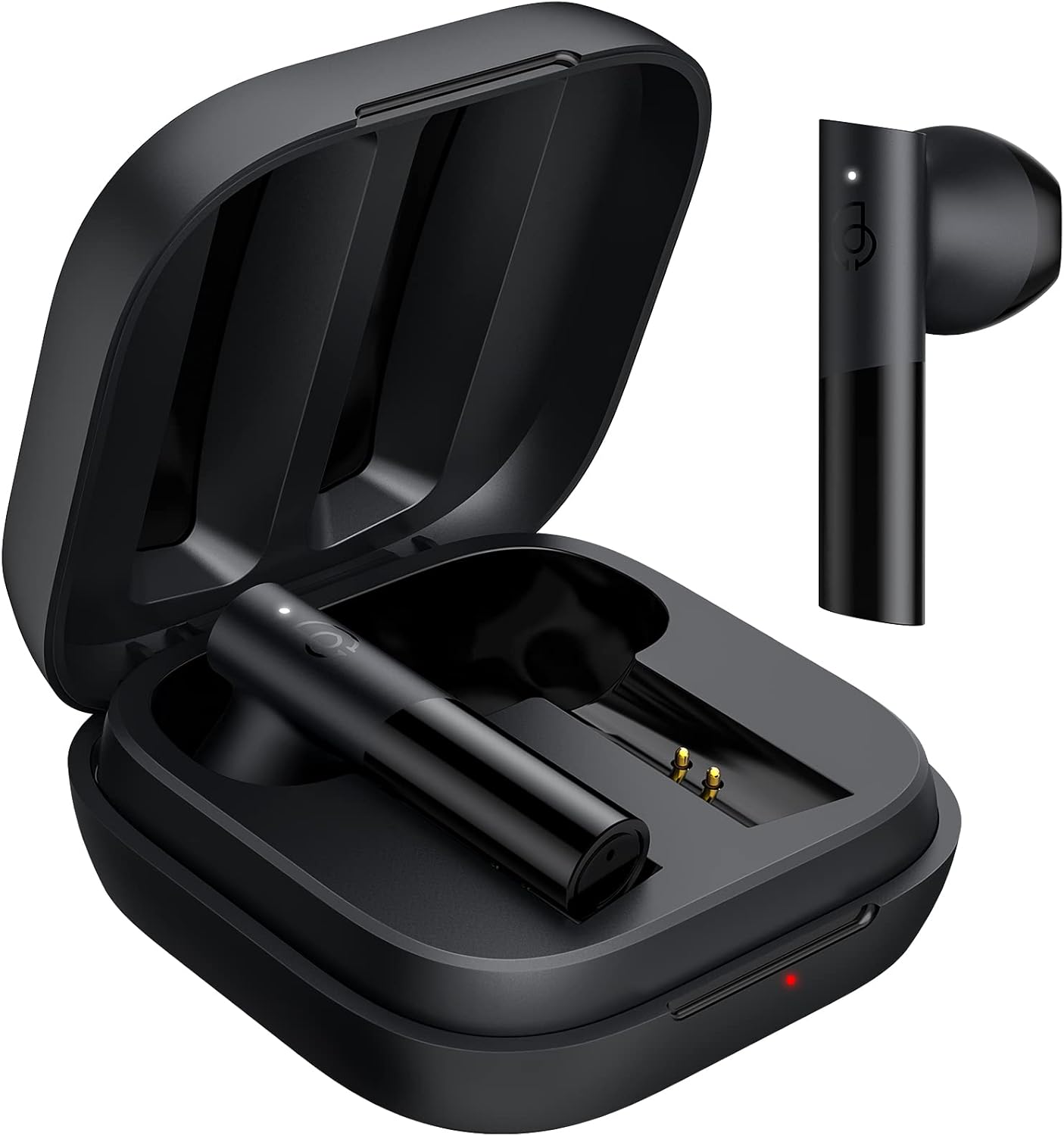
The HAYLOU GT6 earbuds are designed for comfort and performance. Each earbud is lightweight, weighing approximately 3.9 grams, and features a semi-in-ear design for extended wear. The charging case provides additional battery life and protects the earbuds when not in use.
Ciri-ciri Utama:
- Bluetooth 5.2: Memastikan sambungan yang stabil dan pantas.
- Pemacu Dinamik 12mm: Delivers balanced audio with clear bass, midrange, and treble.
- Ultra-Low Latency Game Mode: Reduces audio delay for gaming.
- Kawalan Sentuhan Pintar: Manage music, calls, and modes with simple taps.
- Rintangan Air IPX4: Melindungi daripada percikan dan peluh.
Persediaan
1. Pengecasan Awal
Before first use, fully charge the earbuds and the charging case. Connect the provided USB-C cable to the charging port on the case and to a power source. The indicator light on the case will show charging status.
2. Berpasangan dengan Peranti Anda
The HAYLOU GT6 earbuds support Bluetooth 5.2 for a stable connection.
- Pastikan Bluetooth peranti anda dihidupkan.
- Open the charging case and take out both earbuds. They will automatically enter pairing mode, indicated by a blinking white light on the earbuds.
- On your device, search for Bluetooth devices and select "Haylou GT6" from the list.
- Once connected, a sound will confirm successful pairing.

Sambungan semula: After initial pairing, the earbuds will automatically reconnect to the last paired device when taken out of the case, provided the device's Bluetooth is active.
Arahan Operasi
The HAYLOU GT6 earbuds feature intuitive touch controls on each earbud.
Touch Controls Overview:

- Hidupkan kuasa: Take out from case.
- Matikan: Put back into case.
- Main/Jeda: Single tap (either earbud).
- Jawab/Tutup Panggilan: Single tap (either earbud).
- Langkau Trek Ke Hadapan: Ketik dua kali fon telinga kanan.
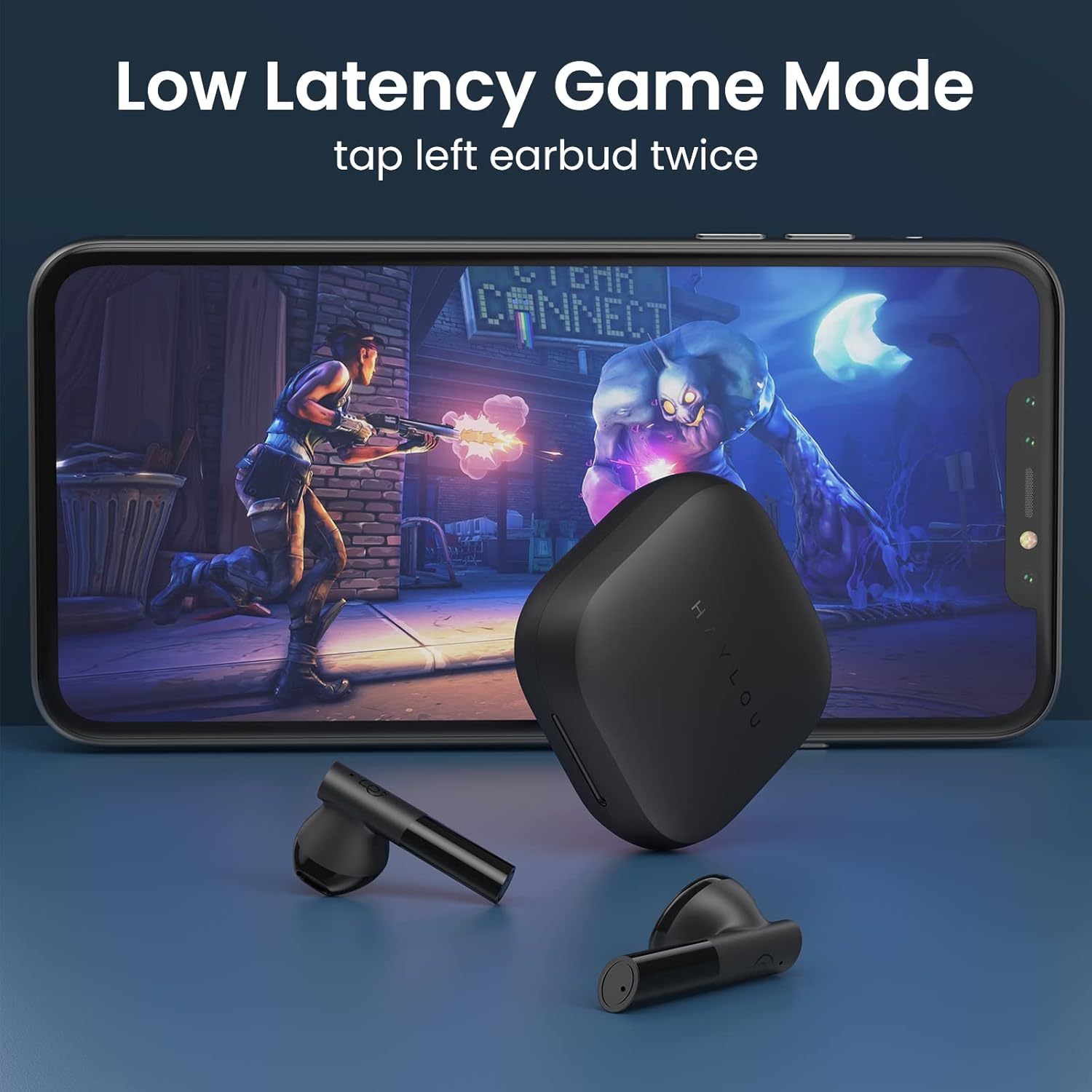
- Low Latency Game Mode On/Off: Ketik dua kali fon telinga kiri.
- Aktifkan Pembantu Suara: Triple tap (either earbud).
Mod Permainan Kependaman Rendah
For an optimized gaming experience, activate the ultra-low latency mode. This reduces audio delay to approximately 65ms, ensuring synchronized sound with on-screen action.
- To activate/deactivate: Double tap the kiri gegendang telinga
Penukaran Mod Mono dan Stereo
The earbuds support seamless switching between mono and stereo modes. When both earbuds are connected, they operate in stereo mode. To switch to mono mode, simply place one earbud back into the charging case. The remaining earbud will continue to function independently. To return to stereo mode, take the second earbud out of the case.
Official Operation Video Guide
For a visual demonstration of pairing, re-connection, mono/stereo switching, call handling, music control, low latency mode, voice assistant, and factory reset, please refer to the official operation video below:
Penyelenggaraan
- Pembersihan: Bersihkan fon telinga dan bekas pengecas secara berkala dengan kain lembut dan kering. Elakkan menggunakan bahan kimia yang keras atau bahan yang melelas.
- Storan: Simpan fon telinga di dalam bekas pengecas apabila tidak digunakan untuk melindunginya daripada habuk dan kerosakan. Simpan di tempat yang sejuk dan kering, jauh daripada suhu yang melampau.
- Tahan Air: The earbuds are IPX4 water-resistant, meaning they can withstand splashes and sweat. Do not submerge them in water or expose them to heavy rain.
Menyelesaikan masalah
| Masalah | Penyelesaian |
|---|---|
| Fon telinga tidak berpasangan | Ensure both earbuds are out of the case and have sufficient charge. Turn off and on your device's Bluetooth. If issues persist, perform a factory reset. |
| Hanya satu fon telinga berfungsi | Place both earbuds back into the charging case, then take them out again simultaneously. Ensure both are charged. |
| Kelantangan rendah | Adjust the volume on both your connected device and the earbuds. Ensure earbuds are properly seated in your ears. |
| Fon telinga tidak dicas | Periksa kabel USB-C dan sumber kuasa. Pastikan sentuhan pengecasan pada fon telinga dan bahagian dalam bekas bersih dan bebas daripada serpihan. |
| Tetapan semula kilang: |
|
Spesifikasi
| Ciri | Perincian |
|---|---|
| Nama Model | GT6 |
| Teknologi Ketersambungan | Wayarles (Bluetooth) |
| Versi Bluetooth | 5.2 |
| Julat Bluetooth | 10 Meter |
| Jenis Pemacu Audio | Pemandu Dinamik |
| Saiz Pemacu Audio | 12 Milimeter |
| Latensi Audio | 65 Milisaat (Mod Permainan) |
| Hayat Bateri (Earbud) | 5.5 Jam |
| Jumlah Masa Main (dengan kes) | Sehingga 20 Jam |
| Kaedah Kawalan | Sentuh |
| Tahap Ketahanan Air | IPX4 (kalis air) |
| Berat Barang (setiap fon telinga) | 3.9 Gram (lebih kurang 0.141 auns) |
| bahan | Logam, Plastik |
| warna | Hitam |
| Peranti Serasi | iPhone, Android, Tablets, Laptops |
Waranti dan Sokongan
For warranty information and technical support, please refer to the warranty card included in your product packaging or visit the official HAYLOU webtapak. Simpan resit pembelian anda sebagai bukti pembelian untuk tuntutan waranti.
For further assistance, you may contact HAYLOU customer service through their official channels.


