pengenalan
The Koss TWS250i True Wireless Earbuds offer a seamless audio experience with Bluetooth 5.0 connectivity, intuitive touch controls, and a portable USB-C charging case. This manual provides essential information for setting up, operating, maintaining, and troubleshooting your earbuds.
Produk Selesaiview
Your Koss TWS250i package includes the true wireless earbuds and a compact charging case. The earbuds are designed for comfort and secure fit, ensuring optimal sound delivery.

Image: Koss TWS250i True Wireless Earbuds and charging case on a wooden surface.
The charging case not only protects your earbuds but also provides additional battery life on the go. Inside the case, you'll find designated slots for each earbud (Left and Right).
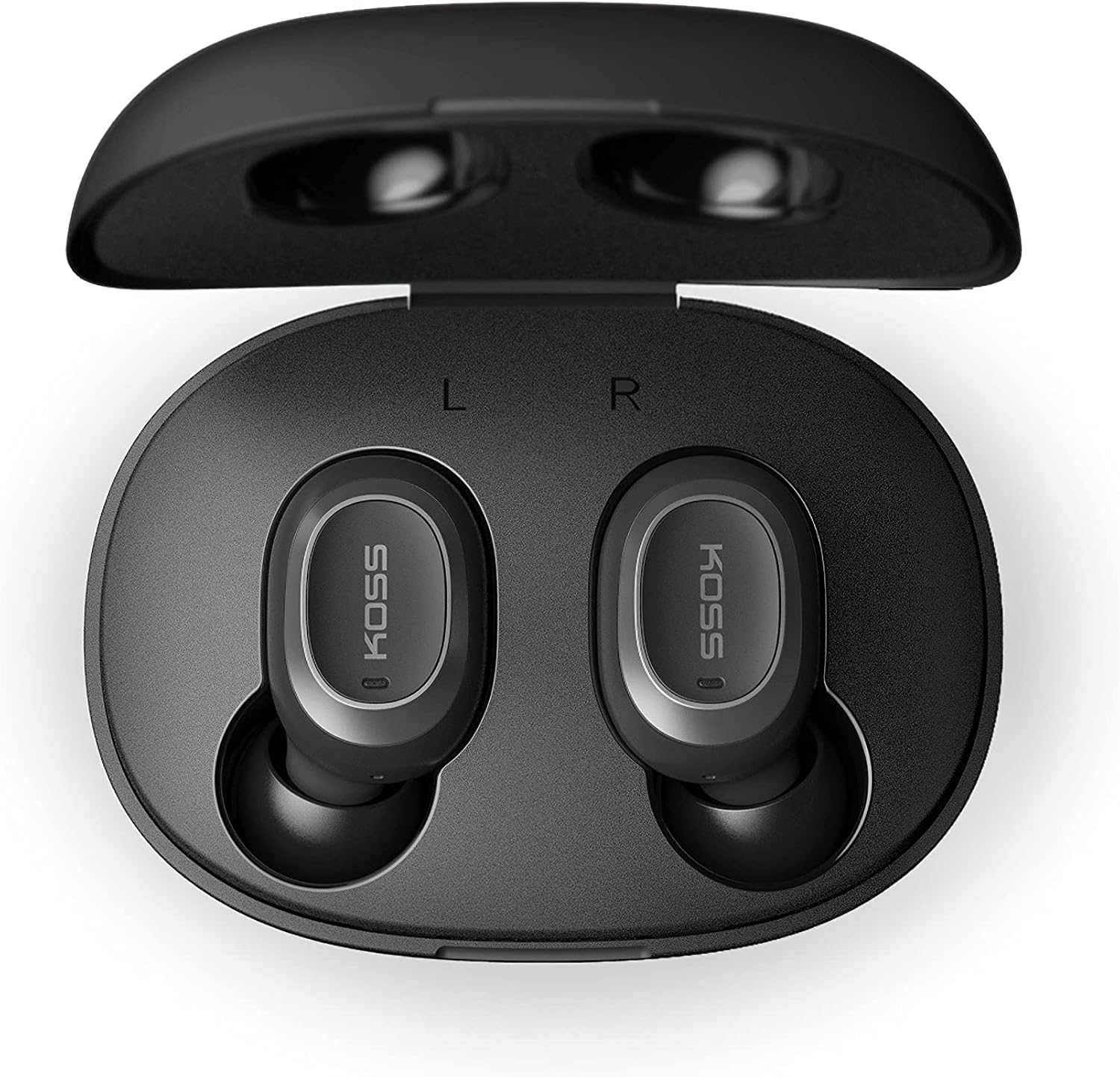
Image: Open Koss TWS250i charging case with both earbuds inside, showing L and R indicators.
To ensure the best fit and sound quality, the earbuds come with multiple sizes of silicone ear tips (Small, Medium, Large). Experiment with these to find the size that provides a comfortable and secure seal in your ear canal.

Image: Single Koss TWS250i earbud next to small, medium, and large silicone ear tips.
Persediaan
1. Mengecas
Before initial use, ensure both the earbuds and the charging case are fully charged. Connect the provided USB-C cable to the charging port on the case and to a power source. LED indicators on the front of the case will illuminate to show the charging status. When earbuds are placed inside the case, they will automatically begin charging.
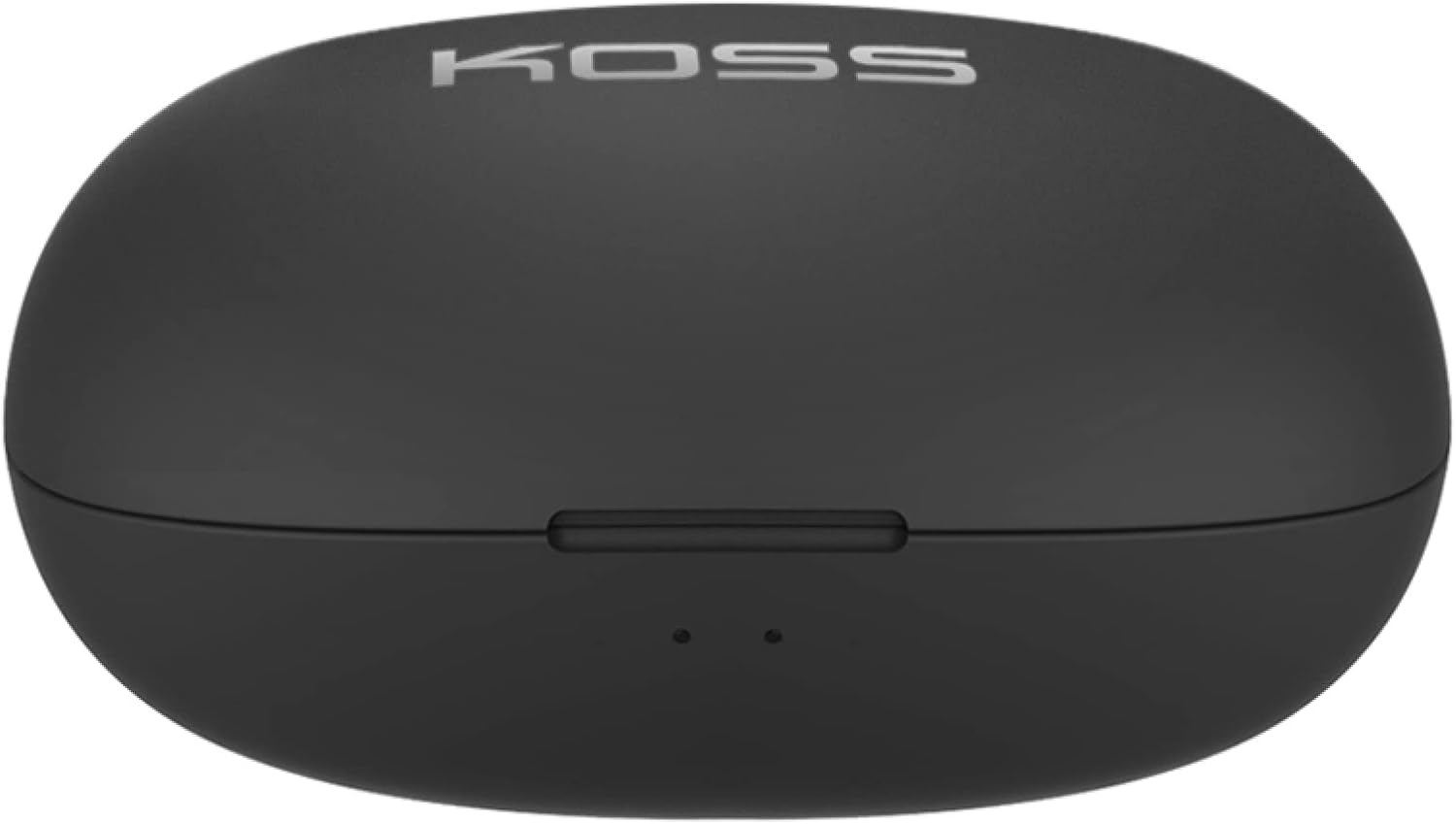
Image: Closed Koss TWS250i charging case, showing the USB-C charging port.
Video: Official product video demonstrating the Koss TWS250i True Wireless Earbuds, including their design, charging case, and basic features.
2. Berpasangan
- Remove both earbuds from the charging case. They will automatically enter pairing mode, indicated by a flashing red and blue light on one of the earbuds.
- Pada telefon pintar, tablet atau peranti lain yang didayakan Bluetooth anda, navigasi ke tetapan Bluetooth.
- Select "Koss TWS250i" from the list of available devices to connect.
- Once successfully paired, the earbuds will connect automatically to your device whenever they are removed from the charging case.
3. Pemasangan
Choosing the correct ear tip size is essential for both comfort and sound performance. Experiment with the included Small, Medium, and Large silicone ear tips to find the best fit for your ears. A proper seal will enhance bass response and passive noise isolation.

Image: Man wearing a Koss TWS250i earbud, smiling and looking at his phone.
Arahan Operasi
1. Kawalan Sentuh
The Koss TWS250i earbuds feature intuitive touch controls on their outer surface:
- Hidupkan/Mati Kuasa: Long press the touch surface until the earbuds power on or off.
- Main/Jeda Muzik: Ketik sekali pada salah satu fon telinga.
- Jawab/Tamatkan Panggilan: Ketik sekali pada salah satu fon telinga.
- Kelantangan: Single tap on the Betul gegendang telinga
- Perlahankan suara: Single tap on the kiri gegendang telinga
- Langkau Trek Ke Hadapan: Longer touch on the Betul gegendang telinga
- Langkau ke belakang: Longer touch on the kiri gegendang telinga
2. Dual Connect Functionality
The TWS250i earbuds support dual connect, allowing each earbud to function independently. This means you can use one earbud while the other charges, or share one earbud with a friend. Both earbuds have built-in microphones, ensuring clear communication regardless of whether you use one or both.
Penyelenggaraan
- Pembersihan: Bersihkan fon telinga dan bekas pengecas secara berkala dengan kain lembut dan kering. Elakkan menggunakan bahan yang kasar atau bahan kimia yang keras.
- Storan: Sentiasa simpan fon telinga dalam bekas pengecas apabila tidak digunakan untuk melindunginya dan memastikan ia dicas.
- Suhu: Avoid exposing the earbuds and case to extreme temperatures, direct sunlight, or high humidity.
Menyelesaikan masalah
- Tiada Bunyi atau Kualiti Bunyi Lemah:
- Ensure earbuds are properly seated in your ears with a good seal. Try different ear tip sizes.
- Periksa tahap kelantangan pada kedua-dua peranti anda yang disambungkan dan fon telinga.
- Verify that the earbuds are correctly paired and within the Bluetooth range of your device.
- Fon telinga Tidak Berpasangan:
- Pastikan fon telinga dicas sepenuhnya.
- Remove both earbuds from the case to activate pairing mode (indicated by flashing red/blue lights).
- Pada peranti anda,
Dokumen Berkaitan - TWS250i

KOSS TWS250i True Wireless Earbuds User Manual
User guide for KOSS TWS250i True Wireless Earbuds, covering setup, pairing, touch controls, charging, specifications, and safety warnings.
Panduan Pengguna Alat Dengar Bluetooth Koss, Spesifikasi dan Maklumat Keselamatan
Panduan pengguna yang komprehensif untuk set kepala Bluetooth Koss, termasuk model KOSS BT115i V2, KOSS BT232i V2, KOSS BT221i V2, KOSS KSC35 Wireless V2 dan KOSS UTILITY UBTA. Meliputi amaran keselamatan, waranti, spesifikasi teknikal dan penyelenggaraan bateri.
Manual Pengguna & Arahan Koss TWS150i True Wireless Earbuds
Panduan komprehensif untuk menggunakan Koss TWS150i True Wireless Earbuds anda, meliputi maklumat persediaan, gandingan, kawalan, pengecasan dan keselamatan.
Panduan Pengguna Fon Kepala Wayarles Koss KPH30
Panduan pengguna untuk Fon Kepala Wayarles Koss KPH30, meliputi persediaan, operasi, keselamatan dan spesifikasi.
Pembesar Suara Bluetooth KOSS BTS1: Panduan Pengguna, Ciri dan Maklumat Keselamatan
Panduan komprehensif untuk pembesar suara Bluetooth KOSS BTS1, memperincikan cirinya, ketersambungan, mod mendengar, pengecasan, penunjuk cahaya, amaran keselamatan, waranti dan maklumat pematuhan.
Panduan Pengguna Fon Kepala Pada Telinga Wayarles Koss Porta Pro
Panduan pengguna untuk Fon Kepala Tanpa Wayar Pada Telinga Koss Porta Pro, meliputi kawalan hadapan dan belakang, pengecasan, gandingan Bluetooth dan fungsi muzik/panggilan.