pengenalan
Terima kasih kerana membeliasing the Groov-e Ultra Wireless Bluetooth Headphones. These headphones are designed to provide a superior audio experience with features such as wireless connectivity, extended battery life, and comfortable design. This manual will guide you through the setup, operation, and maintenance of your new headphones.
Kandungan Pakej
Please ensure all items are present in your Groov-e Ultra headphone package:
- Groov-e Ultra Wireless Bluetooth Headphones
- Kabel Pengecas USB
- Kabel Audio 3.5mm
- Manual Pengguna (dokumen ini)
Produk Selesaiview
Familiarize yourself with the various components of your Groov-e Ultra headphones.
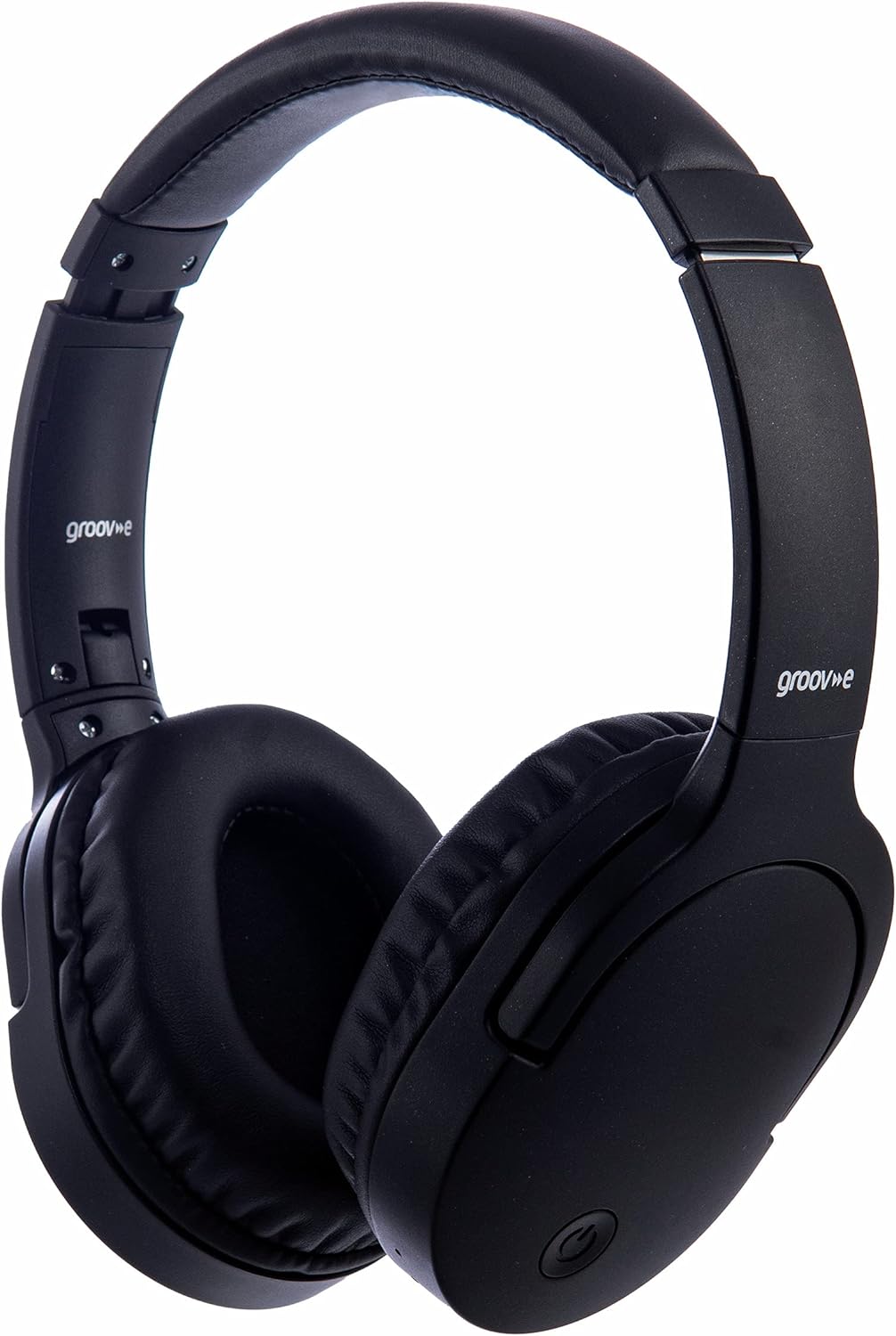
Imej: Depan view of the Groov-e Ultra Wireless Bluetooth Headphones in black.
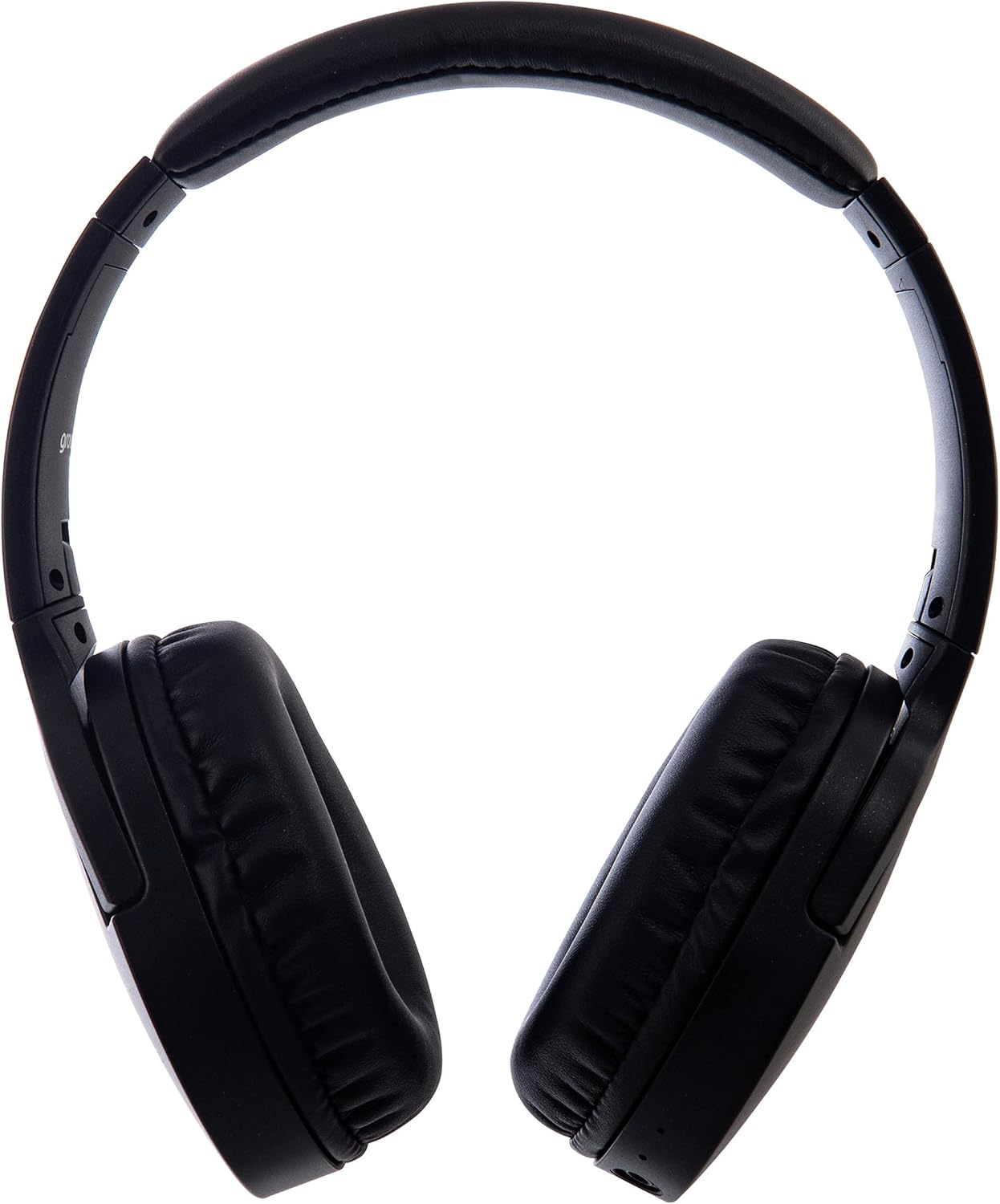
Imej: Sisi view of the Groov-e Ultra Wireless Bluetooth Headphones, showing the earcups and headband.
Key features and controls include:
- Butang Kuasa: Located on the earcup, used for powering on/off and initiating pairing mode.
- Kawalan Kelantangan: Buttons for adjusting audio volume.
- Butang pelbagai fungsi: For play/pause, answer/end calls, and activating voice assistant.
- mikrofon: Bersepadu untuk panggilan bebas tangan.
- Bicu Audio 3.5mm: Untuk sambungan berwayar ke sumber audio.
- Port Pengecasan USB: For charging via the included USB cable.
- Kawasan Pengecasan Tanpa Wayar: Located on the right earcup for compatible wireless charging pads.
- Penunjuk LED: Displays power, charging, and Bluetooth pairing status.
Persediaan
1. Pengecasan Awal
Before first use, fully charge your headphones. The Groov-e Ultra headphones support both wired and wireless charging.
Pengecasan Berwayar:
- Connect the supplied USB charging cable to the headphone's charging port.
- Sambungkan hujung kabel USB yang satu lagi ke sumber kuasa USB yang serasi (cth., port USB komputer, penyesuai dinding USB).
- Penunjuk LED akan menyala semasa pengecasan dan padam atau bertukar warna apabila dicas sepenuhnya.
Pengecasan Tanpa Wayar:
- Place the right earcup of the headphones onto a compatible Qi-certified wireless charging pad.
- Ensure the headphones are correctly positioned on the charging pad for optimal contact.
- Penunjuk LED akan menyala semasa pengecasan dan padam atau bertukar warna apabila dicas sepenuhnya.
Cas penuh biasanya mengambil masa kira-kira 2 jam.
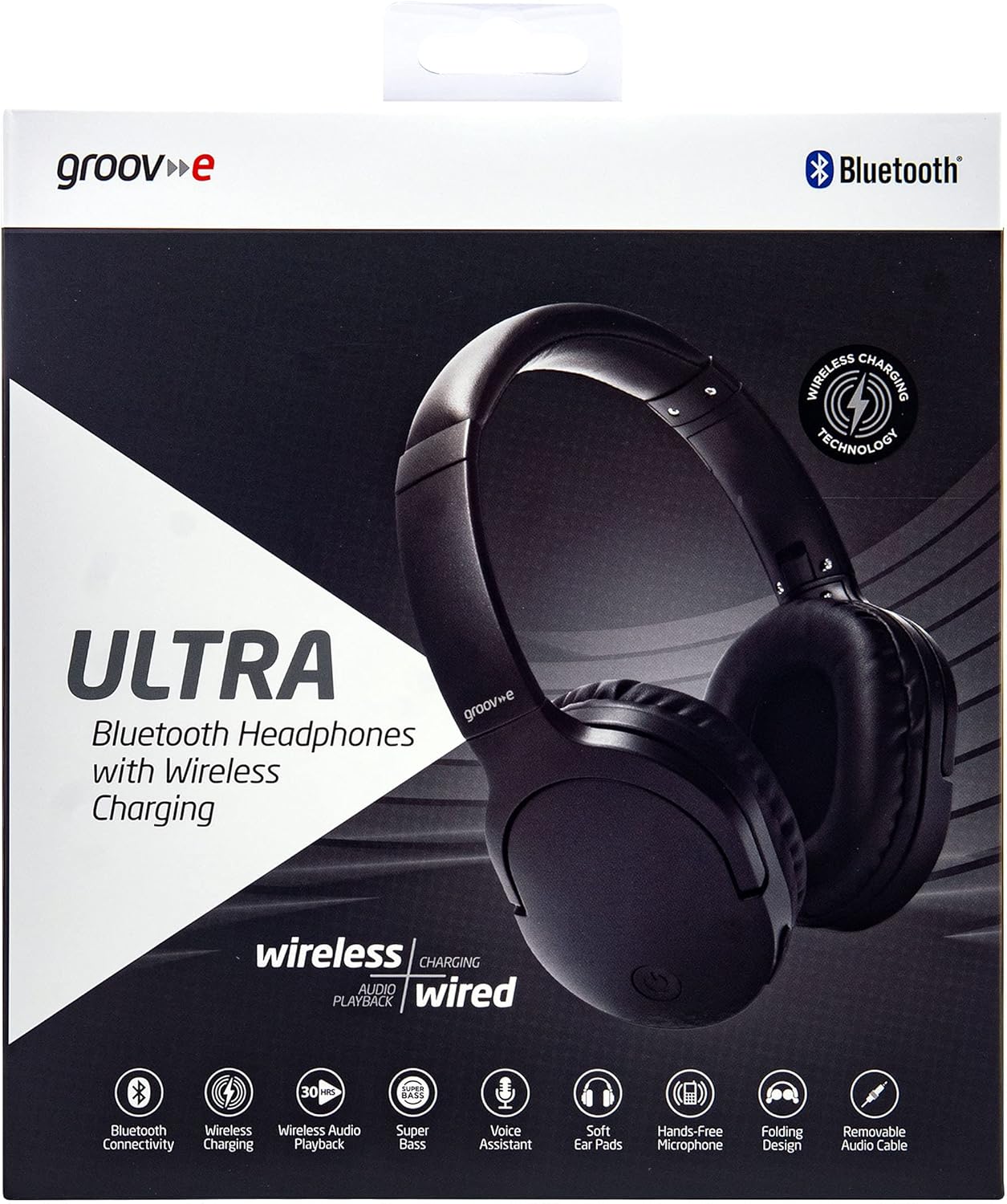
Image: Groov-e Ultra headphones charging wirelessly on a pad, with a laptop in the background.
Arahan Operasi
1. Hidupkan/Mati Kuasa
- Hidupkan kuasa: Tekan dan tahan butang Kuasa selama lebih kurang 3 saat sehingga penunjuk LED berkelip.
- Matikan: Tekan dan tahan butang Kuasa selama lebih kurang 3-5 saat sehingga penunjuk LED padam.
2. Berpasangan Bluetooth
- Pastikan fon kepala dimatikan.
- Tekan dan tahan butang Kuasa selama lebih kurang 5-7 saat sehingga penunjuk LED berkelip merah dan biru secara berselang-seli, menunjukkan mod berpasangan.
- Pada peranti anda (telefon pintar, tablet, komputer riba), dayakan Bluetooth dan cari peranti yang tersedia.
- Select "Groov-e Ultra" from the list of found devices.
- Once paired, the LED indicator will flash blue slowly, and you may hear an audible confirmation.
- Jika digesa untuk kata laluan, masukkan "0000".
Fon kepala akan cuba menyambung semula secara automatik ke peranti pasangan terakhir apabila dihidupkan.
3. Sambungan Berwayar (Kabel Audio 3.5mm)
For devices without Bluetooth or to conserve battery, you can use the supplied 3.5mm audio cable.
- Sambungkan satu hujung kabel audio 3.5mm ke bicu audio pada fon kepala.
- Sambungkan hujung yang satu lagi ke output audio 3.5mm peranti anda.
- Fon kepala akan beroperasi dalam mod pasif dan fungsi Bluetooth akan dilumpuhkan.
4. Main balik Muzik
- Main/Jeda: Tekan butang Pelbagai fungsi sekali.
- Lagu Seterusnya: Tekan dan tahan butang Naik Kelantangan.
- Trek Sebelumnya: Tekan dan tahan butang Kurangkan Kelantangan.
- Kelantangan: Tekan butang Kelantangan Naik sebentar.
- Perlahankan suara: Tekan butang Kelantangan Turun sebentar.
5. Pengurusan Panggilan
- Jawab/Tamatkan Panggilan: Tekan butang Pelbagai fungsi sekali.
- Tolak Panggilan: Tekan dan tahan butang Berbilang fungsi selama 2 saat.
- Pembantu Suara: Double-press the Multi-function button to activate your device's voice assistant (e.g., Siri, Google Assistant).
Penyelenggaraan
To ensure the longevity and optimal performance of your Groov-e Ultra headphones, follow these maintenance guidelines:
- Pembersihan: Gunakan kain lembut dan kering untuk membersihkan penutup telinga dan ikat kepala. Jangan gunakan pembersih atau pelarut yang kasar.
- Storan: Apabila tidak digunakan, simpan fon kepala di tempat yang sejuk dan kering, jauh dari cahaya matahari langsung dan suhu yang melampau. Reka bentuk boleh lipat membolehkan storan padat.
- Penjagaan Bateri: Untuk menjimatkan hayat bateri, elakkan daripada kerap mengecas fon kepala sepenuhnya. Caskannya secara berkala, walaupun tidak digunakan secara berterusan.
- Tahan Air: The headphones are rated as "waterproof" (as per specifications), but this typically refers to resistance against splashes or light rain. Avoid submerging them in water.
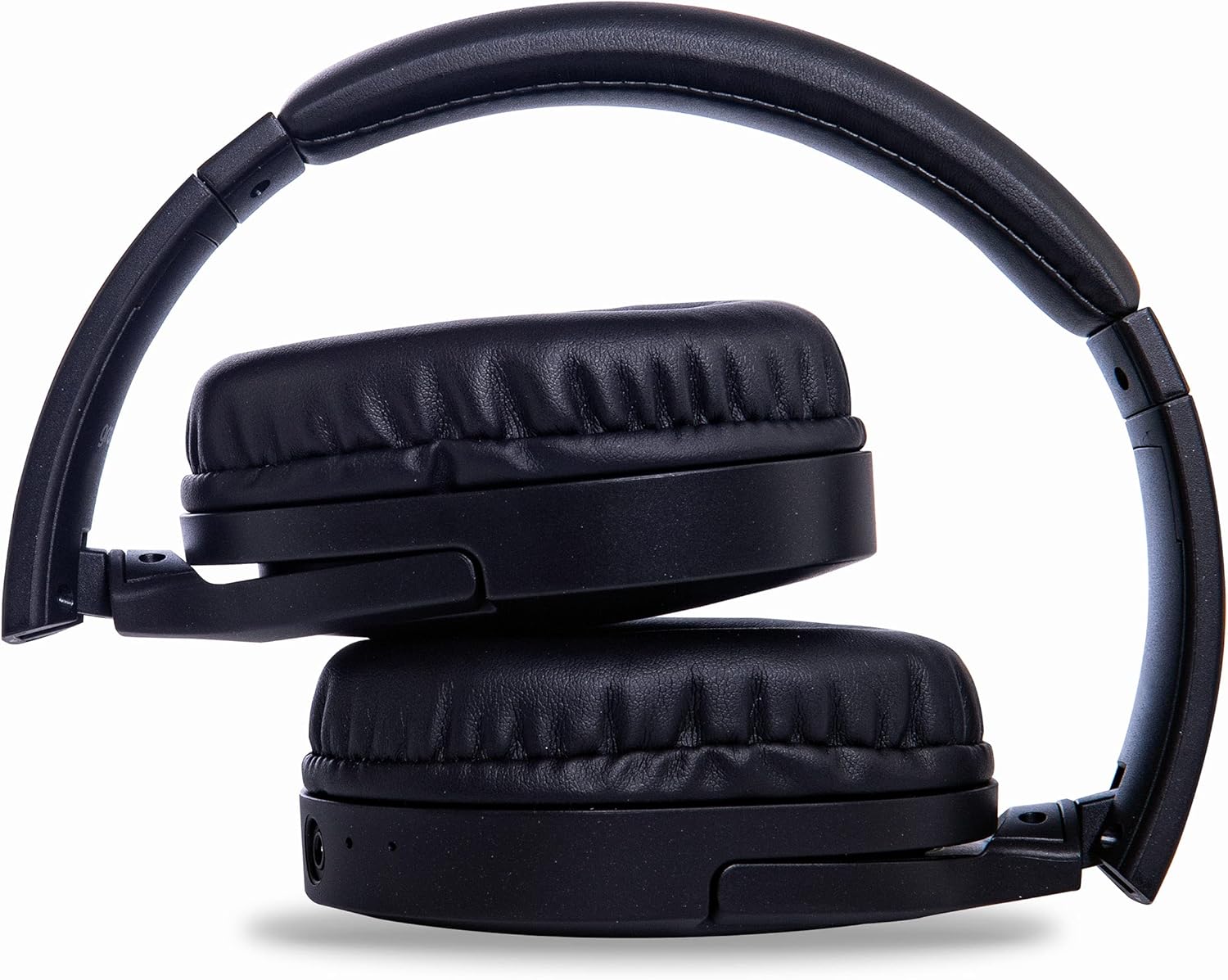
Image: Groov-e Ultra headphones folded, demonstrating their compact storage design.
Menyelesaikan masalah
Jika anda menghadapi masalah dengan fon kepala anda, rujuk kepada penyelesaian biasa berikut:
| Masalah | Kemungkinan Punca | Penyelesaian |
|---|---|---|
| Fon kepala tidak dihidupkan. | Bateri lemah. | Charge the headphones fully using either wired or wireless charging. |
| Tidak boleh berpasangan melalui Bluetooth. | Fon kepala tiada dalam mod berpasangan; peranti Bluetooth dimatikan; gangguan. | Ensure headphones are in pairing mode (flashing red/blue). Turn Bluetooth off and on on your device. Move closer to the device. |
| Tiada bunyi atau kualiti bunyi yang buruk. | Volume too low; incorrect source; loose wired connection; Bluetooth interference. | Increase volume on headphones and device. Check if the correct audio output is selected. Ensure 3.5mm cable is fully inserted. Re-pair Bluetooth. |
| Pengecasan tanpa wayar tidak berfungsi. | Headphones not positioned correctly; incompatible charging pad. | Adjust headphone position on the charging pad. Ensure the charging pad is Qi-certified and functioning. |
| Buzzing or too loud on Bluetooth. | Bluetooth signal issue; volume settings. | Try moving closer to the source device. Adjust volume levels on both the headphones and the connected device. |
| Cannot connect to Apple Mac Book Pro. | Compatibility issue or specific Bluetooth driver problem. | Ensure your Mac's Bluetooth drivers are up to date. Try resetting Bluetooth on your Mac. Consult Apple support or Groov-e support for specific compatibility advice. |
Spesifikasi
| Ciri | Perincian |
|---|---|
| Nama Model | Ultra |
| Nombor Model | GVBT750BK |
| Jenama | Groov-e |
| Teknologi Ketersambungan | Wayarles (Bluetooth) |
| Teknologi Komunikasi Tanpa Wayar | Bluetooth |
| Faktor Bentuk | Supra-Aural (Over-ear) |
| Penempatan Telinga | Supra-auriculaire |
| Pengasingan Bunyi | Penindasan Bunyi Aktif |
| Bicu Fon Kepala | Jack 3.5 mm |
| Ciri Khas | Microphone included, Sweat resistant |
| Hayat Bateri | Up to 30 hours (wireless audio playback) |
| Masa Mengecas | Lebih kurang 2 jam |
| Kaedah Kawalan | Taktil (Sentuhan) |
| Julat Kekerapan | 20 Hz - 20,000 Hz (Possible) |
| Tahap Ketahanan Air | Kalis air |
| Peranti Serasi | Smartphones, laptops, tablets, car audio systems, music production equipment, televisions |
| bahan | kulit |
Maklumat Keselamatan
Please read and follow these safety guidelines to prevent damage to your headphones or personal injury:
- Do not expose headphones to extreme temperatures, humidity, or corrosive environments.
- Elakkan daripada menjatuhkan atau meletakkan fon kepala kepada kesan yang kuat.
- Jangan cuba membuka atau mengubah suai fon kepala. Ini akan membatalkan jaminan.
- Jauhkan daripada kanak-kanak dan haiwan peliharaan.
- Mendengar berpanjangan pada kelantangan tinggi boleh menyebabkan kerosakan pendengaran. Laraskan kelantangan ke tahap yang selamat.
- Exercise caution when using headphones in situations requiring awareness of your surroundings (e.g., driving, cycling, walking in traffic).
- Use only approved charging cables and power adapters.
Waranti dan Sokongan
Groov-e products are designed and manufactured to the highest standards. For warranty information, please refer to the warranty card included with your purchase or visit the official Groov-e webtapak.
For technical support, troubleshooting assistance, or general inquiries, please contact Groov-e customer service through their official channels. Contact details can typically be found on the product packaging or the Groov-e webtapak.
Sokongan dalam talian: www.groov-e.co.uk/support


