1. Pengenalan
The UrbanX Mini Bluetooth Receiver UXBTREC1 is a versatile wireless audio adapter designed to convert any audio system with a 3.5mm input jack into a Bluetooth-enabled device. This allows you to stream music and make hands-free calls from your mobile phone or other Bluetooth-enabled devices to your car stereo, home audio system, or wired headphones.
2. Ciri-ciri Produk
- Teknologi Bluetooth 4.1: Ensures a fast, stable, and high-quality audio connection within a 33ft (10m) operating range.
- Panggilan Bebas Tangan: Integrated high-sensitivity microphone with noise-cancelling technology for clear calls.
- Keserasian Luas: Connects to car stereos, home audio systems, wired headphones, and speakers via a 3.5mm audio jack.
- Reka bentuk padat dan mudah alih: Lightweight and mini-sized for easy transport and minimal space usage.
- Butang Berbilang Fungsi: Simple control for music playback and call management.
- Pro yang disokongfiles: A2DP, AVRCP, HSP, and HFP.
3. Kandungan Pakej
Sila semak pakej untuk item berikut:
- UrbanX Mini Bluetooth Receiver
- Penyambung Audio 3.5mm
- Kabel Pengecas USB
- Manual Pengguna
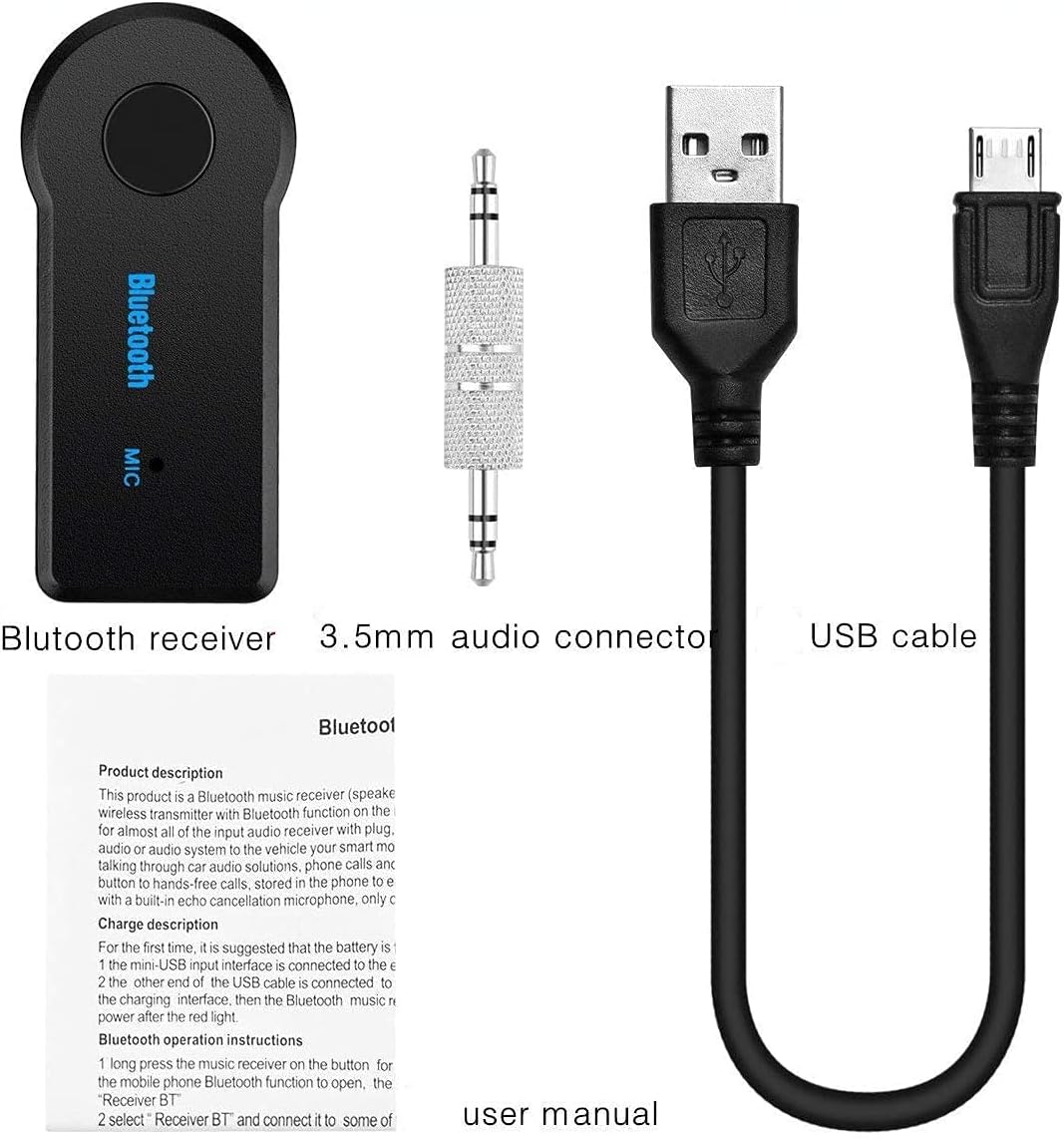
Image: Contents of the UrbanX Mini Bluetooth Receiver package.
4. Produk Lebihview
Familiarize yourself with the components of your UrbanX Mini Bluetooth Receiver:

Image: Labeled diagram of the UrbanX Mini Bluetooth Receiver.
- Kunci Pelbagai fungsi: Hidup/mati kuasa, main/jeda muzik, jawab/tamatkan panggilan.
- Lampu Penunjuk: Menunjukkan kuasa dan status sambungan.
- Port Pengecasan: Port mikro USB untuk mengecas peranti.
- Antara Muka Audio 3.5mm: Connects to the included 3.5mm audio connector or directly to audio devices.
- mikrofon: Untuk panggilan bebas tangan.
- Penyambung Audio 3.5mm: Used to plug the receiver into a 3.5mm AUX input.
5. Arahan Persediaan
5.1 Charging the Receiver
- Connect the supplied USB charging cable to the receiver's charging port.
- Plug the other end of the USB cable into a DC 5V USB power source (e.g., car charger, wall adapter, computer USB port).
- The indicator light will illuminate during charging and turn off once fully charged.
- Masa pengecasan adalah lebih kurang 1.5 jam.
5.2 Menghidupkan/Mematikan
- Untuk Menghidupkan: Press and hold the Multifunction Key for approximately 3 seconds until the indicator light flashes.
- Untuk Mematikan: Press and hold the Multifunction Key for approximately 3 seconds until the indicator light turns off.
5.3 Berpasangan dengan Peranti Bluetooth
- Ensure the receiver is charged and powered off.
- Press and hold the Multifunction Key for about 5-7 seconds until the indicator light flashes red and blue alternately. This indicates pairing mode.
- Pada telefon bimbit atau peranti yang didayakan Bluetooth anda, dayakan Bluetooth dan cari peranti yang tersedia.
- Select "Receiver BT" from the list of found devices.
- Once paired, the indicator light will flash blue slowly.
5.4 Menyambung ke Sistem Audio
- Plug the 3.5mm audio connector into the receiver's 3.5mm audio interface.
- Insert the other end of the 3.5mm audio connector into the AUX input of your car stereo, home audio system, or wired headphones.
- Ensure your audio system is set to the AUX input mode.
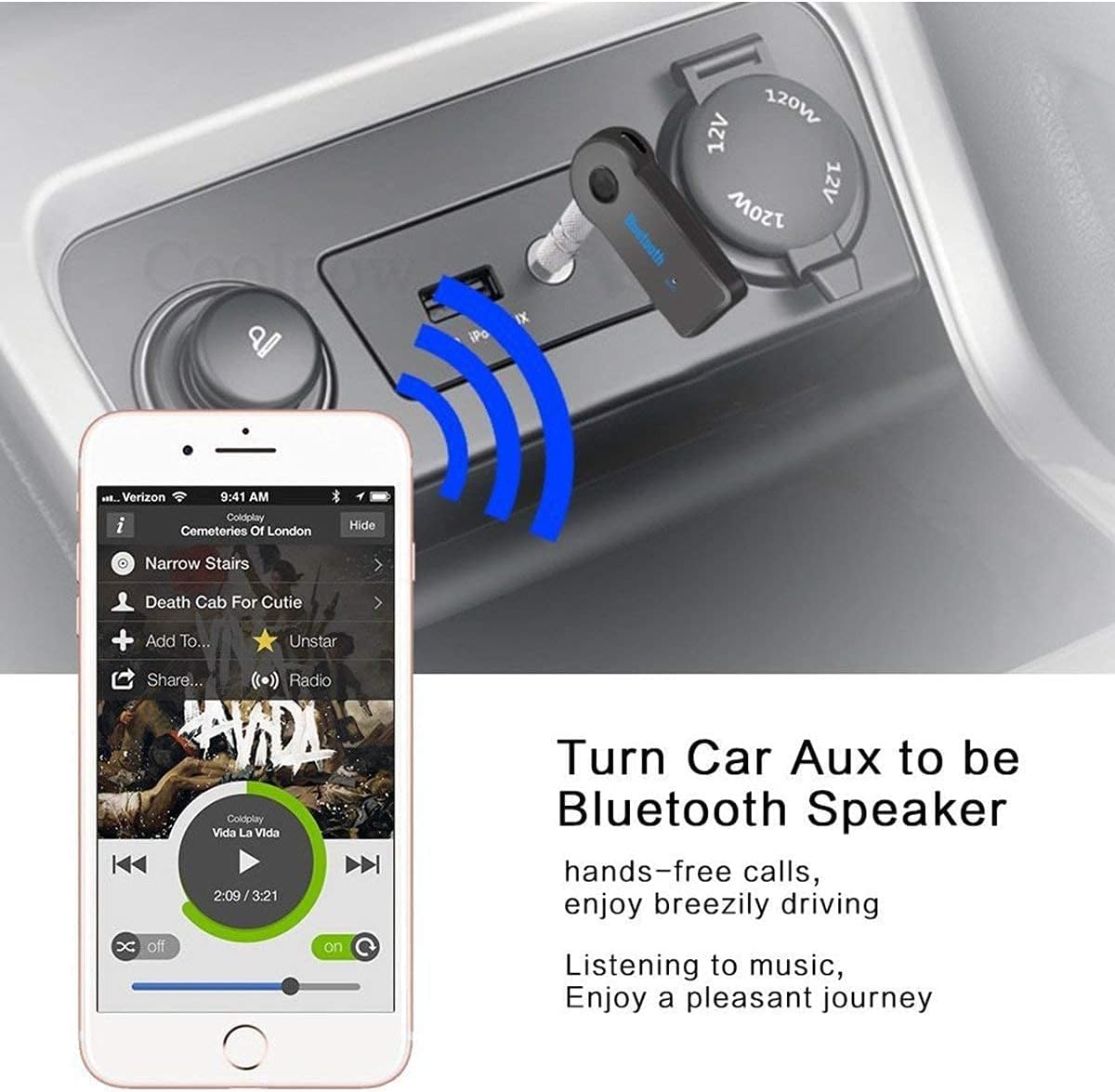
Image: Receiver converting a car's AUX input to Bluetooth.
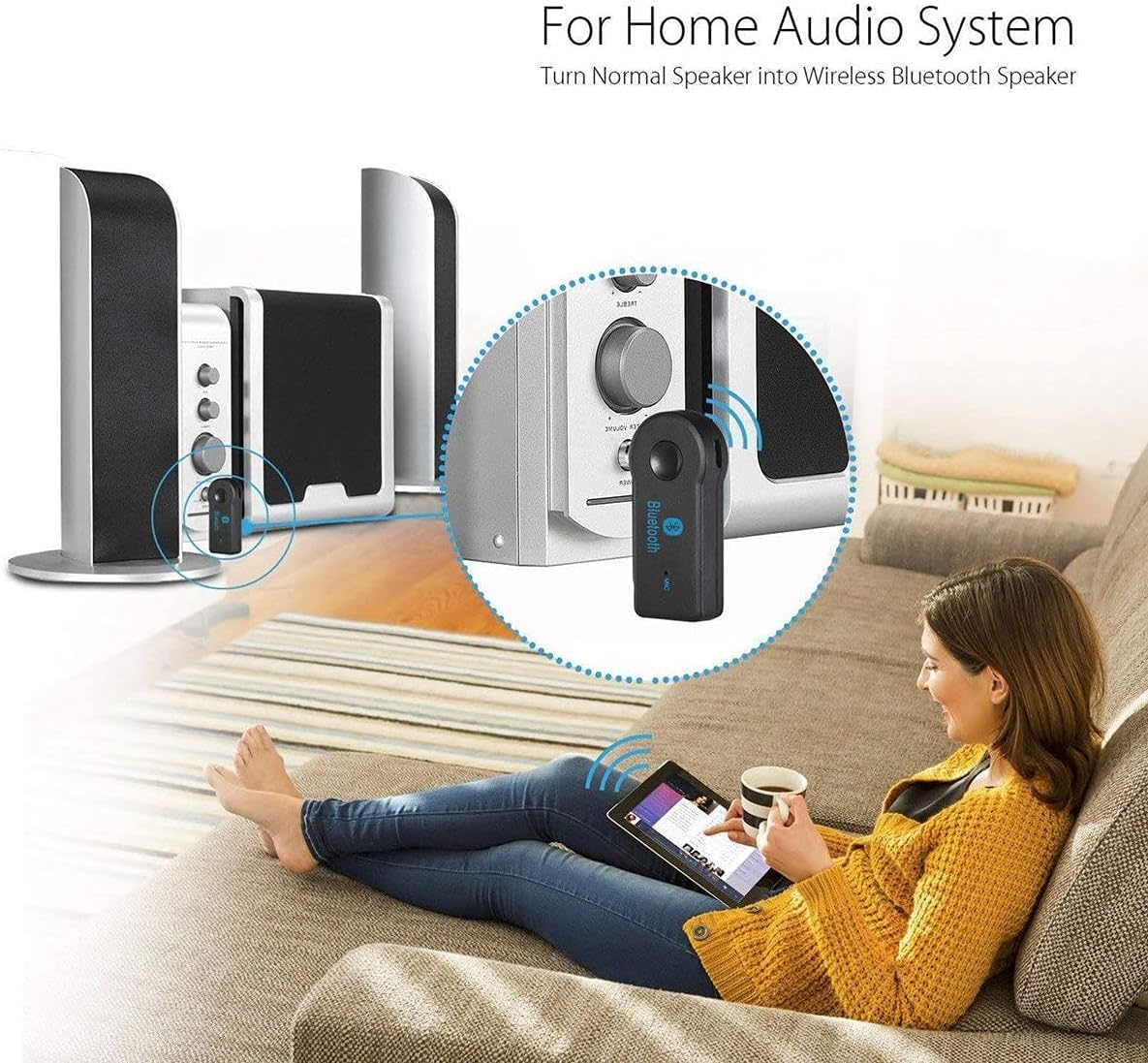
Image: Receiver converting a home audio system to Bluetooth.
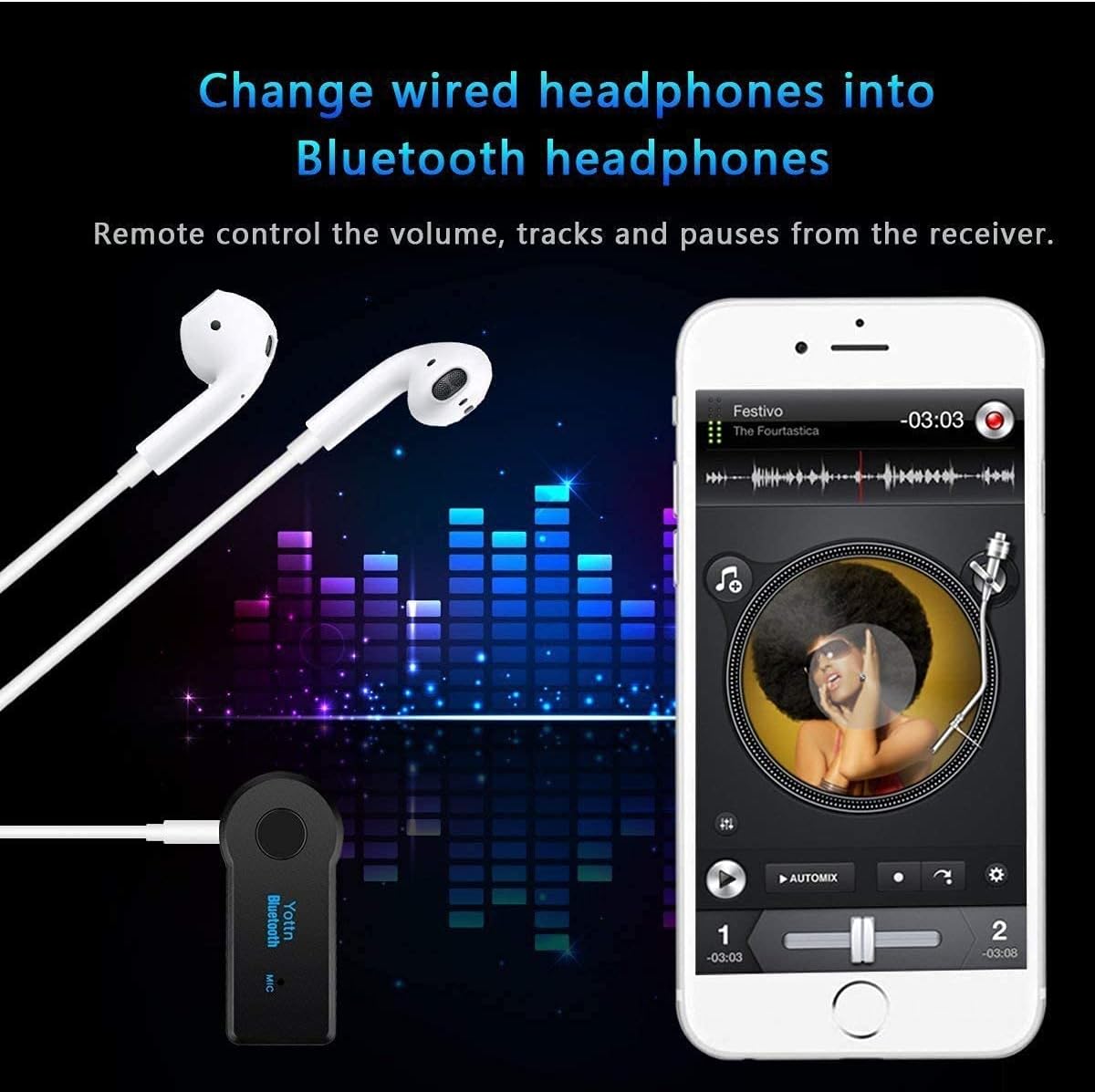
Image: Receiver converting wired headphones to Bluetooth.
6. Arahan Operasi
6.1 Main balik Muzik
- Once paired and connected to your audio system, play music from your Bluetooth device.
- Main/Jeda: Press the Multifunction Key once.
- Lagu Seterusnya: Double-press the Multifunction Key.
- Trek Sebelumnya: Triple-press the Multifunction Key.
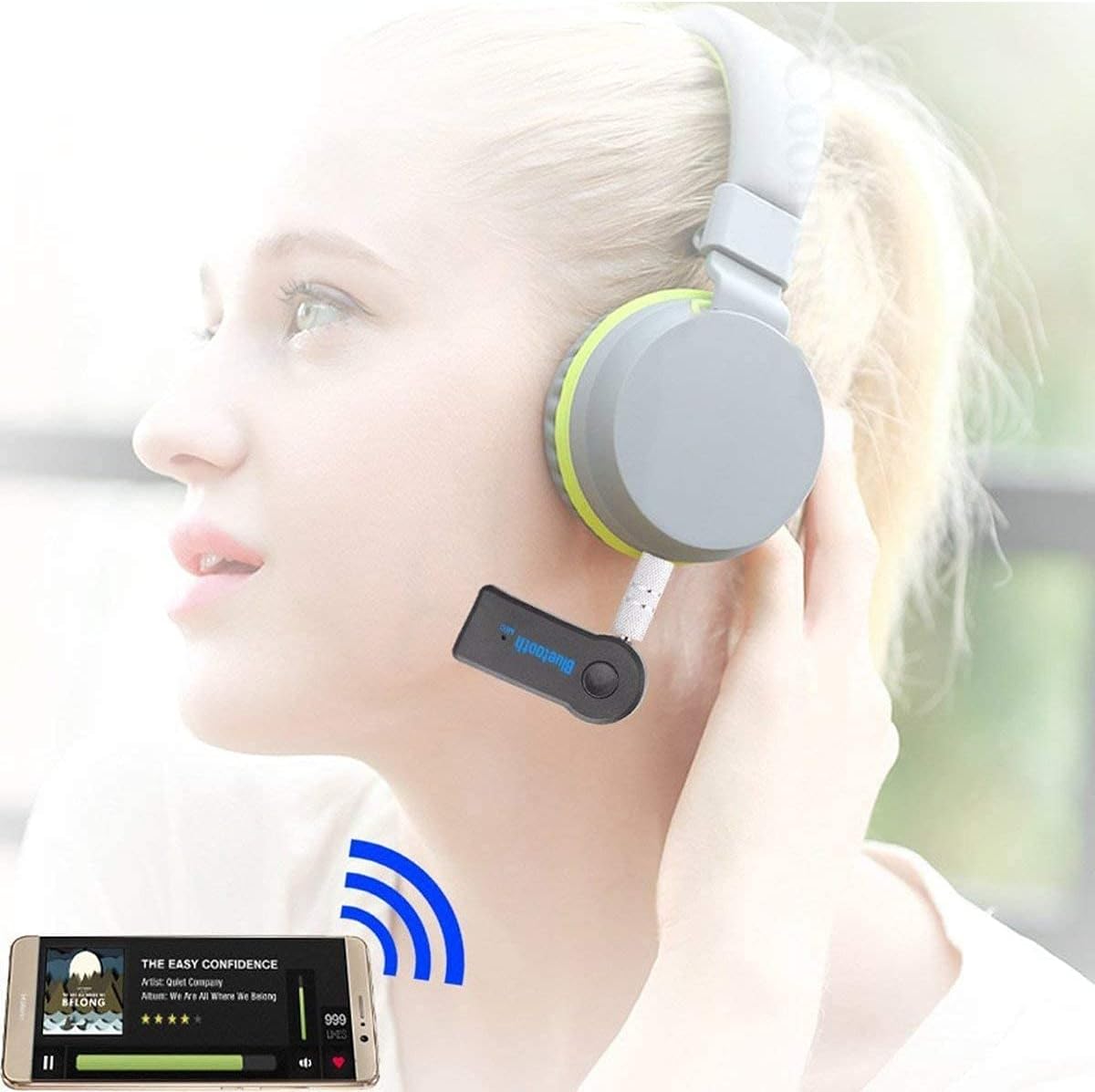
Image: Using the receiver with headphones for music.
6.2 Panggilan Bebas Tangan
When connected to your phone, the receiver allows for hands-free call management:
- Jawab Panggilan: Press the Multifunction Key once when a call comes in.
- Tamatkan Panggilan: Press the Multifunction Key once during a call.
- Tolak Panggilan: Press and hold the Multifunction Key for about 2 seconds when a call comes in.
- Dail Semula Nombor Terakhir: Double-press the Multifunction Key when not on a call.

Image: Hands-free calling features in a car setting.
7. Penyelenggaraan
- Keep the device dry. Do not expose it to moisture or liquids.
- Avoid extreme temperatures. Do not store or use the device in temperatures above 45°C (113°F) or in direct sunlight, as this can shorten its lifespan.
- Bersihkan peranti dengan kain lembut dan kering. Jangan gunakan bahan kimia yang keras atau pembersih yang kasar.
- Simpan peranti di tempat yang sejuk dan kering apabila tidak digunakan.
8. Penyelesaian masalah
- Peranti tidak akan dihidupkan: The battery may be low. Please fully charge the device before attempting to power it on again.
- Tidak boleh berpasangan dengan peranti Bluetooth:
- Ensure the receiver is in pairing mode (indicator light flashing red and blue alternately).
- Pastikan Bluetooth didayakan pada peranti mudah alih anda.
- Ensure the receiver is within the 10-meter (33ft) range of your Bluetooth device.
- Try restarting both the receiver and your Bluetooth device.
- Tiada output audio:
- Verify the receiver is correctly connected to your audio system's AUX input.
- Ensure your audio system is set to the correct AUX input source.
- Check the volume levels on both your Bluetooth device and the audio system.
- Confirm the receiver is successfully paired and connected to your Bluetooth device.
9. Spesifikasi
| Nombor Model | UXBTREC1 |
| Versi Bluetooth | V4.1 |
| Teknologi Ketersambungan | Tanpa wayar |
| Julat Sambungan | Sehingga 10 meter (33 kaki) |
| Output Audio | 3.5mm Audio Jack |
| Mengecas Voltage | DC 5V |
| Masa Mengecas | Sehingga 1.5 jam |
| Masa Bekerja | Sehingga 5 jam |
| Berat Barang | 1 auns |
| Dimensi Pakej | 2 x 2 x 1 inci |
| Sumber Kuasa | Dikuasakan Bateri (1 Bateri Lithium Ion diperlukan) |
| bahan | Komposit |
10. Maklumat Keselamatan
- Jangan dedahkan peranti kepada air atau cecair lain.
- Elakkan daripada menjatuhkan atau meletakkan peranti kepada kesan yang kuat.
- Gunakan hanya volum pengecasan yang dinyatakantage (DC 5V). Using a higher voltage may damage the receiver and void the warranty.
- Jauhkan daripada kanak-kanak.
- Jangan cuba membuka atau mengubah suai peranti.
11. Keserasian Lebihview
The UrbanX Mini Bluetooth Receiver is compatible with a wide range of devices and audio systems:

Image: Compatibility diagram for the Bluetooth audio receiver.
- Sistem Audio: Car AUX inputs, home stereo systems, wired headphones, portable speakers.
- Peranti Sumber: Smartphones (iPhone, Android), tablets, laptops, PCs, smart TVs, and any device with Bluetooth audio output.
12. Sokongan
For further assistance or inquiries, please contact UrbanX customer support through your retailer or the official UrbanX webtapak.


