1. Pengenalan
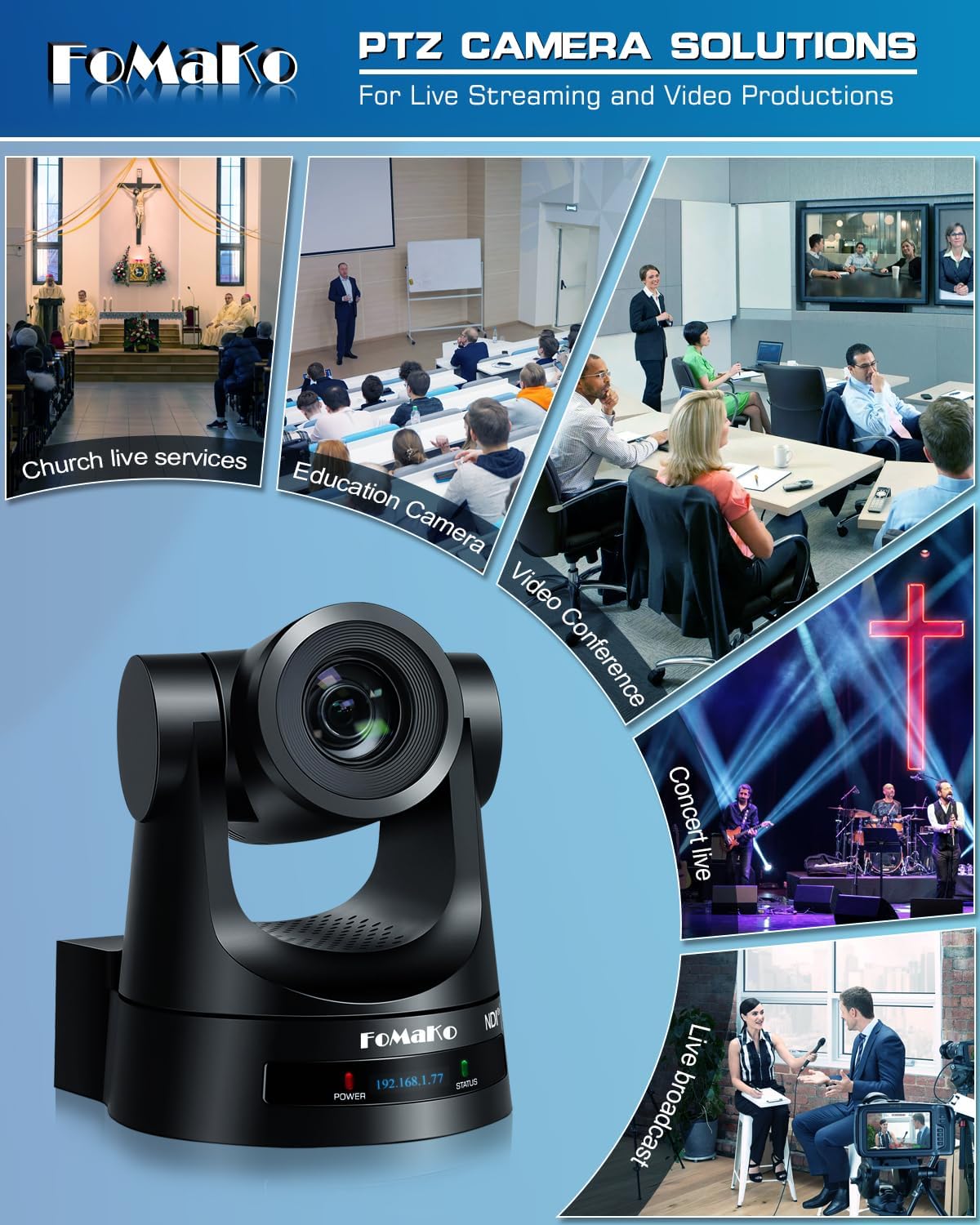
This manual provides detailed instructions for the installation, operation, and maintenance of your FoMaKo NDI PTZ Camera KN20A Pro. This camera features AI auto-tracking, 20x optical zoom, and multiple output interfaces including HDMI, 3G-SDI, IP, NDI, and USB3.0. It is designed for professional video production and live streaming in various environments such as churches, educational institutions, and event venues.
2. Apa yang ada di dalam Kotak
Sahkan bahawa semua item terdapat dalam pakej:
- FoMaKo AI Tracking NDI PTZ Camera (20x optical zoom)
- Alat kawalan jauh IR
- Pendakap Pelekap Dinding
- Kurung Siling
- Kabel USB
- Penyesuai Kuasa (12V 2A)
- Manual Pengguna (dokumen ini)

Image 2.1: FoMaKo NDI PTZ Camera KN20A Pro and its standard accessories.
3. Ciri-ciri Produk Berakhirview
- Official NDI 6 & NDI HX3 Certification: Ensures stable and high-quality video transmission, even with limited bandwidth.
- Zum Optik 20x: Provides clear, detailed images from a distance.
- Advanced AI Auto-Tracking (Gen 3): Offers customizable tracking modes, sensitivity, and target switching.
- Multiple Video Output Interfaces: Simultaneous 3G-SDI, HDMI, LAN/Ethernet, and USB3.0 for versatile connectivity.
- Sokongan Power over Ethernet (PoE): Memudahkan pemasangan dengan menyediakan kuasa dan data melalui kabel Ethernet tunggal.
- Efficient Video Encoding: Supports H.264/H.265 for fluent motion video under various bandwidth conditions.
- Prestasi Cahaya Rendah: High SNR CMOS combined with 2D & 3D noise reduction for clear images in challenging lighting.
- Precise Gear Transmission Structure: Ensures accurate preset positioning and enhanced durability compared to belt-driven systems.
- Pelbagai Kaedah Kawalan: Includes IR remote, dedicated PTZ controller, web interface, OBS/vMix PTZ plugins, and StreamDeck compatibility.

Image 3.1: Visual representation of the camera's core features.
4. Persediaan
4.1 Pemasangan Fizikal
The FoMaKo NDI PTZ Camera supports three primary installation methods:
- Pemasangan Dinding: Securely attach the camera to a vertical surface using the provided wall mount bracket.
- Lekapan Tripod: Mount the camera on a standard tripod for portable or temporary setups.
- Lekapan Siling: Install the camera inverted on a ceiling using the provided ceiling bracket. The camera automatically adjusts its image and control orientation when mounted upside down.

Imej 4.1: Cthamples of camera installation methods.
4.2 Sambungan
Connect the camera to your system using the appropriate ports on the rear panel:
- Output 3G-SDI: For professional video transmission over coaxial cable.
- Output HDMI: For direct connection to displays or video switchers.
- Output USB3.0: For direct connection to a computer for live streaming or recording.
- LAN/Ethernet Port: For IP streaming (NDI, RTSP, RTMP, SRT), control (VISCA over IP), and PoE power.
- RS232/RS485: For serial control using a PTZ controller.
- Garis Masuk: Input audio 3.5mm.
- DC12V: Power input if not using PoE.
Imej 4.2: Sambungan panel belakang.
4.3 Konfigurasi Rangkaian
For IP-based control and streaming, configure the camera's network settings. This can typically be done via the camera's web interface or on-screen display (OSD) menu.
- DHCP: Enable DHCP for automatic IP address assignment or disable it to set a static IP.
- IP Address, Subnet Mask, Gateway: Manually configure these settings if DHCP is disabled.
Akses kamera web antara muka dengan memasukkan alamat IPnya ke dalam a web browser. The default IP address is often printed on the camera or can be found using an NDI discovery tool.

Image 4.3: Network settings interface.
5. Arahan Operasi
5.1 Kawalan Asas
The camera can be controlled using the IR remote, a dedicated PTZ controller, or the web antara muka.
- Sorot/Condongkan/Zum: Use the joystick on a PTZ controller or directional buttons on the IR remote/web antara muka untuk melaraskan kamera view.
- Pelarasan Kelajuan: Pan, tilt, and zoom speeds can be adjusted to achieve smooth camera movements. Preset speed is also adjustable.
- Fokus: The camera features fast auto-focus. Manual focus adjustment is also available.
5.2 Penjejakan Automatik AI
The third-generation AI auto-tracking system allows the camera to automatically follow a designated subject.
- Pengaktifan: Press the F2 button on the IR remote control to activate automatic tracking.
- Target Switching: Press the F4 button on the IR remote to switch between detected tracking targets.
- Penyesuaian: Adjust tracking modes, sensitivity, figure size, AI-track speed, horizontal tracking only, character position, and lost target action via the camera's settings menu or web antara muka.

Image 5.1: AI Tracking Gen 3 settings and capabilities.
5.3 Pratetap
The camera supports up to 255 preset positions, allowing quick recall of specific camera angles and zoom levels. Ten presets can be accessed directly via the IR remote control.
- Tetapan Pratetap: Position the camera to the desired view, then use the remote or controller to save the preset. Refer to the detailed manual for specific steps.
- Pratetap Mengingat: Use the preset buttons on the remote or controller to move the camera to a saved position.
6. Penyelenggaraan
To ensure optimal performance and longevity of your FoMaKo NDI PTZ Camera, follow these maintenance guidelines:
- Pembersihan: Use a soft, dry cloth to clean the camera body. For the lens, use a specialized lens cleaning cloth and solution. Avoid abrasive materials or harsh chemicals.
- Persekitaran: Operate and store the camera in a clean, dry environment, away from extreme temperatures, humidity, and direct sunlight.
- Kemas kini Firmware: Periodically check the FoMaKo webtapak untuk kemas kini perisian tegar bagi memastikan kamera anda mempunyai ciri terkini dan peningkatan prestasi.
- Pengurusan Kabel: Pastikan semua kabel disambungkan dengan kukuh dan tidak tegang untuk mengelakkan kerosakan pada port atau kabel.
7. Penyelesaian masalah
Jika anda menghadapi masalah dengan kamera anda, rujuk langkah penyelesaian masalah biasa berikut:
- Tiada Kuasa: Ensure the power adapter is correctly connected or that your PoE switch is providing power if using PoE. Check power indicators on the camera.
- Tiada Output Video: Verify all video cables (HDMI, SDI, USB, Ethernet) are securely connected. Check input selections on your display or switcher. Ensure the camera is powered on.
- Tiada Sambungan Rangkaian: Confirm Ethernet cable connection. Check network settings (IP address, subnet mask, gateway) in the camera's web interface. Ensure the camera and controlling device are on the same network segment.
- Kawalan PTZ Tidak Memberi Respons: Check remote control batteries. Ensure the camera is receiving IR signals or that the network/serial control connection is active. Verify the correct camera ID is selected on the controller.
- Auto-Tracking Issues: Ensure AI auto-tracking is enabled (F2 on remote). Check tracking sensitivity and other settings in the menu. Ensure the subject is clearly visible and within the camera's tracking range.
- Isu Kualiti Imej: Check lighting conditions. Ensure lens is clean. Adjust exposure and white balance settings if necessary.
For more detailed troubleshooting or issues not covered here, please refer to the full user manual PDF available online or contact FoMaKo customer support.
8. Spesifikasi
| Ciri | Spesifikasi |
|---|---|
| Nama Jenama | FoMaKo |
| Nombor Model | KN20A |
| Berat Barang | 2.64 paun |
| Dimensi Produk | 5.63 x 6.93 x 6.65 inci |
| warna | Hitam |
| Ciri Khas | AI tracking NDI PTZ Camera |
| Zum Optik | 20x |
| Resolusi Tangkapan Video | 1080p |
| Mod Penangkapan | Automatik |
| Jenis Kawalan Pendedahan | Automatik |
| Ketersambungan | 3G-SDI, HDMI, IP (NDI 6 & NDI HX3), USB3.0, RS232, RS485, PoE |
9. Waranti dan Sokongan
FoMaKo is committed to providing excellent customer service and product reliability.
- Waranti: Produk ini termasuk Waranti Terhad 3 Tahun.
- Jaminan Wang Dikembalikan: A 30-Day No-Questions-Asked Money-Back Guarantee is provided for risk-free purchase.
- Latihan Dalam Talian: Free online training is available to help users get started easily.
- Bantuan Pakar: 24/7 expert assistance is available, with responses typically within 24 hours. Please include your Order ID when contacting support.
- Bantuan Jauh: Remote assistance for setup can be provided if necessary.
- Sokongan Teknikal Seumur Hidup: Enjoy lifetime customer technical support for your product.

Image 9.1: FoMaKo customer support and warranty information.


