1. Pengenalan
This manual provides comprehensive instructions for setting up, operating, and maintaining your eero 6+ Mesh WiFi System. The eero 6+ is designed to provide reliable, high-speed internet coverage throughout your home, supporting gigabit speeds and connecting numerous devices.
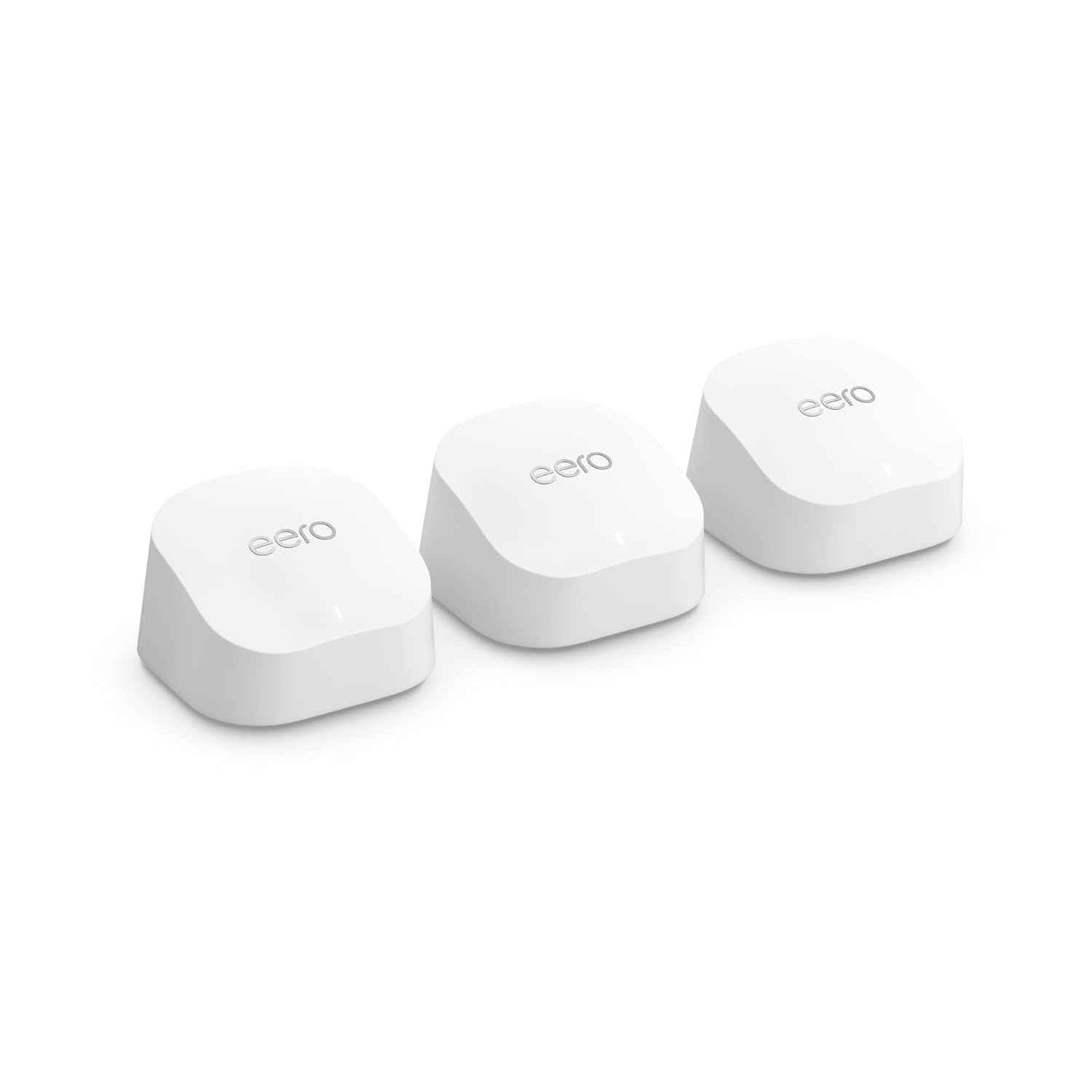
Image: Three eero 6+ devices, showcasing their compact and uniform design.
2. Panduan Persediaan
Setting up your eero 6+ system is designed to be quick and straightforward using the eero app.
2.1 Apa yang ada di dalam Kotak
- eero 6+ devices (3-pack)
- Power adapters for each eero device
- Kabel Ethernet
- Panduan Mula Pantas
2.2 Keperluan
- Supported iOS or Android device (for the eero app)
- Internet service (with cable or DSL modem, if required by your ISP)
2.3 Langkah Pemasangan
Muat turun Apl eero: On your mobile device, download the eero app from the App Store (iOS) or Google Play Store (Android).
Sambungkan eero Pertama: Disconnect your existing router and connect one eero 6+ device to your modem using the provided Ethernet cable. Plug in the power adapter.
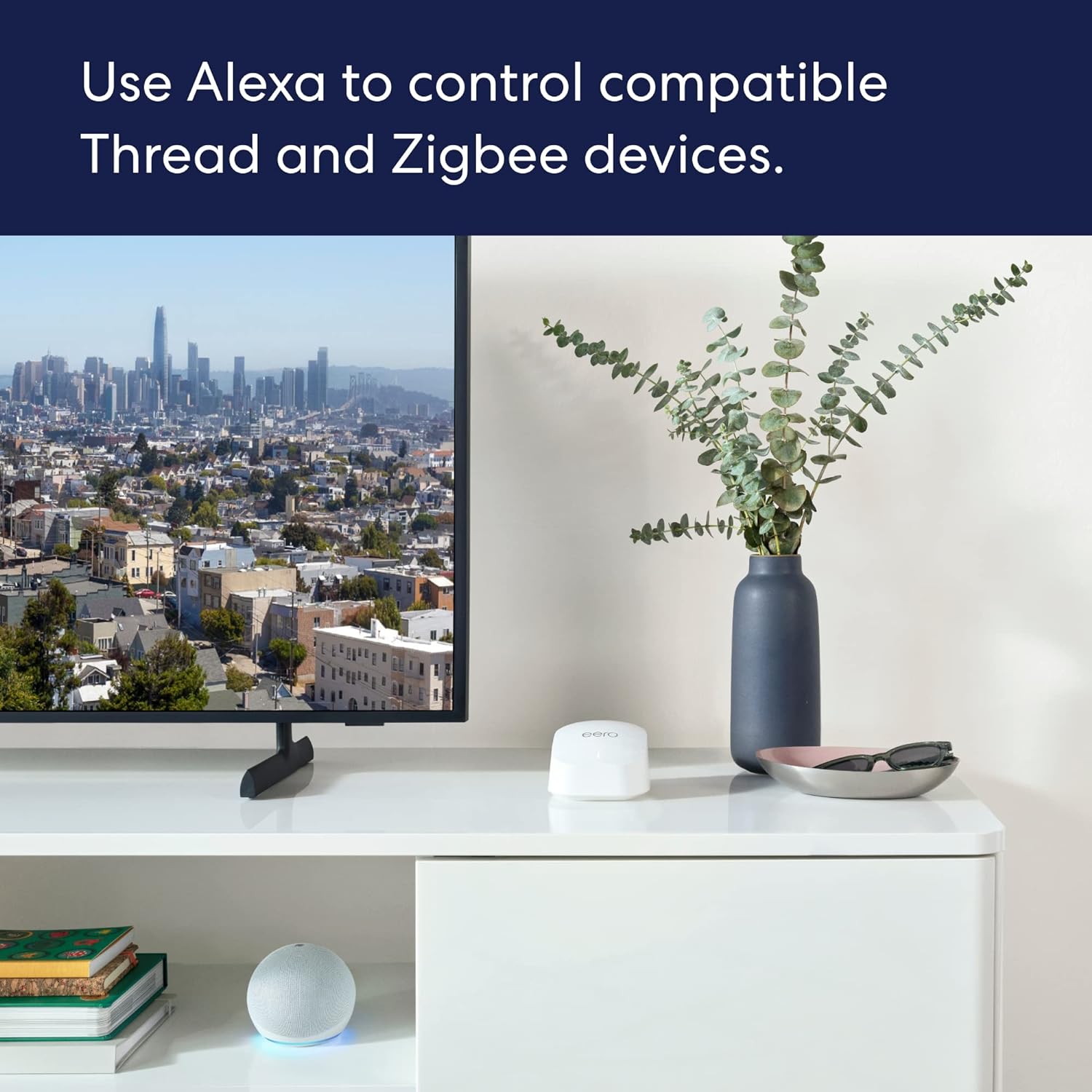
Image: A person using the eero app on a smartphone to set up an eero device on a desk.
Ikut Arahan Dalam Apl: Buka aplikasi eero dan ikuti arahan pada skrin untuk membuat akaun eero anda dan menyediakan peranti eero pertama anda. Aplikasi ini akan membimbing anda melalui penamaan rangkaian anda dan menetapkan kata laluan.
Place Additional eero Devices: Once the first eero is set up, the app will guide you on where to place the additional eero devices to extend your Wi-Fi coverage. For optimal performance, place them strategically to cover your desired area, avoiding large electronics that may cause interference.

Image: An illustration demonstrating how multiple eero devices provide comprehensive Wi-Fi coverage across different rooms and floors of a house.
Sahkan Sambungan: The eero app will confirm when your network is successfully established and all eero devices are connected.
3. Operating Your eero 6+ System
3.1 Ciri-ciri Utama
- Kelajuan Gigabit: Supports internet plans up to a gigabit, providing fast connectivity for all your devices.
- Wi-Fi 6 (802.11ax): Utilizes Wi-Fi 6 dual-band concurrent 2:2 technology for improved bandwidth and efficiency, especially with 160 MHz radio channel support.
- eero TrueMesh: Patented technology intelligently routes traffic to minimize drop-offs and eliminate dead spots, ensuring reliable coverage.
- Hab Rumah Pintar: Built-in hub connects compatible Thread and Zigbee devices with Alexa, reducing the need for separate smart home hubs.
- Liputan meluas: A 3-pack system covers up to 4,500 sq ft and can connect 75+ devices simultaneously.
3.2 Managing Your Network with the eero App
The eero app is your central control panel for your mesh network.
- View Peranti Bersambung: Lihat semua peranti yang disambungkan ke rangkaian anda, kekuatan isyaratnya dan penggunaan data.
- Buat Profiles: Manage internet access for specific family members or devices.
- Rangkaian Tetamu: Easily set up a separate network for guests.
- Kawalan Ibu Bapa: (Requires eero Plus subscription) Filter content and pause internet access.
- Keselamatan Rangkaian: Pantau aktiviti rangkaian dan terima makluman keselamatan.
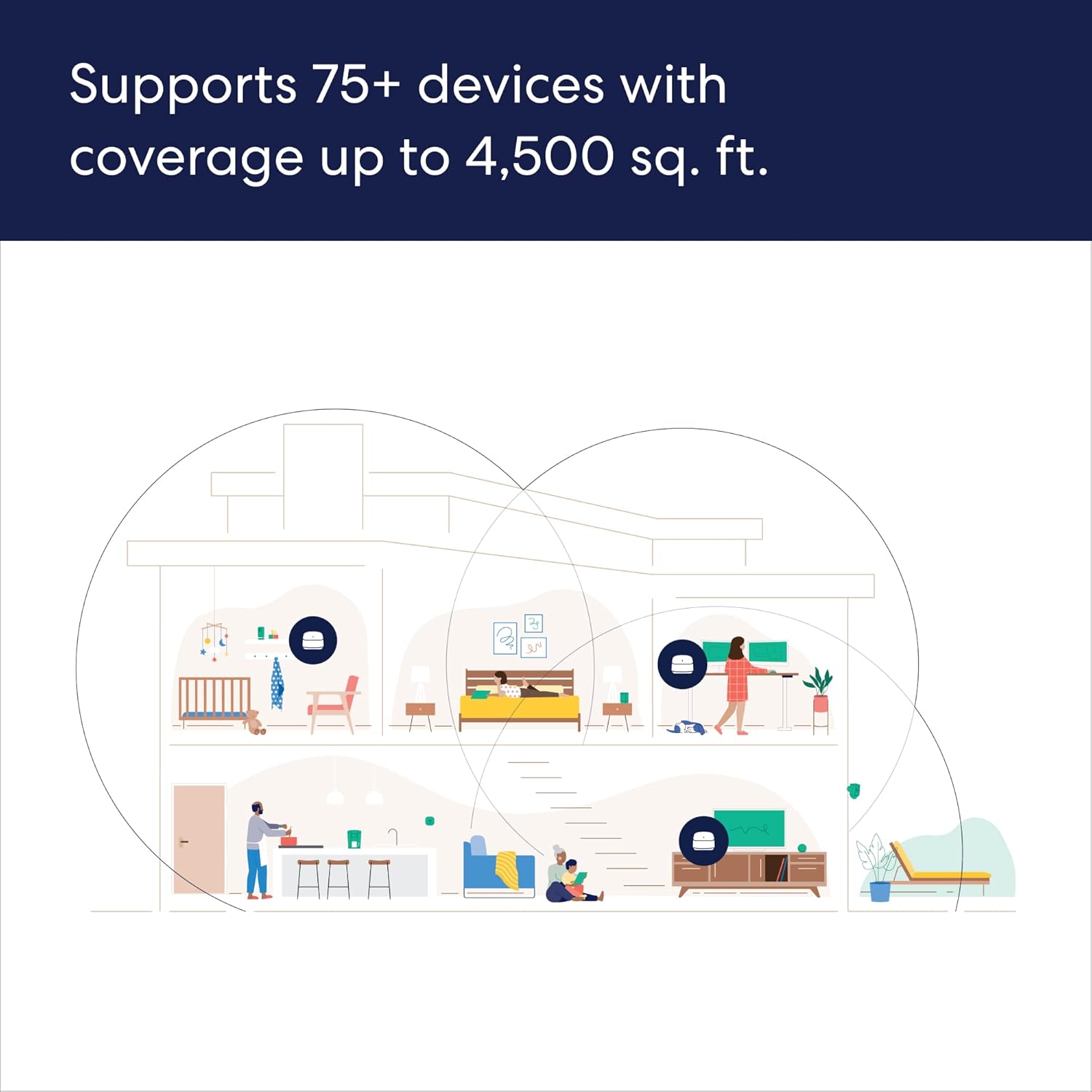
Image: Screenshot of the eero app displaying a list of connected devices and user profiles.
3.3 Integrasi Rumah Pintar
The eero 6+ includes a built-in smart home hub, allowing seamless integration with compatible Thread and Zigbee devices.
- Integrasi Alexa: Link your Amazon account to control smart home devices using Alexa voice commands.
- Persediaan Ringkas: Use Amazon Frustration Free Setup for compatible devices.
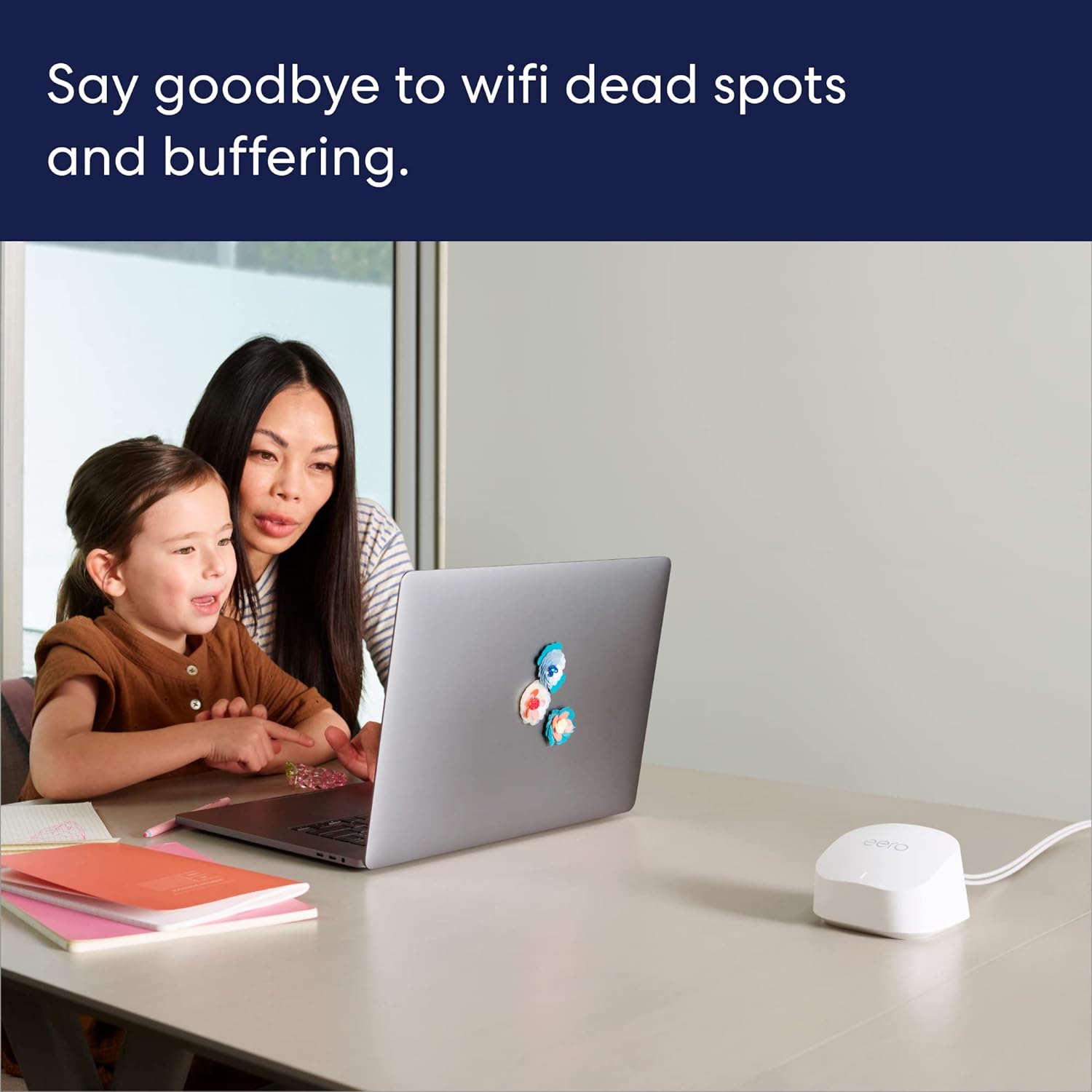
Image: An eero device positioned on a media console next to a television and an Amazon Echo Dot, illustrating smart home connectivity.
4. Penyelenggaraan
Your eero 6+ system is designed to be low-maintenance, with automatic updates ensuring optimal performance and security.
4.1 Automatic Software Updates
eero devices receive automatic software security updates to keep your network safe and secure. These updates are delivered over the air and typically occur during off-peak hours to minimize disruption.
4.2 Cleaning Your eero Devices
To clean your eero devices, gently wipe them with a soft, dry cloth. Do not use liquid cleaners or aerosols.
5. Penyelesaian masalah
If you encounter issues with your eero 6+ system, consider the following common solutions:
- Tiada sambungan internet:
- Semak sama ada modem anda berfungsi dengan betul.
- Ensure the Ethernet cable between your modem and the primary eero is securely connected.
- Restart your modem and then your primary eero device.
- Slow Speeds or Dead Spots:
- Review the placement of your eero devices using the eero app's signal strength indicator. Try repositioning them for better coverage.
- Ensure eero devices are not placed near large electronic appliances or metal objects that can cause interference.
- If using older MoCA adapters, ensure they are compatible and not limiting your network speed. Upgrade to 2.5v MoCA adapters if necessary.
- Peranti Tidak Bersambung:
- Ensure the device's Wi-Fi is enabled and it is attempting to connect to the correct eero network.
- Mulakan semula peranti yang bermasalah.
- If the issue persists, try restarting the nearest eero device.
- Isu Apl:
- Ensure your eero app is updated to the latest version.
- Cuba tutup paksa dan buka semula aplikasi.
- Mulakan semula peranti mudah alih anda.
For more detailed troubleshooting or persistent issues, refer to the eero support webtapak atau hubungi sokongan pelanggan.
6. Spesifikasi
| Ciri | Perincian |
|---|---|
| Liputan Wifi | Covers up to 4,500 sq ft (3-pack) |
| taip | Router (connects to modem as primary router) |
| Kelajuan yang disokong | Supports ISP plans up to a gigabit |
| Sambungan Wi-Fi | Wi-Fi 6 dual-band concurrent 2:2 (802.11ax); compatible with older wifi standards |
| Kesambungan berwayar | Two auto-sensing gigabit Ethernet ports per eero device |
| Kedudukan kelajuan | AX3000 |
| Sambungan rumah pintar | Works with Alexa, Amazon Frustration Free Setup, 802.15.4 radio (Zigbee, Thread), Bluetooth Low Energy 5.0. |
| Penilaian Elektrik | 100-240V AC, 50-60 Hz |
| Pemproses, memori dan storan | 1 GHz dual-core processor, 512MB RAM, 4GB flash storage |
| Keselamatan dan perkhidmatan rangkaian | Profiles, WPA3 (eero Labs feature), WPA2, TLS v1.2+, VPN passthrough, IPv6, NAT, UPnP, port forwarding, DHCP, static IP, and cloud connectivity. |
| Penilaian Suhu | Operasi: 0°C-40°C; Penyimpanan: -25°C-60°C; Kelembapan operasi: 0%-90%, tidak pemeluwapan; Ketinggian operasi: <3000m |
| Dimensi | 3.9 in x 3.8 in x 2.6 in (99.4 mm x 97 mm x 65.8 mm) per eero device |
Note: Actual size and weight may vary by manufacturing process. Combining eero 6+ devices with older generation eero devices on the same network may result in reduced performance across the network.
7. Waranti dan Sokongan
7.1 Maklumat Waranti
Your eero 6+ Mesh WiFi System comes with a Waranti terhad 1 tahun. Sila simpan bukti pembelian anda untuk tuntutan waranti.
7.2 Sokongan Pelanggan
For any questions or assistance, eero provides world-class customer support:
- telefon: +1-877-659-2347 (AS)
- e-mel: support@eero.com
- Sumber Dalam Talian: melawat support.eero.com for FAQs, guides, and community forums.
Sokongan pelanggan percuma tersedia 7 hari seminggu.


