1. Pengenalan
The COMPUTHERM T-32 room thermostat is designed for controlling most boilers and air conditioners available in the EU. It can be easily connected to any gas boiler with a two-wire thermostatic connection point, and to all air conditioning systems or electrical appliances, whether they have a 24V or 230V control circuit.
This digital thermostat allows for more precise temperature measurement and adjustment compared to traditional thermostats. It helps reduce energy costs while maintaining comfort by regulating the connected appliance (e.g., a gas boiler or pump) based on the measured and set temperatures.
Ciri-ciri Utama:
- Kawalan Suhu Tepat: Easily set desired temperature between 5°C and 30°C in 0.5°C increments.
- Constant Indoor Temperature: Switching sensitivity of ±0.2°C or 0.1°C ensures a uniform and stable room temperature.
- Keserasian Serbaguna: Suitable for boilers with a two-wire connection and various HVAC systems (24V or 230V).
- Mod Pemanasan dan Penyejukan: Supports both heating and cooling functions.
- Paparan Digital: Provides clear and accurate temperature readings.
2. Persediaan dan Pemasangan
Penting: Peranti mesti dipasang oleh orang yang kompeten.
2.1 Kandungan Pakej
Sahkan bahawa semua komponen hadir:
- 1x COMPUTHERM T-32 Digital Room Thermostat
- 2x Bateri AAA
- Perkakasan pemasangan (skru dan palam dinding)

Figure 1: Package contents including the thermostat, batteries, and mounting hardware.
2.2 Pemasangan Bateri
- Carefully remove the back cover of the thermostat.
- Masukkan dua bateri AAA ke dalam petak bateri, pastikan kekutuban (+/-) yang betul.
- Pasang semula penutup belakang.
2.3 Pemasangan dan Pendawaian
The thermostat is designed for wall mounting in a room. Choose a location away from direct sunlight, drafts, or heat sources that could affect temperature readings.
- Separate the front panel from the back plate.
- Mark the desired mounting position on the wall.
- Gerudi lubang dan masukkan palam dinding.
- Secure the back plate to the wall using the provided screws.
- Connect the two-wire control circuit from your boiler or HVAC system to the terminals on the back plate. Refer to the wiring diagram on the back of the thermostat for correct connections.
- Carefully reattach the front panel to the back plate.

Rajah 2: Belakang view of the thermostat with wiring terminals and battery compartment details.
3. Operasi
3.1 Paparan Terlaluview
The digital display shows the current room temperature and the set desired temperature. The thermostat features three control buttons below the display.

Rajah 3: Depan view of the COMPUTHERM T-32 thermostat with its digital display and three control buttons.
3.2 Setting the Desired Temperature
Use the temperature control buttons (typically marked with up and down arrows or similar symbols) to adjust the desired temperature. Each press changes the temperature by 0.5°C within a range of 5°C to 30°C.
- Tekan ke Anak panah atas butang untuk meningkatkan suhu yang dikehendaki.
- Tekan ke Anak panah ke bawah butang untuk menurunkan suhu yang dikehendaki.
The thermostat will automatically regulate the connected heating or cooling appliance to maintain the set temperature within its switching sensitivity of ±0.2°C.
3.3 Heating Mode Operation
In heating mode, if the measured room temperature falls below the set temperature minus the switching sensitivity (e.g., 22°C - 0.2°C = 21.8°C), the thermostat will activate the heating appliance. It will deactivate the heating when the room temperature rises above the set temperature plus the switching sensitivity (e.g., 22°C + 0.2°C = 22.2°C).
3.4 Cooling Mode Operation
In cooling mode, the operation is reversed. If the measured room temperature rises above the set temperature plus the switching sensitivity, the thermostat will activate the cooling appliance. It will deactivate cooling when the room temperature falls below the set temperature minus the switching sensitivity.
Note: After a temperature change using the thermostat's adjustment buttons, the switching sensitivity is temporarily not considered, allowing the thermostat to react to a difference of ±0.1°C for immediate response.
4. Penyelenggaraan
- Pembersihan: Wipe the thermostat with a soft, dry cloth. Do not use abrasive cleaners or solvents.
- Penggantian Bateri: Gantikan bateri apabila penunjuk bateri rendah muncul pada paparan. Sentiasa gunakan bateri alkali AAA yang baharu.
- Elakkan halangan: Ensure no objects block the thermostat's ventilation slots or sensor, as this can affect temperature accuracy.
5. Penyelesaian masalah
| Masalah | Kemungkinan Punca | Penyelesaian |
|---|---|---|
| Paparan termostat kosong. | Bateri mati atau tidak dipasang dengan betul. | Gantikan bateri, pastikan polariti yang betul. |
| Sistem Pemanasan/Penyejukan tidak bertindak balas. | Incorrect wiring; system power off; thermostat in wrong mode. | Check wiring connections (consult a professional); ensure system power is on; verify thermostat is set to appropriate mode (heating/cooling). |
| Bacaan suhu tidak tepat. | Termostat terletak berhampiran sumber haba/draf; sensor tersumbat. | Relocate thermostat if possible; ensure no obstructions around the sensor. |
| Temperature fluctuates too much. | High switching sensitivity setting (not applicable for T-32 as it's fixed). | The T-32 has a fixed sensitivity of ±0.2°C. Ensure proper placement and insulation of the room. |
6. Spesifikasi
- model: T32
- Sumber Kuasa: 2x AAA 1.5V Alkaline Batteries (included)
- Kawalan Voltage: 24V AC atau 230V AC
- Kapasiti Muatan: 8 Amperes
- Julat Pengukuran Suhu: 5°C hingga 30°C
- Julat Penetapan Suhu: 5°C hingga 30°C
- Temperature Setting Increment: 0.5°C
- Sensitiviti Bertukar: ±0.2°C (or ±0.1°C after manual adjustment)
- Dimensi (L x W x H): 8.5 x 8.5 x 2.8 cm
- Berat: 160 gram
- Ketersambungan: berwayar
- warna: putih


Figure 4: Dimensions of the COMPUTHERM T-32 thermostat.
7. Waranti
The COMPUTHERM T-32 Digital Room Thermostat comes with a Waranti pengilang selama 5 tahun. Sila simpan bukti pembelian anda untuk tuntutan waranti. Waranti melindungi kecacatan pada bahan dan mutu kerja di bawah penggunaan biasa.
8. Sokongan
For further assistance or if you encounter issues not covered in this manual, please refer to the official COMPUTHERM website or contact your retailer. Always ensure that any electrical work is performed by a qualified professional.
Untuk maklumat lanjut, anda boleh melawati pengilang webtapak: www.calorsol.de
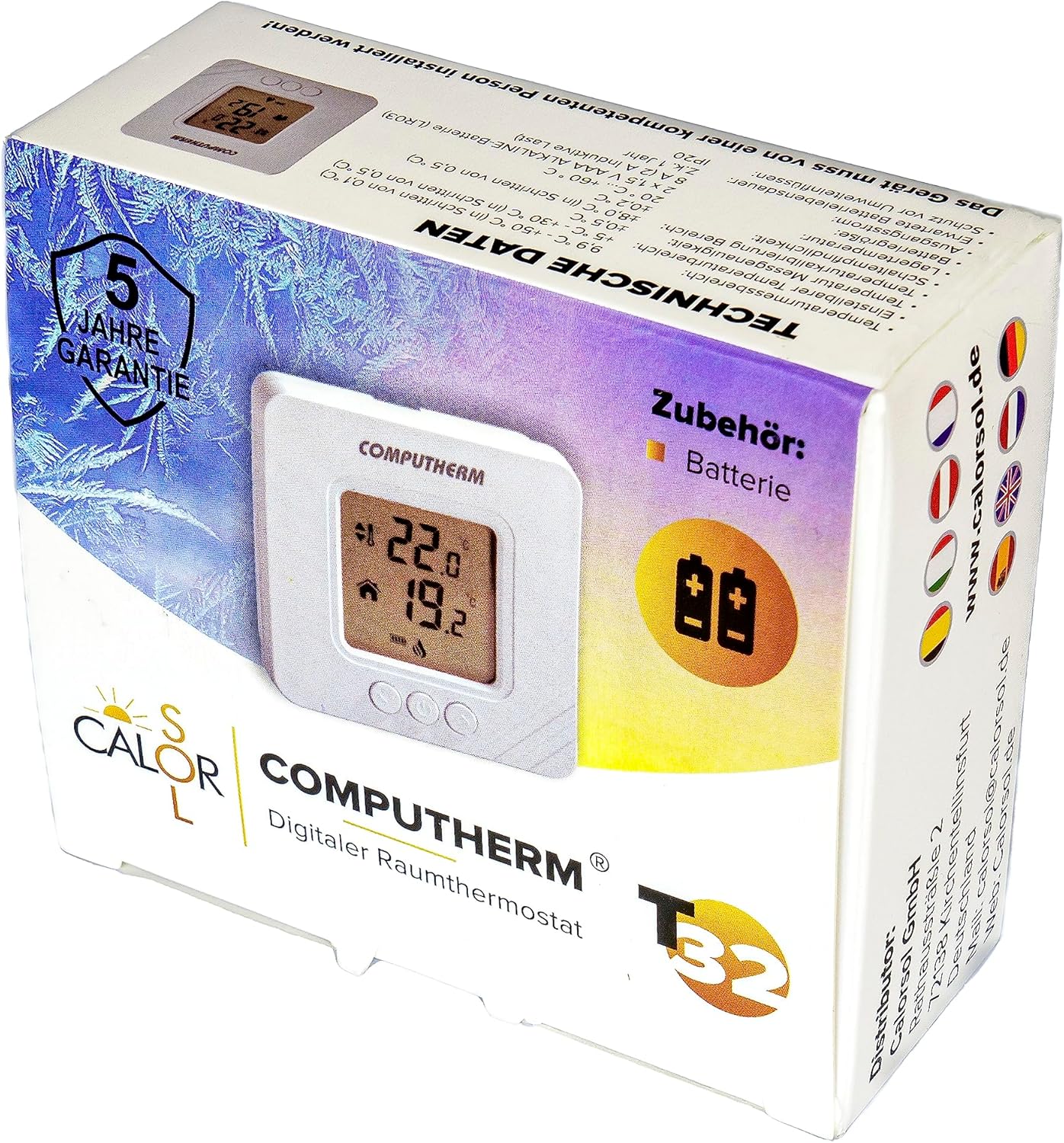
Figure 5: Product packaging displaying warranty information and technical data.


