1. Pengenalan
This manual provides detailed instructions for the installation, operation, and maintenance of your Mars Gaming MC500 ATX PC Case. Please read this guide thoroughly before beginning assembly or use to ensure proper functionality and safety. The MC500 is designed for high-performance computing, featuring exceptional cooling capabilities and a stylish FRGB lighting system.

Figure 1: Mars Gaming MC500 PC Case with tempered glass design.
2. Kandungan Pakej
Sahkan bahawa semua komponen terdapat dalam pakej:
- Mars Gaming MC500 ATX PC Case
- Accessory box (screws, standoffs, cable ties)
- Manual Pengguna (dokumen ini)
3. Persediaan dan Pemasangan
Follow these steps for proper assembly of your PC components within the MC500 case.
3.1 Menyediakan Kes
- Keluarkan sarung dengan berhati-hati dari bungkusannya.
- Letakkan bekas di atas permukaan yang stabil dan rata.
- Remove the tempered glass side panel by unscrewing the thumb screws at the rear of the case.
3.2 Pemasangan Motherboard
- Install the I/O shield into the motherboard tray opening.
- Align the motherboard with the pre-installed standoffs. Ensure the standoffs match your motherboard's form factor (ATX, Micro-ATX, Mini-ITX).
- Selamatkan papan induk dengan skru yang disediakan.
3.3 Pemasangan Pemacu Storan
The MC500 supports up to 4 x 2.5" SSDs or 2 x 3.5" HDDs.
- For 2.5" SSDs: Locate the dedicated mounting points on the motherboard tray or drive cages. Secure the SSDs with screws.
- For 3.5" HDDs: Utilize the drive cages located in the dual chamber design. Slide the HDDs into the trays and secure them.

Figure 2: Internal layout showing storage drive mounting locations.
3.4 Pemasangan Unit Bekalan Kuasa (PSU)
- Install the PSU into the dedicated compartment at the bottom rear of the case.
- Selamatkan PSU dengan skru dari belakang kes itu.
3.5 Pemasangan Kad Grafik dan Kad Pengembangan
- Tanggalkan penutup slot PCIe yang diperlukan dari belakang kes itu.
- Insert your graphics card or other expansion cards into the appropriate PCIe slots on the motherboard.
- Selamatkan kad dengan skru.
3.6 Pengurusan Kabel
Gunakan potongan penghalaan kabel dan titik pengikat di belakang dulang papan induk untuk menguruskan kabel. Ini meningkatkan aliran udara dan estetika.
4. Arahan Operasi
4.1 Menghidupkan
After all components are installed and connected, close the side panel. Connect your monitor, keyboard, mouse, and power cable. Press the power button on the top I/O panel to start your system.
4.2 Operasi Kipas
The MC500 comes with two pre-installed 18cm XXL FRGB fans at the front, providing excellent airflow. These fans operate automatically once the system is powered on, drawing cool air into the case.
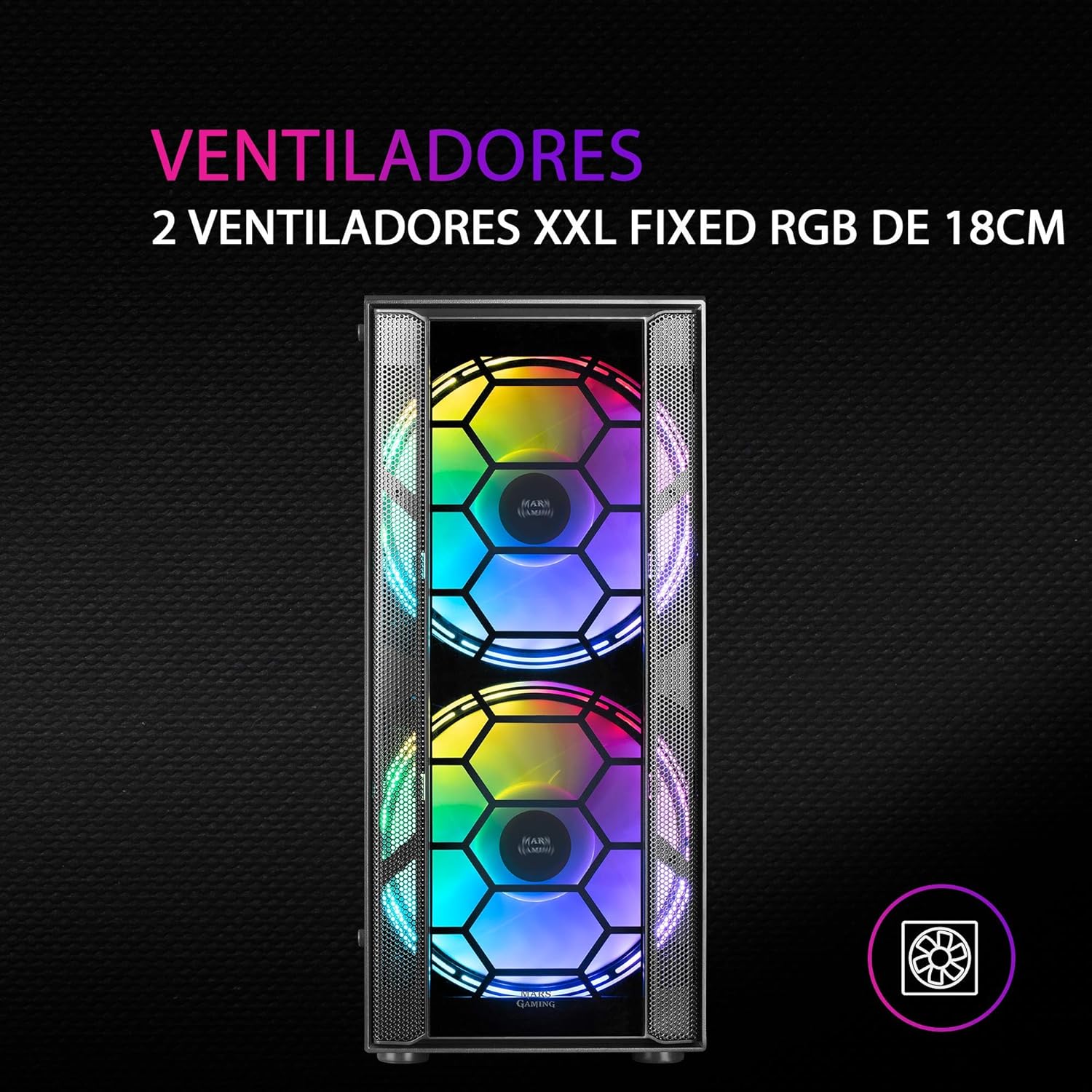
Rajah 3: Depan view highlighting the two 18cm XXL FRGB fans.
4.3 FRGB Lighting
The front fans feature Fixed RGB (FRGB) lighting. This lighting system provides a constant stream of colors and activates automatically when the fans receive power. No additional software or controller is required for its operation.
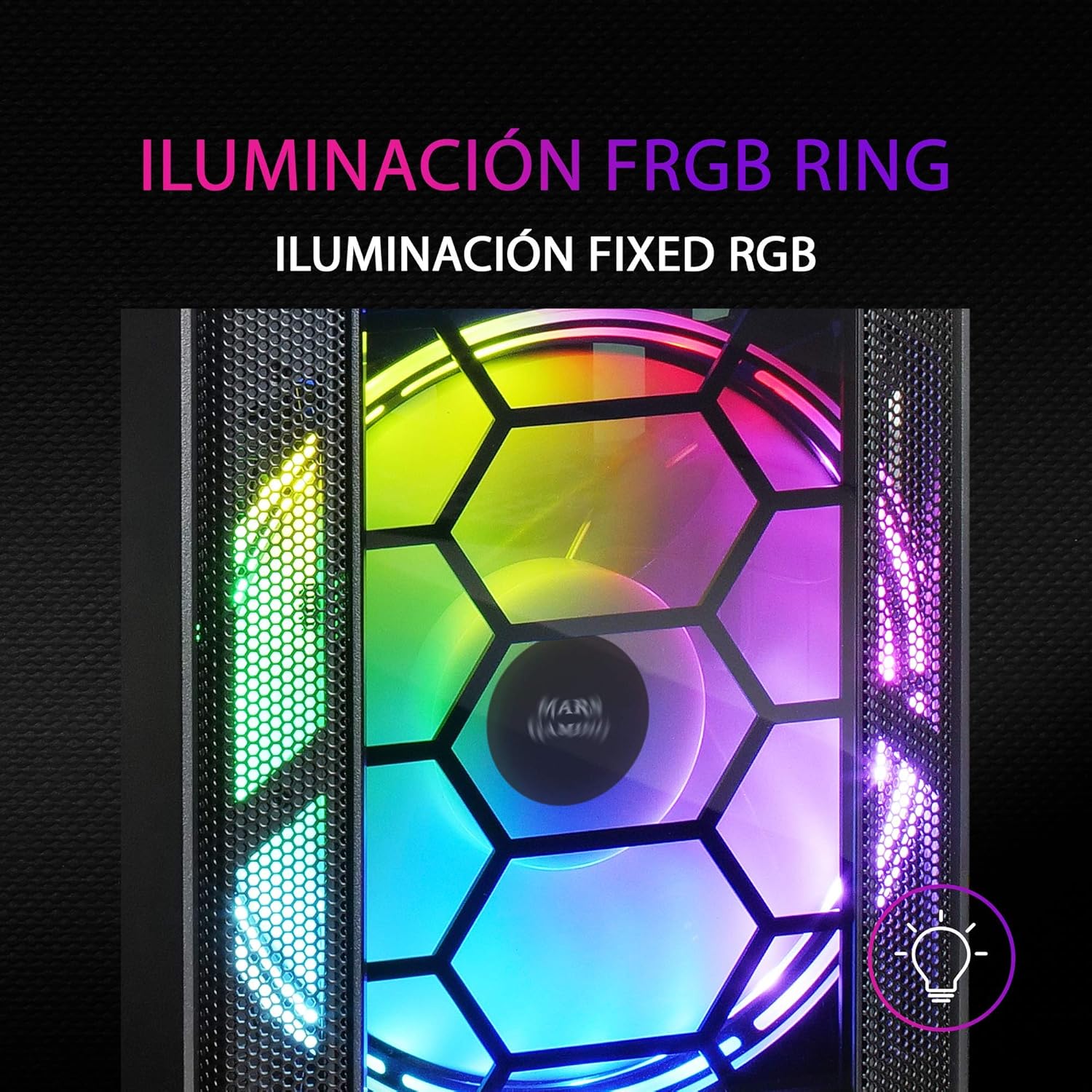
Figure 4: Detail of the FRGB ring lighting on the fans.
5. Penyelenggaraan
Regular maintenance ensures optimal performance and longevity of your PC case.
5.1 Pembersihan Penapis Habuk
The MC500 is equipped with two removable dust filters to prevent dust buildup inside the case. It is recommended to clean these filters periodically (e.g., monthly) depending on your environment.
- Matikan komputer anda dan putuskan sambungan kabel kuasa.
- Gently remove the dust filters (typically located on the top and bottom/front of the case).
- Clean the filters using compressed air or by rinsing them with water. If using water, ensure they are completely dry before re-installing.
- Re-install the dust filters.

Figure 5: Removable dust filter for easy cleaning.
5.2 Pembersihan Am
Lap bahagian luar bekas dengan lembut, damp cloth. Avoid using harsh chemicals or abrasive materials that could damage the finish or tempered glass.
6. Penyelesaian masalah
If you encounter issues with your MC500 PC case, consider the following common solutions:
- Sistem Tidak Dihidupkan: Ensure all power cables (24-pin ATX, 8-pin CPU, GPU power) are securely connected to the motherboard and components. Verify the PSU switch is in the 'ON' position. Check front panel header connections to the motherboard.
- Peminat Tidak Berputar: Confirm that the fan power cables are correctly connected to the motherboard fan headers or a fan controller. Check BIOS settings for fan speed control.
- FRGB Lighting Not Working: Since the FRGB lighting is fixed and powered by the fans, ensure the fans are spinning and receiving power.
- Aliran Udara yang Buruk/Terlalu Panas: Ensure all case fans are oriented correctly (intake/exhaust). Clean dust filters regularly. Verify no cables are obstructing airflow.
- Komponen longgar: If you hear rattling, check that all screws for the motherboard, drives, and expansion cards are tightened.
For persistent issues, consult the documentation for your individual PC components (motherboard, PSU, etc.) or contact Mars Gaming support.
7. Spesifikasi
| Ciri | Spesifikasi |
|---|---|
| Jenama | Permainan Mars |
| Model | MC500 |
| Dimensi Produk | 37.5 x 44.8 x 20.2 cm |
| Berat Barang | 5.1 kg |
| Faktor Bentuk | ATX |
| Keserasian Papan Induk | ATX, Micro ATX, Mini ITX |
| Jenis Kes | Menara |
| bahan | kaca |
| Termasuk Peminat | 2 x 18cm XXL FRGB Fans (Front) |
| Sokongan Penyejuk Cecair | 240/120mm (Top), 120mm (Rear) |
| Ruang Simpanan | Up to 4 x 2.5" SSDs or 2 x 3.5" HDDs |
| Penapis Habuk | 2 (Removable) |
| warna | Hitam |
8. Waranti dan Sokongan
8.1 Maklumat Waranti
For detailed warranty information regarding your Mars Gaming MC500 PC Case, please refer to the official Mars Gaming weblaman web atau kad jaminan yang disertakan dengan pembelian anda. Terma dan syarat jaminan mungkin berbeza mengikut wilayah.
8.2 Sokongan Teknikal
If you require technical assistance or have questions not covered in this manual, please visit the official Mars Gaming support page or contact their customer service directly. Contact information can typically be found on their webtapak.


