1. Pengenalan
Thank you for choosing the MageGee G6 Wired Gaming Mouse. This ergonomic USB optical mouse is designed to enhance your gaming and work experience with its high precision sensor, adjustable speed levels, and vibrant LED backlighting. Please read this manual thoroughly to ensure proper setup and optimal performance.
2. Persediaan
2.1 Kandungan Pakej
- Tetikus Permainan Berwayar MageGee G6
- Manual Arahan
2.2 Keperluan Sistem
- Operating System: Windows 10, Windows 8, Windows 7, Windows XP, WinME, Vista, Linux, etc.
- Port USB yang ada
2.3 Menyambung Tetikus
- Cari port USB yang tersedia pada komputer anda (PC, Laptop atau Desktop).
- Plug the USB connector of the MageGee G6 mouse into the USB port.
- The mouse is plug-and-play; no additional drivers or software are required for basic functionality.
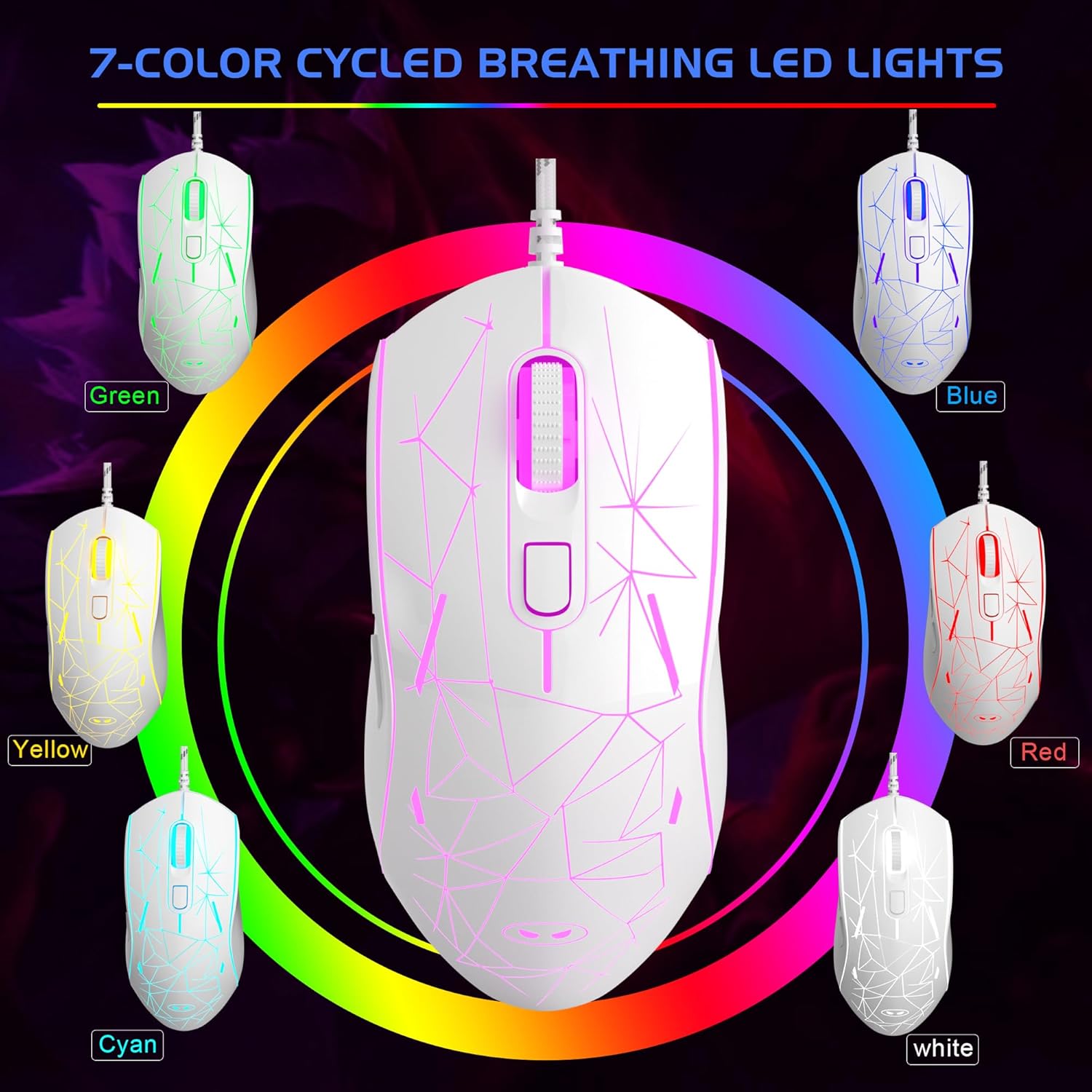
Image: The MageGee G6 Wired Gaming Mouse with its USB cable connected to a computer.
3. Arahan Operasi
3.1 Fungsi Butang
The MageGee G6 offers 6 flexible buttons for versatile control:
- Butang Kiri: Fungsi klik kiri standard.
- Butang Kanan: Fungsi klik kanan standard.
- Roda Tatal: Scrolls up/down, and acts as a middle-click button.
- Butang Kelajuan (Butang DPI): Adjusts the DPI (Dots Per Inch) sensitivity.
- Butang ke hadapan: Navigasi ke hadapan web pelayar atau aplikasi.
- Butang Belakang: Navigasi ke belakang web pelayar atau aplikasi.
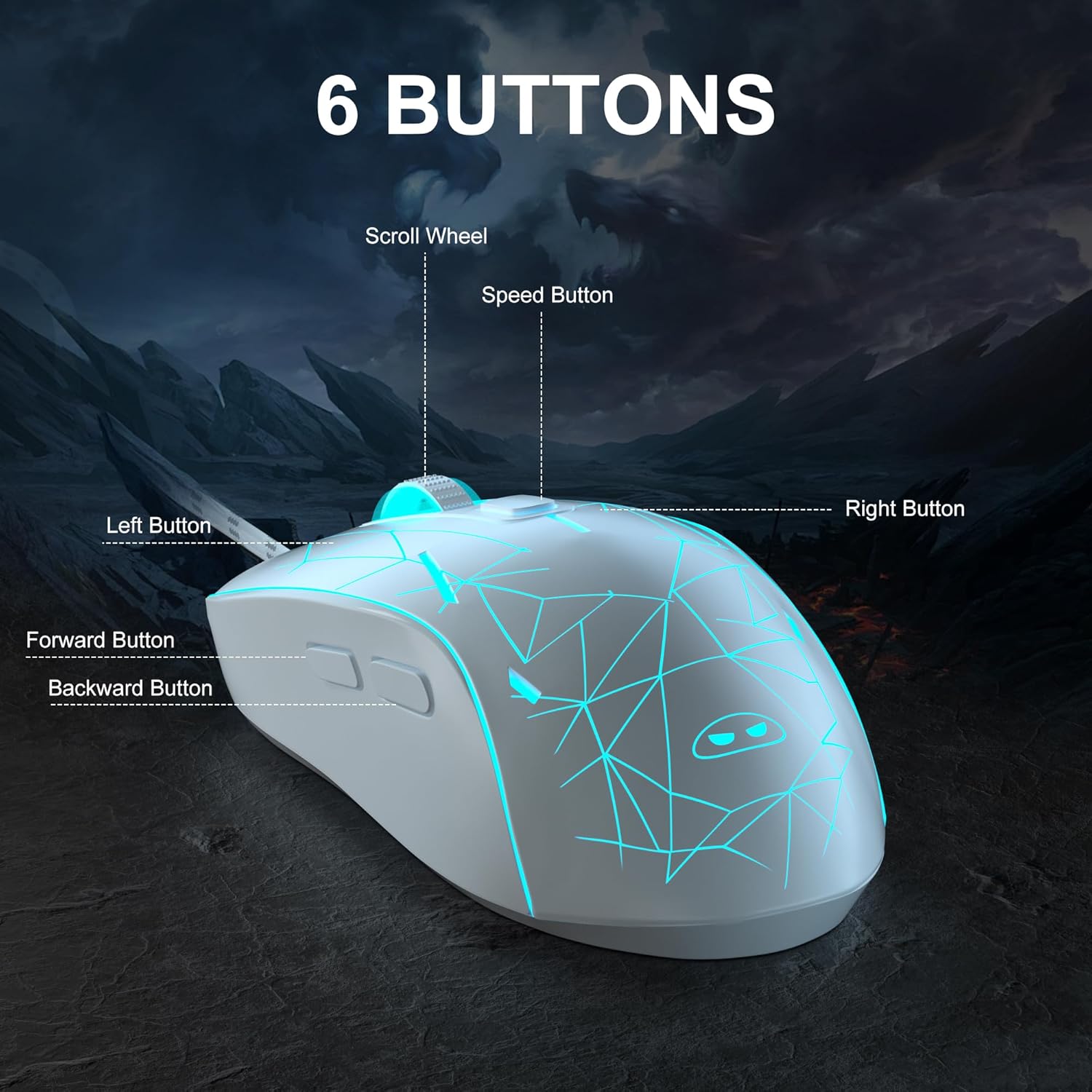
Imej: A terperinci view of the MageGee G6 mouse highlighting the Left, Right, Scroll Wheel, Speed, Forward, and Back buttons.
3.2 Adjusting DPI Speed Levels
The MageGee G6 offers 6 adjustable DPI speed levels for precise cursor control:
- 600 DPI
- 800 DPI
- 1200 DPI
- 1600 DPI
- 2400 DPI
- 3200 DPI
Tekan ke Butang Kelajuan (located below the scroll wheel) to cycle through the different DPI settings. Each press will change the sensitivity, allowing you to find the optimal speed for your tasks or games.
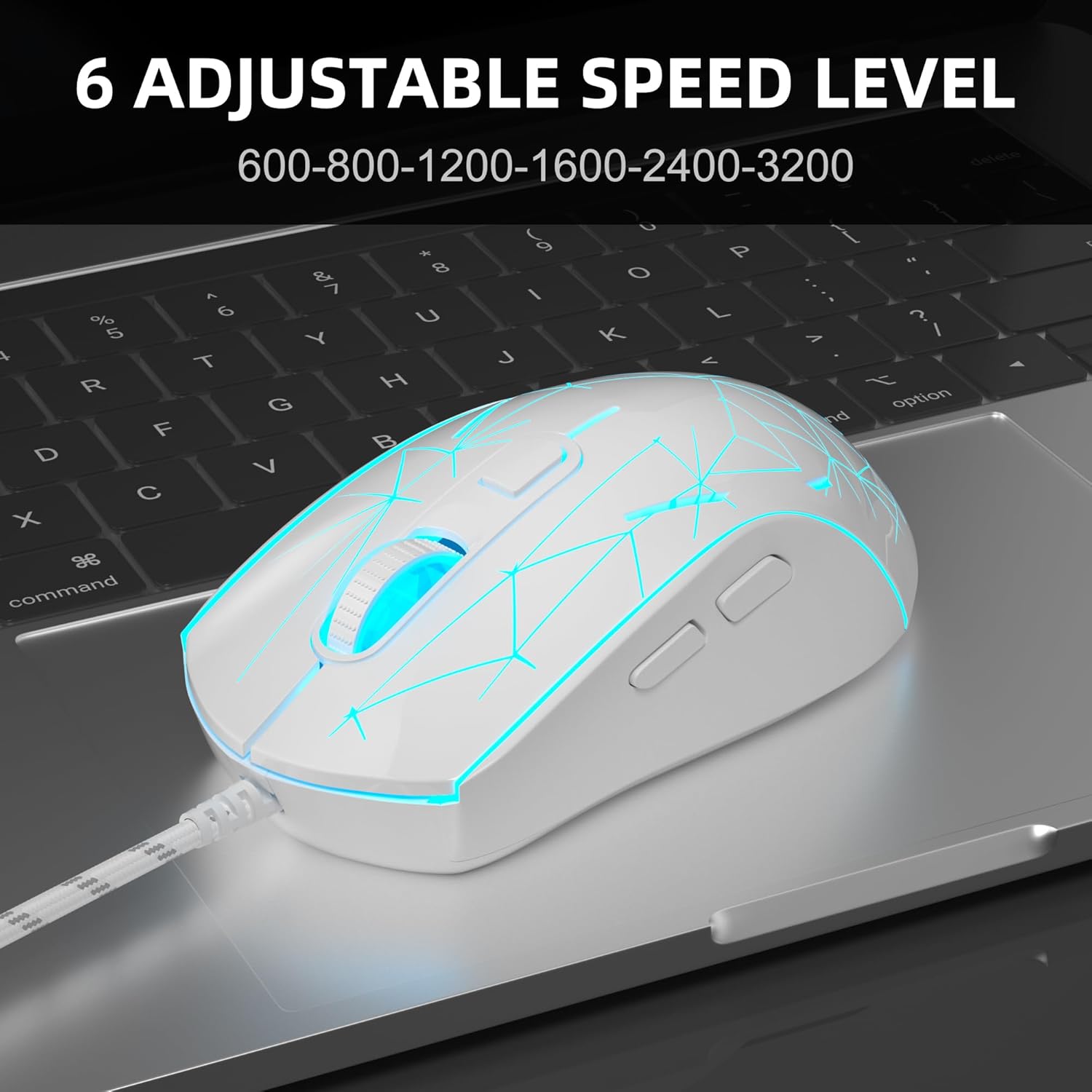
Image: The MageGee G6 mouse in use, demonstrating the adjustable DPI settings from 600 to 3200.
Kawalan Lampu Latar LED 3.3
The MageGee G6 features 7-color breathing LED backlighting. You can control the lighting as follows:
- Tukar Warna: Tekan ke Butang Kelajuan dan Butang Maju simultaneously to cycle through and lock a specific color.
- Hidupkan/Matikan Lampu: Tekan dan tahan butang Butang Kelajuan for 3 seconds to toggle the LED lights on or off.
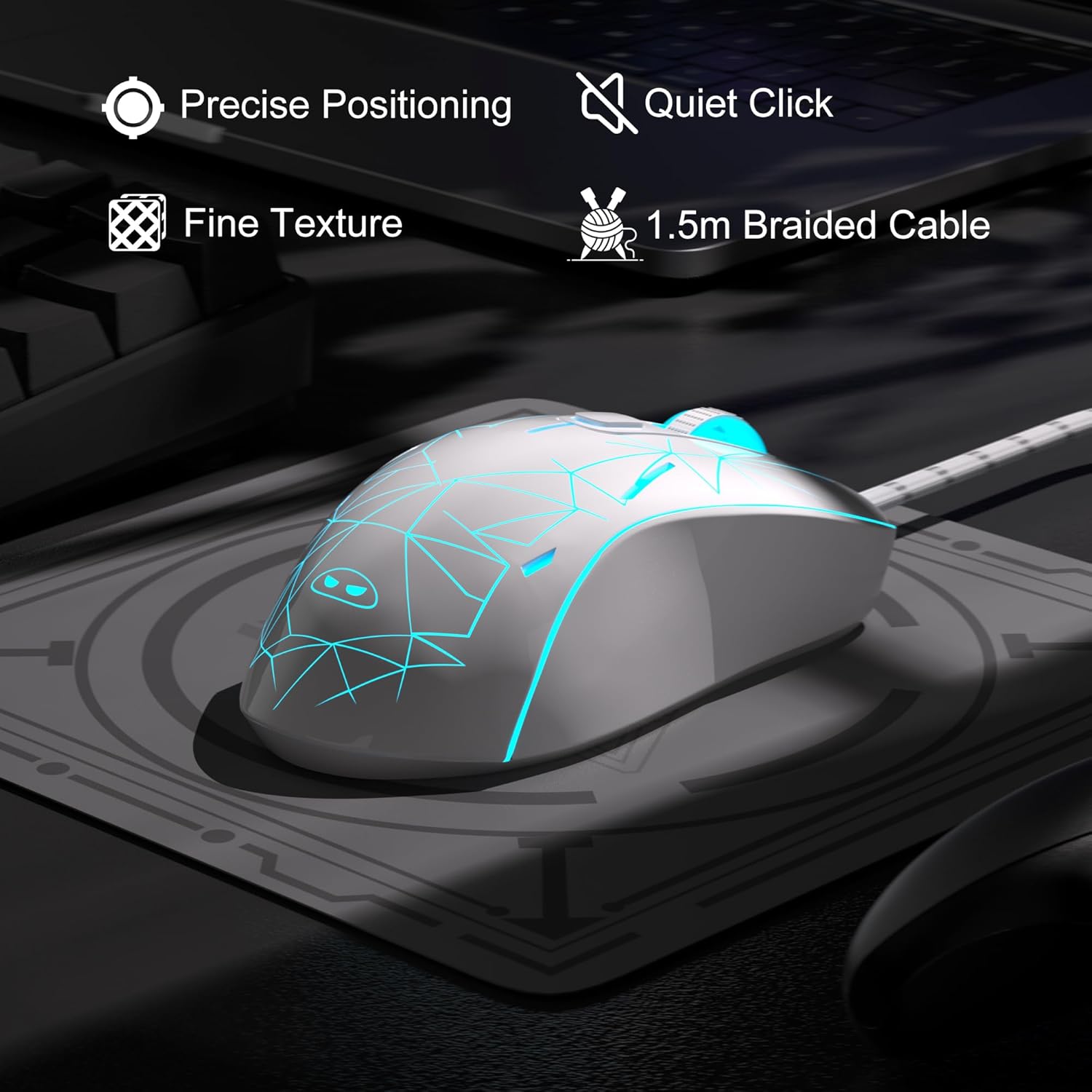
Image: The MageGee G6 mouse showcasing its 7-color breathing LED lights, including green, yellow, cyan, blue, red, and white.
4. Penyelenggaraan
- Pembersihan: Gunakan kain lembut dan kering untuk membersihkan tetikus. Elakkan menggunakan bahan kimia yang keras atau bahan yang melelas.
- Penjagaan Kabel: Do not pull or twist the braided USB cable excessively to prevent damage.
- Storan: Store the mouse in a dry place away from extreme temperatures.
5. Penyelesaian masalah
5.1 Tetikus Tidak Membalas
- Pastikan kabel USB dipasang dengan selamat ke dalam port USB yang berfungsi pada komputer anda.
- Cuba pasangkan tetikus ke port USB yang berbeza.
- Mulakan semula komputer anda.
5.2 Lampu LED Tidak Berfungsi
- Ensure the mouse is properly connected to your computer.
- Tekan dan tahan butang Butang Kelajuan for 3 seconds to toggle the LED lights on or off.
5.3 Pergerakan Kursor Tidak Menentu
- Bersihkan sensor optik di bahagian bawah tetikus dengan kain lembut.
- Pastikan anda menggunakan tetikus pada permukaan yang sesuai (cth, pad tetikus).
- Laraskan kepekaan DPI menggunakan Butang Kelajuan.
6. Spesifikasi
| Ciri | Perincian |
|---|---|
| Jenama | MageGee |
| Model | G6 |
| Teknologi Ketersambungan | USB, Berwayar |
| Teknologi Pengesanan Pergerakan | Optik |
| Tahap DPI | 600/800/1200/1600/2400/3200 (Adjustable) |
| Butang | 6 (Kiri, Kanan, Roda Skrol, Kelajuan, Ke Hadapan, Belakang) |
| LED lampu latar | 7 Colors Breathing LED (Blue, Red, Green, Purple, Cyan, Yellow, White) |
| Panjang Kabel | 1.5 meters (Durable Braided Cable) |
| Ergonomik | Ergonomic Design with Comfortable Grip |
| Keserasian | Windows 10, 8, 7, XP, WinME, Vista, Linux, PC, Laptop, Desktop |
| Berat Barang | 5.6 auns |
| Dimensi Pakej | 5.31 x 3.62 x 1.65 inci |
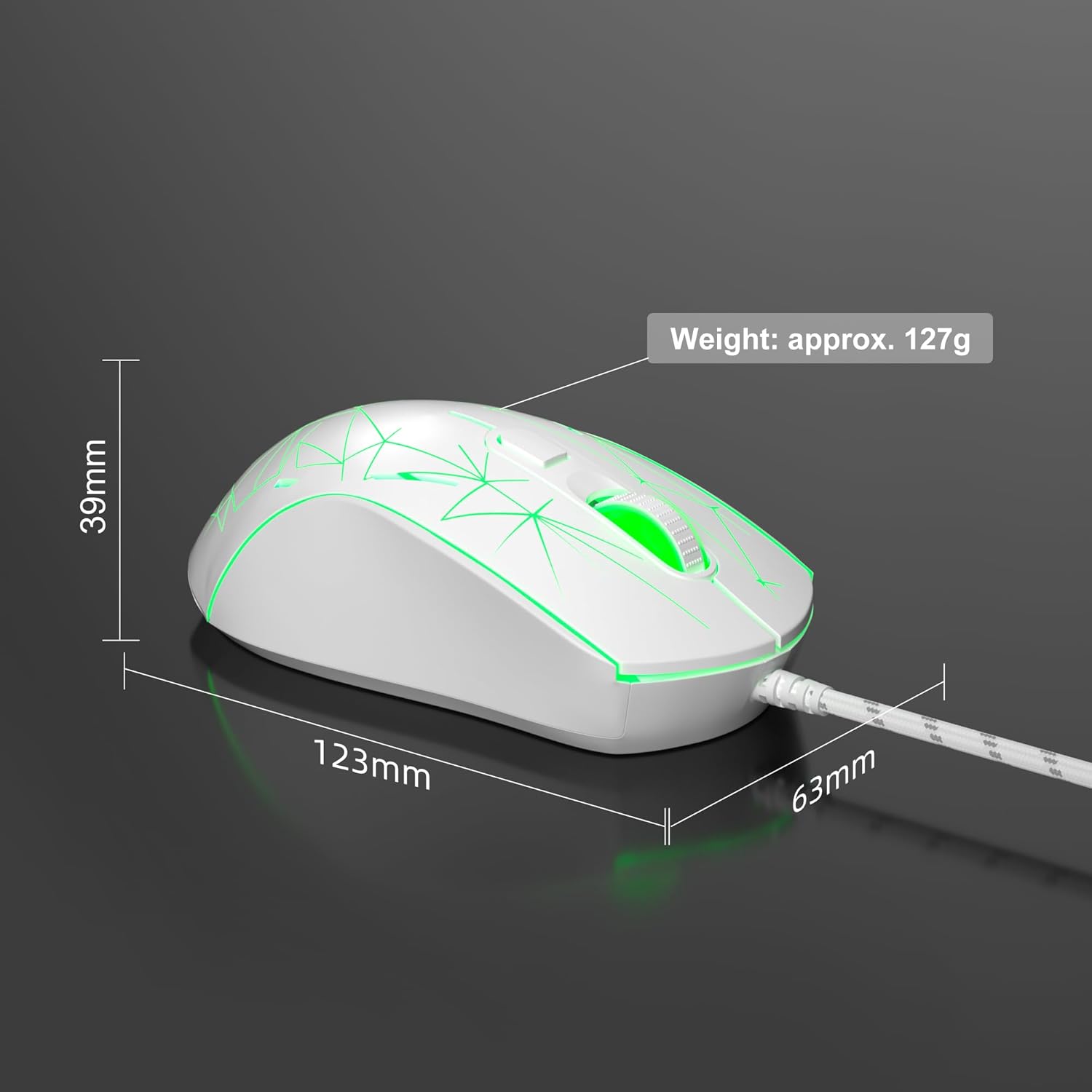
Image: Diagram illustrating the dimensions of the MageGee G6 Wired Gaming Mouse (123mm length, 63mm width, 39mm height, approx. 127g weight).
7. Waranti & Sokongan
For warranty information and customer support, please refer to the official MageGee webtapak atau hubungi peruncit anda. Simpan resit pembelian anda untuk tuntutan waranti.
MageGee is committed to technological and product innovation, providing quality computer peripherals. Our after-sales team is available to promptly respond and solve your problems.
Lawati Kedai MageGee untuk lebih banyak produk dan maklumat.


