1. Pengenalan
Welcome to the Keurig K-Mini Single Serve Coffee Maker. This compact and efficient brewer is designed to deliver a fresh, delicious cup of coffee with minimal counter space. This manual provides essential information for setting up, operating, maintaining, and troubleshooting your new coffee maker.

2. Maklumat Keselamatan
Please read all safety instructions before using your Keurig K-Mini coffee maker.
- Always use fresh, cold water in the reservoir.
- Do not immerse the brewer in water or other liquids.
- Ensure the brewer is placed on a stable, flat surface.
- Jauhkan daripada kanak-kanak.
- Unplug the brewer when not in use or before cleaning.
- Jangan kendalikan sebarang perkakas dengan kord atau palam yang rosak.
- Only use a plastic cup when brewing over ice to avoid glass breakage.
3. Persediaan dan Penggunaan Pertama
Follow these steps for initial setup and your first brew.
3.1 Membuka kotak dan Meletakkan
- Tanggalkan semua bahan pembungkusan dan pita daripada pembuat bir.
- Letakkan mesin bir tegak di atas permukaan yang stabil dan rata.
- The K-Mini is less than 5 inches wide, making it suitable for various spaces.
- The power cord is 26 inches long and features integrated cord storage at the back for a tidy countertop.

3.2 Initial Cleansing Brew
Before brewing your first cup of coffee, perform a cleansing brew to rinse the internal components.
- Palamkan pembuat bir ke dalam saluran keluar yang dibumikan.
- Letakkan mug besar (sekurang-kurangnya 10 oz) di atas dulang titisan.
- Angkat pemegang bir.
- Pour fresh water into the reservoir (6-12 oz). Do not insert a K-Cup pod.
- Turunkan pemegang.
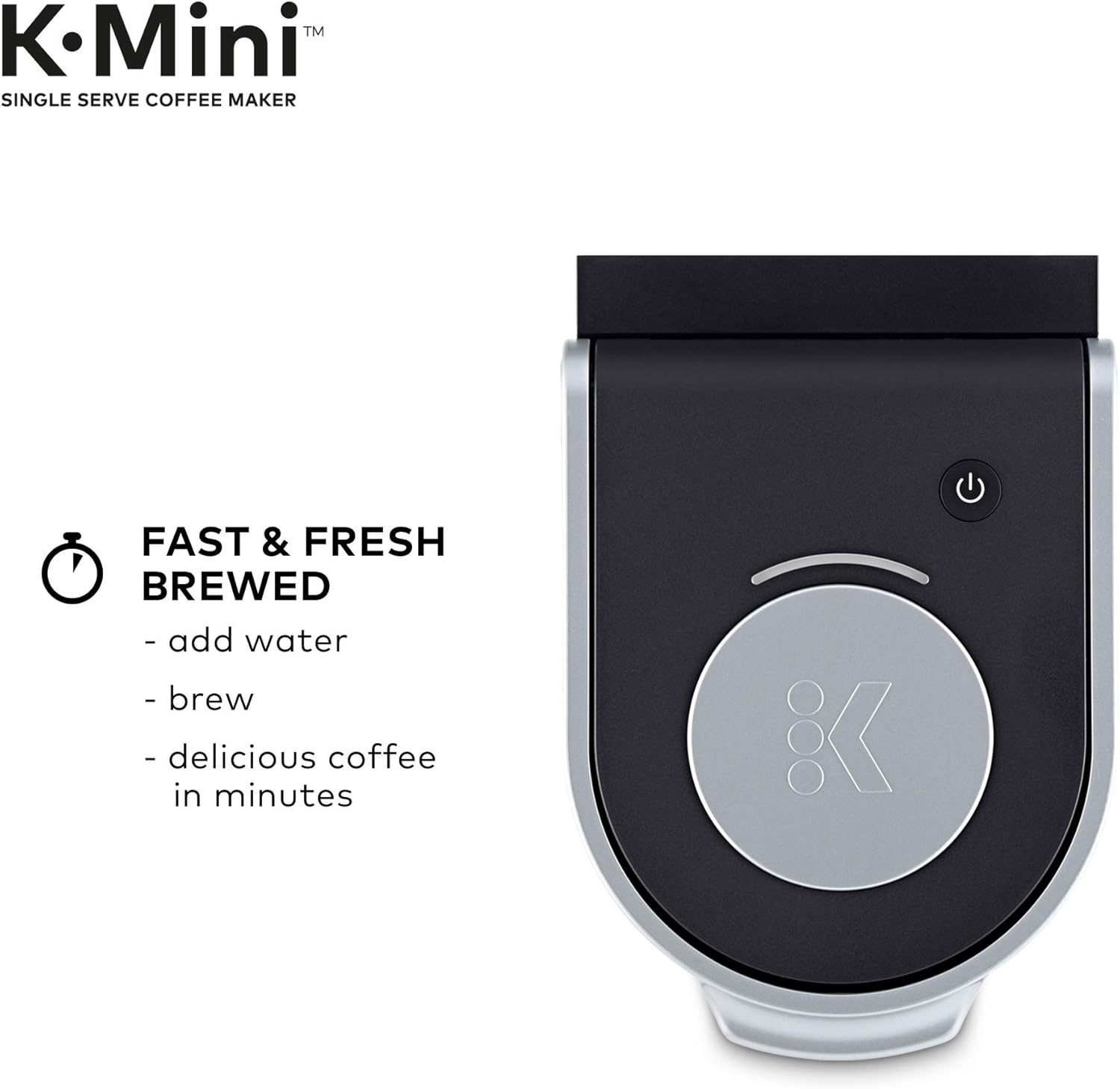
- Press the brew button. The brew button will flash, then illuminate steadily as the water heats. Once heated, the brew will begin.
- Discard the hot water. The one-time setup process is now complete.
Penting: The cleansing brew is essential for proper machine function and to ensure optimal taste for your first coffee.
4. Arahan Operasi
Brewing a perfect cup with your K-Mini is simple.
- Tambah Air: Lift the reservoir lid and pour fresh water into the reservoir. The K-Mini features a single-cup reservoir, so add water for each brew. You can brew any cup size between 6-12 oz.
- Masukkan Pod: Angkat pemegang pembuat bir dan letakkan pod K-Cup ke dalam pemegang pod K-Cup. Turunkan pemegang sepenuhnya untuk menutup penutupnya.
- Tempat Mug: Letakkan mug di atas dulang titisan. Untuk mug perjalanan, tanggalkan dulang titisan untuk memuatkan mug sehingga 7.0 inci tinggi.
- brew: Press the brew button. The button will flash while heating and then illuminate steadily. Your coffee will begin brewing shortly.
- Nikmati: Once brewing is complete, remove and enjoy your fresh coffee.


Video: Keurig K-Mini Coffee Maker Overview
This video provides a visual guide to the features and basic operation of the Keurig K-Mini Coffee Maker.
5. Penyelenggaraan
Regular cleaning and maintenance will ensure your Keurig K-Mini continues to perform optimally.
5.1 Membersihkan Bahagian Luar
- Lap bahagian luar dengan iklanamp, kain sabun.
- Dry thoroughly with a soft, non-abrasive cloth.
- Jangan gunakan pembersih yang melelas atau pad penyental.
5.2 Membersihkan Dulang Titisan
- The drip tray can accumulate spills. Remove it and wash with warm, soapy water.
- Bilas dengan teliti dan keringkan.
5.3 Penyahkelasan
Over time, calcium deposits (scale) can build up in your brewer. Descaling helps remove these deposits.
- Matikan dan cabut plag pembuat bir.
- Pour 10 oz of white vinegar into the water reservoir.
- Letakkan cawan besar di dulang titisan.
- Plug in and turn on the brewer.
- Perform a cleansing brew (without a K-Cup pod).
- Repeat the cleansing brew process with fresh water until the vinegar smell is gone.
- For detailed descaling instructions, refer to the full Keurig descaling guide on the official Keurig webtapak.
6. Penyelesaian masalah
If you encounter issues with your Keurig K-Mini, try these common solutions.
| Masalah | Kemungkinan Punca | Penyelesaian |
|---|---|---|
| Brewer tidak menyala | Tidak dipasang, kuasa outage. | Ensure the brewer is securely plugged into a grounded outlet. Check circuit breaker. |
| No water dispensing / Weak brew | Water reservoir empty, air in system, clogged needle. |
|
| serbuk kopi dalam cawan | K-Cup pod punctured incorrectly, reusable filter overfilled. |
|
| Brew button flashing continuously | Water heating, or an error. |
|
7. Spesifikasi
| Ciri | Perincian |
|---|---|
| Jenama | Keurig |
| Model | K-Mini |
| Kapasiti | 6-12 ounces (single cup reservoir) |
| warna | Hitam/Kuning |
| Dimensi Produk (D x W x H) | 11.3"D x 4.5"W x 12.1"H |
| Ciri Khas | Portable, Cord Storage, Removable Drip Tray |
| Jenis Pembancuh Kopi | Drip Coffee Machine, Single-Serve Brewer |
| Mod Operasi | Automatik Sepenuhnya |
| Jenis Input Kopi | Pod K-Cup |
| Jenis Penapis | Reusable (if using a universal reusable K-Cup filter, not included) |

8. Waranti dan Sokongan
For warranty information, product registration, and additional support, please visit the official Keurig website or contact Keurig customer service. Keep your purchase receipt as proof of purchase.


