pengenalan
This manual provides essential information for the proper setup, operation, and maintenance of your Schubert Preludio 88-Key Digital Piano. Please read this manual thoroughly before using the instrument to ensure optimal performance and longevity. Keep this manual for future reference.
Arahan Keselamatan
- Pastikan volum penyesuai kuasatage sepadan dengan bekalan kuasa tempatan anda.
- Do not expose the instrument to rain, moisture, or extreme temperatures.
- Avoid placing the instrument near heat sources or in direct sunlight.
- Jangan buka casing; merujuk semua perkhidmatan kepada kakitangan yang berkelayakan.
- Keep out of reach of small children to prevent accidents.
- Putuskan bekalan elektrik semasa ribut petir atau apabila tidak digunakan untuk tempoh yang lama.
Persediaan
Membongkar dan Memasang
Carefully remove all components from the packaging. Ensure all items listed in the "Included in Delivery" section are present.
- Place the keyboard on a stable, flat surface or a compatible keyboard stand.
- Attach the music stand to the designated slot on the keyboard.
- Connect the sustain pedal to the "PEDAL" input on the rear panel of the keyboard.
- Connect the power adapter to the "DC 12V" input and then to a power outlet.

Rajah 1: Aksesori yang Disertakan. The image displays the Schubert Preludio keyboard's accessories, including the music stand, sustain pedal, power adapter, and various USB cables for connectivity.

Figure 2: Connection Options. This image shows the various input/output ports on the rear of the keyboard, including Audio In, Audio Out, USB, pedal input, and two 6.3mm headphone jacks.
Arahan Operasi
Hidupkan/Mati Kuasa
Tekan ke KUASA butang untuk menghidupkan atau mematikan papan kekunci.
Kawalan Kelantangan
Laraskan kelantangan induk menggunakan VOLUME MASTER knob. Individual volumes for Upper and Lower voices can be adjusted via the VOL+ dan vol- buttons in Function mode.
Selecting Voices (Sounds)
The Schubert Preludio offers 140 different voices. To select a voice:
- Tekan ke SUARA butang.
- Gunakan pad nombor atau +/- buttons to select the desired voice number. The selected voice number will be displayed on the LED screen.

Figure 3: Control Panel and Voice Selection. The image highlights the control panel with buttons for voice selection, layering, splitting, and reverb, along with categories like Piano, Organ, Guitar, and Strings.
Layer and Split Functions
- Lapisan: Tekan ke LAPISAN button to combine two voices simultaneously. Select the second voice using the voice selection method.
- Pisah: Tekan ke BERPECAH button to divide the keyboard into two sections, each with a different voice. The split point can be adjusted. This is useful for teaching or playing duets.
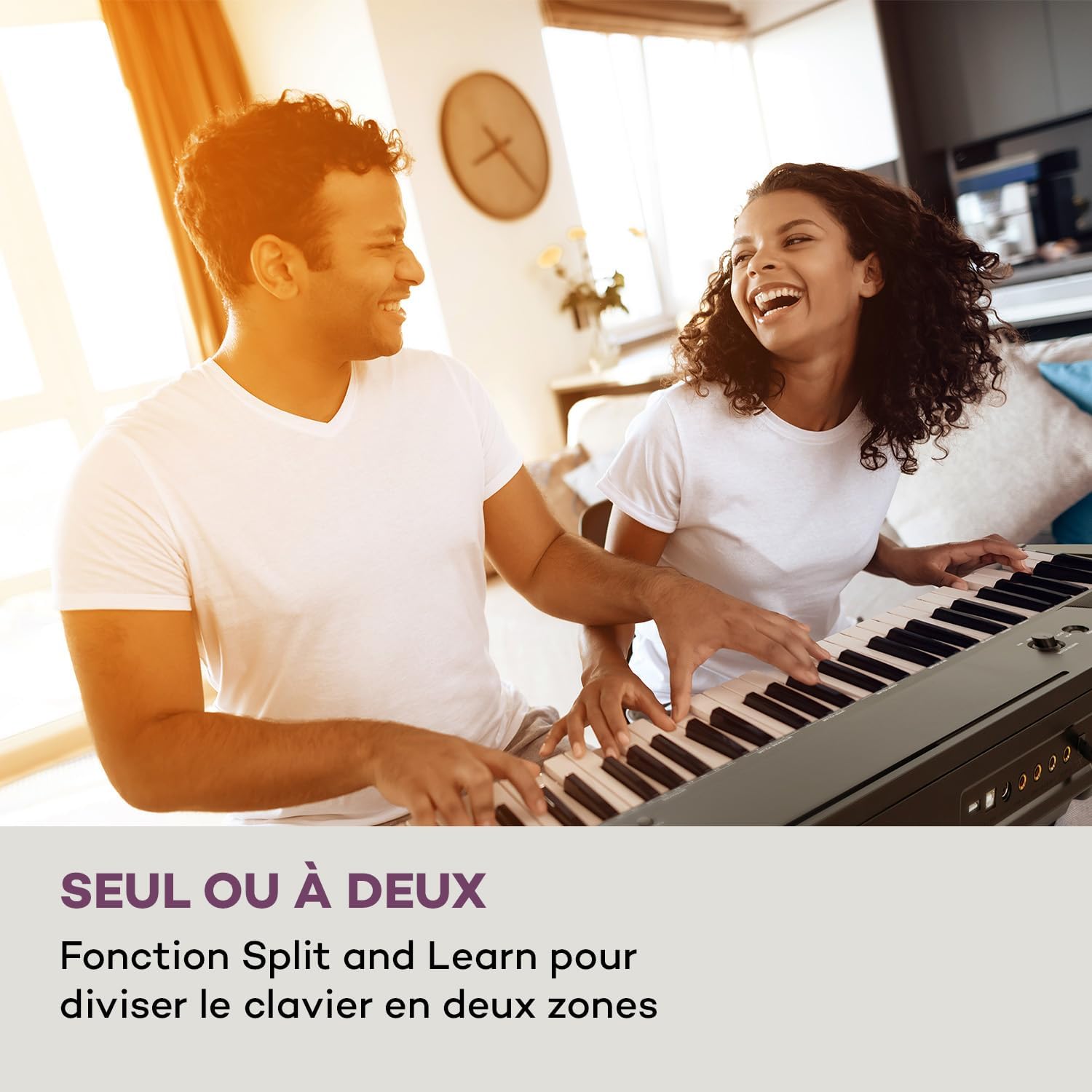
Figure 4: Split and Learn Function. This image shows two individuals playing the keyboard simultaneously, demonstrating the Split function which divides the keyboard into two playable zones.
Metronome and Tempo
Activate the metronome by pressing the METRO button. Adjust the tempo using the TEMPO butang.
Rakaman dan Main Semula
The keyboard features a recording function:
- Tekan ke REKOD button to start recording your performance.
- Tekan BERMAIN to listen to your recorded track.
Kesambungan USB
The integrated USB port allows for MP3 playback and MIDI connectivity:
- Main balik MP3: Masukkan pemacu USB yang mengandungi MP3 files into the USB port. Use the LAGU buttons to navigate and play tracks.
- USB-MIDI: Connect the keyboard to a computer using the provided USB-MIDI cable for use with educational and recording software.

Figure 5: Recording and USB Playback. The image depicts the keyboard's capability for recording performances and playing MP3 files via its integrated USB port, enhanced by its 5-watt RMS speakers.
Penyelenggaraan
- Pembersihan: Use a soft, dry cloth to clean the surface of the keyboard. Do not use abrasive cleaners or solvents.
- Storan: When not in use, store the keyboard in a dry, dust-free environment. If storing for a long period, disconnect the power adapter.
- Penjagaan Kunci: Avoid excessive force on the keys. Clean keys gently with a slightly damp cloth if necessary, then dry immediately.
Menyelesaikan masalah
| Masalah | Kemungkinan Punca | Penyelesaian |
|---|---|---|
| Tiada bunyi | Power not connected, volume too low, headphones connected. | Check power connection, increase master volume, disconnect headphones. |
| Kunci tidak bertindak balas | Function mode active, internal error. | Exit Function mode, power cycle the instrument. |
| Sustain pedal tidak berfungsi | Pedal not fully inserted, pedal polarity issue. | Ensure pedal is firmly connected. Some pedals require the keyboard to be powered on with the pedal already pressed to set polarity. |
| Isu main balik USB | Tidak disokong file format, corrupted USB drive. | pastikan files are MP3 format. Try a different USB drive or reformat the current one. |
Spesifikasi
- Nama Model: Preludio
- Bilangan Kunci: 88
- Jenis Kunci: Full-size, touch-sensitive (3 levels)
- Sounds (Voices): 140
- Lagu Demo: 16
- Fungsi: Sustain, Vibrato, Transposition, Octave, Split, Layer, Metronome, Record, Playback, Learning Function
- Ketersambungan: 1 x 6.3 mm Audio In, 1 x 6.3 mm Audio Out, 2 x 6.3 mm Headphone Outputs, 1 x USB (Type A for MP3), 1 x USB-MIDI (Type B)
- Bekalan Kuasa: AC adapter (220-240 V~ | 50/60 Hz)
- Dimensi (L x H x D): Lebih kurang 130 x 29 x 35 cm (51.2 x 11.4 x 13.8 inci)
- Berat: lebih kurang 6.2 kg (13.7 paun)
- Bahan: plastik

Rajah 6: Dimensi Produk. A visual representation of the keyboard's length, height, and depth measurements.
Waranti dan Sokongan
For detailed warranty information and technical support, please refer to the warranty card included with your product or visit the official Schubert webtapak. Simpan bukti pembelian anda untuk sebarang tuntutan waranti.
Video Produk
Sustain Pedal Overview
Video ini memberikan gambaran dekat view and demonstration of the M-Audio SP-2 sustain pedal, which is compatible with digital pianos like the Schubert Preludio. It shows how the pedal functions to extend notes, similar to an acoustic piano.
Keyboard Features Overview
This video offers a detailed close-up view of the digital piano, showcasing its keys, control panel, and various functions. It provides a visual guide to the instrument's design and user interface.


